Best Tracking App in 2026: 9 Apps Compared
By ToolNimba Editorial Team October 30, 2026 10 min read

- Top pick
 Life360
Families and teen drivers
Starting price$9.99 per monthCheck out Life360Read our review - Runner-up
 Apple Find My
Apple households
Starting priceFreeCheck out Apple Find MyRead our review - Also great
 Google Maps
Temporary sharing with anyone
Starting priceFreeCheck out Google MapsRead our review
How we researched this
We compared official pricing and feature pages, app store listings, privacy policies and public user reviews. Prices change, so check the provider's site before you pay.
Key takeaways
- This article covers location and phone tracking for families and everyday use, with consent, not fleet, asset, or covert monitoring software.
- Life360 is our pick for ongoing family tracking, while Apple Find My and Google Maps cover free, simpler needs.
- Temporary sharing is best handled by Google Maps, Glympse, or WhatsApp, since sharing ends when you stop it.
- Only track people who know and agree to it, and review privacy settings and data sharing together as a family.
Quick comparison
| Name | Best for | Starting price | Free plan | |
|---|---|---|---|---|
| Life360 | Families and teen drivers | $9.99 per month | Yes | Visit |
| Apple Find My | Apple households | Free | Yes | Visit |
| Google Maps | Temporary sharing with anyone | Free | Yes | Visit |
 Google Family Link | Parents of younger Android children | Free | Yes | Visit |
 Glympse | Temporary sharing without an account | Free | Yes | Visit |
 GeoZilla | Families wanting a free tier plus alerts | Free | Yes | Visit |
 FamiSafe | Parental controls plus location | $9.99 per month | Free trial | Visit |
 Samsung Find | Samsung Galaxy households | Free | Yes | Visit |
 WhatsApp | Live location inside a chat you already use | Free | Yes | Visit |
The best tracking apps for families and everyday use
This article focuses on location and phone tracking apps for families and everyday use, which is the dominant meaning behind these keywords. That means apps that help family members share location, find a lost phone, or follow a trip with permission. We do not cover fleet or asset software, and we do not recommend covert tracking. Location sharing should always be consensual, transparent, and easy to turn off.
A short safety note: never use a tracking app to monitor someone without their knowledge and consent, and never use it to control or harass another person. If you are concerned about your own safety, contact local support services and review the privacy settings on your phone. The apps below work best when families agree on when sharing is on and why.
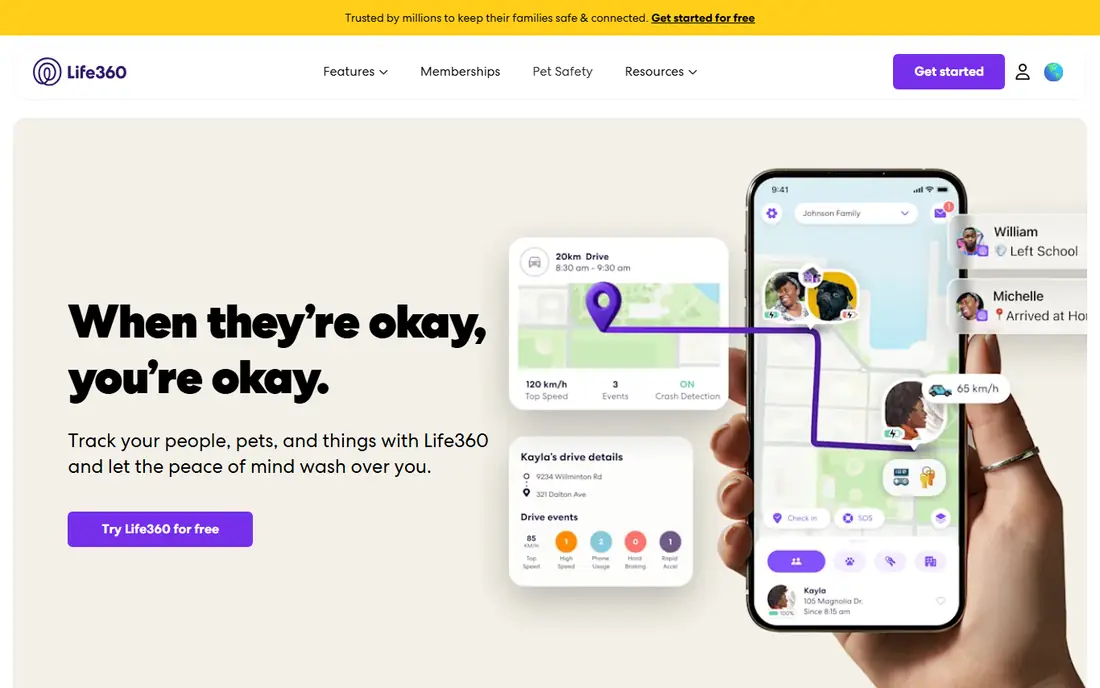
Life360 is the best-known family location app, and its strength is the complete family map. Circles group family members, place alerts notify you when someone arrives or leaves home or school, and driving reports help parents talk with teen drivers. Paid plans add crash detection and roadside help.
The free plan covers basic location sharing, but longer history and full safety features need a paid membership. Privacy also matters, so families should agree on what is shared and review data settings together. It is a safety tool for consenting family members, not a secret tracking tool.
- Real-time family map and place alerts
- Driving reports and crash detection on paid plans
- SOS features
- Paid plans needed for longer history and full safety features
- Location tracking raises privacy questions
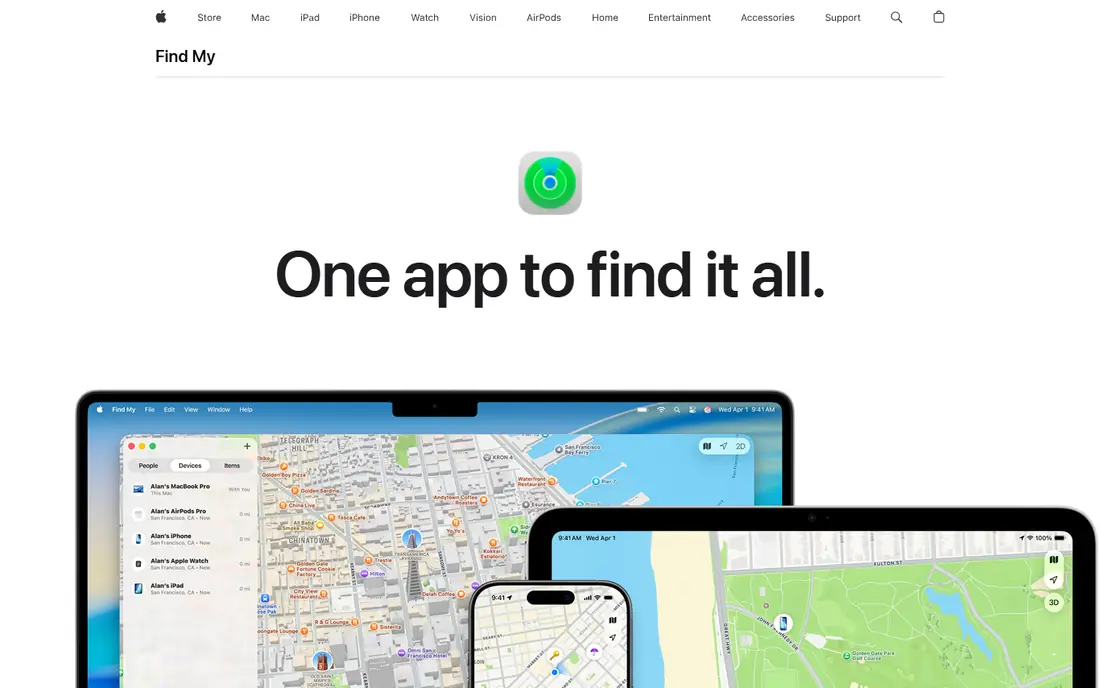
Apple Find My is the simplest pick for households that all use iPhones. It is free with an Apple account, shares location with chosen people, and also finds devices, AirTags, and other Apple items in the same app. Place alerts help parents know when a child arrives home.
The limit is the ecosystem. Android family members cannot join the same sharing setup, so mixed-device households need a cross-platform app instead. Within an Apple-only household, though, it is free, private by design in Apple's descriptions, and easy to manage.
- Free with an Apple account
- Location sharing for people and devices
- Up to 25 place alerts in listings
- Apple devices only
- No Android support for full family sharing
Google Maps is the best pick for short-term sharing, such as meeting friends, tracking a trip, or letting family follow a journey. You can share live location for a set time, and viewers can open it in a browser without installing a new app. It works across Android and iPhone.
It is not a family safety system. Sharing is live only, with no long location history, and it stops when you end it. That limit is also a privacy benefit, since nothing runs in the background after the trip. Use it for temporary sharing, and a family app for ongoing use.
- Free location sharing with a link
- Works on Android and iPhone
- No new app needed for viewers
- Live sharing only, with no long history
- Sharing ends when you stop it
Google Family Link suits parents of younger children on Android, since it combines location with supervised accounts, app controls, and screen time limits. Parents can see a child's location, manage app installs, and set device rules from their own phone. It is free with Google accounts.
Child device support is mainly Android, so iPhone-using children need a different approach. As children grow older, the controls can feel restrictive, and families should discuss when to loosen them. For younger Android users, it is a practical, no-cost starting point.
- Free parental controls and location for supervised accounts
- App and screen time controls
- Works with Android
- Child device support is mainly Android
- Older teens may find controls restrictive
Glympse is built for temporary sharing. Send a link, and the recipient can follow your live location for a set time without creating an account. That simplicity suits deliveries, meetups, and trips where the other person does not want another app.
It is not meant for ongoing family tracking, since there is no persistent family map or long history. That is a feature for privacy, not a flaw, but it means families who want daily alerts should pick Life360 or a similar app. For one-off sharing, Glympse is the cleanest option.
- Free temporary sharing by link
- Viewers need no account
- Works on Android and iPhone
- No ongoing family map or history
- Business features are separate
GeoZilla offers a family map, place alerts, and location sharing across Android and iPhone, with a free tier for basic use. Premium adds longer history and unlimited alerts in listings. It is a useful alternative for families who want Life360-style features at a lower starting cost.
The free tier limits alerts and history, so active families may need Premium. Battery use and background location permissions also need checking on each phone. It works best as a cross-platform family app for households that do not use Apple-only tools.
- Free tier with family map and place alerts
- Location history on Premium in listings
- Cross-platform
- Free tier limits place alerts and history
- Premium needed for full features
FamiSafe combines location tracking with broader parental controls, including screen time limits, web filtering, and geofence alerts. That combination suits parents who want one app for both safety and device rules. It supports Android, iPhone, and other devices in listings.
The monthly price covers a set number of devices, so larger families should check device limits before subscribing. It is also a parental control tool, not a casual friend-sharing app, so it fits best when parents and children agree on the rules. Transparency about what is monitored helps trust.
- Location tracking plus screen time and web filtering
- Geofence alerts
- Supports many devices
- Price is per subscription, not per family in all listings
- Full features need a paid plan
Samsung Find, part of Samsung's device finding system, helps Galaxy households locate phones, tablets, watches, and Galaxy SmartTags. It is free for Samsung account holders and includes location notifications for shared devices. For a Galaxy-only family, it covers device finding well.
It is limited to Galaxy devices, so it cannot serve as a full family tracker in mixed Android and iPhone households. People sharing also works best within Samsung accounts. Use it for device finding, and pair it with a cross-platform app for people sharing.
- Free for Galaxy users
- Finds phones, tablets, and Galaxy tags
- Location notifications
- Galaxy devices only
- Less useful in mixed-device households
WhatsApp is the easiest pick when everyone already uses it for messaging. Live location sharing inside a chat lets family or friends follow you for up to 8 hours in listings, with end-to-end encryption for that share. No one needs to install or learn a new tracker.
It has no place alerts, family map, or location history, so it cannot replace a family safety app. Sharing is tied to a chat and ends after the chosen time. For a quick meetup or a journey update, though, it is the lowest-friction option on this list.
- Live location sharing inside chats for up to 8 hours in listings
- End-to-end encrypted
- No new app needed
- No place alerts or history
- Sharing is temporary and chat-based
How we picked these
We compared official product pages, app store listings, and recent pricing listings for each app, focusing on free tiers, place alerts, history, and platform support. We did not claim hands-on testing. Life360 pricing varies across sources, so we used the most recent US membership listings and marked unclear items as See website where needed. Confirm current membership terms on the vendor site before subscribing.
How to choose a tracking app
Start with who is sharing and for how long. Ongoing family use calls for Life360, GeoZilla, or a device-native app such as Find My. A single trip or meetup calls for Google Maps, Glympse, or WhatsApp, where sharing ends automatically. Mixing those jobs leads to either too much background tracking or too little safety coverage.
Agree the rules first
Talk as a family about which places trigger alerts, how long history is kept, and who can see what. Turn off sharing for adults who do not want it, and let children see the same map parents see where the app allows it. Review data-sharing settings, since some free apps share data with partners for advertising.
Check battery and permissions
Background location apps use battery and need precise location permission to work well. If an app stops updating, check battery optimization settings and permission levels before assuming it is broken. Keep the app updated, and test place alerts with a short trip before relying on them for school or work arrivals.