Best Video Chat App in 2026: 9 Apps Compared
By ToolNimba Editorial Team October 30, 2026 9 min read

- Top pick
 Zoom
Work meetings
Starting priceFreeCheck out ZoomRead our review - Runner-up
 Google Meet
Google users
Starting priceFreeCheck out Google MeetRead our review - Also great
 Microsoft Teams
Microsoft 365 teams
Starting priceFreeCheck out Microsoft TeamsRead our review
How we researched this
We compared official pricing and feature pages, app store listings, privacy policies and public user reviews. Prices change, so check the provider's site before you pay.
Key takeaways
- Zoom is our pick for work meetings, because it is reliable, widely used, and handles large groups well.
- Google Meet is the best free option for Google users, with 60-minute group calls and no extra app needed in a browser.
- WhatsApp and Signal suit family calls, while Discord suits communities and study groups.
- Free plans differ in time limits and participant caps, so check those limits before you plan a long group call.
- Privacy matters for personal calls, so prefer apps with end-to-end encryption by default for one-to-one and small group chats.
Quick comparison
| Name | Best for | Starting price | Free plan | |
|---|---|---|---|---|
| Zoom | Work meetings | Free | Yes | Visit |
| Google Meet | Google users | Free | Yes | Visit |
| Microsoft Teams | Microsoft 365 teams | Free | Yes | Visit |
 WhatsApp | Personal calls | Free | Yes | Visit |
 Signal | Private calls | Free | Yes | Visit |
 Telegram | Large group chats | Free | Yes | Visit |
 Discord | Communities | Free | Yes | Visit |
 Jitsi Meet | No-signup calls | Free | Yes | Visit |
 Facebook Messenger | Social calls | Free | Yes | Visit |
The best video chat apps
Video chat splits into work meetings, personal calls, and community hangouts. A work app needs recording, screen sharing, and large capacity, while a personal app needs simplicity and privacy. The list below covers all three, with free limits noted clearly.
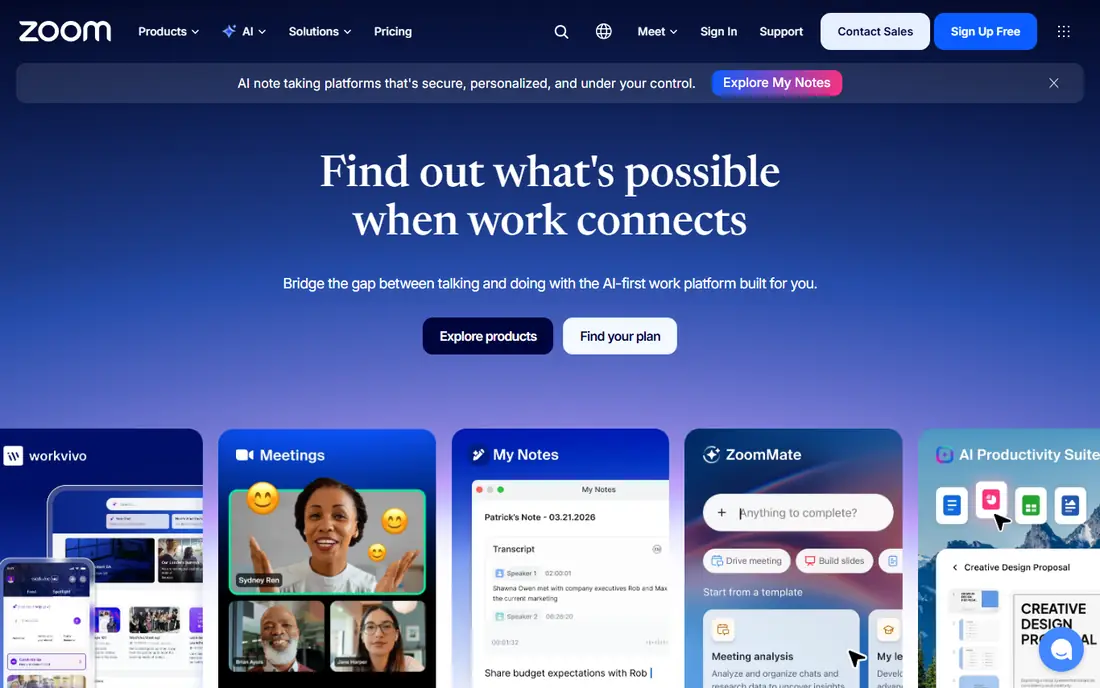
Zoom remains the default for work meetings because most people already know how to join one. Free calls support up to 100 participants, with a 40-minute limit on group meetings, while paid plans remove that limit and add cloud recording, AI summaries, and admin controls. Screen sharing, chat, and reactions work well across devices.
The free limit pushes regular teams toward a paid plan, and pricing varies by billing period. Zoom is also heavier than a simple personal app, so it feels like overkill for a quick family call. For work, classes, and webinars, it is still the safest choice.
- Reliable video and screen sharing
- Up to 100 participants on free plan
- Breakout rooms and recording on paid plans
- Free group calls limited to 40 minutes
- Paid plans start around $13 to $16 per user per month
- Needs an account for most features
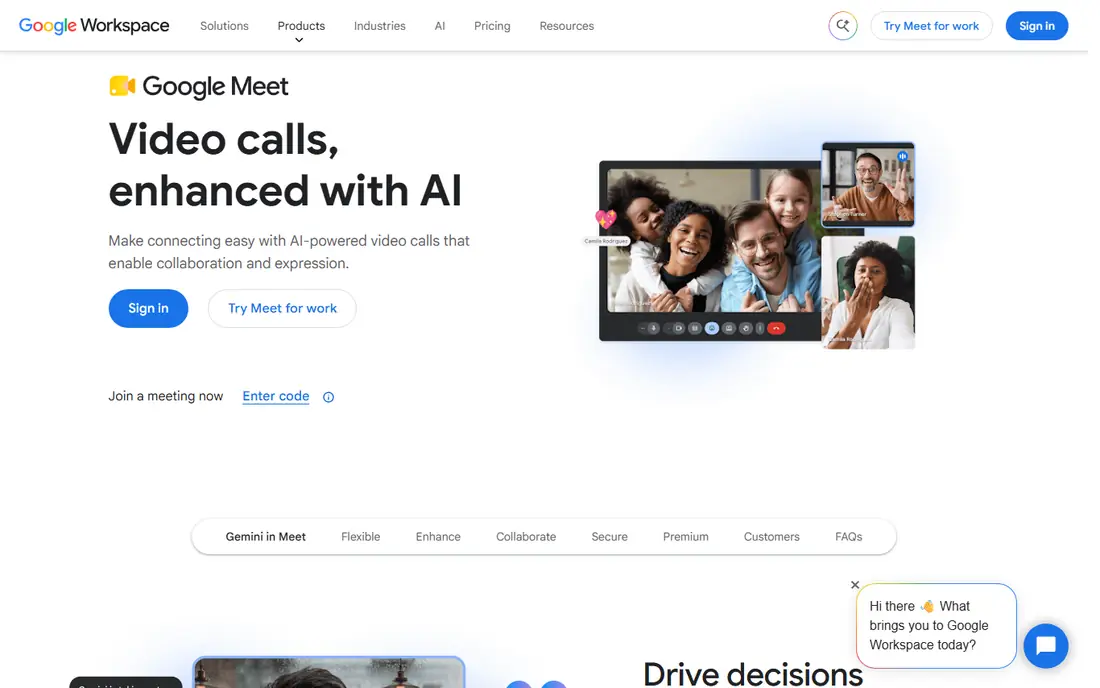
Google Meet wins on friction. You open a link in a browser, join with a Google account, and get up to 100 participants for 60 minutes on the free plan, with longer one-to-one calls. Calendar integration means meetings appear with join links, and captions help in noisy rooms.
Paid Workspace plans add recording, breakout rooms, and larger capacity, starting around $7 per user per month. Meet lacks some of Zoom's webinar and large-event tools, but for small teams and classes, it is simple and dependable. If your work already lives in Gmail, Meet is the natural pick.
- Free 60-minute group calls
- Works in a browser without extra software
- Live captions and noise cancellation
- Needs a Google account
- No breakout rooms on free plan
- Fewer advanced meeting tools than Zoom
Teams suits organizations already on Microsoft 365, since meetings, chat, files, and Planner live in one place. The free version supports group calls up to 60 minutes with 100 participants, while paid Essentials starts around $4 per user per month. Outlook integration makes scheduling straightforward for office teams.
The app can feel heavy on older devices, and guests outside your organization sometimes face extra steps. For personal calls, Teams is more than you need. For office work, especially with Word, Excel, and SharePoint, it is a strong, cost-effective choice.
- Free 60-minute group calls
- Deep Office and Outlook integration
- Chat, files, and meetings in one app
- Interface can feel heavy
- Guest joins can be awkward
- Full value needs Microsoft 365
WhatsApp is the simplest choice for personal video calls, since most contacts already have it. Calls are free, encrypted by default, and work on mobile and desktop, with group video for up to 32 people in many versions. That makes it ideal for family check-ins and small friend groups.
It is not a work meeting tool. There are no breakout rooms, recording, or large webinar features, and you need a phone number to use it. For everyday personal calls, though, WhatsApp is hard to beat for reach and simplicity.
- Free and widely used
- End-to-end encryption by default
- Simple one-to-one and group calls
- Video calls capped at 32 participants in many cases
- Needs a phone number
- No meeting scheduling tools
Signal is our pick for privacy-first calls. It is run by a nonprofit, uses end-to-end encryption by default for calls and messages, and collects minimal metadata compared with ad-supported rivals. Group video calls support up to 50 participants, which covers most personal and small team needs.
The trade-off is reach. Fewer contacts use Signal than WhatsApp, so you may need to invite people to join. It also lacks the meeting, webinar, and recording features of Zoom or Teams. If privacy is your top concern, Signal is the right choice.
- End-to-end encryption by default
- Nonprofit, privacy-focused
- Group calls up to 50 participants
- Smaller user base than WhatsApp
- Fewer fun filters and effects
- No business meeting tools
Telegram suits large communities and groups that already chat there. You can start video calls, host live video for many viewers, and share files easily, all free for most users. Premium adds faster downloads and extra features, but core calling remains free.
Privacy needs care. One-to-one secret chats use end-to-end encryption, but not every group call uses the same default, so check settings for sensitive calls. Telegram is best for community and social use, not for confidential work meetings.
- Free with large groups
- Video calls and live streams
- Premium adds extra features from about $4.99 per month
- End-to-end encryption is not default for all group calls
- Interface can feel busy
- Less suited to formal meetings
Discord started for gamers, but it now serves study groups, hobby communities, and remote teams. You can join a server, hop into a voice or video channel, share your screen, and chat without scheduling a formal meeting. That always-on style suits groups that talk often.
Video capacity in a channel is lower than Zoom, often around 25 participants for video, and the interface can confuse first-time users. Nitro, from about $2.99 to $9.99 per month, adds perks but is not needed for basic calls. For community hangouts, Discord is a fun and free pick.
- Free voice and video channels
- Good for gaming, study, and hobby groups
- Screen sharing and community tools
- Video participants limited in many channels
- Interface can overwhelm newcomers
- Nitro needed for some perks
Jitsi Meet is the easiest way to start a call without an account. You create a room link, share it, and join from a browser, often with no time limit and no install. It is open source, and teams can self-host it for more control, which appeals to privacy-conscious groups.
Large calls can strain performance, and it lacks the polished admin, recording, and webinar tools of paid platforms. For a quick, free, no-signup call with friends or a small team, Jitsi is an excellent option. For a formal meeting, Zoom or Meet will feel more reliable.
- Free with no account needed in many cases
- No time limit on many calls
- Open-source and self-hostable
- Performance varies with participant count
- Fewer admin and recording tools
- Interface is plain
Messenger suits social calls with people you already know on Facebook. Group video supports up to 50 participants, calls are free, and you can add effects, reactions, and screen sharing. That reach makes it easy to gather family and friends without a new app.
Privacy is the main concern. End-to-end encryption is available for many chats and calls, but settings matter, and Meta's data practices concern some users. For casual social calls, Messenger is convenient. For sensitive calls, Signal is a safer choice.
- Free and widely used
- Group video for up to 50 participants
- Easy to call Facebook contacts
- Privacy depends on settings
- Needs a Facebook or Messenger account
- Ads and data use concern some users
How we picked these
We compared official pricing pages, app store listings, and public feature guides for video chat apps in 2026. We favored apps with a real free tier, clear participant and time limits, and a working mobile and desktop experience. We mixed work, personal, and community apps, since the best video chat app depends on who you are calling. We did not claim hands-on testing we did not do, and we used See website only where a price could not be verified cleanly, though most apps in this list are free.
How to choose the right video app
Start with who you call. For work, pick Zoom, Meet, or Teams, based on the ecosystem your team already uses. For family, pick the app your contacts already have, usually WhatsApp or Messenger. For privacy, pick Signal. For a quick call with no signup, pick Jitsi Meet.
Check limits before a big call
Free plans differ in ways that matter on the day. Zoom limits free group calls to 40 minutes, Meet and Teams allow 60 minutes, and WhatsApp caps video participants more tightly than Zoom. Check the participant cap, time limit, and whether guests need an account, especially for classes, webinars, or family reunions.
Test audio, video, and connection
Before an important call, test your camera, microphone, and internet speed in the app you will use. Close large downloads, use a headset if the room is noisy, and join a few minutes early for work meetings. A stable connection and clear audio matter more than filters or virtual backgrounds.