Best VoIP Service for Small Business in 2026: 9 Services Compared
By ToolNimba Editorial Team October 30, 2026 10 min read

- Top pick
 RingCentral
Growing teams that need voice, video and messaging together
Starting price$20 per user per monthCheck out RingCentralRead our review - Runner-up
 Nextiva
Small teams that talk to customers all day
Starting price$15 per user per monthCheck out NextivaRead our review - Also great
 Dialpad
Teams that want AI transcription on every plan
Starting price$15 per user per monthCheck out DialpadRead our review
How we researched this
We compared official pricing and feature pages, app store listings, privacy policies and public user reviews. Prices change, so check the provider's site before you pay.
Key takeaways
- Most small business VoIP plans cost roughly 10 to 35 dollars per user per month on annual billing, before taxes and fees.
- RingCentral suits growing teams that need many integrations, while Ooma suits small offices that want flat monthly pricing with no annual contract.
- Google Voice and Grasshopper are the cheapest routes for solo operators and micro teams, but they offer fewer advanced features.
- Always compare the same billing term, and check whether taxes, fees and add-ons are included in the headline price.
Quick comparison
| Name | Best for | Starting price | Free plan | |
|---|---|---|---|---|
| RingCentral | Growing teams that need voice, video and messaging together | $20 per user per month | Free trial | Visit |
| Nextiva | Small teams that talk to customers all day | $15 per user per month | No | Visit |
| Dialpad | Teams that want AI transcription on every plan | $15 per user per month | Free trial | Visit |
 Ooma Office | Small offices moving off landlines | $19.95 per user per month | Free trial | Visit |
 Zoom Phone | Teams already standardised on Zoom | $10 per user per month | No | Visit |
 Google Voice | Solo operators and micro teams on Google Workspace | $10 per user per month | No | Visit |
 Grasshopper | A professional second line on your existing phone | $14 per month | Free trial | Visit |
 Vonage | Businesses that need custom calling setups | $13.99 per user per month | Free trial | Visit |
 8x8 | Teams with heavy international calling | See website | No | Visit |
The best voip services for small business
We compared official pricing pages, feature lists and public reviews for phone systems that a small business can set up without buying a traditional phone exchange. Prices below are starting prices on annual billing unless noted, and they exclude taxes and regulatory fees, which vary by location.
RingCentral
Best for: Growing teams that need voice, video and messaging together
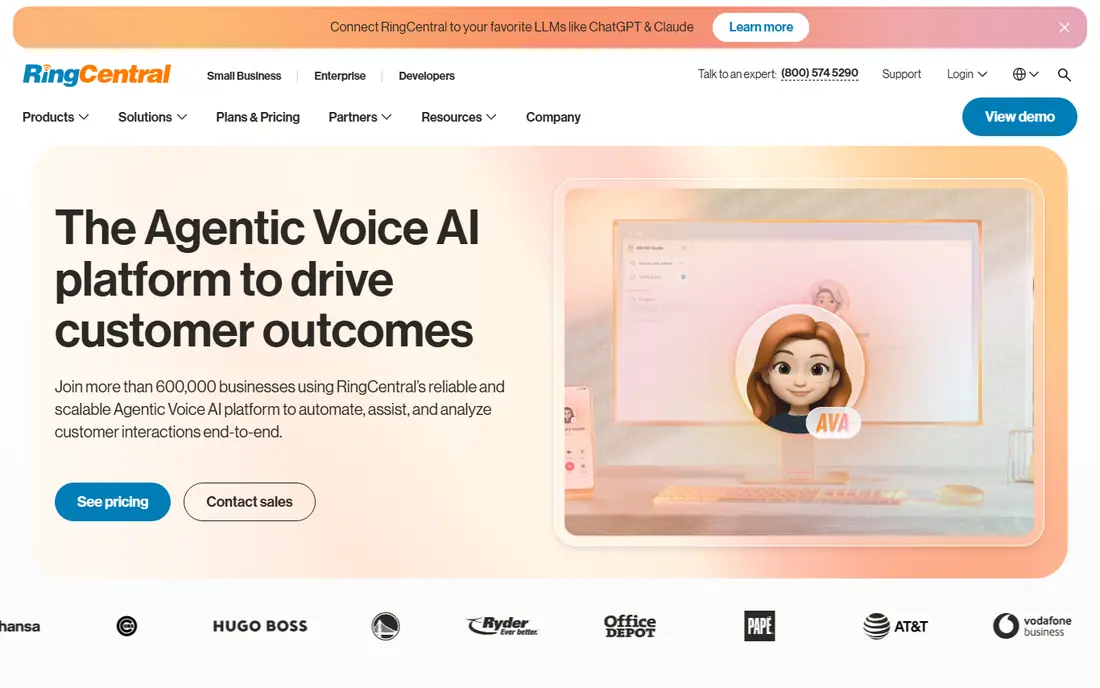
RingCentral is our pick for small businesses that expect to grow, because it covers calling, messaging, video meetings and fax in a single system. That breadth means a team does not need to stitch together separate tools as it adds staff, and the integration library covers common CRM, email and productivity apps. Call quality and uptime are also frequently cited strengths in reviews.
The catch is price and complexity. At 20 dollars per user per month on annual billing for the entry RingEX plan, it costs more than Google Voice or Grasshopper, and small teams may pay for depth they rarely use. If your team only needs reliable calling and texting, a simpler system may be better value.
- Wide integration library
- Voice, video and messaging in one app
- AI call notes on higher plans
- Higher starting price than budget rivals
- Advanced features sit on higher tiers

Nextiva combines phone calls, text messaging and video in one platform, with customer conversation tools that suit sales and support teams. Its entry Core plan is priced competitively for small businesses, and reviewers often praise its live support. Number porting is standard, so most businesses can keep their existing number when switching.
The main limits are the lack of a free trial and the jump in price to higher tiers, where more advanced features live. That makes it worth booking a demo and testing the admin tools before committing. For customer-facing teams that value support and a single inbox for calls and messages, Nextiva is a strong contender.
- Low entry price on annual terms
- Unified voice, text and video
- Strong support reputation
- No free trial in most cases
- Higher tiers rise quickly in price
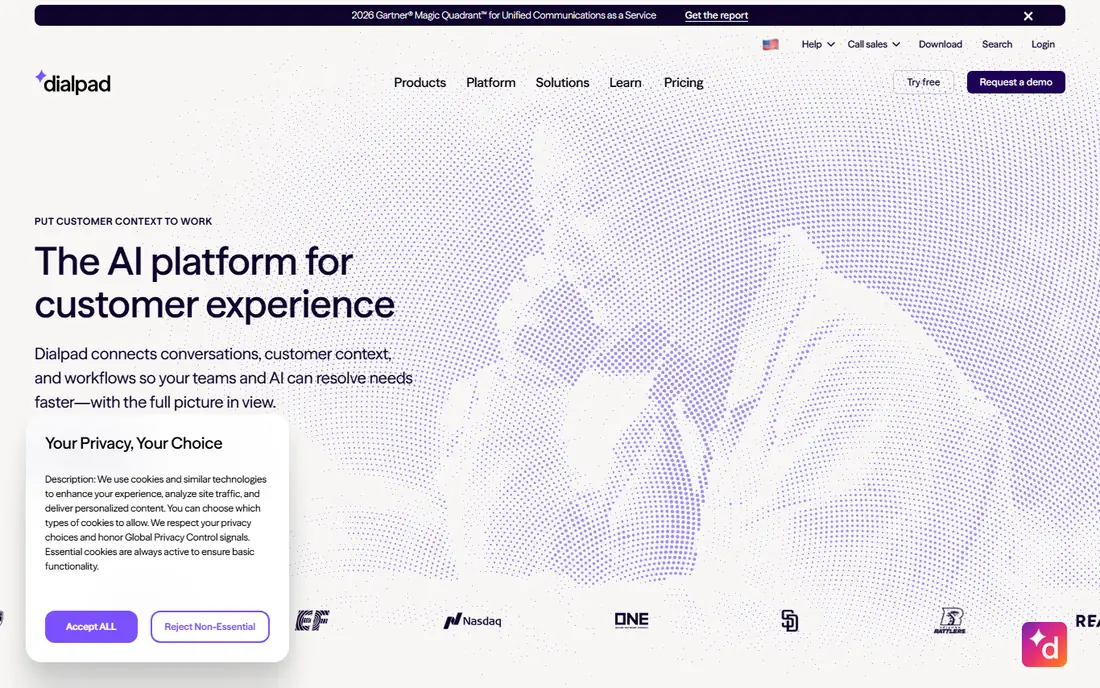
Dialpad stands out by putting AI features on the standard plan rather than reserving them for premium tiers. Calls can be transcribed, summarised and coached in real time, which helps managers support remote sales and support staff. The apps are clean and modern, and setup is usually quick for small teams.
The trade-off is integration depth. Some CRM connections require the Pro tier, and the gap between annual and monthly billing is large, so annual pricing should be the basis for comparison. Dialpad suits AI-first teams that want call insight without paying enterprise prices.
- AI transcription and summaries included
- Clean modern apps
- 14-day trial
- Some CRM integrations need higher tiers
- Monthly billing costs much more
Ooma Office is the simplest option on this list for a small office that wants predictable pricing. Plans run month to month at 19.95 dollars per user per month for Essentials, with higher tiers adding more features, and there is no annual contract requirement for the best price. A virtual receptionist, call routing and voicemail are included, which covers the core needs of most small offices.
The limits appear as needs grow. Call recording and deeper CRM integration sit on higher tiers, and the integration catalogue is smaller than RingCentral. For a small team that values simplicity and no long contract over advanced features, Ooma is hard to beat.
- Flat monthly pricing with no annual contract
- Virtual receptionist included
- Simple setup
- Call recording and some CRM tools need higher tiers
- Fewer integrations than RingCentral
Zoom Phone makes sense if your team already lives in Zoom for video meetings. Adding phone service keeps calling inside the same app, which reduces training and vendor management. The metered plan starts at around 10 dollars per user per month, with unlimited plans higher, and global coverage suits teams with international contacts.
It is not the deepest phone system on this list. Call routing and supervisor tools are less developed than in dedicated platforms such as RingCentral or Nextiva. If your team already pays for Zoom and needs straightforward business calling, though, the convenience and price are compelling.
- Low metered starting price
- Familiar Zoom app
- Single vendor for video and voice
- Unlimited calling costs more
- Routing depth is weaker than dedicated phone platforms
Google Voice is the cheapest credible option for a solo operator or micro team that already uses Google Workspace. The Starter plan starts at 10 dollars per user per month plus the Workspace subscription, and it provides a business number, voicemail transcription and call routing without new hardware. Setup is simple, and calls work on phones and computers.
The catch is that Google Voice is deliberately simple at the entry level. Auto attendant features, multi-level routing and advanced reporting require higher tiers at 20 or 30 dollars per user per month. It suits very small teams, while larger teams will likely outgrow it.
- Lowest entry cost for Workspace users
- Simple setup
- Works across devices
- Requires Google Workspace
- Meaningful features need Standard or Premier plans
Grasshopper takes a different approach: instead of pricing per user, it charges a flat monthly rate per account, starting at 14 dollars per month on annual billing for a solo plan. You get a business number, extensions, voicemail and call forwarding on the phone you already own, with no desk phones to buy. That makes it ideal for freelancers and tiny teams that just need to sound professional and keep work calls separate.
It is not a full team phone system. Features such as advanced call queues, deep CRM integration and contact centre tools are limited or absent. If you have a handful of staff who all need separate seats and advanced routing, a per-user system will fit better.
- Flat per-account pricing, not per user
- No hardware needed
- Quick setup
- Fewer team features than full phone systems
- Integrations are limited
Vonage offers business phone plans with voice, messaging and video, plus APIs for companies that want to build calling into their own apps or workflows. That flexibility suits businesses with unusual needs, such as custom call flows or integration with in-house software. The entry business plan is priced competitively, and a trial is available.
The downside is that the best value depends on choosing the right plan, since features are spread across tiers and add-ons can add up. Support reviews are mixed, so it is worth testing responsiveness during the trial. Vonage fits teams that know what custom setup they need, rather than teams that want the simplest out-of-the-box system.
- Flexible plans and APIs
- Mobile and desktop apps
- Unified messaging options
- Feature mix varies by plan
- Support experience varies in reviews
8x8 is built for businesses with international customers or staff. Its mid-tier plans include unlimited calling to a large set of countries, which can save a lot compared with per-minute international rates. It also offers a path to a full contact centre if a support team grows beyond basic phone service.
The main drawback is pricing transparency. 8x8 no longer publishes list prices for most plans, so you must request a quote to compare it fairly with rivals. That is worth doing if international calling is a major cost, but it makes 8x8 a weaker first choice for a small local business that wants a quick, published price.
- Unlimited calling to many countries on mid tiers
- Contact centre path
- Global coverage
- No public list pricing
- Quote needed, which slows comparison
How we picked these
We compared official pricing pages, feature lists and public reviews for systems that serve small businesses, not only large contact centres. We favoured providers with published starting prices, a trial or demo route, number porting and mobile apps, and we included both per-user and flat-rate models so solo operators and growing teams can compare fairly. Prices change often, so confirm the current plan and total fees on the vendor site before signing.
What to check before you switch phone systems
Start by listing how many people need a phone seat, whether you need a toll-free or local number, and whether calls must be recorded or routed by department. That short list rules out several options at once. A solo freelancer does not need contact centre routing, while a support team does.
Test call quality and porting early
Use the trial period to test calls on your actual internet connection, including mobile data and home Wi-Fi if staff work remotely. Ask the vendor how long number porting takes and what happens to calls during the switch. A few days of overlap with your old system avoids missed customer calls.
Read the full monthly bill, not just the headline
Headline prices usually exclude taxes, regulatory recovery fees and optional add-ons such as extra numbers, call recording or CRM connections. Ask for a sample invoice for your team size, check whether annual billing locks you in, and confirm what happens if you add or remove users mid-term.