Best Walking Apps in 2026: 9 Apps Compared
By ToolNimba Editorial Team October 30, 2026 10 min read

- Top pick
 Pacer
Simple step counting and challenges
Starting price$9.99 per monthCheck out PacerRead our review - Runner-up
 MapMyWalk
GPS routes and walking history
Starting price$9.99 per monthCheck out MapMyWalkRead our review - Also great
 Strava
Social motivation and stats
Starting price$11.99 per monthCheck out StravaRead our review
How we researched this
We compared official pricing and feature pages, app store listings, privacy policies and public user reviews. Prices change, so check the provider's site before you pay.
Key takeaways
- The best walking app depends on your goal: simple step counting, GPS routes, trails, or motivation through challenges.
- Pacer and StepsApp are strong free starting points for step counting, while Strava and MapMyWalk suit GPS route tracking.
- AllTrails is the clear pick for trail walking, because its free trail database and paid offline maps solve different problems.
- Charity Miles and Sweatcoin add motivation, but their rewards are modest, so pick them for fun rather than income.
- Check battery use and privacy settings before turning on continuous GPS, since route tracking uses more power than step counting.
Quick comparison
| Name | Best for | Starting price | Free plan | |
|---|---|---|---|---|
| Pacer | Simple step counting and challenges | $9.99 per month | Yes | Visit |
| MapMyWalk | GPS routes and walking history | $9.99 per month | Yes | Visit |
| Strava | Social motivation and stats | $11.99 per month | Yes | Visit |
 AllTrails | Trail discovery and offline maps | $35.99 per year | Yes | Visit |
 StepsApp | Clean, simple pedometer | $19.99 per year | Yes | Visit |
 Walkmeter | Detailed walking data | See website | Yes | Visit |
 Charity Miles | Walking for charity | Free | Yes | Visit |
 Sweatcoin | Rewards for steps | Free | Yes | Visit |
 Nike Run Club | Free guided walks and motivation | Free | Yes | Visit |
The best walking apps
Walking apps fall into two groups: step counters that run quietly in the background, and GPS apps that map each walk. The list below covers both, plus trail, charity, and reward options, so you can match the app to how you actually walk.

Pacer is a good first app if you want step counting without buying a watch or learning a complex fitness platform. It counts steps from your phone, shows daily and weekly trends, and adds group challenges that help some people stay consistent. It also syncs with common health apps and wearables, so your steps do not live only inside Pacer.
The catch is the paywall. The free version covers basic tracking well, but Premium at $9.99 per month or $49.99 per year adds coaching plans and fuller goal controls. Try the free version for two weeks first, and pay only if a challenge or a plan is what keeps you walking.
- Phone-only step counting
- Community challenges
- Syncs with Apple Health, Fitbit, and Garmin
- Some features, such as custom step goals, sit behind Premium
- Free version includes prompts to upgrade
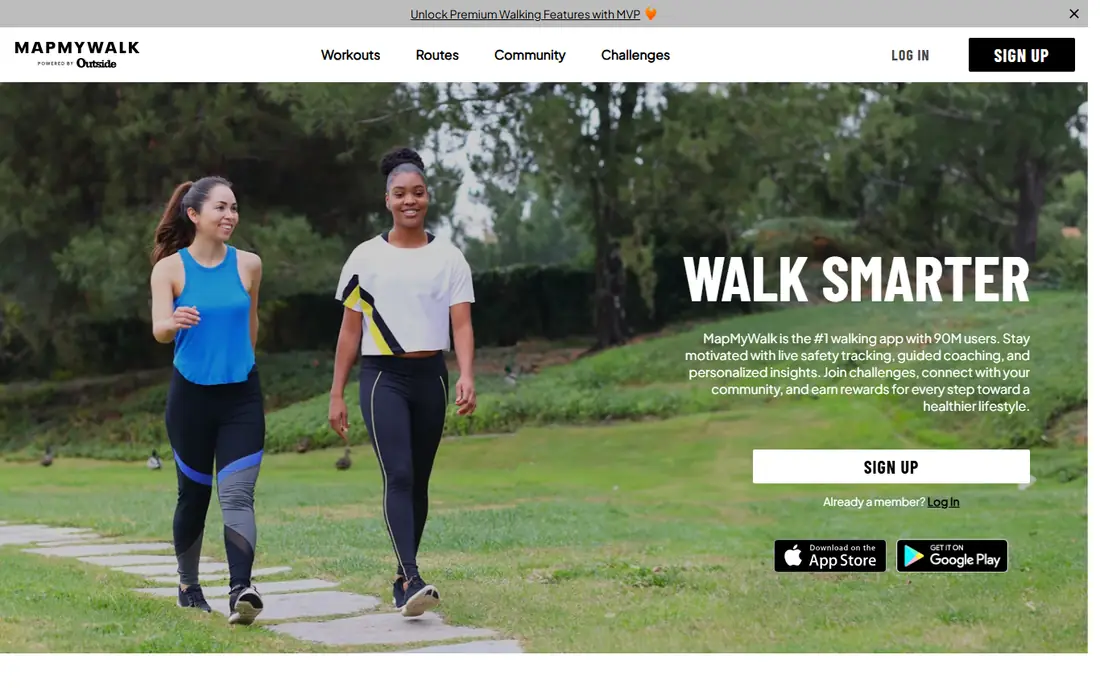
MapMyWalk suits walkers who care about where they walked, not just how many steps they took. It records distance, pace, time, and route on a map, and keeps a history you can review by week or month. That record helps if you are building up distance for a charity walk, a hiking trip, or a fitness goal.
The free version is usable for everyday walks, but ads and limited route history can get in the way. Premium at $9.99 per month removes ads and adds features such as offline maps. If you mostly walk the same neighborhood loop, the free tier may be all you need.
- Clear GPS route maps
- Long walking history
- Works with Under Armour connected apps and wearables
- Free version includes ads
- Interface feels dated to some users
- Offline maps need Premium
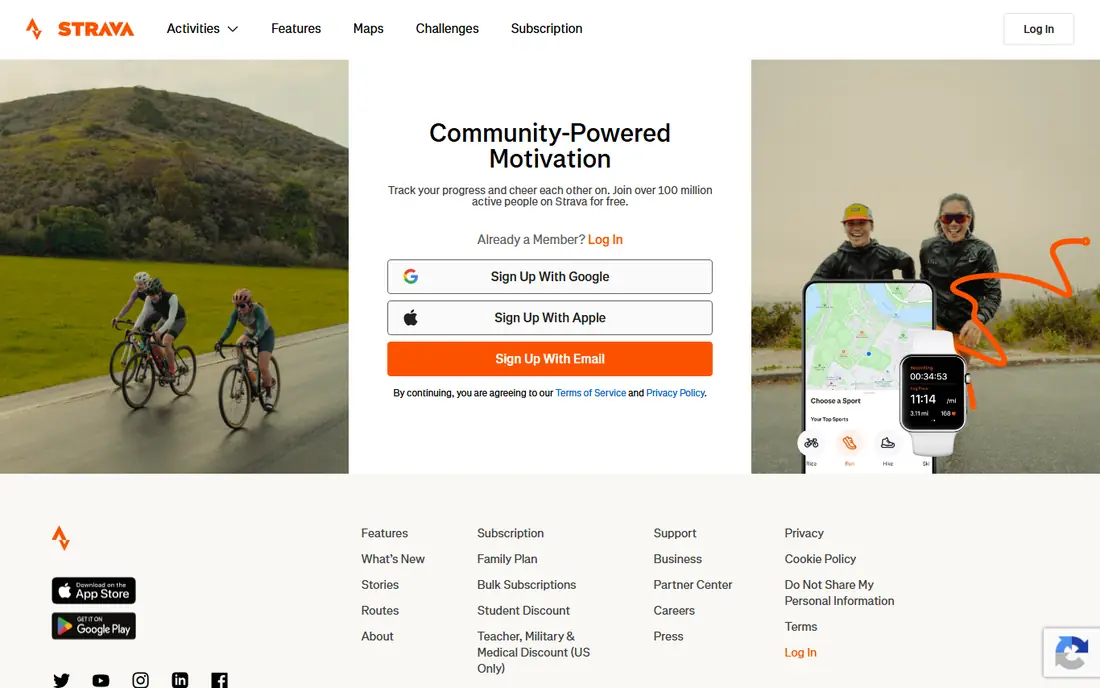
Strava is best known for running and cycling, but it tracks walks well and adds a social layer other apps lack. Friends can give kudos, you can join challenges, and your walk history stays organized by activity type. For people who stay motivated by other people, that social pull is the main reason to choose Strava over a plain pedometer.
The downside is cost and noise. The free tier covers basic GPS tracking, but deeper stats and route tools sit behind Premium. If you prefer quiet, private tracking, turn the social settings down or pick a simpler step counter instead.
- Strong community and challenges
- Reliable GPS tracking
- Detailed activity stats
- Premium costs $11.99 per month
- Some users find the social feed distracting
- Best features need a subscription
AllTrails is the pick for walkers who leave paved paths and want to find trails. The free version lets you search trails by length, difficulty, and features, read recent reviews, and see photos from other walkers. Recent reviews matter, because trail conditions change with weather, closures, and seasons.
AllTrails+ at $35.99 per year adds offline maps, wrong-turn alerts, and live sharing. Offline maps are the key upgrade for rural trails with weak signal. If you walk mostly in parks with good coverage, start free and upgrade only before a hiking trip.
- Large trail database with reviews and photos
- Route planning
- Offline maps on paid plans
- Paid plan is annual
- Free version lacks offline maps
- Trail information varies by location
StepsApp is for people who want a pedometer that looks good and stays out of the way. It shows steps, distance estimates, calories, and streaks in a clean layout, without asking you to join challenges or follow a feed. That simplicity makes it easy to check at a glance and keep using.
The limit is scope. StepsApp does not map GPS routes the way MapMyWalk or Strava do, so it is weaker for route planning. The Pro version, listed around $19.99 per year, removes ads and adds fuller history. For pure step counting, the free tier is often enough.
- Clear daily and weekly views
- Syncs with Apple Health, Google Fit, Garmin, and Fitbit
- Low fuss design
- No GPS route mapping
- Free Android version includes ads
- Deeper trends need the Pro version
Walkmeter appeals to walkers who like numbers. It records detailed stats, splits, elevation, and maps, and it works well with Apple Watch for wrist-based tracking. If you train for a long walk or like to compare the same route over time, that depth is useful.
The trade-off is complexity. New walkers may find the screens busy compared with Pacer or StepsApp, and the app is most at home in the Apple ecosystem. Check the current pricing on the official site before buying, since advanced features are sold separately from the free base app.
- Deep stats for pace, elevation, and splits
- Apple Watch support
- Exports for serious record keepers
- Interface is denser than simpler apps
- Some advanced features need payment
- Best on Apple devices
Charity Miles turns a regular walk into a small donation. Corporate sponsors fund donations, listed at $0.25 per mile for walking and running and $0.10 per mile for biking, up to sponsor caps. You pick a charity, start a walk, and the app tracks distance by GPS.
The honest limit is that payouts depend on sponsors, so not every mile always converts at the same rate, and the money goes to charity, not to you. Still, for walkers who already walk daily, it adds purpose at no cost, and it pairs well with a step counter for days you forget to start it.
- Free to use
- Donations go to your chosen charity
- Simple start and stop tracking
- Donations depend on sponsor caps
- You must open the app to track
- No personal payout
Sweatcoin rewards steps with coins you can spend in its marketplace on gear, vouchers, and offers. The step tracker runs in the background, and daily goals, streaks, and friend challenges add a game-like pull. For some people, that small reward is enough to keep a daily walk going.
Set expectations low on value. The marketplace leans toward discounts and offers rather than cash, and premium options add cost. Treat Sweatcoin as a fun bonus on top of walking you would do anyway, not as a reason to walk extra miles for income.
- Free step tracking with rewards
- Marketplace offers
- Streaks and friend challenges
- Rewards are mostly offers and discounts, not cash
- App includes ads and in-app purchases
- GPS use can drain battery
Nike Run Club is free, which makes it an easy second app to try alongside a step counter. It offers guided audio sessions, challenges, and training content, and it tracks walks by GPS. The guided audio can help on days when motivation is low, since a coach voice breaks up a long walk.
The catch is focus. Nike Run Club is built for runners, so walking plans are thinner than in MapMyWalk or AllTrails. Use it for free motivation and audio guidance, and keep a dedicated walking app if you want detailed walking history or trail maps.
- Completely free
- Guided audio runs and walks
- Challenges and coaching content
- Focus is running first, walking second
- Fewer walking-specific plans
- Needs a Nike account for full features
How we picked these
We compared official feature pages, pricing pages, app store listings, privacy policies, and public reviews for apps that track walking by steps or GPS. We favored apps that are available in the United States on iOS and Android where possible, have a usable free tier, and fit a clear walking goal rather than a general fitness goal. We did not claim hands-on testing we did not do, and prices reflect published list prices checked in October 2026.
How to choose the best walking app for you
Start with your goal, not the app store rating. If you want a daily step habit, pick Pacer or StepsApp and carry your phone as usual. If you want to explore routes, pick MapMyWalk or Strava for GPS maps, and add AllTrails for trails. If motivation is the problem, try a challenge app, a charity app, or a guided audio app for a month and see which one you actually open.
Step counters versus GPS apps
Step counters use less battery and work indoors, on treadmills, and during errands, but they do not show your route. GPS apps show distance, pace, and maps, but they use more battery and need a signal outdoors. Many walkers use both: a step counter for all-day totals, and a GPS app for planned walks.
Privacy and battery tips
Check location permissions before your first walk. Allow location only while using the app if you do not want background tracking, and review whether your walks are public by default. For battery, close GPS tracking when you finish, download offline maps before a trail walk, and carry a charger on long hikes.