Best Web Design Software in 2026: 9 Tools Compared
By ToolNimba Editorial Team October 30, 2026 11 min read

- Top pick
 Figma
Collaborative UI design
Starting priceFreeCheck out FigmaRead our review - Runner-up
 Webflow
Visual sites with CMS
Starting priceFreeCheck out WebflowRead our review - Also great
 Framer
Fast design-led publishing
Starting priceFreeCheck out FramerRead our review
How we researched this
We compared official pricing and feature pages, app store listings, privacy policies and public user reviews. Prices change, so check the provider's site before you pay.
Key takeaways
- Figma is our pick for most design teams, because it combines interface design, prototyping, and collaboration in one browser tool.
- Webflow suits marketing teams that want design control plus a CMS and hosting, while Framer suits designers who want to publish fast, animated sites.
- Squarespace and Wix are better for beginners and small businesses that want templates, hosting, and support in one place.
- WordPress and Penpot suit users who want ownership or open-source control, though both need more setup than a hosted builder.
- The best software for web design depends on whether you need a prototype, a live site, or both, so pick the workflow first and the tool second.
Quick comparison
| Name | Best for | Starting price | Free plan | |
|---|---|---|---|---|
| Figma | Collaborative UI design | Free | Yes | Visit |
| Webflow | Visual sites with CMS | Free | Yes | Visit |
| Framer | Fast design-led publishing | Free | Yes | Visit |
 Squarespace | Template-based business sites | $16 per month | No | Visit |
 Wix | Beginner-friendly site building | See website | Yes | Visit |
 WordPress | Content sites with full ownership | Free | Yes | Visit |
 Sketch | Mac-based UI design | $12 per month | No | Visit |
 Penpot | Open-source design | Free | Yes | Visit |
 Canva | Web graphics and simple sites | Free | Yes | Visit |
The best web design software
Web design software now covers three jobs: designing interfaces, prototyping how they work, and publishing live websites. Some tools do one job well, and a few do two. The list below mixes design tools, builders, and a CMS, so you can match the tool to the outcome you need.
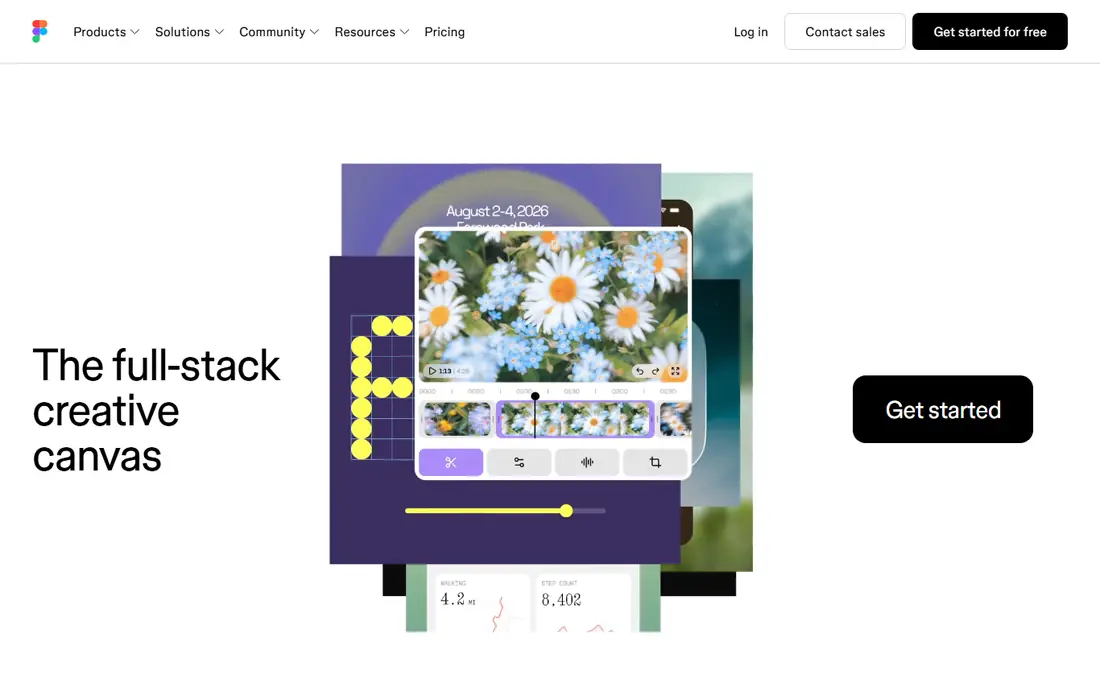
Figma is the default tool for interface design, and it is our pick for most teams. Designers, developers, and stakeholders can open the same file in a browser, see live cursors, leave comments on exact elements, and avoid version confusion. Prototyping, components, auto layout, and developer handoff all sit in the same place, which shortens the path from idea to build.
The honest catch is seat pricing. Figma now sells different seat types at different prices, and teams often overpay by giving everyone a full seat. Engineers who only inspect designs and stakeholders who only comment usually need cheaper seats or view access. Get that mix right, and Figma is fairly priced. Get it wrong, and a larger team pays far more than it should.
- Real-time multiplayer editing in the browser
- Strong prototyping and design systems
- Large plugin and template ecosystem
- Paid seat costs climb on larger teams
- Free plan limits collaborative files
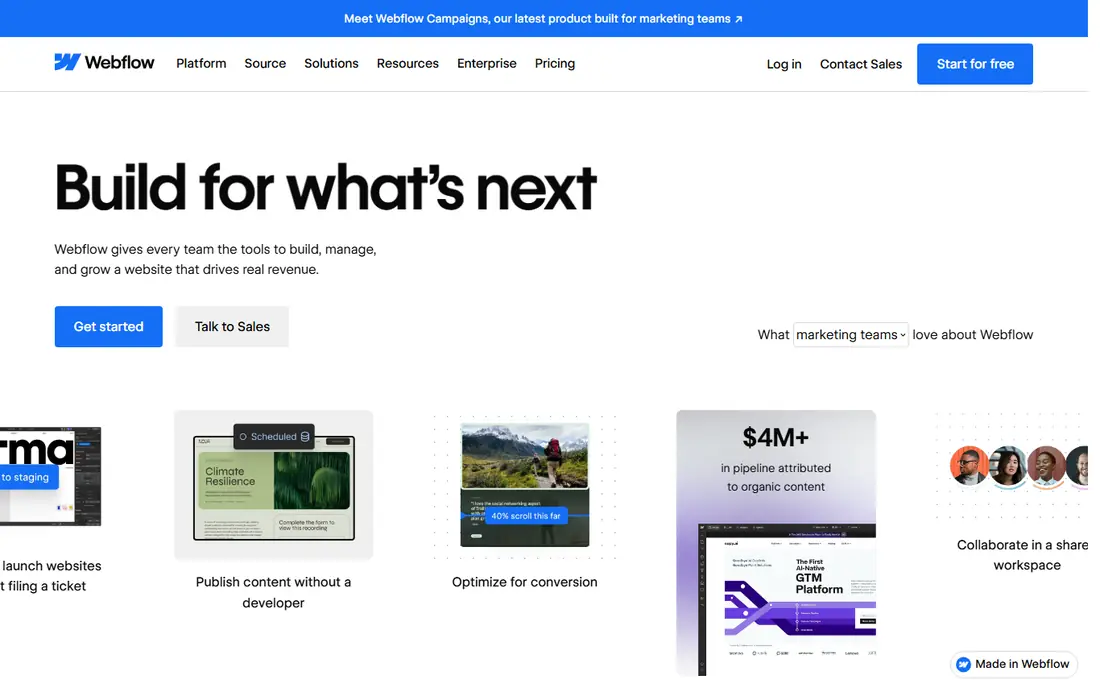
Webflow suits teams that want design freedom without writing code for every page. You build visually, but the output is real HTML and CSS, and the CMS handles blogs, case studies, and product pages. SEO controls, interactions, and hosting sit in the same platform, so a marketing team can publish and update a site without waiting on developers for every change.
That power takes time to learn. Webflow is more complex than Squarespace or Wix, and beginners may need tutorials before they build a polished site. Free Starter sites use a Webflow domain and have publishing limits, so a custom domain requires a paid plan. For design-led marketing sites that change often, Webflow is the strongest all-round builder in this list.
- Visual builder with real HTML and CSS output
- Strong CMS and SEO controls
- Hosting included with site plans
- Learning curve is steeper than template builders
- Paid site plans needed for custom domains and full publishing
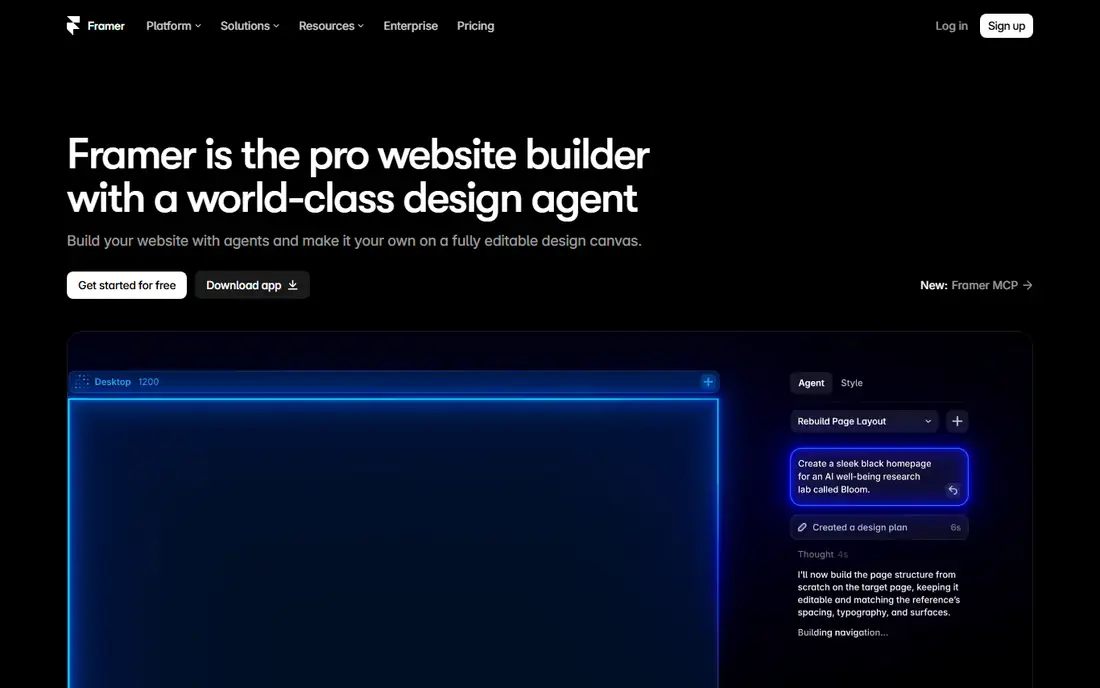
Framer is the fastest route from a design to a live site for many designers. Its editor feels close to Figma, so designers can lay out pages, add animation, and publish without handing files to a developer. That speed makes it ideal for startup landing pages, portfolios, and campaign sites that need to look polished quickly.
The trade-off is scale. Framer handles CMS content, but large content-heavy sites and complex team workflows suit Webflow or WordPress better. Free plans cover starting out, while custom domains and some production features require paid plans, so check current pricing before you launch. For a small, design-led site, Framer is hard to beat on speed.
- Figma-like editor that publishes live sites
- Smooth animations and interactions
- AI help for first drafts
- CMS and large-site management are lighter than Webflow
- Some production features need paid plans
Squarespace is the safe choice for a small business, portfolio, or restaurant site that needs to look good fast. Templates are polished, hosting is included, and blogging, commerce, appointments, and email tools sit in one account. That all-in-one setup saves time, and support is there when something breaks.
Design freedom is the limit. You can customize templates, but you cannot rebuild a layout as freely as in Webflow, and advanced custom code has limits. There is no free plan, so budget for a monthly plan billed annually at the starting price shown here, and confirm current pricing before you buy. If you want a reliable business site without a learning curve, Squarespace is a strong pick.
- Polished templates and built-in hosting
- Blogging, commerce, and scheduling in one place
- Strong support
- Less design freedom than Webflow or Framer
- No free plan, only a trial
Wix is the easiest builder in this list for a first website. Drag-and-drop editing, a large template range, and an app market cover most small business needs, from bookings to online stores. The free plan lets you test ideas before you pay, which is useful if you are still deciding what your site should do.
Free sites carry Wix branding and a Wix domain, so a professional launch needs a paid plan. Wix also gives you so much freedom that a site can look messy without a clear layout plan, so start from a template and change it slowly. For beginners who want speed and simplicity, Wix is a practical first builder.
- Drag-and-drop builder with many templates
- App market for extra features
- Free plan for trying ideas
- Free sites show Wix branding and use a Wix domain
- Design flexibility can lead to messy layouts without care
WordPress powers a large share of the web for a reason. The software itself is free, and plugins cover blogs, stores, memberships, bookings, and almost any other feature. You own your site and your data, and you can move hosts when you need to, which matters for businesses that plan to grow.
Ownership also means responsibility. You pay for hosting, and you must manage updates, backups, and security, or pay a managed host to handle them. Plugin quality varies, so install only well-maintained plugins and test changes before they go live. For content-heavy sites, blogs, and stores that need flexibility, WordPress remains the most capable low-cost option.
- Free open-source software
- Huge plugin and theme range
- Full ownership and choice of host
- You pay for hosting and manage updates
- Plugin quality varies, so choices need care
Sketch was the standard UI design tool before browser-based design took over, and it still suits Mac-based designers who prefer a native app. It is fast, its vector and symbol tools are mature, and its file format works well with many developer handoff tools. For a solo designer or a small Mac team, Sketch feels focused and quick.
The limit is platform and collaboration. Sketch runs on Mac only, so a team with Windows or Linux members needs a second tool for sharing and review. Figma also leads on real-time multiplayer editing, which matters for larger teams. If you work alone on a Mac and value a native app, Sketch is a solid choice. If your team spans platforms, Figma fits better.
- Native Mac app with fast performance
- Strong vector and symbol tools
- Long history in UI design
- Mac only, so mixed-platform teams need another tool
- Collaboration is weaker than Figma for large teams
Penpot is the best open-source alternative to Figma, and it suits teams that want control over their tools and data. It offers collaborative design and prototyping in the browser, and teams can self-host it when they need private deployment. The cloud plan is free for professional use at the time of writing, which makes it easy to test.
The ecosystem is smaller than Figma, so you may find fewer plugins, templates, and integrations. Some advanced features also differ, so test Penpot on a real project before you move a whole team. For open-source teams, public-sector work, or anyone who wants to avoid per-seat SaaS costs, Penpot is a serious option, not just a compromise.
- Free and open-source
- Collaborative design and prototyping in the browser
- Self-hosting option
- Smaller plugin ecosystem than Figma
- Some teams will miss advanced Figma features
Canva belongs here for the graphics side of web design, not as a replacement for Figma or Webflow. Most websites need hero images, social graphics, icons, and presentation visuals, and Canva makes those fast for non-designers. It also offers simple website pages, which suit a basic landing page or event page.
The limit is depth. Canva cannot match Webflow for CMS sites, Figma for interface systems, or WordPress for content scale. Use it alongside a builder or design tool, not instead of one, when your site needs real structure. For marketing teams that produce web graphics daily, Canva saves hours each week.
- Very easy for non-designers
- Huge template range for graphics and social posts
- Simple website pages for basic needs
- Not a full website builder or UI design tool
- Advanced design control is limited
How we picked these
We compared official feature pages, pricing pages, and public reviews for tools that design interfaces, prototype sites, or publish live websites. We favored tools that exist and work today, offer a clear free tier or trial where stated, and serve a distinct workflow, from team UI design to beginner site building. We left out tools with no official homepage, tools that only edit code without design features, and tools that only host sites without design tools.
How to choose web design software for your project
Start with the outcome. If you need a prototype to test with users or hand to developers, Figma, Sketch, or Penpot will do the job. If you need a live marketing site, Webflow and Framer give you design control plus publishing, while Squarespace and Wix give you speed and support. If you need a blog, store, or large content site, WordPress gives you the most room to grow.
Next, count the real costs. Free plans help you start, but custom domains, CMS items, team seats, and commerce features often sit behind paid plans. Map who needs to edit, who only needs to review, and how much content you will publish each month. A tool that looks cheap for one person can cost far more for a team, and a tool that looks pricey can save money if it replaces a developer for routine updates.
Finally, test with a real page, not a demo. Build one page with your own text, images, and brand colors, then check it on a phone, test loading speed, and ask a colleague to edit it. That short test reveals learning curves, limits, and support quality faster than any feature list. The best web design software is the one your team will actually use well after launch.