Best Workflow Automation Tools in 2026: 9 Tools Compared
By ToolNimba Editorial Team October 30, 2026 11 min read

- Top pick
 Zapier
Easiest no-code app connections
Starting price$19.99 per monthCheck out ZapierRead our review - Runner-up
 Make
Visual workflows at a lower price
Starting price$9 per monthCheck out MakeRead our review - Also great
 n8n
Self-hosted automation and AI agents
Starting priceFreeCheck out n8nRead our review
How we researched this
We compared official pricing and feature pages, app store listings, privacy policies and public user reviews. Prices change, so check the provider's site before you pay.
Key takeaways
- Zapier remains the easiest way to connect apps without code, but its per-task pricing gets expensive at high volume.
- Make offers similar visual workflows at a lower entry price, starting from $9 per month billed annually in several 2026 comparisons.
- n8n is our pick for technical teams that want self-hosting, code steps and AI agents without per-task billing on their own server.
- Microsoft Power Automate is the natural choice for Microsoft 365 shops, with standard connectors included and a Premium plan from $15 per user per month.
- Enterprise teams with complex governance needs should shortlist Workato and Tray.ai, but both use quote-based pricing and need a sales conversation.
Quick comparison
| Name | Best for | Starting price | Free plan | |
|---|---|---|---|---|
| Zapier | Easiest no-code app connections | $19.99 per month | Yes | Visit |
| Make | Visual workflows at a lower price | $9 per month | Yes | Visit |
| n8n | Self-hosted automation and AI agents | Free | Yes | Visit |
 Microsoft Power Automate | Microsoft 365 and Teams workflows | $15 per user per month | Yes | Visit |
 Workato | Enterprise integrations and governance | See website | No | Visit |
 Tray.ai | Enterprise low-code orchestration | See website | No | Visit |
 Pipedream | Developer-friendly automation with code | $29 per month | Yes | Visit |
 UiPath | Robotic process automation for repetitive tasks | See website | Yes | Visit |
 Activepieces | Open-source automation on a budget | Free | Yes | Visit |
The best workflow automation tools
Workflow automation tools connect apps, move data and trigger tasks without manual copy and paste. The best choice depends on your skill level, your app stack and how much volume you run each month.
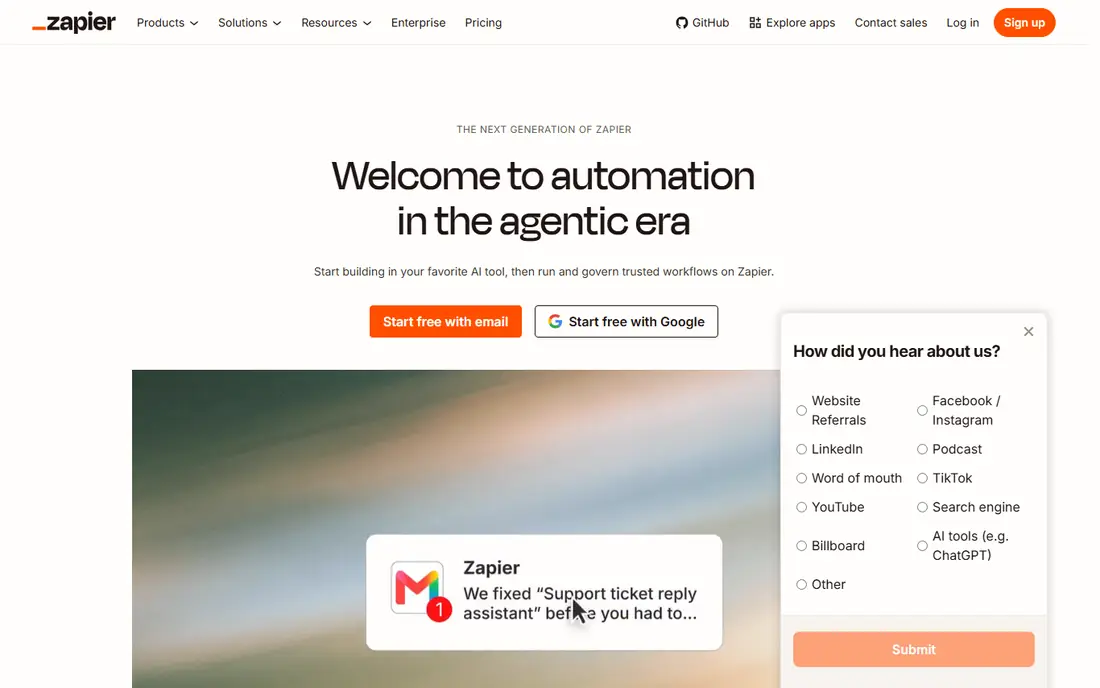
Zapier is the default answer for a reason. You pick a trigger, such as a new form response, and an action, such as creating a CRM record, and the workflow runs without code. Templates cover common jobs, and the AI assistant can draft a workflow from a plain description.
The free plan covers 100 tasks per month, which is enough to test a couple of simple flows. Paid plans start at $19.99 per month billed annually for 750 tasks in several 2026 comparisons, and costs rise quickly if every step counts as a task. Zapier is our pick for most people starting out, provided you watch task usage from the start.
- Very large app library
- Thousands of templates
- AI-assisted workflow building for beginners
- Per-task pricing scales fast
- Premium apps need higher tiers
- Complex logic is harder than in visual canvas tools

Make builds workflows as visual scenarios, where each module is a step and you can see data pass from one step to the next. That view makes branching, filtering and error handling easier to understand than a simple trigger-and-action list. It connects thousands of apps and supports HTTP modules for anything else.
The free plan includes 1,000 credits per month and two active scenarios, while Core starts at $9 per month billed annually in several 2026 comparisons. Make is a strong pick for small businesses that want more control than Zapier offers without paying enterprise prices. Budget for credits carefully if your workflows poll apps often.
- Visual canvas shows data flow clearly
- Branches, filters and error paths without code
- Lower entry price than Zapier
- Learning curve is steeper than Zapier for absolute beginners
- Cloud-only hosting
- Credits run out fast on polling-heavy flows
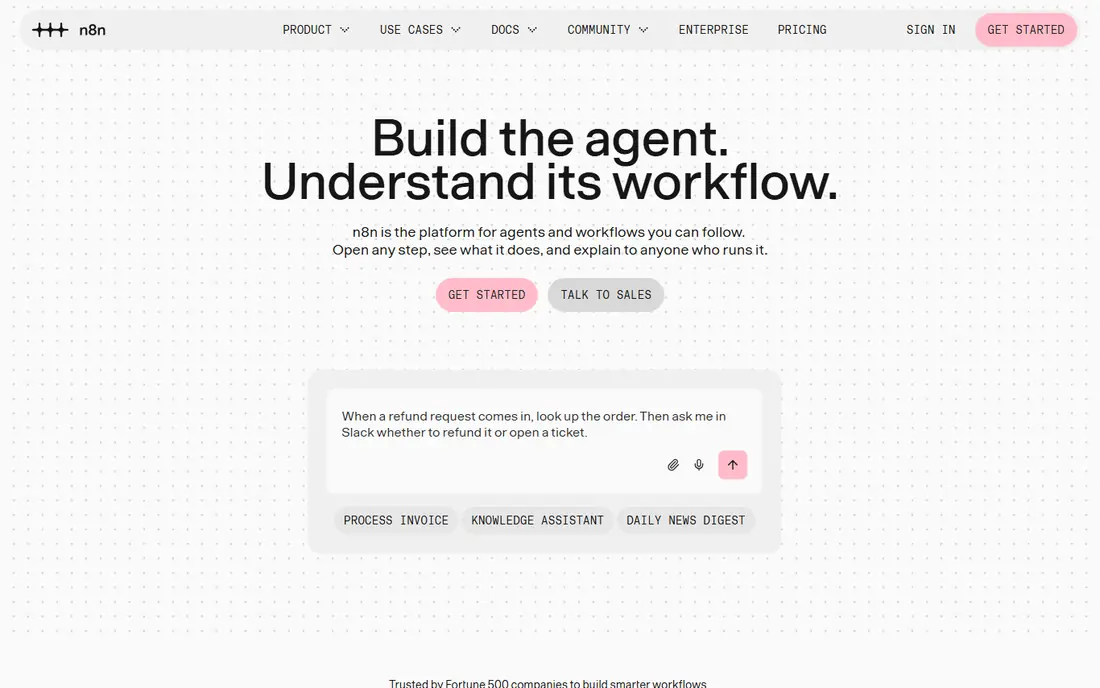
n8n suits teams that want control over data, cost and logic. You can self-host the Community Edition for free, build workflows with visual nodes, and add JavaScript or Python steps where needed. Native AI nodes let you chain language models into workflows, which fits agent-style automation in 2026.
Cloud pricing starts from around 20 euros per month for a Starter plan with a set number of executions, so confirm the current figure on the vendor site if you do not want to self-host. Self-hosting removes per-task billing but adds responsibility for updates, backups and failed runs. For technical teams, that trade is often worth it.
- Free self-hosted Community Edition
- Code and AI agent nodes for complex logic
- Fair-code model with no task limits on your own server
- Self-hosting needs maintenance and monitoring
- Cloud plans use execution limits
- Less polished for non-technical users
Microsoft Power Automate
Best for: Microsoft 365 and Teams workflows
Power Automate is the obvious pick if your team already pays for Microsoft 365. Standard connectors work with Outlook, Teams, SharePoint and Excel, so approvals, notifications and file workflows feel native. Desktop flows add robotic automation for older Windows apps that lack an API.
Pricing depends on your Microsoft plan. Standard connectors are included with many Microsoft 365 plans, while Premium starts at $15 per user per month for premium connectors and AI Builder features. If your stack is Google or mixed, Zapier or Make will feel more neutral. If your stack is Microsoft, Power Automate saves integration effort.
- Deep Microsoft 365, Teams and SharePoint integration
- Templates for approvals and notifications
- Desktop flows for legacy apps
- Best value stays inside Microsoft tools
- Premium plan needed for premium connectors
- Governance needs planning at scale
Workato is built for companies that need integrations to be governed, audited and reliable at scale. Recipes connect systems such as Salesforce, NetSuite, Workday and Slack, with role controls and monitoring that IT teams expect. It also supports AI-assisted building and operations features for larger automation programs.
Pricing is quote-based, with 2026 comparisons noting annual costs in the five-figure range for many deployments. That puts Workato out of reach for most small teams, but it fits enterprises replacing fragile scripts with a managed platform. Shortlist it when compliance, scale and ERP depth matter more than entry price.
- Strong enterprise recipes and governance
- Handles ERP, CRM and HR integrations
- AI-assisted recipe building
- Quote-based pricing with high entry cost
- Needs skilled admins for complex work
- Overkill for simple two-app flows
Tray.ai, formerly Tray.io, targets operations and IT teams that need to orchestrate work across many systems. The low-code builder supports branching, data transformation and AI steps, while governance controls help larger teams manage who can build and change workflows. It also supports embedded integrations for software vendors.
Pricing is quote-based, and 2026 comparisons place entry costs well above small-business tools. That makes Tray.ai a poor fit for a simple form-to-sheet flow. For a mid-market or enterprise team automating order, customer or finance processes across several core systems, it is a credible alternative to Workato.
- Low-code builder for complex multi-system workflows
- Strong governance and AI features
- Good for operations teams at scale
- Quote-based pricing
- No free plan for serious testing
- Learning curve for advanced orchestration
Pipedream sits between Zapier and a custom script. Developers can write code steps, use prebuilt actions and trigger workflows from webhooks, schedules or app events. That mix suits teams that need custom logic, such as parsing an API response or transforming data in ways a template cannot handle.
The free tier lets developers test real workflows, while paid plans start from $29 per month in several 2026 comparisons. Non-technical users may find Make or Zapier easier for everyday flows. If your team writes code and wants automation that stays close to that code, Pipedream is a strong pick.
- Code steps in Node.js and Python alongside no-code actions
- Large app library
- Generous free tier for testing
- Less friendly for non-developers
- Credit model needs watching at scale
- Visual editing is thinner than Make
UiPath is different from Zapier and Make because it automates work inside applications, not just between them. Software robots can click through desktop apps, copy data, fill forms and process documents, which helps when an old system has no API. AI features add document understanding and agent-style automation for suitable tasks.
A free Community Edition exists for individuals and small teams, while business pricing depends on robots, users and features, so confirm the current figure with the vendor. UiPath fits finance, operations and shared-service teams with repetitive, rule-based work. For simple cloud app connections, a lighter tool will be faster and cheaper.
- Strong robotic automation for desktop and legacy apps
- AI and document processing features
- Free Community Edition for learning
- Enterprise pricing is complex
- Needs specialist skills for large deployments
- Overkill for simple app-to-app flows
Activepieces is a useful open-source alternative for teams that like n8n but want a simpler builder. You can self-host it for free, build visual flows from templates, and connect common apps for marketing, sales and operations work. Cloud plans exist for teams that do not want to run a server.
The app library is smaller than Zapier or Make, so check that your core tools are covered before committing. Enterprise governance and advanced AI features are also less mature. For startups and small teams on a tight budget, Activepieces offers a practical way to automate without per-task bills on a self-hosted setup.
- Free self-hosted open-source option
- Visual builder with templates
- Lower cloud cost than many rivals
- Smaller app library than Zapier
- Newer product with fewer enterprise features
- Self-hosting needs maintenance
How we picked these
We compared official pricing pages, feature documentation and recent 2026 comparisons for workflow tools. We favored tools that are actively maintained, connect to widely used business apps, offer a free tier or trial where possible, and publish pricing or a clear quote path. Where pricing differed across sources, we used the most consistent 2026 figure or See website.
We did not claim hands-on testing we did not do. We weighed ease of use, volume pricing, self-hosting choice, code support and enterprise governance. That is why a simple no-code tool and a developer platform can both appear here: they solve different automation problems.
How to choose a workflow automation tool without overspending
Start with one painful, repeatable task. Good first automations include form to CRM entry, new order to Slack alert, or approved request to calendar event. Pick a task that happens often, has clear steps and currently wastes manual time. A tool that handles that one job well is a better buy than a platform with features you never use.
Next, count your volume honestly. Zapier charges per task, Make charges per credit, and n8n cloud charges per execution, so the same workflow can cost very different amounts on each platform. Estimate monthly runs, multiply by steps per run, and compare plans at that volume, not at the free tier. Polling intervals also matter, since frequent checks can burn credits even when nothing changes.
Then check your apps and your skills. A non-technical team should favor Zapier, Make or Power Automate templates. A technical team should favor n8n, Pipedream or Activepieces for code and self-hosting. An enterprise team should weigh governance, audit logs and single sign-on before price alone.
Finally, build in failure handling from the start. Add error alerts, retry logic and a log of failed runs, and test what happens when an app is down or a field is missing. A workflow that fails quietly can lose orders or customer data. Review usage monthly for the first quarter and switch plans, or tools, if costs drift above the time saved.
Sources
- https://zapier.com
- https://www.make.com
- https://n8n.io
- https://www.microsoft.com/power-platform/products/power-automate/
- https://www.workato.com
- https://tray.ai
- https://pipedream.com
- https://www.uipath.com
- https://www.activepieces.com
- https://toolradar.com/guides/best-workflow-automation-tools
- https://peliqan.io/blog/workflow-automation-tools/