Best Calendly Alternatives in 2026: 10 Tools Compared
By ToolNimba Editorial Team October 30, 2026 12 min read

- Top pick
 Cal.com
Free solo booking with team options
Starting priceFreeCheck out Cal.comRead our review - Runner-up
 TidyCal
Solo pros who want a one-time price
Starting price$29 one-timeCheck out TidyCalRead our review - Also great
 Acuity Scheduling
Service businesses with intake forms
Starting price$16 per monthCheck out Acuity SchedulingRead our review
How we researched this
We compared official pricing and feature pages, app store listings, privacy policies and public user reviews. Prices change, so check the provider's site before you pay.
Key takeaways
- Cal.com offers the most generous free plan in this guide, with unlimited event types for one user, plus payments on the free plan.
- TidyCal is the cheapest paid route for a solo pro, with a free plan and an Individual Lifetime plan at 29 dollars once in recent checks.
- Zoho Bookings undercuts Calendly on team price, with Basic at 6 dollars per user per month on annual billing, and a free plan for one user.
- Acuity Scheduling suits service businesses that sell appointments, packages, and memberships, but it has no free plan and starts at 16 dollars per month on annual billing.
- If you already pay for Google Workspace or HubSpot, check the booking tool inside that plan before buying a separate scheduler.
Quick comparison
| Name | Best for | Starting price | Free plan | |
|---|---|---|---|---|
| Cal.com | Free solo booking with team options | Free | Yes | Visit |
| TidyCal | Solo pros who want a one-time price | $29 one-time | Yes | Visit |
| Acuity Scheduling | Service businesses with intake forms | $16 per month | Free trial (7 days) | Visit |
 SavvyCal | Invitees who want a smooth booking view | $10 per user per month | No | Visit |
 Zoho Bookings | Budget teams, especially on Zoho | $6 per user per month | Yes | Visit |
 Doodle | Finding a time for a whole group | $11 per seat per month | Yes | Visit |
 Google Calendar appointment schedules | Basic booking inside Google Calendar | Free | Yes | Visit |
 HubSpot Meetings | Scheduling inside HubSpot CRM | Free | Yes | Visit |
 Setmore | Small staff teams on a budget | $5 per user per month | Yes | Visit |
 YouCanBookMe | Simple booking pages for small teams | $8.10 per month | Yes | Visit |
The best calendly alternatives
Calendly made booking links normal: share a link, let someone pick a time, and avoid back-and-forth emails. People look elsewhere for three reasons. The free plan allows one event type, team features are priced per seat, and service businesses often need intake forms, packages, and payments that a simple link tool handles less well.
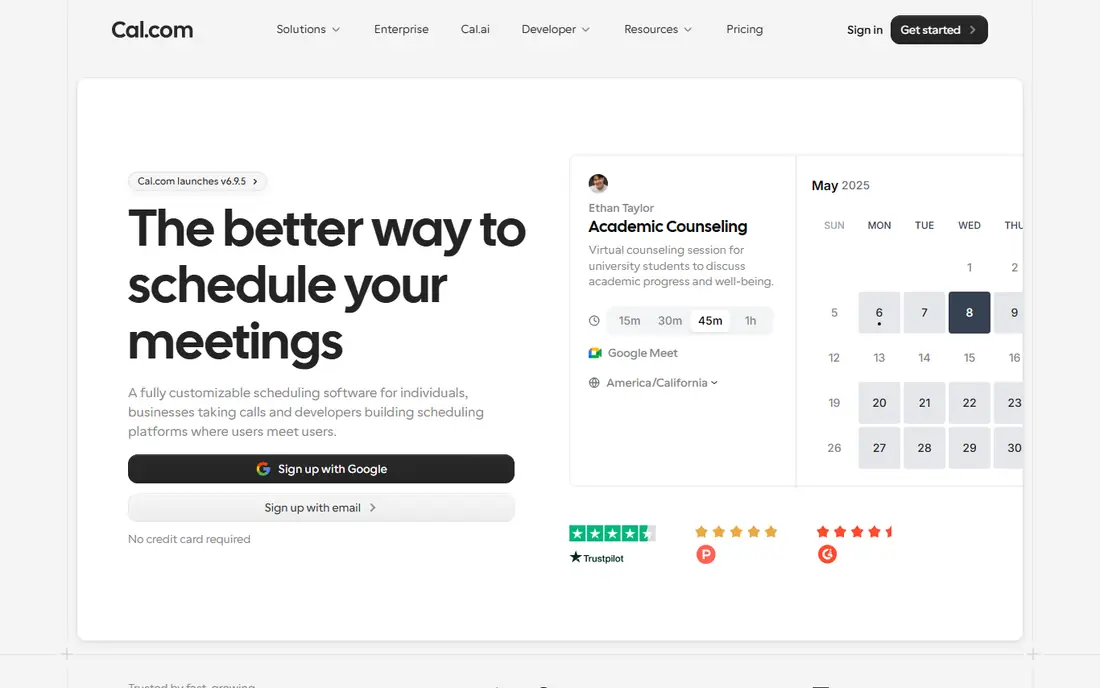
Cal.com is our pick for most people leaving Calendly. The free plan for one user is unusually generous: unlimited event types and calendars, plus payments and CRM sync in recent checks. That means a freelancer can offer a free call, a paid session, and a group session from one account without paying a monthly fee.
Teams pay 12 dollars per user per month on annual billing for Teams, which adds round-robin, collective events, and branding removal. If you want control and a strong free plan, start here.
- Free plan for one user with unlimited event types
- Stripe and PayPal payments on the free plan
- Team features including round-robin on Teams
- Team pricing is per user
- Branding removal needs a paid plan
- More settings to learn than simpler tools
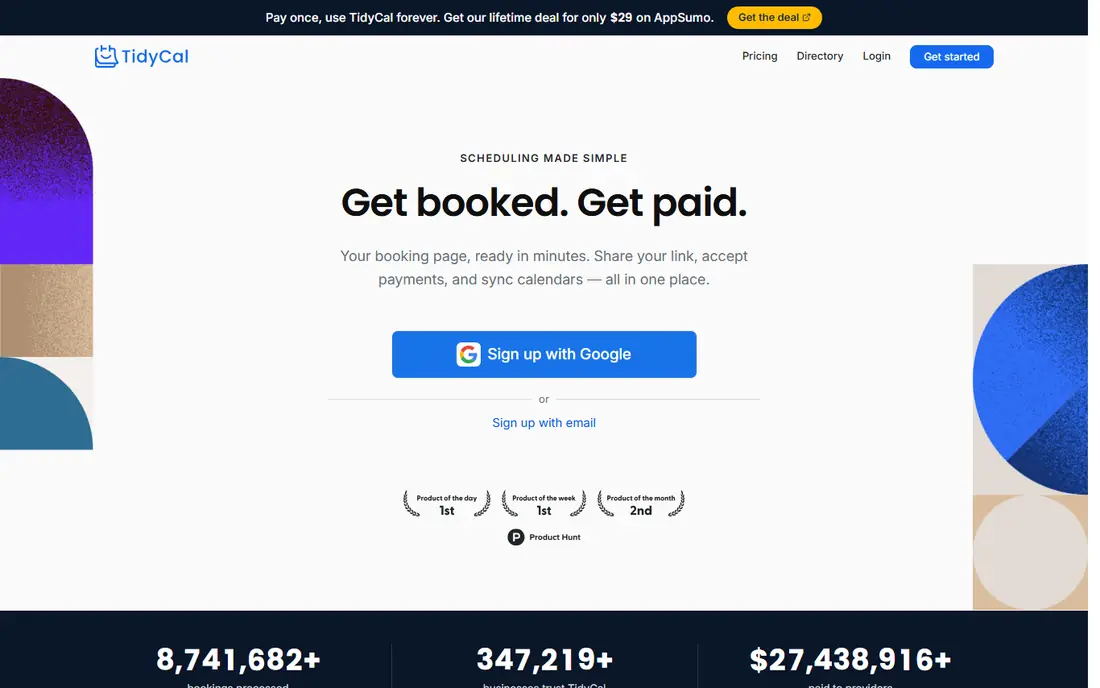
TidyCal is built for coaches, consultants, and tutors who charge for their time and dislike another monthly bill. The free plan already includes unlimited booking types and paid bookings through Stripe or PayPal, with packages, subscriptions, and discount codes. Individual Lifetime at 29 dollars once removes the 1 percent platform fee on Stripe bookings that applies to free and Lifetime plans in a different way, so read the fee note on the pricing page before you choose.
The limits are team features. There is no routing form for sales teams, no Salesforce sync, and no priority round-robin rotation of the kind larger sales teams need.
- Free plan with unlimited booking types and payments
- Individual Lifetime at 29 dollars once
- Calendly importer for event types and contacts
- No routing forms or Salesforce sync
- Text reminders need Agency or Pro
- Automatic video links need Lifetime or Pro
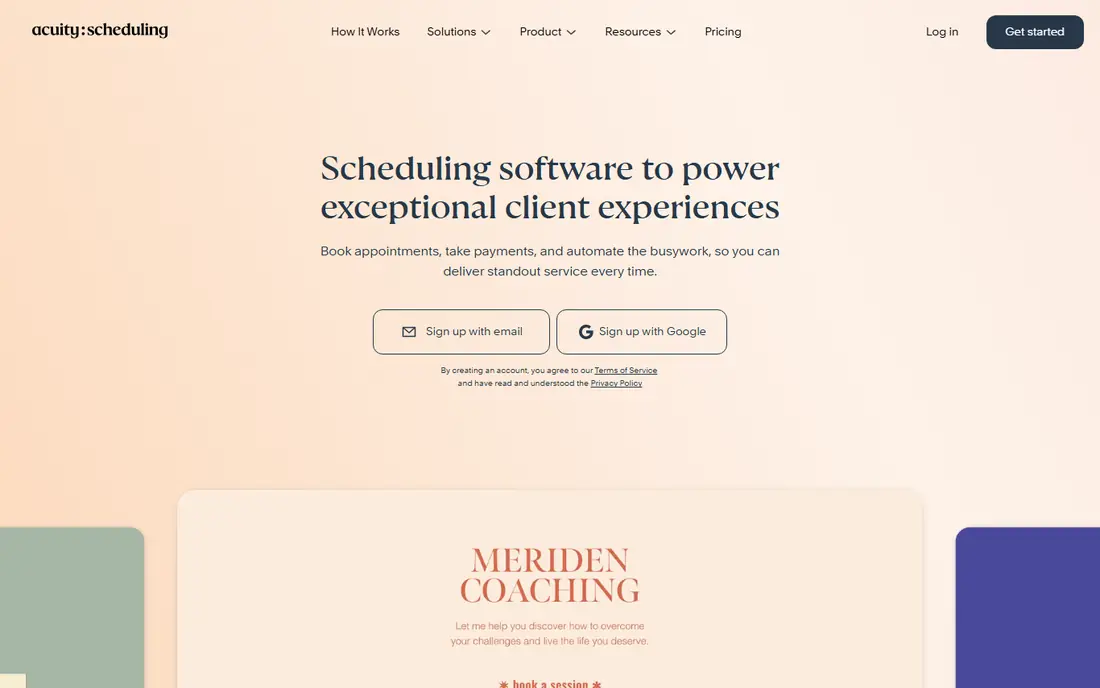
Acuity Scheduling, part of Squarespace, is the booking platform for salons, studios, clinics, and coaches. Clients pick a service, answer intake questions, and pay at booking, and the business can sell packages and memberships from the same system. That service-first design is a step beyond a simple meeting link.
Starter at 16 dollars per month on annual billing, or 20 dollars monthly, covers the basics, while Standard at 27 dollars per month on annual billing adds packages, memberships, and text reminders. There is no free plan, only a 7-day trial, so test intake forms and payments during that week.
- Intake forms, packages, memberships, and gift certificates
- Payments through Stripe, Square, PayPal, and Venmo
- Classes and group bookings
- No permanent free plan
- Text reminders and packages need higher tiers
- Branding removal needs Premium
SavvyCal focuses on the invitee experience. Instead of a list of times, a visitor sees a week view and can overlay their own calendar to find a slot that works, which cuts the back-and-forth that still happens with many booking links. Ranked availability lets you protect preferred times while still offering choice.
Basic at 10 dollars per user per month on annual billing, or 12 dollars monthly, includes unlimited calendars and links, plus team scheduling. Premium at 17 dollars per user per month on annual billing adds paid bookings, delegated booking, and branding control.
- Invitees can overlay their own calendar on your availability
- Ranked availability and time blocking
- Round-robin and group modes on Basic
- No permanent free plan
- Paid bookings need Premium
- Custom domains and branding removal need Premium
Zoho Bookings is the budget team pick, especially if your business already runs on Zoho. Bookings land in Zoho CRM, workspaces can split by department, and you can book rooms and equipment alongside people. Basic at 6 dollars per user per month on annual billing, or 8 dollars monthly, undercuts Calendly Standard for a small team.
The free plan covers one user, so a team of three will pay from the start. Online payments sit on Premium at 9 dollars per user per month on annual billing, which matters for coaches and consultants who charge at booking. Outside the Zoho world, the tool still works, but the value is highest when bookings feed tools you already use.
- Free plan for one user
- Low per-user pricing on paid plans
- Bookings sync with Zoho CRM and other Zoho apps
- Resource booking for rooms and equipment
- Online payments wait until Premium
- Every seat adds to the bill
- Free plan is limited to one user
Doodle solves a different problem from the rest of this list. When five people need to meet, a booking link for one person does not help. A Doodle poll lets each person mark availability, and the tool surfaces the slot that works for the most people. That workflow is why Doodle remains popular for team meetings, advisory calls, and group events.
Pro at 11 dollars per seat per month on annual billing adds booking pages and removes ads, while Team at 16 dollars per seat adds payments and branding control.
- Group polls where participants vote on times
- Booking pages and sign-up sheets
- Free plan for basic polls
- One-to-one booking is not its main strength
- Payments and branding need the Team plan
- Free plan limits polls and booking pages
Google Calendar appointment schedules
Best for: Basic booking inside Google Calendar
Google Calendar appointment schedules are the tool you may already own. Any Google account can create one booking page from calendar availability, with buffers, a booking form, and Meet links. For a person who only needs a simple link for occasional calls, that is enough, and it costs nothing extra.
Paid Google plans add more schedules, reminders, and payments, with Workspace Business Standard at 14 dollars per user per month on annual billing in recent checks. Branding and workflow depth remain limited compared with Cal.com or Acuity.
- Free booking page with a Google account
- Nothing new to install
- Google Meet links and booking forms built in
- One free booking page for a basic account
- Multiple schedules, reminders, and payments need a paid Google plan
- Limited branding and workflows
HubSpot Meetings suits a sales or service team that already uses HubSpot. A prospect books a time, the meeting lands on the contact record, and follow-up tasks and emails can flow from the same system. That CRM link removes the manual step of copying booking details into a customer record.
The free tools cover basic meeting links, which is enough for a small team testing HubSpot. Paid HubSpot tiers add round-robin routing, group scheduling, and deeper automation, with Starter advertised from 7 dollars per seat per month in some listings under offer conditions.
- Free meeting links tied to CRM contacts
- Bookings create or update contact records
- Round-robin and group meetings on paid tiers
- Best value only inside HubSpot
- Fuller scheduling and automation need paid HubSpot tiers
- Free plan limits meeting types
Setmore is a practical pick for a tiny team that needs staff calendars without a large bill. A salon, clinic, or tutoring team can give each staff member a calendar, take bookings online, and send reminders, all from one dashboard. The free plan covers up to four users in recent listings, which suits a very small business.
Pro at about 5 dollars per user per month on annual billing in recent listings adds more capacity and features, though exact pricing varies by region and listing, so check the current page.
- Free plan for up to four users in recent listings
- Staff calendars and booking pages
- Mobile apps for staff and clients
- Feature depth is lighter than Acuity for service businesses
- Some features need Pro
- Free plan caps appointments per month in recent listings
YouCanBookMe is a long-running, simple booking page tool. You connect a calendar, create a page, and share the link, with light customization for colors and questions. The free plan covers one calendar and one booking page, which is enough for a solo consultant with a single offer.
Paid plans from 8.10 dollars per month on annual billing in recent listings add more calendars, pages, and features, while team plans price by calendars rather than strictly per user. That model can be cheaper or dearer than per-seat tools depending on your setup, so count calendars before you compare.
- Simple booking pages that are quick to set up
- Free plan for one calendar and one booking page
- Team plans priced by calendars and pages
- Fewer selling features than TidyCal or Acuity
- Paid pricing varies by calendars, so team cost needs a careful count
- Branding control needs a paid plan
How we picked these
We compared official feature and pricing pages, plus dated October 2026 roundups that recorded prices from vendor pages on specific check dates. We kept only tools that are live in October 2026, that offer a booking page or scheduling link as a core feature, and that a solo user or small team can start for free or at a modest price. Where prices varied by billing period, we used the annual figure and noted the monthly figure where recent checks gave it. Prices change, so check the vendor pricing page before you buy, and price the tier that includes the feature you need, not the headline tier.
How to choose the right scheduler
Start with how you book. A solo consultant needs a link and payments. A service business needs intake forms, packages, and reminders. A sales team needs routing and CRM sync. A group needs polls. Those are different purchases, even though every tool here calls itself a scheduler.
Check the free plan limits, not just the price
Free plans differ in event types, calendars, users, and payments. Cal.com and TidyCal allow unlimited event types on free plans, while Calendly free allows one event type and Google free allows one booking page. If you offer three services, a free plan with one event type will force an upgrade on day one.
Price the team the way the vendor prices it
Some tools price per user, some per calendar, and some per account. A per-user tool costs more as headcount grows, while a per-account tool like Acuity or TidyCal Pro can be cheaper for a team. Count users, calendars, and staff members separately, then compare the total for your actual team size.
Plan the switch so bookings do not break
Create the new booking pages first, connect calendars, and test a booking from a phone and a laptop. Swap links on your site, email signature, and social profiles on the same day, and leave the old tool running until the last meeting booked there has happened. Turn off old reminders so guests do not get two sets of notices.
Sources
- https://cal.com/pricing/
- https://tidycal.com/pricing/
- https://acuityscheduling.com/pricing/
- https://savvycal.com/pricing/
- https://www.zoho.com/bookings/pricing/
- https://doodle.com/pricing/
- https://support.google.com/calendar/answer/10729749
- https://www.hubspot.com/pricing/sales
- https://www.setmore.com/pricing/
- https://youcanbook.me/pricing/
- https://tidycal.com/compare/calendly-alternatives
- https://www.flozic.ai/blog/alternatives/calendly-alternatives