Best Excel Alternatives in 2026: 9 Free and Paid Spreadsheets Compared
By ToolNimba Editorial Team October 30, 2026 10 min read

- Top pick
 Google Sheets
Collaboration in the browser
Starting priceFreeCheck out Google SheetsRead our review - Runner-up
 LibreOffice Calc
Free offline spreadsheets
Starting priceFreeCheck out LibreOffice CalcRead our review - Also great
 Zoho Sheet
Free online sheets
Starting priceFreeCheck out Zoho SheetRead our review
How we researched this
We compared official pricing and feature pages, app store listings, privacy policies and public user reviews. Prices change, so check the provider's site before you pay.
Key takeaways
- Google Sheets is our pick for most people because it is free, easy to share, and works in any modern browser.
- LibreOffice Calc is the best free offline alternative, with strong Excel file support and no account requirement.
- Zoho Sheet, WPS Office, and ONLYOFFICE suit users who want a familiar layout or closer Excel file compatibility.
- Airtable and Smartsheet are better when the work is really a database or a project plan, not a traditional calculation sheet.
Quick comparison
| Name | Best for | Starting price | Free plan | |
|---|---|---|---|---|
| Google Sheets | Collaboration in the browser | Free | Yes | Visit |
| LibreOffice Calc | Free offline spreadsheets | Free | Yes | Visit |
| Zoho Sheet | Free online sheets | Free | Yes | Visit |
 WPS Office | Familiar Office style suite | Free | Yes | Visit |
 Apple Numbers | Apple device users | Free | Yes | Visit |
 ONLYOFFICE | Excel file compatibility | Free | Yes | Visit |
 Airtable | Linked records and views | Free | Yes | Visit |
 Smartsheet | Project work in a grid | $9 per month | Free trial | Visit |
 CryptPad | Private collaborative sheets | Free | Yes | Visit |
The best Excel alternatives
These nine tools cover free spreadsheets, offline desktop apps, and grid tools for projects and records. Our pick for most households and small teams is Google Sheets, with LibreOffice Calc as the pick for offline work.
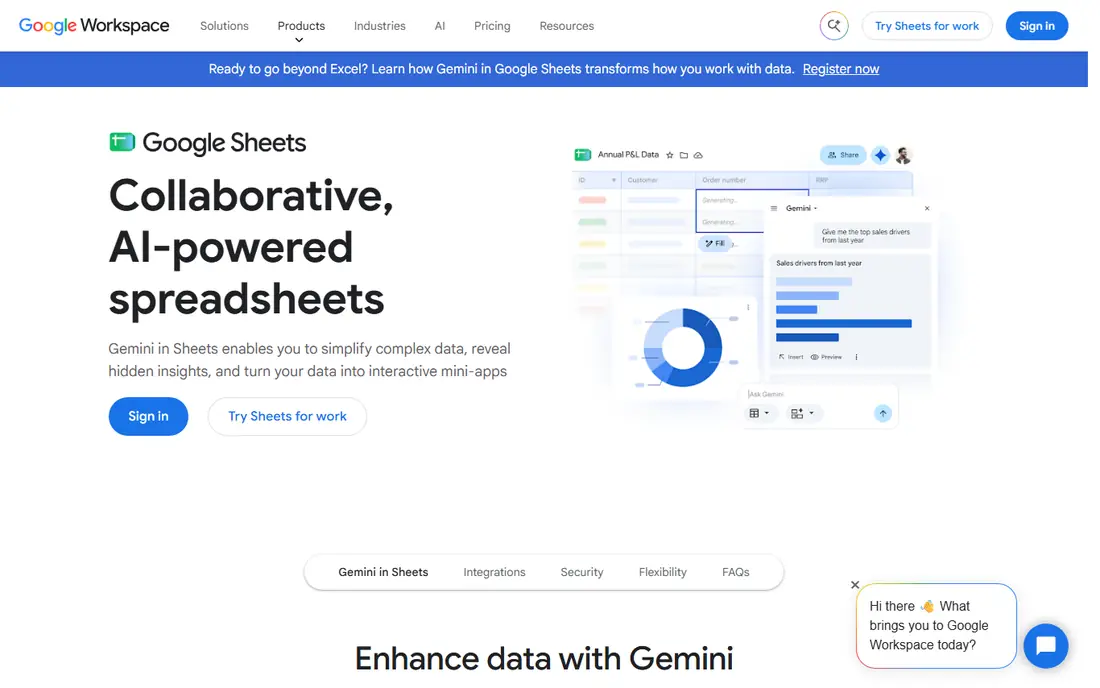
Google Sheets opens in a browser, so there is nothing to install, and several people can edit the same sheet at once with comments and version history. It handles budgets, lists, simple models, and shared trackers well, and it opens Excel files for editing. For teams that live in Google Workspace, it also fits naturally with Docs, Drive, and Gmail. Very large workbooks with many formulas can feel slower than a desktop app, and heavy pivot work may still call for Excel. For everyday sheets, though, the free price and simple sharing make it hard to beat. Check the 15 GB shared Google account storage limit if you store many large files in Drive.
- Real time collaboration
- Free with a Google account
- Works on most devices
- Slows with very large files
- Fewer advanced analysis tools than desktop Excel
LibreOffice Calc runs on Windows, Mac, and Linux without a subscription or account, and it covers formulas, charts, pivot tables, and conditional formatting for most everyday work. It opens and saves .xlsx files, which helps when you exchange files with Excel users. Because it stores files locally, it also suits users with poor internet or strict offline needs. Files with complex macros or unusual formatting can shift when moving between Calc and Excel, so test important workbooks before sharing them widely. Collaboration is mainly through file sharing rather than live co-editing. If you want a free desktop spreadsheet with no feature locks, Calc is the strongest choice here.
- Fully free and open source
- Works offline
- Opens and saves Excel files
- No dependable real time co-editing
- Interface looks dated to some users
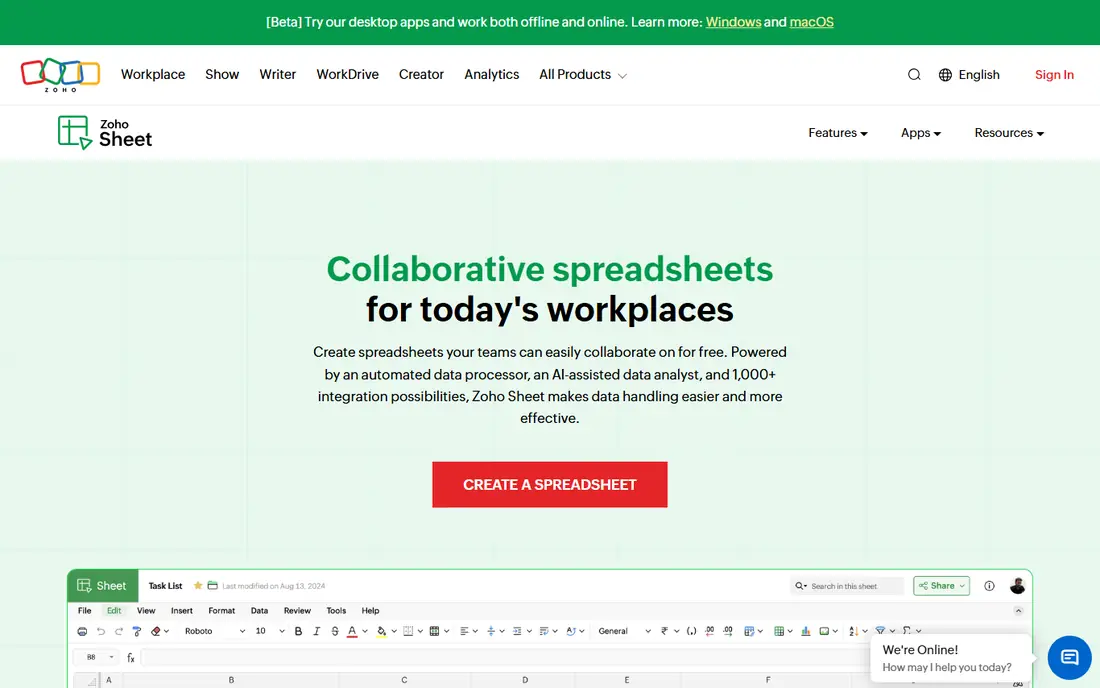
Zoho Sheet is a browser based spreadsheet with real time collaboration, charts, pivot tables, and data cleaning tools, and it is free for individual users. It imports Excel files and exports back to Excel format, which helps mixed teams. Integration with other Zoho apps also helps small businesses that already use Zoho for mail, CRM, or books. The trade-off is familiarity. Fewer colleagues will already know Zoho Sheet, and some niche Excel features may be missing or placed differently. For a free online sheet that is more polished than a bare bones editor, it deserves a test, especially if you want an alternative to Google without installing software.
- Free for individuals
- Clean collaboration tools
- Good Excel import and export
- Smaller user community
- Some advanced features lag desktop Excel
WPS Office bundles a spreadsheet, word processor, and presentation app in one install, with a layout that feels close to Microsoft Office. The free version covers most spreadsheet tasks and opens Excel files well, which shortens the learning curve for people switching from Excel. Mobile apps extend the same files to phones and tablets. The free version shows ads and prompts for the paid plan, which may bother users who want a quiet workspace. Paid plans remove those prompts and add more cloud storage and PDF tools. If a familiar look matters more than a completely free experience, WPS is a practical middle ground.
- Familiar ribbon layout
- Full office suite included
- Good Excel compatibility
- Free version includes ads and upsells
- Some features need a paid plan
Apple Numbers ships free on Mac, iPhone, and iPad, with polished templates for budgets, invoices, and planners. Its canvas style layout lets you place tables, charts, and text on one page, which suits reports and presentations more than dense data entry. Sharing through iCloud works well within Apple households and teams. Complex Excel workbooks may lose formatting or features when imported, and Windows users can only use a limited web version through iCloud. Numbers is best as a primary tool for Apple centered users, not as a drop in Excel replacement for heavy financial models.
- Free on Apple devices
- Clean templates
- Easy iCloud sharing
- Limited to Apple platforms for full features
- Weaker Excel compatibility for complex files
ONLYOFFICE focuses on keeping Excel files looking correct when opened, edited, and saved again, which matters when clients or colleagues still use Excel. Desktop editors work offline, while the online version supports collaboration and can be self hosted by teams that want control over their data. Its spreadsheet tools cover formulas, charts, and pivot tables for most business work. Template and add-on choices are smaller than Google or Microsoft, and self hosting needs technical setup. For teams that pass Excel files back and forth all day, though, file fidelity is often the deciding factor, and ONLYOFFICE performs well on that test.
- Strong .xlsx fidelity
- Desktop and online editors
- Self hosting options
- Smaller template library
- Collaboration setup takes more work for self hosted use
Airtable looks like a spreadsheet, but it works more like a simple database, with linked records, typed fields, and views for grid, calendar, kanban, and gallery layouts. That design suits content calendars, inventory lists, applicant trackers, and other record keeping where rows relate to each other. The free plan covers small bases and is enough to test a real project. It is a weaker pick for heavy calculations, since its formulas do not match Excel for complex models. Teams that outgrow the free limits will face per seat pricing, so check seat counts before building a large base. Use Airtable when the job is organizing records, not crunching a large financial model.
- Linked tables and multiple views
- Easy filtering
- Good for team trackers
- Formula language is more limited than Excel
- Paid plans cost more for larger teams
Smartsheet turns a grid into a project tool, with Gantt charts, dependencies, automated reminders, and approval flows that a plain spreadsheet lacks. Teams use it for marketing plans, construction schedules, product launches, and other work with dates, owners, and status changes. Templates help new teams start without building a tracker from scratch. The price is per member per month on the entry Pro plan when billed yearly, so larger teams should budget carefully. It is also more tool than a household budget needs. Smartsheet earns its place here for readers whose spreadsheet is really a project plan in disguise.
- Gantt charts and project templates
- Approvals and reminders
- Familiar grid layout
- Paid only for ongoing use
- Overkill for simple budgets
- Per member pricing adds up
CryptPad offers encrypted documents and spreadsheets where the service cannot read your content, which appeals to users handling sensitive lists or research notes. You can create and share a sheet without an account for basic use, and registered users get more storage. Its interface is simpler than mainstream sheets, but it covers core formulas and formatting. Feature depth is the limit. Advanced charts, pivot tools, and Excel compatibility trail the larger apps, so CryptPad suits privacy focused collaboration rather than complex analysis. For shared sheets where privacy matters more than power features, it is a thoughtful free choice.
- End to end encrypted collaboration
- No account needed for basic use
- Open source
- Fewer spreadsheet features than Google Sheets
- Smaller community and support
How we picked these
We compared official feature pages, pricing pages, file format support, and public reviews for each tool, and we favored tools with a clear current free or paid offering in October 2026. We weighed Excel compatibility, collaboration, offline use, platform coverage, and price. We did not claim hands-on testing, and we left Microsoft Excel itself off the list because this guide covers alternatives to it.
How to choose an Excel alternative
Start with how you actually use spreadsheets. If several people edit the same file, pick a browser tool with real time collaboration. If you work offline or handle very large files, pick a desktop app. If the file travels to Excel users often, test round trip formatting with a real workbook before you switch a whole team. Check formula and feature needs next. Budgets, lists, and trackers work in almost any tool here, while macros, Power Query style data shaping, and complex pivot models may still need Excel. A short trial with your hardest file, not your easiest one, will show the gaps quickly.
Moving files without losing work
Export a copy of important workbooks before you migrate, and keep the original Excel file as a backup. Test charts, conditional formatting, and formulas after import, and fix broken references before you share the new version. For shared team sheets, agree on one primary tool so edits do not split across two formats.
When to keep Excel
Keep Excel when your work depends on VBA macros, advanced data models, or files that clients require in native Excel format. Many users end up with a mix, using a free alternative for everyday sheets and Excel for the few files that truly need it. That mix often costs less than a full subscription for every user.