Best Freshdesk Alternatives in 2026: 10 Apps Compared
By ToolNimba Editorial Team October 30, 2026 10 min read

- Top pick
 Zendesk
Large and growing support teams
Starting price$19 per monthCheck out ZendeskRead our review - Runner-up
 Intercom
Chat-first customer messaging
Starting priceSee websiteCheck out IntercomRead our review - Also great
 Help Scout
Simple, shared inbox support
Starting price$22 per monthCheck out Help ScoutRead our review
How we researched this
We compared official pricing and feature pages, app store listings, privacy policies and public user reviews. Prices change, so check the provider's site before you pay.
Key takeaways
- Zendesk and Help Scout suit teams that want a polished, widely used help desk with clear pricing and a large set of integrations.
- Zoho Desk and HubSpot Service Hub are the strongest low-cost starting points, with free plans that cover basic ticket handling.
- LiveAgent and Tidio stand out for live chat and smaller teams that need a quick setup without a long project.
- HappyFox, Kayako, and Groove fit teams that prefer a simpler inbox style over a large enterprise platform.
- Price per agent or per user adds up fast, so check the total for your whole team, not just the headline rate.
Quick comparison
| Name | Best for | Starting price | Free plan | |
|---|---|---|---|---|
| Zendesk | Large and growing support teams | $19 per month | Free trial | Visit |
| Intercom | Chat-first customer messaging | See website | Free trial | Visit |
| Help Scout | Simple, shared inbox support | $22 per month | Free trial | Visit |
 Zoho Desk | Low-cost teams and Zoho users | Free | Yes | Visit |
 HubSpot Service Hub | Teams already using HubSpot | Free | Yes | Visit |
 LiveAgent | Live chat plus tickets | $15 per month | Free trial | Visit |
 Kayako | Self-service and ticket workflows | See website | Free trial | Visit |
 HappyFox | Structured ticket management | $29 per month | Free trial | Visit |
 Groove | Small teams that want simplicity | See website | Free trial | Visit |
 Tidio | Chat and small business support | Free | Yes | Visit |
The best Freshdesk alternatives
We compared help desk tools that handle tickets, live chat, and self-service, and that a team can adopt without rebuilding its whole support process.
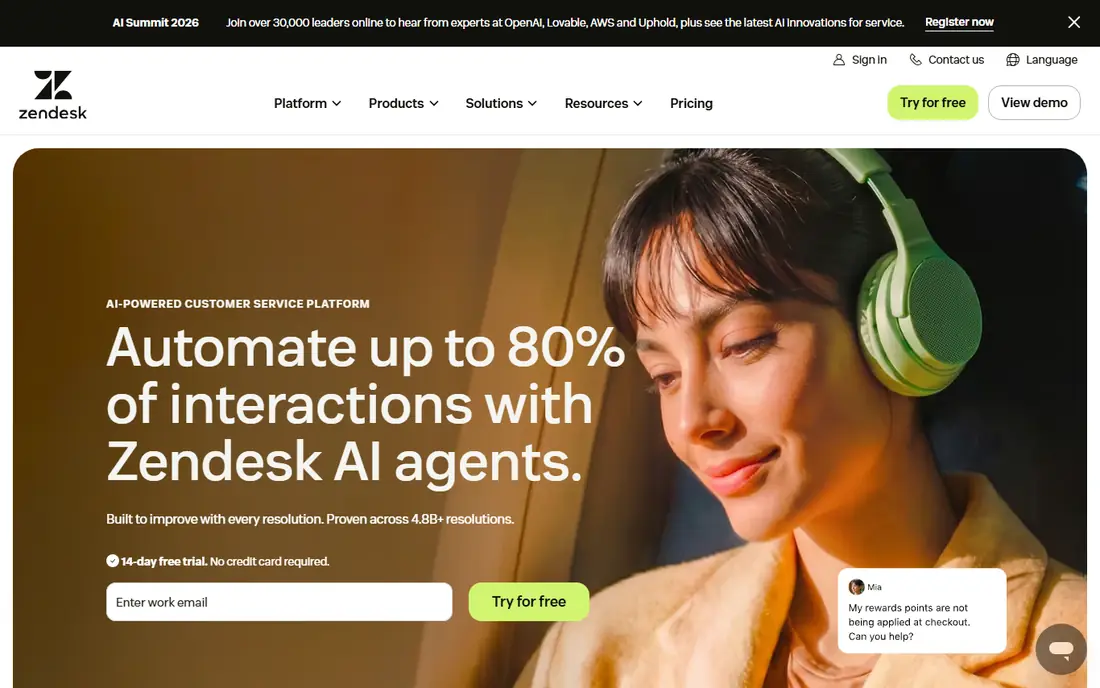
Zendesk is the most common pick when a team outgrows a basic inbox. It brings email, chat, phone, and social messages into one agent workspace, so agents do not have to switch tools for each channel. Its automation, triggers, and reporting give managers a clear view of volume, response time, and backlog. The trade-off is complexity. Small teams may find the admin settings deep, and the price per agent can climb once AI features or extra channels are added. It fits best when support is a core function, not a side task for two people.
- Wide channel coverage
- Large integration library
- Strong automation and reporting
- Costs rise with add-ons
- Setup takes time on larger plans

Intercom works best for teams that talk to customers mainly through chat on a website or inside a product. Its messenger, bots, and targeted messages help a team answer common questions before they become tickets. It also suits companies that want support, onboarding, and sales messages in the same tool. Teams that mainly handle email tickets may find it less direct than a classic help desk. Check how pricing is calculated for your contact volume before you commit, because seat price alone does not tell the full story.
- Strong live chat and messaging
- Built-in bots and product tours
- Good for sales and support in one place
- Pricing is harder to compare at a glance
- Costs can grow with contacts and seats
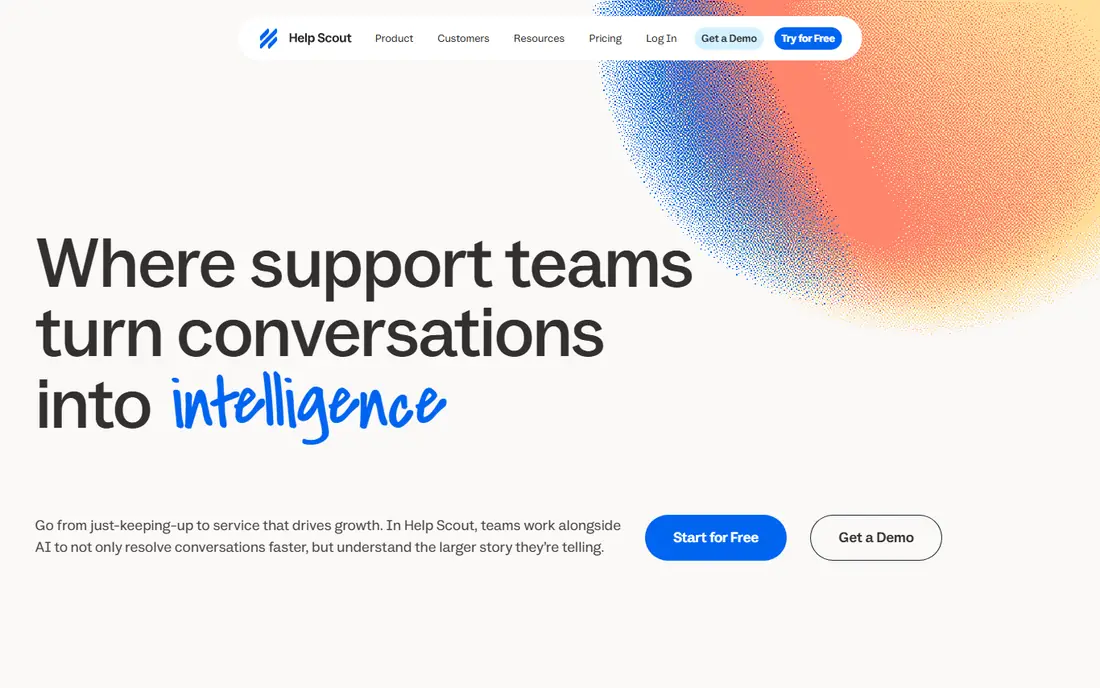
Help Scout appeals to teams that want email support to feel personal, not ticket-like. Conversations stay in a shared inbox, and agents can use saved replies, collision detection, and internal notes. Its docs tool lets a team publish help articles from the same system. It is a good fit for small and mid-sized teams that do not need a full contact center. Larger teams with complex routing or heavy phone volume may need to pair it with another tool or choose a larger platform.
- Clean shared inbox
- Helpful docs and reporting
- Easy to learn for new agents
- Fewer enterprise controls than larger platforms
- Phone support is limited
Zoho Desk gives small teams a practical way to start with tickets, a knowledge base, and basic automation at little or no cost. The Standard plan at $14 per user per month adds more workflow and reporting options. Teams that already use Zoho CRM, Books, or Mail will find the shared data helpful. The main weakness is polish. Some screens and setup steps feel less modern than rivals, and reporting depth varies by plan. For the price, though, it is hard to beat as a first help desk.
- Free plan for basic use
- Low paid starting price
- Works well with other Zoho apps
- Interface feels dated in places
- Some advanced features sit on higher plans
HubSpot Service Hub makes sense when customer data already lives in HubSpot. Tickets sit beside contact, deal, and conversation history, so agents can see context without asking the customer to repeat it. The free plan covers basic ticketing, live chat, and a knowledge base. Standalone support teams may find the free plan limited, and paid plans are priced for companies that use more of the HubSpot suite. If your sales and marketing teams already use HubSpot, this is often the simplest choice.
- Free tools for tickets and live chat
- Shared customer records across HubSpot
- Good knowledge base
- Paid tiers rise in price quickly
- Best value comes with wider HubSpot use
LiveAgent suits small teams that need chat and tickets without a long implementation. Agents work from one inbox, and the tool includes canned responses, ticket rules, and a customer portal. The entry price keeps it within reach for startups and small shops. It does not try to match the largest platforms on AI or analytics. Teams that need deep reporting or complex automation should test those features on a trial before switching, but for day-to-day support it covers the basics well.
- Live chat, email, and social in one inbox
- Fast setup
- Affordable entry plan
- Design feels older than newer rivals
- Reporting is basic on lower plans
Kayako puts the customer journey at the center, showing past conversations and activity beside each new ticket. That context helps agents avoid repeat questions and gives a fuller picture of each account. Its help center and live chat round out the core support set. The main drawback is transparency around price, since teams need to contact Kayako for a quote. It also has a smaller app marketplace than Zendesk or HubSpot. It fits teams that value a single customer view over a huge integration catalog.
- Unified customer view
- Help center and live chat included
- Flexible ticket workflows
- Pricing is not shown clearly on the site
- Smaller integration list than the largest vendors
HappyFox is a solid choice for teams that want order in their support work. Ticket categories, priorities, and service level rules help managers keep response times in check. It also includes task management, so follow-up work does not get lost between tickets. Smaller teams may find the entry price high compared with Zoho Desk or LiveAgent, and the design leans toward process rather than chat-first speed. For teams with steady ticket volume and clear internal processes, that structure is a plus.
- Clear ticket categories and workflows
- Asset and task management
- Helpful reporting
- Higher entry price than some rivals
- Interface can feel formal for very small teams
Groove is built for small teams that want email support without learning a complex system. Agents share one inbox, use saved replies, and publish help articles from the same tool. Setup is quick, and the learning curve is short for new hires. The limit is depth. Teams that need complex routing, phone support, or detailed analytics will outgrow it sooner than a larger platform. As a first step away from a shared email inbox, though, it is a clear upgrade.
- Simple shared inbox
- Easy setup
- Knowledge base included
- Fewer advanced automation options
- Pricing requires checking the site
Tidio fits small businesses that get most questions through website chat. The free plan covers live chat, and chatbots can answer common questions outside business hours. Installation is simple, which suits teams without IT support. It is not a full replacement for a large help desk if email ticket volume is high or if complex workflows are needed. For shops, startups, and service sites that need fast chat first, it is a practical and low-cost option.
- Free plan for chat
- Chatbots for common questions
- Quick install on a website
- Ticketing is lighter than a full help desk
- Higher plans add cost for chatbot conversations
How we picked these
We compared official feature pages, pricing pages, app store listings, privacy policies, and public reviews for help desk tools that offer ticket handling, live chat, or self-service. We favored tools with a clear free plan or trial, a published starting price or a quote route, and a track record of serving small to mid-sized teams. We did not claim hands-on testing, and we left out tools that no longer fit the category or that duplicate Freshdesk itself.
What to check before you switch
Start with your channels. If most tickets arrive by email, a shared inbox tool such as Help Scout or Groove may be enough. If chat drives most questions, Intercom, LiveAgent, or Tidio will feel more natural. Phone-heavy teams should check voice options and pricing carefully, since many help desks treat phone as an add-on.
Count the full cost
Multiply the per-agent price by every agent, including part-time staff, and add any charges for AI features, extra channels, or automation. A tool that looks cheap at $14 per user can cost more than a $22 plan once add-ons are included. Ask for a quote that covers your actual team size and ticket volume.
Test migration and setup
Export a sample of tickets, contacts, and help articles before you switch, and test how they import into the new tool. Check whether tags, custom fields, and ticket history carry over, or whether you will start with a clean inbox. A short trial with real tickets will reveal more than a demo.
Keep self-service in mind
A good help center can cut repeat tickets, so check whether the tool includes a knowledge base, search, and article feedback. Teams that publish clear answers for common questions often see faster replies and fewer tickets, even without adding agents.
Sources
- https://www.zendesk.com/pricing
- https://www.intercom.com/pricing
- https://www.helpscout.com/pricing/
- https://www.zoho.com/desk/pricing.html
- https://www.hubspot.com/pricing/service
- https://www.liveagent.com/pricing/
- https://www.kayako.com/pricing/
- https://www.happyfox.com/pricing/
- https://www.groovehq.com/pricing
- https://www.tidio.com/pricing/