Best Google Workspace Alternatives in 2026: 9 Suites Compared
By ToolNimba Editorial Team October 30, 2026 11 min read

- Top pick
 Microsoft 365
Full office suite for business
Starting price$6 per user per monthCheck out Microsoft 365Read our review - Runner-up
 Zoho Workplace
Low-cost business suite
Starting price$3 per user per monthCheck out Zoho WorkplaceRead our review - Also great
 OnlyOffice
Office-compatible documents
Starting priceFreeCheck out OnlyOfficeRead our review
How we researched this
We compared official pricing and feature pages, app store listings, privacy policies and public user reviews. Prices change, so check the provider's site before you pay.
Key takeaways
- Microsoft 365 is our pick for teams that need Word, Excel, PowerPoint, Outlook, and Teams in one familiar package.
- Zoho Workplace is the strongest lower-cost business suite, with mail, documents, chat, and meetings for a small monthly price per user.
- OnlyOffice, LibreOffice, and Nextcloud suit privacy-minded users and self-hosters who want control over files and no vendor lock-in.
- Proton and CryptPad fit teams that put encryption and privacy first, even if that means fewer business extras than larger suites.
Quick comparison
| Name | Best for | Starting price | Free plan | |
|---|---|---|---|---|
| Microsoft 365 | Full office suite for business | $6 per user per month | Free trial | Visit |
| Zoho Workplace | Low-cost business suite | $3 per user per month | Free trial | Visit |
| OnlyOffice | Office-compatible documents | Free | Yes | Visit |
 Nextcloud | Self-hosted files and collaboration | Free | Yes | Visit |
 LibreOffice | Free desktop office suite | Free | Yes | Visit |
 Proton | Private mail and documents | See website | Yes | Visit |
 Apple iWork | Free office apps on Apple devices | Free | Yes | Visit |
 CryptPad | Encrypted collaboration | Free | Yes | Visit |
 Lark | Free team chat and docs | Free | Yes | Visit |
The best Google Workspace alternatives
We compared business suites, free office apps, and self-hosted options on mail, documents, spreadsheets, meetings, storage, privacy, and price per user.
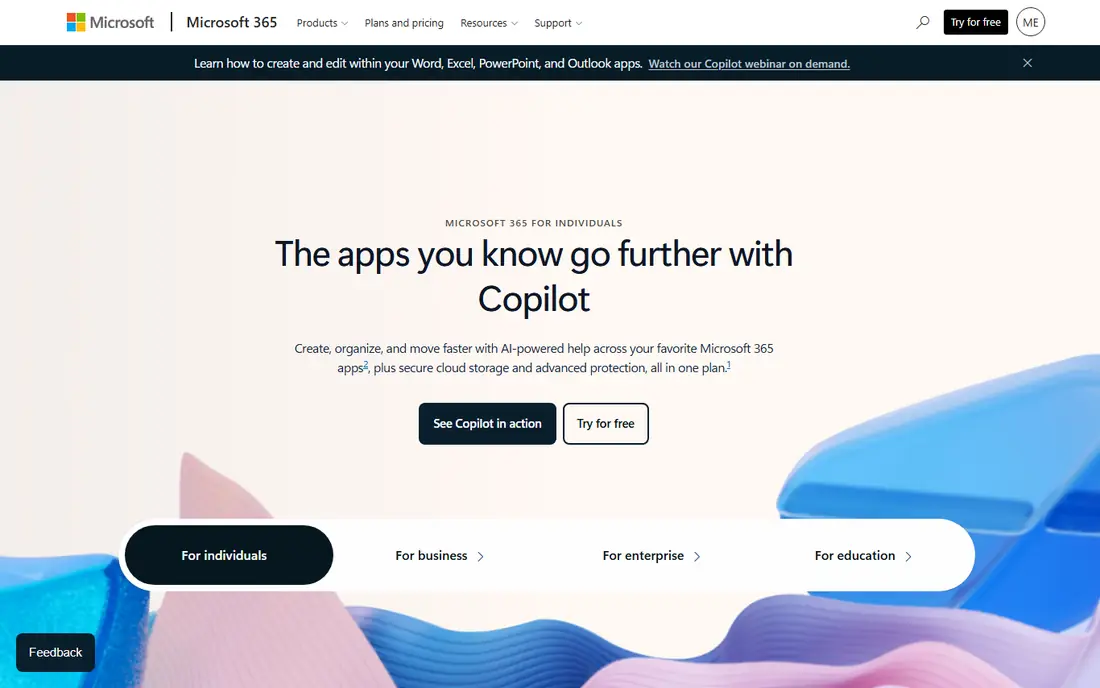
Microsoft 365 is the closest like-for-like replacement for teams that already work with Office files every day. Business plans bundle desktop and web versions of Word, Excel, and PowerPoint with Outlook mail, OneDrive storage, and Teams for chat and meetings. That combination covers most office work without adding separate tools for each job. The main advantage is familiarity. Clients, partners, and new hires often already know these apps, which shortens training time and reduces file formatting problems. Admin controls, security settings, and compliance tools also suit larger teams. The drawback is cost and complexity. Small teams that only need mail and basic documents may pay for features they rarely use, so check the entry plan carefully before upgrading.
- Includes Word, Excel, PowerPoint, Outlook, and Teams
- Strong compatibility with Office files
- Broad business and admin controls
- Costs rise with higher plans and add-ons
- Some users find the full suite more complex than they need
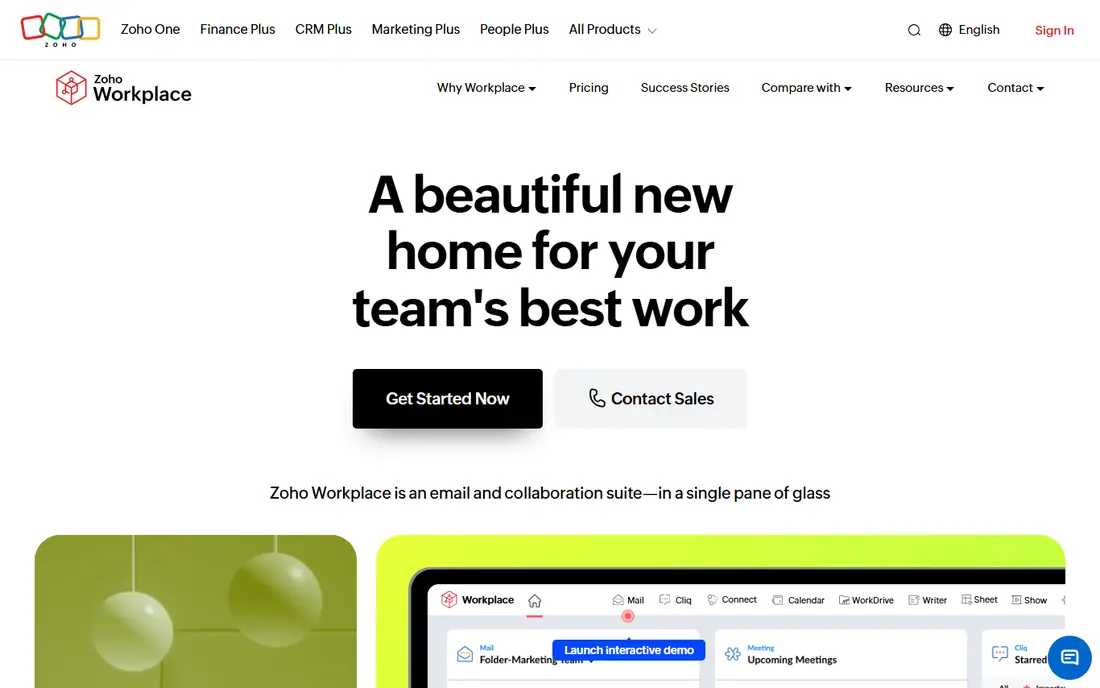
Zoho Workplace bundles Zoho Mail, Writer, Sheet, Show, Cliq chat, Meeting, and WorkDrive storage into one business suite. For small and mid-size teams, that range covers daily work at a lower starting price than many rivals. Migration tools help move mail, contacts, and calendars from Microsoft 365 or Google Workspace, which lowers the switching cost. We rate Zoho highly for value because the entry plan already includes the core tools most teams use. Its editors handle common Word, Excel, and PowerPoint files well for everyday work, though complex formatting can still need checking. Teams that depend on niche Microsoft add-ins should test those workflows first, but for standard office work, Zoho is a practical, budget-friendly switch.
- Low entry price per user
- Includes mail, documents, chat, meetings, and storage
- Built-in migration tools from other suites
- Some advanced features sit on higher plans
- Smaller third-party app ecosystem than Microsoft
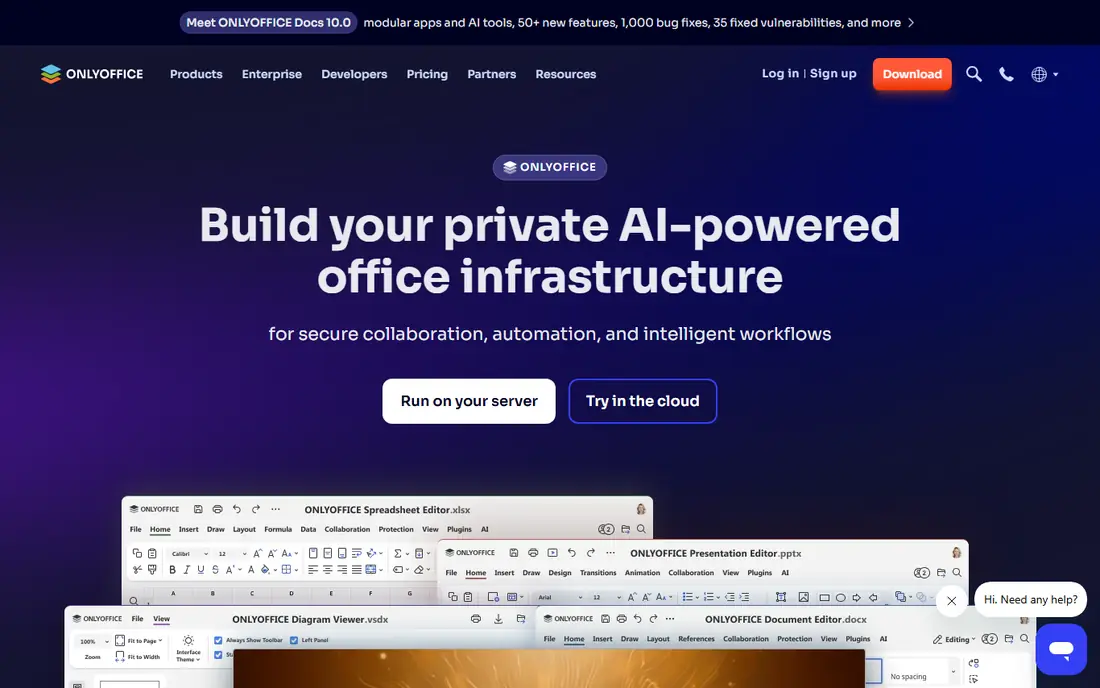
OnlyOffice focuses on doing documents well. Its editors open and save Word, Excel, and PowerPoint formats with close formatting fidelity, which matters when you exchange files with clients who use Microsoft Office. The interface is clean and familiar, so new users can write, comment, and track changes without a long learning period. OnlyOffice can run in the cloud, on a server you control, or inside other platforms such as Nextcloud. That flexibility suits teams that want document collaboration without moving all mail and storage to one vendor. The trade-off is scope. OnlyOffice alone is not a full mail and meeting suite, so teams should plan how mail, chat, and video fit around it.
- Strong compatibility with Office file formats
- Clean document, spreadsheet, and presentation editors
- Can be self-hosted or used in the cloud
- Mail and meetings require separate tools or integrations
- Business cloud plans add cost
Nextcloud is a self-hosted platform for files, sharing, calendars, contacts, and team collaboration. Organizations install it on their own server or a hosted server they control, then add apps for documents, chat, video calls, and tasks. That model appeals to schools, nonprofits, and companies with strict data rules. Control is the main benefit. You choose the hosting location, access rules, and retention settings, rather than accepting a vendor default. The cost is responsibility. Someone must install updates, back up data, and watch security, or pay a provider to do it. Teams without IT support may prefer a managed suite such as Zoho Workplace or Microsoft 365, while teams with IT skills can shape Nextcloud to fit their needs closely.
- You control where files live
- Includes files, calendar, contacts, chat, and video
- Large app ecosystem for extra features
- Self-hosting needs setup and maintenance
- Performance depends on your server
LibreOffice is a free desktop office suite with a word processor, spreadsheet, presentation tool, database, and drawing app. It works offline, opens many common file formats, and runs on Windows, Mac, and Linux. For individuals, students, and small teams that mainly need documents on their own computers, it removes license costs entirely. The limits show up in team work. LibreOffice does not include hosted mail, shared drives, or built-in video meetings, so teams must pair it with separate tools for those jobs. Real-time co-editing is also less central than in cloud suites. Still, as a free replacement for desktop Office apps, LibreOffice remains one of the most dependable options available.
- Completely free for personal and business use
- Includes Writer, Calc, and Impress
- Works offline on Windows, Mac, and Linux
- No built-in business mail or team cloud
- Collaboration is less smooth than cloud-first suites
Proton started with encrypted mail and has grown into a wider privacy-focused suite with calendar, drive, documents, and VPN options. Its pitch is simple: your mail and files should stay private by design, with encryption that limits what even the provider can read. That appeals to freelancers, journalists, lawyers, and small teams handling sensitive work. For everyday documents and mail, Proton covers the basics well, and its free tier lets individuals test the service before paying. Business teams should check admin controls, shared drive permissions, and migration tools against their needs, since Proton is still building out some enterprise features. If privacy is the top priority, Proton is a strong alternative, even if it is not the broadest business suite here.
- Privacy-focused mail, calendar, drive, and documents
- End-to-end encryption for supported services
- Based in Switzerland with clear privacy policies
- Smaller business admin toolkit than Microsoft or Zoho
- Some advanced office features are still maturing
Apple iWork includes Pages for documents, Numbers for spreadsheets, and Keynote for presentations, free on Mac, iPhone, and iPad. The apps share a clean design, strong templates, and smooth integration with iCloud, Photos, and other Apple services. For students, families, and Apple-based teams, iWork covers most everyday office work at no extra cost. Collaboration works through iCloud links, and files can be exported to Word, Excel, and PowerPoint formats. Complex Office formatting, macros, and large business workflows may still need checking, and Windows or Android teams will need another suite. Within an Apple household or small Apple team, however, iWork is a polished free alternative.
- Free on Apple devices
- Pages, Numbers, and Keynote are easy to use
- Good templates and design tools
- Apple devices only for full features
- Office file compatibility needs checking for complex files
CryptPad is an open source collaboration suite built around encryption. Users can create encrypted documents, spreadsheets, presentations, forms, and whiteboards, and share them with links. Because content is encrypted in the browser, the server cannot read the documents it stores, which suits privacy-sensitive projects and informal teams. The free tier is generous for light use, and paid plans add storage and support. CryptPad does not try to replace a full business suite. It has no hosted mail service and fewer admin tools than Microsoft 365 or Zoho Workplace. Use it when private, shared documents matter most, and pair it with a separate mail provider for a complete setup.
- End-to-end encrypted documents, sheets, and whiteboards
- No account needed for some shared pads
- Open source code
- Smaller feature set than full office suites
- No built-in business mail service
Lark combines team chat, documents, spreadsheets, video meetings, calendar, and storage in one app. Its free tier is unusually broad, which makes it attractive for startups, remote teams, and student groups that need chat plus documents without paying per user from day one. Mobile apps are polished, and docs can be discussed in chat threads. The main question is fit. Teams that work mainly with clients on Microsoft or Google tools should check file compatibility and guest access before switching fully. Lark is also less established in some business markets than Microsoft 365 or Zoho Workplace. For internal team work, especially chat-first teams, Lark offers a lot for no initial cost.
- Free tier includes chat, docs, meetings, and storage
- Combines messaging and documents in one app
- Good mobile apps
- Less familiar to Western business clients
- Some business features require paid plans
How we picked these
We compared official feature pages, pricing pages, app store listings, privacy policies, and public reviews for each suite. We looked at mail, documents, spreadsheets, meetings, storage, admin controls, privacy practices, and price per user. We did not claim hands-on testing, and we favored options with clear pricing and a current, supported product.
How to switch from Google Workspace without losing work
Moving suites is mostly a migration project, not just a purchase. Start by listing what your team actually uses: mail, shared drives, calendars, docs, chat, and meetings. Then check each alternative against that list, rather than comparing feature counts. A suite that covers 90 percent of daily work well is often better than a larger suite with tools nobody opens.
Plan mail, files, and calendars first
Mail and calendars cause the most disruption if they break. Export mail, contacts, and calendars, test the migration tool on a small group, and keep the old accounts readable during the change. For files, move shared drives in batches, check permissions after each batch, and keep a backup until everyone confirms access. Tell clients about any new mail domain or sharing links in advance.
Test documents and meetings with real files
Open your most complex documents, spreadsheets, and presentations in the new suite before you commit. Check tables, formulas, fonts, and slide layouts, not just simple text files. Test video meetings, screen sharing, and guest access with outside partners. A short pilot with one team will surface formatting and access problems while they are still easy to fix.
Decide what privacy and control are worth
Free and self-hosted options save money but add setup or maintenance. Managed business suites cost more per user but handle updates, backups, and support. Privacy-focused suites add encryption but may offer fewer admin tools. Choose based on your data rules, IT capacity, and budget, and write down who owns backups and admin access before you switch.