Best Intercom Alternatives in 2026: 9 Tools Compared
By ToolNimba Editorial Team October 30, 2026 11 min read

- Top pick
 Crisp
Small teams that want several seats in one price
Starting price$45 per workspace per monthCheck out CrispRead our review - Runner-up
 Zendesk
Larger teams that need structured ticketing
Starting price$55 per agent per monthCheck out ZendeskRead our review - Also great
 Help Scout
Email-first support teams
Starting price$25 per user per monthCheck out Help ScoutRead our review
How we researched this
We compared official pricing and feature pages, app store listings, privacy policies and public user reviews. Prices change, so check the provider's site before you pay.
Key takeaways
- Crisp and Tawk.to are the strongest no-cost starting points, with Crisp offering a free plan for two seats and Tawk.to offering a free chat and inbox.
- Zendesk and Freshdesk suit teams that need structured ticketing, while Help Scout suits teams that live mainly in email.
- Workspace pricing from Crisp can beat per-seat pricing for a small team, but check which features sit on higher tiers before you commit.
- Free plans vary a lot. Some include live chat only, while others include a shared inbox, so read the plan limits, not just the headline price.
Quick comparison
| Name | Best for | Starting price | Free plan | |
|---|---|---|---|---|
| Crisp | Small teams that want several seats in one price | $45 per workspace per month | Yes | Visit |
| Zendesk | Larger teams that need structured ticketing | $55 per agent per month | Free trial | Visit |
| Help Scout | Email-first support teams | $25 per user per month | Yes | Visit |
 Freshdesk | Growing teams that need ticket workflows | $19 per agent per month | Free trial (14 days) | Visit |
 Tidio | Small stores that need chat and simple automation | $24.17 per month | Yes | Visit |
 Tawk.to | Teams with no budget for chat software | Free | Yes | Visit |
 Chatwoot | Teams that want open source control | Free | Yes | Visit |
 HubSpot Service Hub | Teams already using HubSpot CRM | Free | Yes | Visit |
 LiveChat | Sales and support teams that chat to close deals | $19 per user per month | Free trial | Visit |
The best intercom alternatives
Intercom packs chat, onboarding messages, and AI answers into one product, and that breadth is also why its bill can surprise a small team. The tools below cover the same core jobs in different ways, from a simple chat widget to a full help desk.
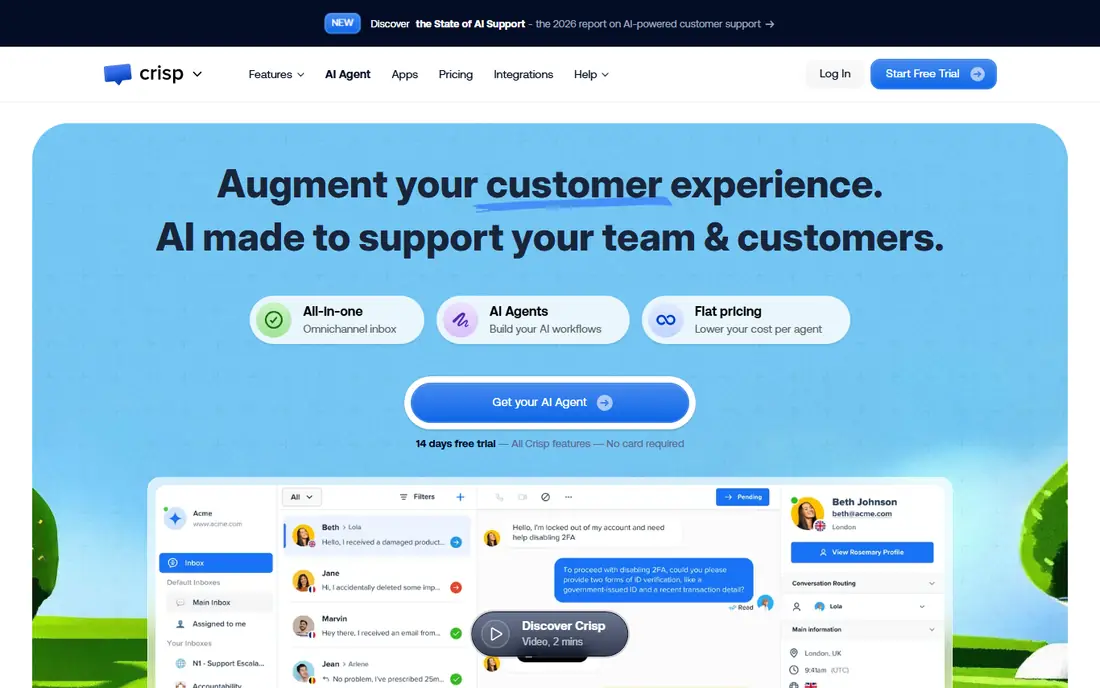
Crisp is our pick for a small team that wants to move away from Intercom without losing the basics. You get a website chat widget, a shared inbox, and mobile apps, and the free plan is usable for a two-person team rather than a short demo. Paid plans bundle seats into one workspace price, which keeps the bill steadier as you add a third or fourth teammate.
The trade is depth. A knowledge base, wider channel coverage, and larger AI allowances sit on the Essentials and Plus plans, so a team that leans on self-service help articles should price that tier, not the entry tier. If your volume is mainly live chat and email, Crisp gives you a clear, low-cost path.
- Free plan with two seats
- Workspace pricing instead of per-seat pricing on paid plans
- Chat, email, and other channels in one inbox
- Knowledge base and fuller omnichannel features need higher tiers
- AI credits are limited on lower plans
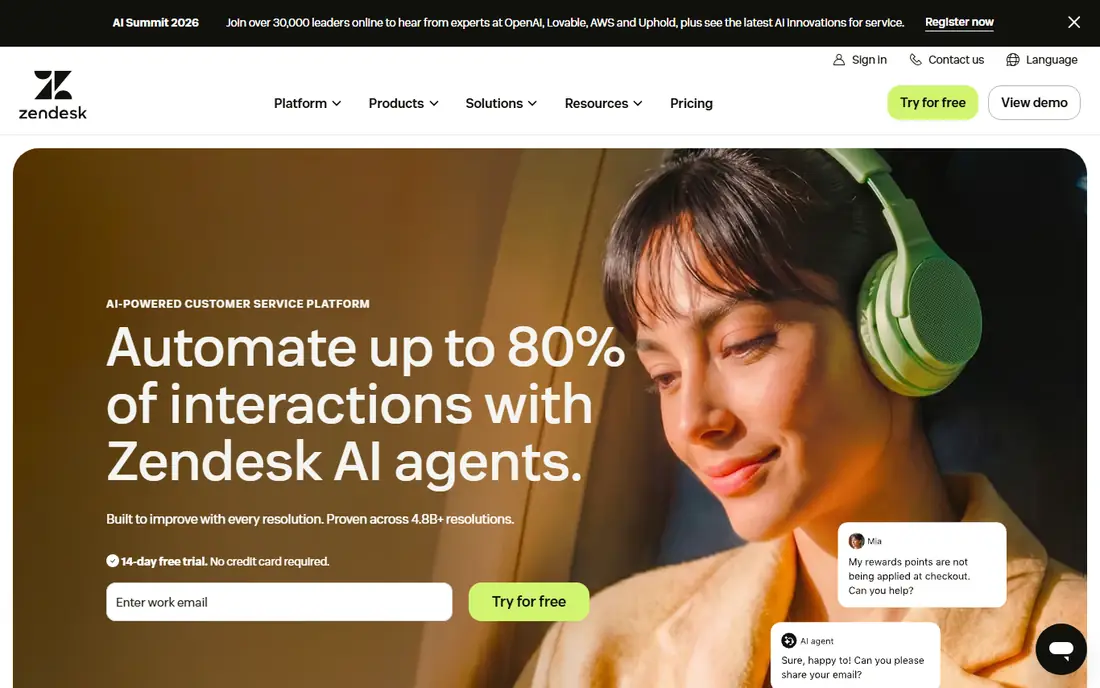
Zendesk fits a support operation that has outgrown a simple inbox. Tickets can be routed by rules, tracked against service targets, and handed between teams with a clear history. That structure matters when volume grows, when shifts change, and when managers need to see where requests stall.
The cost is the honest catch. Suite Team is priced per agent, and AI features and add-ons can sit on top of that base price. Small teams may find the tool heavier than they need. For a larger team that needs control and reporting, Zendesk is the steady, well-supported choice.
- Mature ticketing, routing, and SLA tools
- Large integration library
- Messaging and live chat in Suite Team
- Per-agent pricing adds up fast
- Setup takes more time than simpler tools
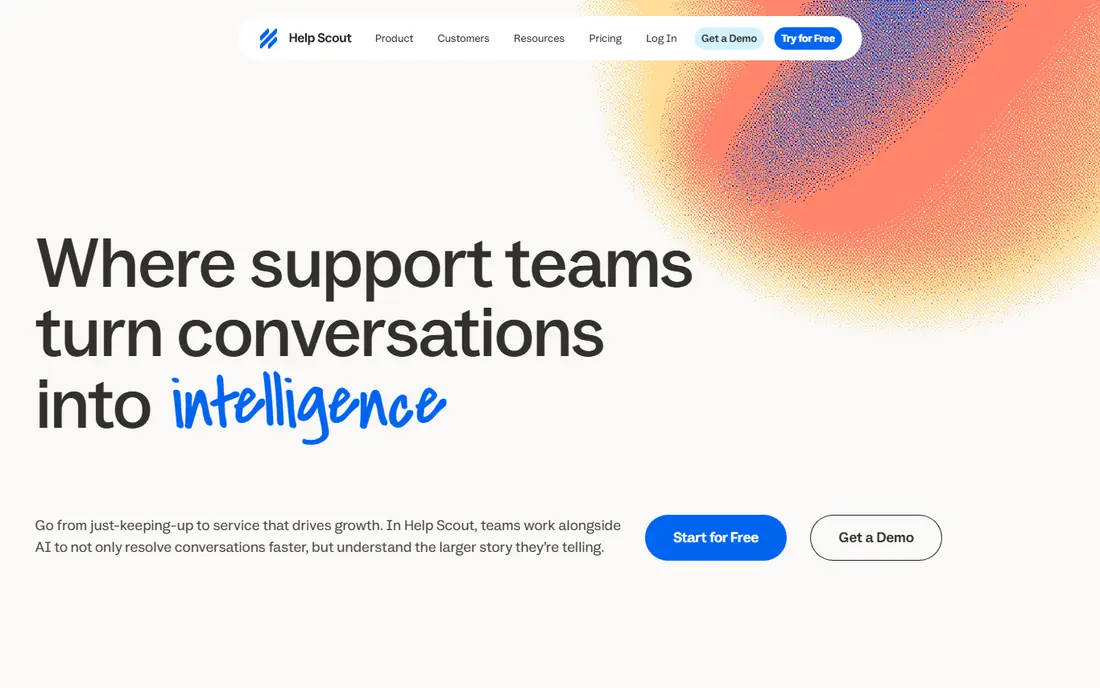
Help Scout is built around one idea: support email should look and feel like a normal reply, not a ticket number. Its shared inbox keeps assignments, internal notes, and customer history in one place, and that simplicity helps small teams answer faster with less training. Pricing is per user, which makes the monthly bill easy to forecast.
Teams that depend on live chat should note the gap. Chat is not part of the free plan, and it starts on the Standard plan. If most of your contact arrives by email, Help Scout is a strong fit. If chat is your main channel, compare it closely with Crisp or Tidio.
- Clean shared inbox that feels personal to customers
- Predictable per-user pricing
- Free plan available for small teams
- Live chat and social messaging need a paid plan
- AI answers carry a per-resolution charge after a trial
Freshdesk gives a growing team a proper ticketing system without jumping straight to enterprise pricing. You can set up ticket rules, canned replies, and a help center, and agents work from one queue instead of scattered inboxes. For a team moving from shared email to a real support process, that step alone saves time.
The limits show up in AI and reporting. Freddy AI usage and Copilot sit behind add-ons or higher plans, so budget for them separately if AI drafting and summaries matter to you. On core ticketing, though, Freshdesk is a practical middle ground between a simple inbox and a large help desk suite.
- Ticket routing and automation at a moderate entry price
- Self-service portal options
- Part of the wider Freshworks product family
- AI copilot features are paid add-ons on higher plans
- Some advanced features need Pro or Enterprise
Tidio is a natural fit for a small online store. Live chat sits next to order data, so an agent can see what a shopper bought without switching tools. The free plan lets a new store add chat to its site at no cost, and the Starter plan adds ticketing and more automation for a modest monthly fee.
Watch the AI meter. Lyro conversations are sold in packages, and the included amount depends on your plan, so a store with heavy chat volume should check that cost before leaning on automation. For stores that want chat, simple flows, and a quick setup, Tidio is hard to beat at this price.
- Free plan for getting started
- Native Shopify and WooCommerce links
- Lyro AI agent for common questions
- AI conversations are metered by package
- Deeper ticketing and automation need higher tiers
Tawk.to stands out for one reason: the core chat and inbox are free. A solo founder or a tiny team can add a chat widget, answer from a shared inbox, and use basic canned replies without a monthly bill. That makes it the best first step for a pre-revenue project or a side business.
It is not a full Intercom replacement. AI answers cost extra, and teams that need deep ticket routing, SLAs, or a polished help center will hit limits sooner. As a free chat starting point, though, it is honest about what it gives you, and it costs nothing to test on a live site.
- Free live chat and inbox with no seat limit on the free offer
- Paid add-ons only when you want them
- Simple widget setup
- AI Assist is a paid add-on
- Ticketing and knowledge base depth are thinner than full help desks
Chatwoot suits a technical team that wants control over its data and its setup. Because the code is open source, you can host it yourself, adjust it, and avoid per-contact billing of the kind that makes Intercom bills hard to predict. The hosted service also gives small teams a low-cost way in.
The catch is maintenance. Self-hosting means you handle updates, backups, and uptime, and that work has a real cost even when the software is free. If your team is comfortable with that, Chatwoot offers a flexible inbox at a price few commercial tools match.
- Open source code you can self-host
- Shared inbox across chat, email, and social channels
- Free hosted plan for two agents in some listings
- Self-hosting needs technical upkeep
- Team features and AI options depend on the plan you choose
HubSpot Service Hub makes most sense when your customer data already lives in HubSpot. A ticket can sit next to the contact record, the deal history, and past conversations, so agents answer with context instead of asking customers to repeat themselves. The free tools cover ticketing, live chat, and a shared inbox for a small team.
Outside HubSpot, the appeal drops. Paid tiers add the automation and reporting that larger teams need, and those tiers are priced per seat. If you already run HubSpot for sales or marketing, Service Hub is a low-friction Intercom alternative. If you do not, a standalone inbox may be simpler.
- Free tools for ticketing and live chat
- Tickets link directly to CRM contacts and deals
- Shared inbox for team replies
- Fuller automation and reporting need paid tiers
- Best value only if you already use HubSpot
LiveChat focuses on the moment a visitor is close to buying. Agents can see cart and order details in the chat sidebar, send product suggestions, and track which chats led to sales. That sales angle sets it apart from inbox-first tools that treat every message the same way.
Pricing needs care. The entry price covers chat and basic ticketing, but AI resolutions and advanced routing sit in higher tiers or add-on packages. Teams that want chat-led sales and can use the commerce integrations will get value here. Teams that mainly need email support should look at Help Scout or Freshdesk first.
- Chat built for selling, with product and order context for stores
- Ticketing and routing on higher plans
- Integrations with Shopify and WooCommerce
- No permanent free plan
- AI resolution allowances are capped and extra packages cost more
How we picked these
We compared official feature pages, pricing pages, and app store listings for each tool, plus public reviews that described setup and day-to-day use. We kept only tools that are live, that offer chat or a shared inbox as a core feature, and that a small or mid-size team can actually buy or start for free in October 2026. Where a price depended on billing period, we used the annual or monthly figure shown on the vendor page and noted it in the write-up. Prices change, so check the vendor pricing page before you buy.
What to check before you switch
Start with your main channel. If most messages arrive by email, an inbox-first tool will feel better than a chat-first tool, even if the chat tool looks cheaper. If chat drives sales, pick a tool that shows order data in the chat window.
Count the real seats and contacts
Per-seat tools look cheap for one person and costly for ten. Workspace tools look dear for one person and cheap for a small team. Count everyone who will reply, including part-time help, and ask whether contacts, conversations, or AI resolutions are metered.
Test the free plan on a real page
Install the widget on a test page and send it messages from a phone and a laptop. Check load time, mobile layout, and how a reply looks to the customer. A free plan that hides branding removal or chat history behind a paywall may still be fine, but you should know that before launch.
Plan the move for old conversations
Export or archive open threads before you switch, and keep the old tool running until open cases close. Tell customers where to reach you, and update the contact links on your site, in your app, and in order emails on the same day.
Sources
- https://crisp.chat/en/pricing/
- https://www.zendesk.com/pricing/
- https://www.helpscout.com/pricing/
- https://www.freshdesk.com/pricing/
- https://www.tidio.com/pricing/
- https://www.tawk.to/pricing/
- https://www.chatwoot.com/pricing/
- https://www.hubspot.com/pricing/service
- https://www.livechat.com/pricing/
- https://www.livechat.com/comparison/intercom-alternative/