Best Salesforce Alternatives in 2026: 9 CRMs Compared
By ToolNimba Editorial Team October 30, 2026 11 min read

- Top pick
 HubSpot CRM
Free start that can scale
Starting priceFree / $15 per monthCheck out HubSpot CRMRead our review - Runner-up
 Zoho CRM
Value and feature depth
Starting priceFree / $14 per monthCheck out Zoho CRMRead our review - Also great
 Pipedrive
Visual sales pipeline
Starting price$14 per monthCheck out PipedriveRead our review
How we researched this
We compared official pricing and feature pages, app store listings, privacy policies and public user reviews. Prices change, so check the provider's site before you pay.
Key takeaways
- HubSpot is the easiest free starting point for small teams, with contacts, deals, and marketing tools in one place.
- Zoho CRM gives the most features for the money, but it takes longer to set up well than simpler tools.
- Pipedrive is the clearest pick for sales teams that live in their pipeline and want fast adoption.
- Free plans differ a lot, so check user limits, contact limits, and automation limits before you migrate data.
- The cheapest seat price can still be costly at scale, since per-user pricing grows with every hire.
Quick comparison
| Name | Best for | Starting price | Free plan | |
|---|---|---|---|---|
| HubSpot CRM | Free start that can scale | Free / $15 per month | Yes | Visit |
| Zoho CRM | Value and feature depth | Free / $14 per month | Yes | Visit |
| Pipedrive | Visual sales pipeline | $14 per month | Free trial | Visit |
 Freshsales | Low-cost AI-assisted selling | Free / $9 per month | Yes | Visit |
 monday sales CRM | Visual workflows and projects | $12 per month | Free trial | Visit |
 Close | Calling and outbound sales | $9 per month | Free trial | Visit |
 Copper | Google Workspace teams | $9 per month | Free trial | Visit |
 Capsule | Simple contact management | Free / $18 per month | Yes | Visit |
 Less Annoying CRM | Simplicity for small teams | $15 per month | Free trial | Visit |
The best salesforce alternatives
Salesforce is strong, but it can be more than a small business needs, and its price and setup time put many teams off. We compared official pricing pages, feature pages, and public reviews to find alternatives that cover contacts, deals, follow-up, and reporting without a long implementation project. Each pick below fits a different team size and selling style.
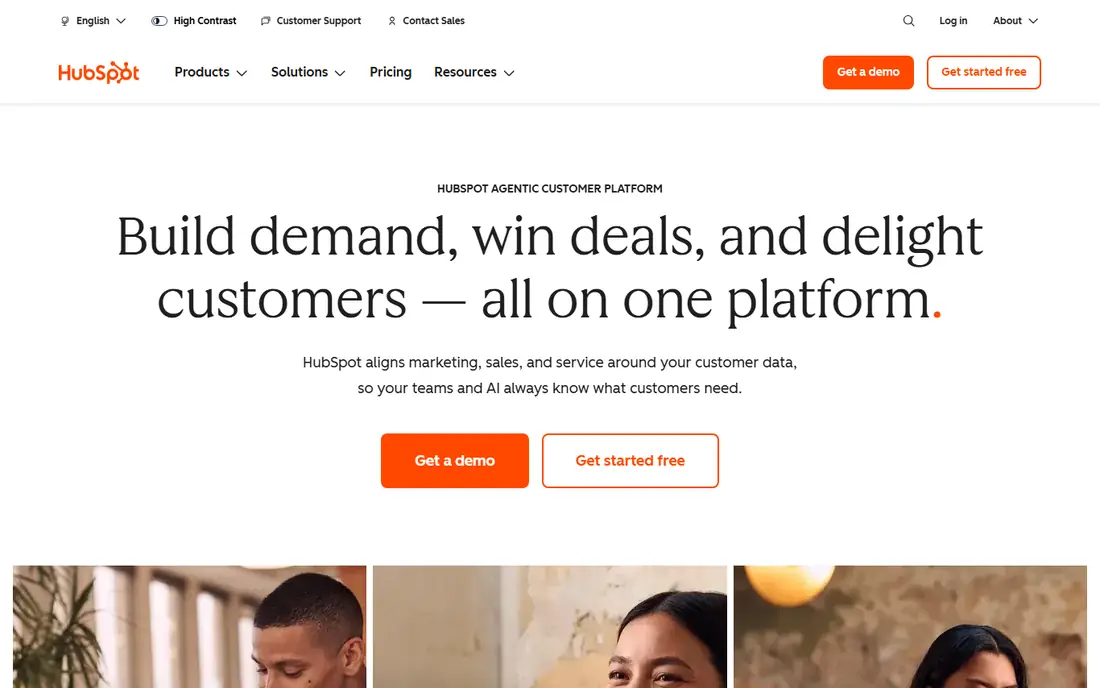
HubSpot is the default answer for a reason. The free CRM covers contacts, companies, deals, tasks, email tracking, and meeting scheduling, which is enough for many very small teams. When you grow, you can add Sales Hub, Marketing Hub, or Service Hub without moving your data to a new system.
The risk is the upgrade path. Starter seats are affordable, but the features that make HubSpot feel complete, such as deeper automation and reporting, sit on higher tiers. Start free, map the features you actually use, and get a written quote for the tier you expect to need in a year, not just the tier you need today.
- Generous free CRM
- Marketing, sales, and service tools in one system
- Large library of free learning material
- Paid tiers get costly as you add hubs
- Advanced automation sits on higher plans
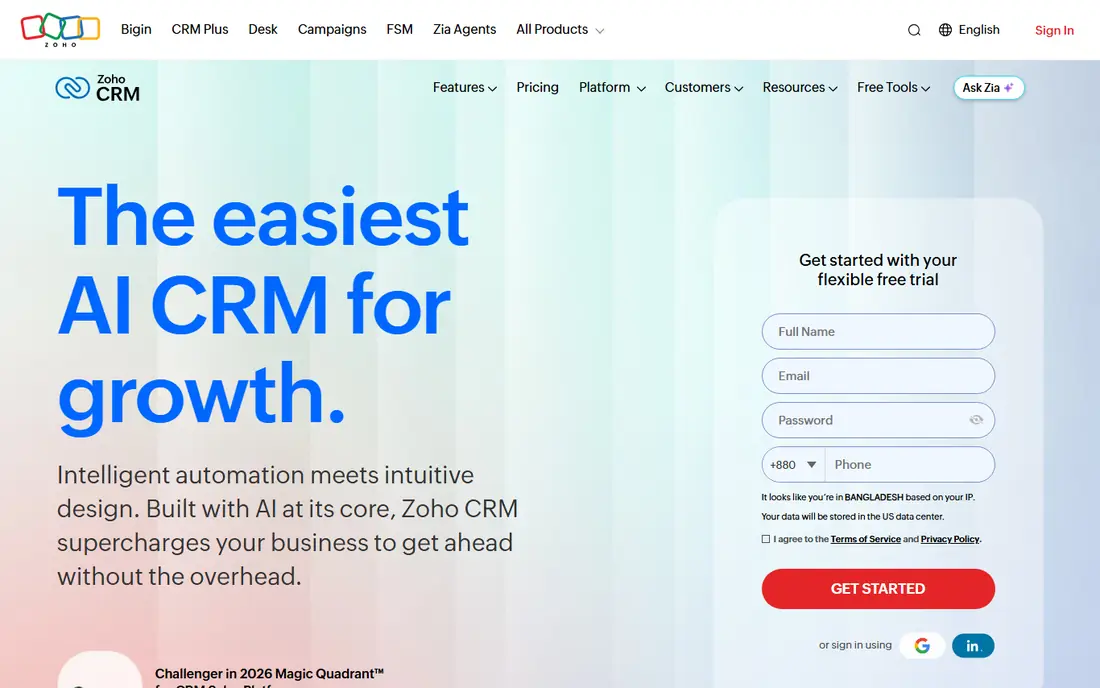
Zoho CRM is the value pick on this list. The free edition supports up to three users with lead, contact, and deal tracking, and paid Standard starts near 14 dollars per user per month on annual billing. Higher tiers add more automation, scoring, and AI assistance, so the system can grow with a team that wants control.
That depth is also the catch. Zoho offers many settings, modules, and workflow options, and a team that skips setup can end up with a messy pipeline. It works best for owners who will spend a day or two on setup, or who already use Zoho apps. If you want the simplest possible CRM, look at Pipedrive or Capsule first.
- Free plan for up to three users
- Deep customization and automation for the price
- Links to Zoho Books, Mail, and other Zoho apps
- Setup takes time
- Interface can feel busy for new users

Pipedrive does one job very well. You see deals as cards on a board, drag them between stages, and spot stalled deals at a glance. That focus makes training short and adoption high, which matters more than a long feature list. A CRM no one updates is just an expensive address book.
Paid plans start with a Lite or Essential tier near 14 dollars per user per month, with higher tiers adding automation, email sequences, and AI help. There is no free forever plan, but a trial lets you test a real pipeline. Pipedrive suits sales-led teams that do not need a full marketing suite in the same product.
- Clearest visual pipeline on this list
- Fast setup
- Reps tend to adopt it quickly
- No free forever plan
- Marketing and service features need add-ons or other tools
Freshsales, from Freshworks, is a strong budget option for teams that want phone, email, and pipeline tracking in one place. The free plan covers basic CRM work, and paid Growth starts near 9 dollars per user per month in many comparisons. That low entry point makes it easy to test with a small team before committing.
The product also includes AI features for lead scoring and insights, which can help a small team sort a busy inbox. As with other CRMs, check which AI and automation features sit on the tier you plan to buy, since entry plans are more limited. Freshsales fits teams that want a modern CRM without paying for enterprise depth they will not use.
- Low entry price
- Built-in phone and email
- AI scoring and insights on paid plans
- Some advanced features need higher tiers
- Smaller app ecosystem than HubSpot or Salesforce
monday sales CRM appeals to teams that think in boards, not just deal stages. You can track leads, deals, onboarding, and delivery on linked boards, which helps when sales work flows straight into project work. Custom fields, automations, and views are easy to adjust without a developer.
Paid Basic starts near 12 dollars per seat per month on annual billing, with a minimum seat count to watch. That minimum matters for a team of one or two. monday CRM is a good fit when sales and operations share the same workspace. For pure sales reporting and forecasting, Pipedrive or HubSpot may feel sharper.
- Flexible boards for sales and delivery work
- Easy to customize without code
- Strong for teams that already use monday.com
- Minimum seat purchase on paid plans
- CRM reporting is weaker than specialist CRMs for some teams
Close is built for teams that sell by phone and email all day. Calling, SMS, and email sit inside the CRM, so reps do not switch between tools to log a call or send a follow-up. That tight loop is why outbound teams often prefer it to a general CRM with calling added on.
Entry pricing starts near 9 dollars per seat per month for a solo plan, with team plans higher. Check calling credit costs and team plan limits before you sign up, since high-volume calling can add charges beyond the seat price. Close is less useful if your main work is inbound marketing, long account management, or complex service delivery.
- Built-in calling, SMS, and email
- Strong for outbound teams
- Simple workflow for high-volume outreach
- Solo plan limits team use
- Call and SMS credits can add cost
- Less suited to marketing-heavy teams
If your team lives in Gmail, Google Calendar, and Drive, Copper removes a lot of manual CRM work. It can capture contacts and activity from Gmail, suggest records, and keep deal work close to the inbox where reps already spend their day. That closeness often leads to better data than a CRM reps have to open separately.
Starter pricing starts near 9 dollars per seat per month on annual billing, with higher tiers adding automation and reporting. Copper is not the best choice for Microsoft-first teams or for companies that need deep customization and complex workflows. For Google-first small businesses, though, it is one of the smoothest fits here.
- Lives inside Gmail and Google Workspace
- Automatic contact and activity capture
- Quick setup for Google-first teams
- Less depth than larger CRMs
- Pricing rises steeply on higher tiers
Capsule is for people who want a CRM that stays out of the way. The free plan covers a small number of users and contacts, with paid tiers adding more contacts, tasks, and integrations. Setup takes minutes, not days, and the interface is calm enough for a team that has never used a CRM before.
The trade-off is depth. Capsule does not try to match HubSpot or Zoho on marketing automation, AI scoring, or complex reporting. That is a fair trade for a freelancer, a consultancy, or a shop with a short sales cycle. If you later need heavy automation, you may outgrow it, but starting simple often beats buying a system no one uses.
- Very easy to learn
- Clean contact and deal tracking
- Good for freelancers and very small teams
- Fewer advanced automation options
- Paid tiers start higher than some rivals
Less Annoying CRM lives up to its name for small teams that found other CRMs too complex. Pricing is flat, at about 15 dollars per user per month, with no long list of tiers to decode. You get contacts, leads, tasks, calendar, and simple pipelines, plus support that is used to helping non-technical owners.
The product is not built for large sales teams, complex forecasting, or deep marketing automation. For a team of fewer than ten people with a straightforward sales process, that simplicity is the point. Try the trial with your real contacts and deals, and judge it on whether your team updates it without being chased.
- One flat price per user
- Simple leads, contacts, and calendar tools
- Helpful support for small teams
- No free forever plan
- Limited advanced automation and integrations compared with larger CRMs
How we picked these
We compared official pricing and feature pages, app listings, and public reviews for CRMs that small and mid-size teams actually use as Salesforce replacements. We kept tools with clear pricing, a free plan or trial, and a track record for contact and deal management in the US market. We left out tools that are mainly email outreach, project tools without a real CRM core, or enterprise-only systems with no small-team entry point. Prices are per user per month on annual billing unless noted, and they change often, so confirm the current price before you migrate.
How to choose without a painful switch
A CRM switch fails more often from process problems than from software problems. Use the steps below to keep the move small and testable.
Start with your pipeline, not a feature list
Write down your deal stages, from first contact to closed sale, and the five fields you need on every deal. Then test each shortlisted CRM with those stages and fields. If a tool cannot show your pipeline clearly in a trial, it will not get clearer after you pay.
Test data quality and daily habits
Import a sample of real contacts, not a clean demo file, and ask two reps to use the CRM for a week. Watch whether deals get updated, calls get logged, and follow-ups get set. The tool with the best daily habit wins, even if another tool has a longer feature list.
Price the team you will have, not the team you have now
Multiply the seat price by the team size you expect in twelve months, and add any costs for calling credits, marketing contacts, or higher tiers for automation. A tool that looks cheap for three people can become costly for fifteen. Get the renewal price in writing, since some introductory offers do not last.