Best Trello Alternatives in 2026: 10 Apps Compared
By ToolNimba Editorial Team October 30, 2026 11 min read

- Top pick
 Asana
Structured projects and cross-team work
Starting price$10.99 per monthCheck out AsanaRead our review - Runner-up
 Monday.com
Visual boards for non-technical teams
Starting price$9 per monthCheck out Monday.comRead our review - Also great
 ClickUp
Most features per dollar
Starting price$7 per monthCheck out ClickUpRead our review
How we researched this
We compared official pricing and feature pages, app store listings, privacy policies and public user reviews. Prices change, so check the provider's site before you pay.
Key takeaways
- ClickUp and Asana give the widest mix of views, automation, and integrations, while Monday.com is the easiest visual board for non-technical teams to read at a glance.
- If cost matters most, start with the free plans from ClickUp, Notion, Jira, Todoist, Wrike, Airtable, and Kanban Tool before paying for a seat.
- Notion and Airtable suit teams that want docs or databases next to their tasks, while Jira and Basecamp suit software teams and teams that want a simpler, flatter setup.
- Seat rules change the real price, so check minimum seats, free-plan limits, and which views sit on higher tiers before you move a whole team.
Quick comparison
| Name | Best for | Starting price | Free plan | |
|---|---|---|---|---|
| Asana | Structured projects and cross-team work | $10.99 per month | Yes | Visit |
| Monday.com | Visual boards for non-technical teams | $9 per month | Yes | Visit |
| ClickUp | Most features per dollar | $7 per month | Yes | Visit |
 Notion | Docs, wikis, and tasks in one place | $10 per month | Yes | Visit |
 Jira | Software and agile teams | Free | Yes | Visit |
 Todoist | Personal tasks and small team lists | $4 per month | Yes | Visit |
 Wrike | Approvals and complex workflows | Free | Yes | Visit |
 Airtable | Database-style project tracking | Free | Yes | Visit |
 Basecamp | Simple, flat-priced team projects | $15 per month | Yes | Visit |
 Kanban Tool | Pure kanban boards and flow analytics | Free | Yes | Visit |
The best Trello alternatives
Trello made kanban boards simple, but teams often outgrow it when they need timelines, workload views, forms, or stronger reporting. The ten tools below cover that range, from a focused kanban board to a full work platform.
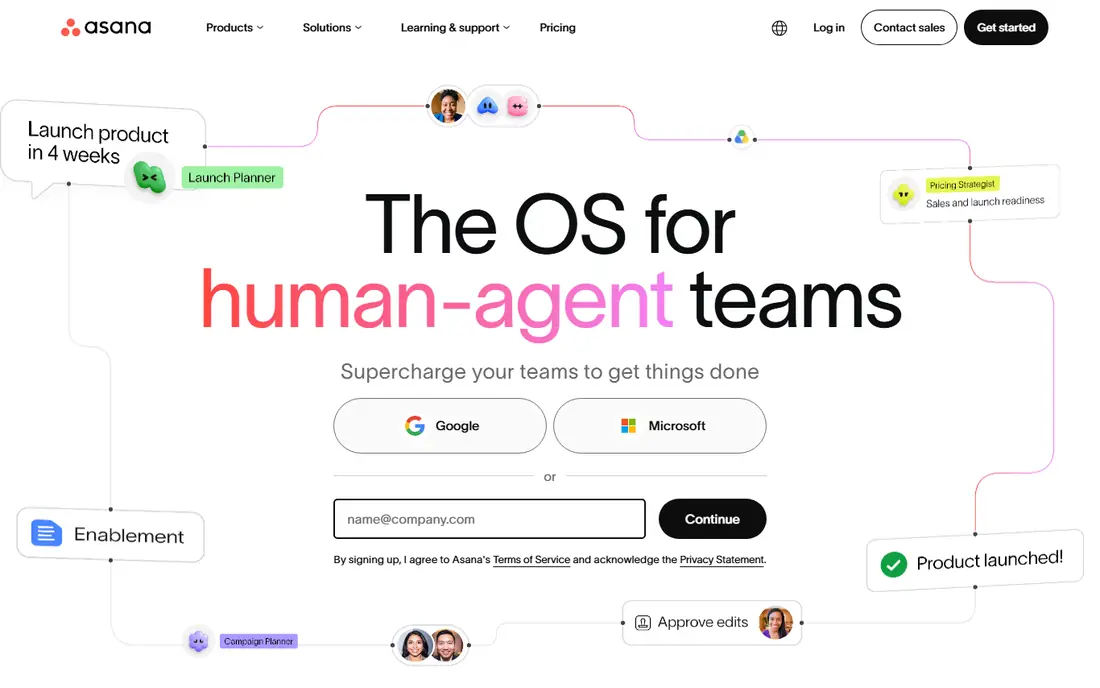
Asana is our pick for teams that want clear structure without a long setup period. Projects can move between list, board, timeline, and calendar views, so a marketing team and an operations team can look at the same work in different ways. Forms, rules, and approvals help repeatable work move forward with less chasing. The trade-off is price and tiering. The free Personal plan covers small setups, but teams that need timelines, portfolios, or advanced reporting will need a paid plan. If your work is mostly simple boards with a few cards, Asana may feel heavier than you need.
- List, board, timeline, and calendar views
- Strong automation and forms
- Wide integration library
- Timeline views and deeper reporting sit on higher tiers
- Seat pricing adds up for large teams
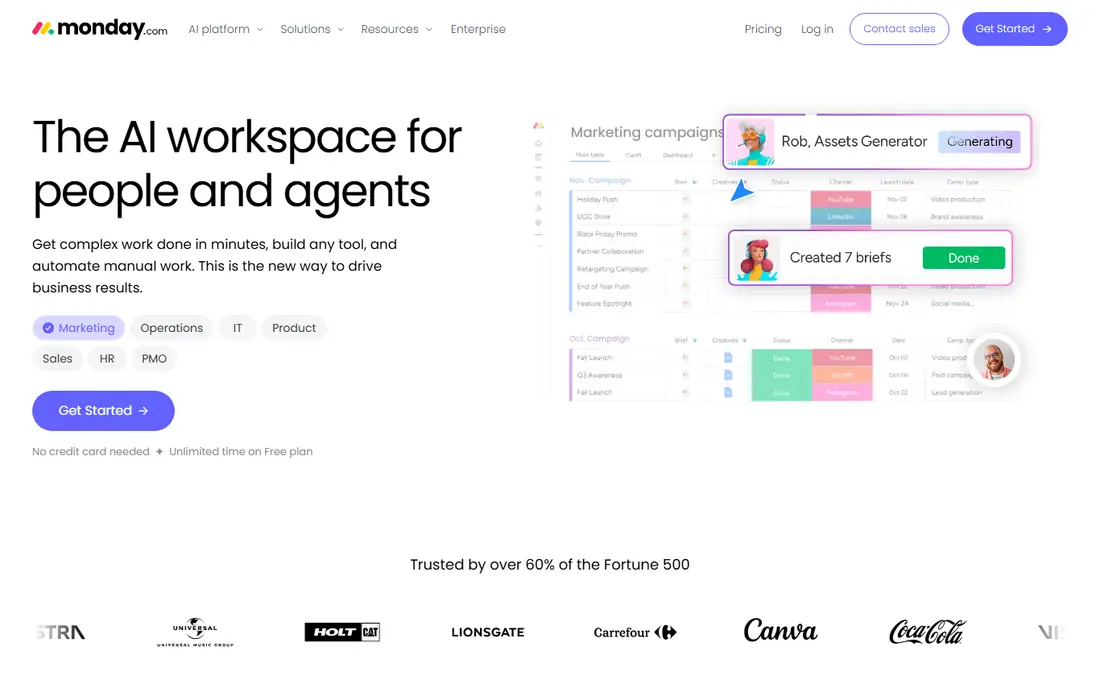
Monday.com wins on readability. Status colors, people columns, and dates make progress obvious to people who have never used project software. Templates for campaigns, hiring, content calendars, and client work give most teams a useful starting point. The catch is seat math. The Basic plan starts at $9 per seat per month when billed annually, with a three-seat minimum, so solo users pay for more than one seat. Teams should also agree on column names and status labels early, or a board that starts clean can turn messy fast.
- Color-coded boards that are easy to read
- Large template library
- Simple automation builder
- Paid plans have a three-seat minimum
- Boards can look busy without agreed standards
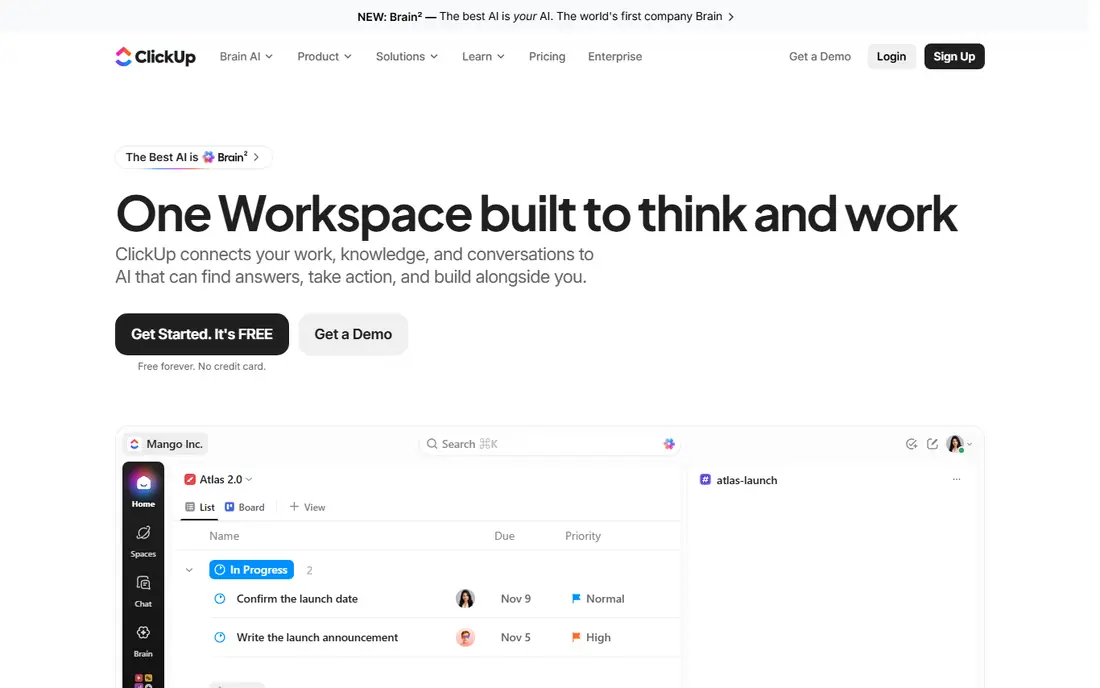
ClickUp packs the most into one workspace for the price. Tasks, docs, goals, whiteboards, and chat sit side by side, which can replace two or three separate subscriptions. The free plan covers unlimited tasks and members, and Unlimited at $7 per user per month when billed annually adds more storage and automation. That breadth is also the weakness. New teams should start with one project, a small set of statuses, and a few custom fields, then add more only when a real need appears. Used that way, ClickUp is a strong value pick for growing teams.
- Docs, goals, chat, and tasks in one workspace
- Generous free plan
- Many views and custom fields
- Setup takes longer than simpler boards
- The range of options can feel crowded at first
Notion suits teams that live in documents as much as in tasks. A project page can hold the brief, the meeting notes, and the task board together, so context does not scatter across apps. Databases let you filter the same work by owner, status, or date. Pure board fans may miss the speed of a dedicated kanban tool. Building a good Notion setup takes thought about databases and properties, and teams that want instant boards with no setup may prefer ClickUp or Monday.com. For docs-first teams, though, Notion is hard to beat.
- Pages, databases, and tasks share one workspace
- Flexible templates
- Good for team knowledge
- Kanban boards are part of a database system, not a dedicated board tool
- Advanced features need setup
Jira is the natural Trello alternative for software and IT teams, since both products come from Atlassian and migration paths are well documented. Scrum boards, sprints, backlogs, and issue tracking fit development work in a way general boards do not. The free plan covers up to 10 users, which suits small teams. The honest limit is complexity. Jira rewards teams that will set up workflows, issue types, and permissions with care, and it can feel heavy for a team that just wants a shared to-do board. If your work is mostly marketing or operations tasks, a simpler tool on this list will get adopted faster.
- Strong scrum and kanban support
- Free for up to 10 users
- Deep Atlassian integrations
- Setup and admin take effort
- Non-technical teams may find it dense
Todoist is the best pick when the real problem is personal workload, not team reporting. You can type a task with a date in plain words, sort work into projects, and see Today and Upcoming at a glance. It opens fast, stays out of the way, and works on phones, watches, desktops, and browsers. Teams that need boards, timelines, or workload charts should look elsewhere. Todoist handles shared projects well for small groups, but it is a task manager first. Pair it with a board tool only if you need both, or pick one system and keep all work in it.
- Fast task capture with natural language dates
- Clean Today and Upcoming views
- Works on almost every device
- No true kanban board as the main view
- Project reporting is limited
Wrike fits mid-size and larger teams that run work across departments with approvals, request forms, and resource planning. The free plan covers basic task and board work, and the Team plan at $10 per user per month when billed annually adds Gantt charts, dashboards, and more automation. Business adds deeper resource management. Small teams may find Wrike more than they need. The interface packs in a lot, and the jump to Business at $25 per user per month is a real step. Choose Wrike when formal process matters, not when a simple board would do.
- Board, Gantt, table, and workload views
- Approval workflows
- Strong reporting on paid plans
- Interface feels dense for small teams
- The most useful features sit on the Business tier
Airtable turns project tracking into a database you can view as a kanban board, a grid, a calendar, or a gallery. Linked records connect tasks to clients, assets, or campaigns, which suits content pipelines, product catalogs, and event planning. The free plan is enough to test a real base with a small team. Pricing is the main caution. Paid plans start above most tools on this list, so teams should confirm the plan they need before building a large base. If your work is a simple task list, Airtable adds structure you may not need. If your work is data-rich, that structure is the point.
- Grid, kanban, calendar, and gallery views from one base
- Strong filtering and linked records
- Useful templates
- Paid plans start higher than most board tools
- Heavy bases need careful design
Basecamp takes the opposite approach to most tools here. Each project has to-dos, a message board, a schedule, docs, and file storage, and nothing else competes for attention. That calm setup suits client work, small agencies, and teams that want less configuration and fewer notifications. The limit is flexibility. You will not get the view options, custom fields, or automation depth of Asana, ClickUp, or Monday.com. Basecamp also offers a flat Pro Unlimited rate for larger teams, so check both the per-user and flat options against your headcount before you decide.
- To-dos, message boards, schedules, and files in one calm place
- Per-user pricing is easy to predict
- Long track record
- Fewer views and automations than rivals
- Flat pricing favors larger teams more than solo users
Kanban Tool is the closest pick to Trello in spirit, with a tighter focus on kanban method. Boards support work-in-progress limits, swimlanes, and time tracking, and analytics such as cumulative flow diagrams and cycle time reports show where work stalls. The free plan covers 2 boards and 2 users, and the Team plan is $6 per user per month. Teams that want docs, timelines, or a full project suite will need another tool alongside it. Teams that want a clean board, clear flow rules, and honest analytics will find Kanban Tool does one job well, without the extra weight of a platform.
- Focused kanban boards with work-in-progress limits
- Cumulative flow and cycle time analytics
- Real-time updates
- Free plan covers only 2 boards and 2 users
- No docs, goals, or broad project views
How we picked these
We compared official feature pages, pricing pages, app store listings, privacy policies, and public reviews for each tool. We weighted genuine board and project features, view options, automation, free-plan limits, and fit for different team sizes. We did not claim hands-on testing, and prices can change, so check the vendor pricing page before you buy.
What to check before you switch
Moving boards is easy. Moving habits is the hard part, so use this short guide before you commit to a new tool.
Match the tool to the work
Start from the work, not the feature list. A software team needs sprints and backlogs, a content team needs calendars and approvals, and a solo worker needs fast capture. Write down the three views and three automations you will actually use in the first month, then pick the tool that covers those without a higher tier.
Test with a real project
Run one real project in your top two picks for two weeks. Import a real board, invite the people who will use it daily, and watch where they get stuck. A tool that looks good in a demo but confuses your team in week one will cost more in lost adoption than any price gap.
Count the true cost
Add up seats, minimums, and add-ons. A $7 plan with no minimum can beat a $9 plan with a three-seat minimum for a small team, and AI features are often billed separately. Check guest access too, since client and contractor seats can change the total fast.
Sources
- https://www.asana.com/pricing
- https://www.monday.com/pricing
- https://clickup.com/pricing
- https://www.notion.com/pricing
- https://www.atlassian.com/software/jira/pricing
- https://todoist.com/pricing
- https://www.wrike.com/pricing
- https://www.airtable.com/pricing
- https://basecamp.com/pricing
- https://kanbantool.com/pricing