What Is the Best AI Dubbing Tool in 2026: 9 Tools Compared
By ToolNimba Editorial Team October 30, 2026 11 min read

- Top pick
 ElevenLabs
Natural voices and speaker cloning for audio dubbing
Starting price$6 per monthCheck out ElevenLabsRead our review - Runner-up
 HeyGen
Lip-synced video dubbing for creators and teams
Starting price$29 per monthCheck out HeyGenRead our review - Also great
 Rask AI
Teams localizing many videos into many languages
Starting price$60 per monthCheck out Rask AIRead our review
How we researched this
We compared official pricing and feature pages, app store listings, privacy policies and public user reviews. Prices change, so check the provider's site before you pay.
Key takeaways
- HeyGen is the strongest all-round pick for lip-synced video dubbing, while ElevenLabs leads on voice quality for audio-first dubbing.
- Dubbing is usually priced by credits or minutes, so the monthly plan price alone does not show what a finished video costs.
- Rask AI suits teams localizing at volume, and Dubverse and Camb AI offer the lowest entry prices.
- Always check a short sample in your target language before buying, since voice quality varies a lot by language.
Quick comparison
| Name | Best for | Starting price | Free plan | |
|---|---|---|---|---|
| ElevenLabs | Natural voices and speaker cloning for audio dubbing | $6 per month | Yes | Visit |
| HeyGen | Lip-synced video dubbing for creators and teams | $29 per month | Yes | Visit |
| Rask AI | Teams localizing many videos into many languages | $60 per month | No | Visit |
 Dubverse | Low-cost dubbing with subtitles included | $18 per month | No | Visit |
 Murf Dub | Simple dubbing with a generous free trial | Free | Yes | Visit |
 VEED | Creators who edit and dub in the same browser tool | See website | Yes | Visit |
 Kapwing | Social creators dubbing short videos fast | $16 per month | Yes | Visit |
 Camb AI | Broadcast, live and expressive dubbing | $5 per month | Yes | Visit |
 Perso | Tutorials, demos and courses on a small budget | $6.99 per month | Yes | Visit |
The best AI dubbing tools
AI dubbing turns a video in one language into a video in another, using a cloned or synthetic voice that matches the original speaker. The tools below differ on lip sync, voice cloning, language coverage and, most importantly, what each finished minute costs.
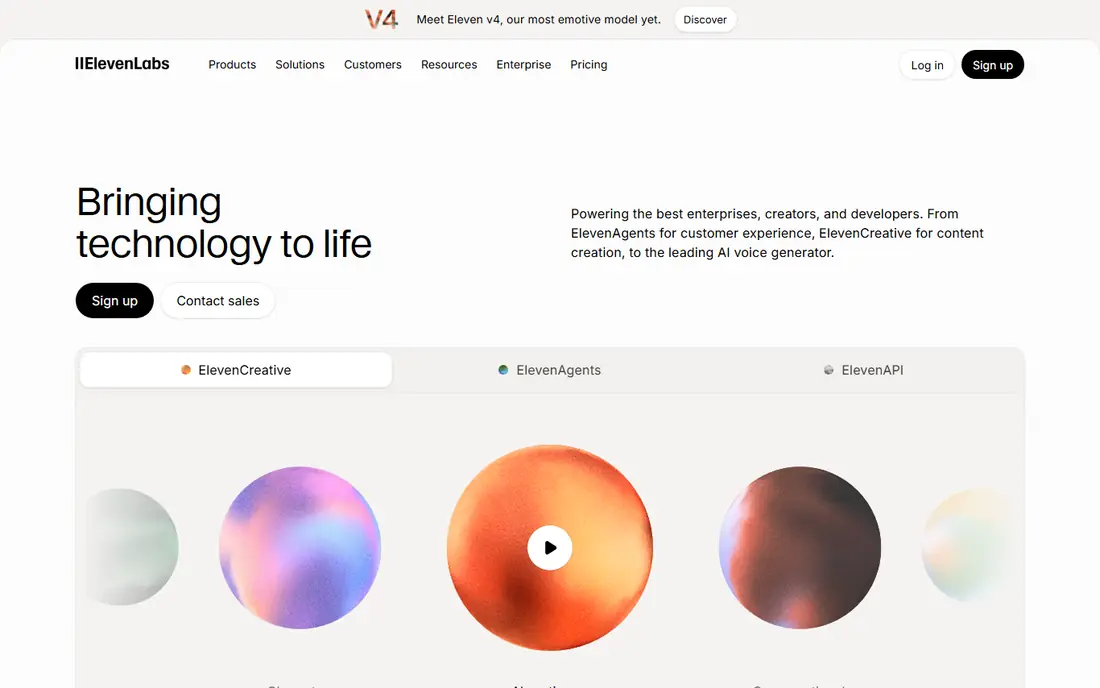
ElevenLabs is our pick when the voice itself matters most. Its dubbing tools translate a video's audio and generate a new voice track that clones the original speakers, keeping tone and pacing close to the source. A free tier with limited credits lets you test it, and the Starter plan starts near $6 per month, with Creator near $22 per month for heavier use.
The limit is video. ElevenLabs dubbing is audio focused, so it does not move the speaker's lips to match the new language, and its credits are shared with its text-to-speech and voice tools, which can drain a plan faster than a dubbing-only budget expects. If you publish podcasts, narrated videos or courses where the voice carries the content, ElevenLabs is the quality leader here.
- Very natural voice quality
- Clones each speaker automatically in dubbing v2
- Large voice library
- No lip sync, since output is audio focused
- Credits are shared across text to speech and dubbing
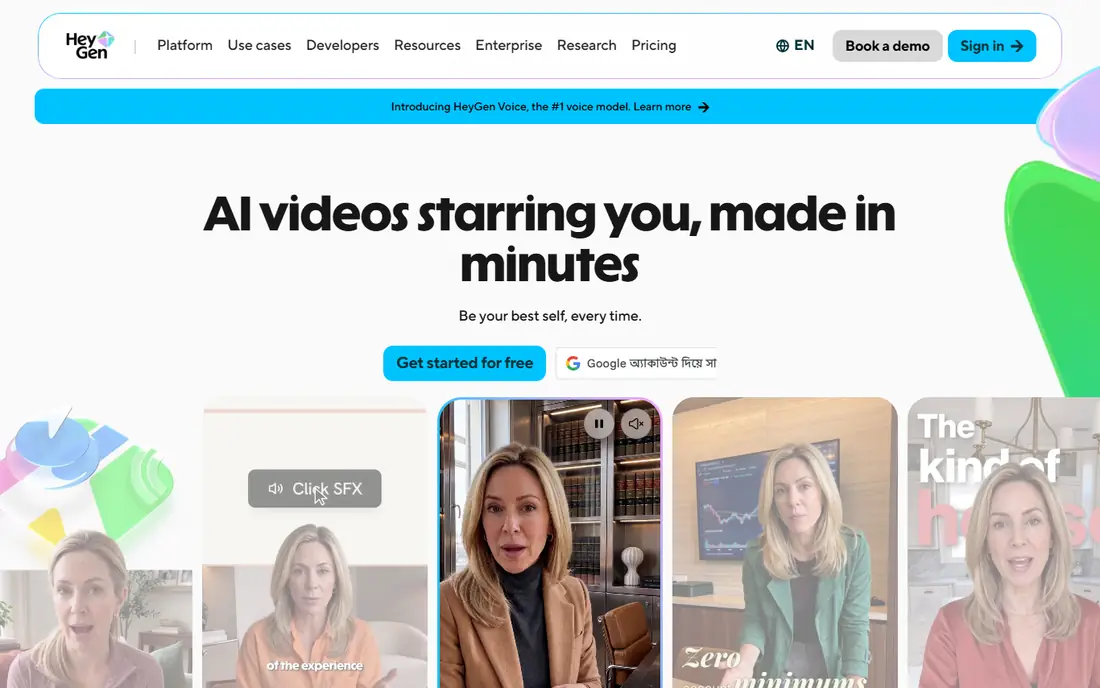
HeyGen is the best all-round video dubbing tool on this list. Its video translator dubs a video into another language and syncs the speaker's lip movements to the new audio, which makes the result far more watchable than a simple voiceover. The Creator plan starts near $29 per month and includes a credit pool, with lip-synced translation priced per minute from that pool, and a free tier covers a few videos per month.
Credits are shared with HeyGen's avatar video tools, so heavy avatar users will burn through the pool faster. Script-level editing also sits on a higher tier, which can frustrate teams that need fine control over wording. For YouTube creators, marketers and trainers who want a dubbed video that looks as well as sounds right, HeyGen is our first recommendation.
- Lip sync built into video translation
- 175 plus languages
- Avatar video tools in the same account
- Translation credits are shared with avatar video
- Script editing needs a higher tier

Rask AI is built for volume. Instead of credits, it sells minutes, with the Creator plan near $60 per month for 25 minutes and larger plans for 100 or 250 minutes, which makes budgeting a localization project straightforward. It supports 130 plus languages, clones voices, and includes a transcript editor for fixing translations and timing.
The catch is lip sync, which only arrives on Creator Pro near $150 per month and consumes extra minutes. Extra minutes beyond a plan cost $3 each, so a project that runs long gets expensive fast. There is no free plan, only a short trial of a few minutes. For a team dubbing a course library or a channel catalog, Rask AI is a proven workhorse.
- Simple minute-based pricing
- Voice cloning in 32 languages
- Transcript and timing editor
- Lip sync needs the $150 Creator Pro tier
- Extra minutes cost $3 each
- No free plan, only a short trial
Dubverse is the budget pick for creators who need dubbing plus subtitles. The Pro plan costs $18 per month, or $9 per month billed annually, for 50 credits, and subtitling costs 1 credit per minute while voice generation costs 2. That makes it a good value if you need both dubbed audio and translated subtitles from one tool.
The math needs care. Dubbing costs 4 credits per minute, so 50 credits cover only about 12 dubbed minutes, and voice cloning sits on the $30 Supreme tier. Lip sync is an Enterprise feature, so dubbed videos will have mismatched lips. If your audience watches with subtitles or listens to audio-first content, Dubverse stretches a small budget well.
- Cheapest monthly entry here
- Subtitling and voice generation in the same credits
- 2-day free trial
- Dubbing uses 4 credits per minute, so 50 credits cover about 12 minutes
- Lip sync only on Enterprise
Murf Dub, from the Murf AI voice platform, takes a refreshingly simple approach. The free tier gives 100 credits, and dubbing costs 2 credits per minute per language, so the free tier covers about 50 dubbed minutes. Beyond that, pay as you go costs $0.25 per credit, with no monthly subscription required for occasional jobs.
Murf's voice library is strong, with voices across many languages and styles, but lip sync is still listed as coming soon, so output is audio dubbing rather than lip-matched video. For a creator who dubs a few videos a month and dislikes subscriptions, Murf Dub is the most flexible option here.
- Free tier with 100 credits
- Pay as you go at $0.25 per credit
- No subscription needed for occasional use
- Lip sync is marked as coming soon
- Dubbing uses 2 credits per minute per language
VEED suits creators who want one browser tab for the whole job. You can cut a video, add subtitles, translate them, and dub the audio without exporting between tools, which saves time on short-form and social content. The editor itself is friendly, with templates, stock media and simple timeline controls.
Dubbing is not VEED's deepest feature. Minutes are limited on lower tiers, lip sync support is limited, and pricing has varied across listings, so we list it as See website. If you already edit in VEED and only dub occasionally, adding dubbing there is convenient. If dubbing is your main job, HeyGen or Rask AI will serve you better.
- Full browser video editor
- Dubbing plus subtitles and translation
- Easy sharing and export
- Dubbing minutes are limited on lower tiers
- Lip sync is limited
- Pricing varies by listing
Kapwing is a favorite for short-form creators because it is fast. Upload a clip, pick a target language, generate dubbed audio, and export in a social format, all in the browser. The Pro plan starts near $16 per month, and the editor includes subtitles, trimming, captions and resizing for different platforms.
Dubbing has limits here. The free tier does not include dubbing, voice cloning needs the Business tier, and lip sync is limited compared with HeyGen. Kapwing is best for short clips where speed matters more than perfect lip matching. For long courses or broadcast work, pick a dedicated dubbing tool instead.
- Fast browser editor
- Dubbing across 40 plus languages
- Templates for social formats
- Voice cloning only on Business
- No dubbing on the free tier
- Lip sync support is limited
Camb AI, also written CAMB.AI, stands out for live and broadcast use. Its platform dubs pre-recorded video and live streams, with expressive voices that keep emotion and emphasis closer to the original speaker than a flat synthetic read. The Essentials plan starts near $5 per month for 10,000 credits, and a free tier covers short videos.
Credit math needs attention, since dubbing shares credits with other tools and the minutes conversion sits in a pricing calculator rather than a simple per-minute rate. Read that calculator before buying, and test a sample in your language. For streamers, broadcasters and event teams, Camb AI covers a job that most rivals do not touch.
- Very low entry price
- 150 plus languages
- Live dubbing and expressive voice options
- Dubbing minutes are metered through a credit calculator
- Some features need higher tiers
Perso is a newer dubbing tool aimed at tutorial and course creators. The Starter plan costs $6.99 per month, covers 99 plus languages, and includes a custom glossary on every plan, which keeps product names and technical terms consistent across languages. Multi-speaker detection and a script editor help when a demo has more than one voice.
Lip sync is optional and depends on the plan, and the entry tier covers only a handful of minutes, so a long course needs the $99 Pro plan for a sensible per-minute rate. For short tutorials and product demos, Perso is a cheap and capable starting point. For a large catalog, compare its Pro rate with Rask AI before committing.
- Low entry price
- 99 plus languages
- Custom glossary on all plans
- Multi-speaker support
- Lip sync is optional and plan-dependent
- Per-minute cost rises fast on the entry tier
How we picked these
We compared official feature pages, pricing pages and public reviews for each tool, and we kept only tools that offer a working AI dubbing product in October 2026. We weighed voice quality, lip sync, language coverage, voice cloning and the real cost per finished minute, including credit and minute metering. We left out enterprise-only tools with no public pricing, such as Papercup, since readers cannot try or price them directly. We did not run hands-on dubbing trials, so our findings rest on vendor documentation and public reviews rather than lab testing.
How to choose the right dubbing tool
Start with the output you actually need. If the video shows a talking head, lip sync matters and HeyGen or Rask AI Creator Pro should top your list. If the video is a screencast, slideshow or podcast, lip sync is irrelevant and ElevenLabs or Murf Dub will give you better voices for less money.
Next, work out your minutes per month, not just your plan price. Multiply your videos by their length and by the number of target languages, since each language is a separate dub. A $6 plan that covers 7 minutes is more expensive than a $29 plan that covers 60 minutes if you dub weekly. Finally, test one short video in each target language and listen on phone speakers, since a voice that sounds fine in English can sound flat or rushed in another language.