What Is the Best Software for Editing PDFs in 2026: 9 Tools Compared
By ToolNimba Editorial Team October 30, 2026 8 min read

- Top pick
 Adobe Acrobat
Deepest all-round PDF editing
Starting price$12.99 per monthCheck out Adobe AcrobatRead our review - Runner-up
 Foxit PDF Editor
Business Acrobat alternative
Starting price$10.99 per monthCheck out Foxit PDF EditorRead our review - Also great
 Nitro PDF Pro
Windows editing and conversion
Starting price$15.00 per monthCheck out Nitro PDF ProRead our review
How we researched this
We compared official pricing and feature pages, app store listings, privacy policies and public user reviews. Prices change, so check the provider's site before you pay.
Key takeaways
- Adobe Acrobat is our pick for most people, with the deepest editing, signing, and conversion tools on desktop and mobile.
- PDFgear is the best free editor, with real text editing, signing, and conversion at no cost and no account required.
- Foxit PDF Editor is the best Acrobat alternative for businesses, with similar tools at a lower price.
- Apple Preview is the best free option on Mac, handling annotation, signing, and form filling without extra software.
- If you only need occasional edits, a free tool like PDFgear or Preview beats paying a monthly subscription.
Quick comparison
| Name | Best for | Starting price | Free plan | |
|---|---|---|---|---|
| Adobe Acrobat | Deepest all-round PDF editing | $12.99 per month | Free trial | Visit |
| Foxit PDF Editor | Business Acrobat alternative | $10.99 per month | Free trial | Visit |
| Nitro PDF Pro | Windows editing and conversion | $15.00 per month | Free trial | Visit |
 PDFelement | Affordable all-round editor | $9.08 per month | Free trial | Visit |
 PDF Expert | Best Mac and iPad editor | $79.99 per year | Free trial | Visit |
 PDFgear | Free full PDF editor | Free | Yes | Visit |
 Smallpdf | Quick online edits | Free | Yes | Visit |
 Apple Preview | Free Mac editing and signing | Free | Yes | Visit |
 Sejda | Online and desktop editing | $63.00 per year | Yes | Visit |
The best software for editing PDFs
PDF editing ranges from fixing a typo in a contract to redacting sensitive pages, merging reports, and signing forms. The nine tools below cover desktop editors, free options, and quick online tools, and we compared their editing depth, pricing, and platform support. All are actively available in 2026.
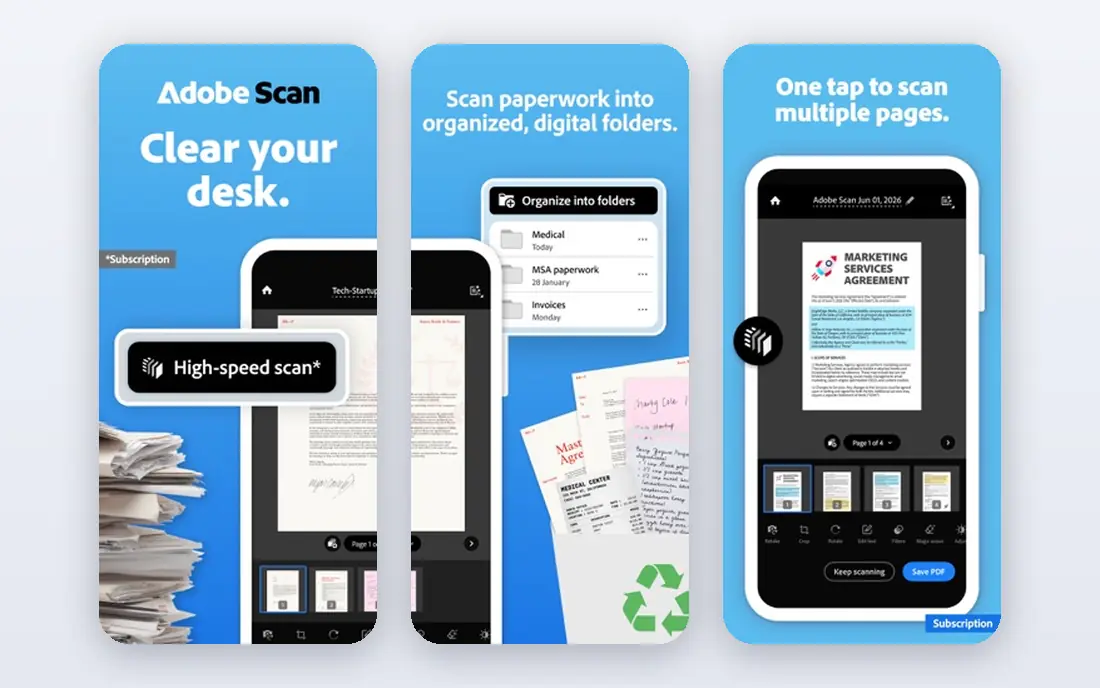
Adobe Acrobat remains the reference PDF editor, and for good reason: it edits text and images in place, converts PDFs to and from Office formats reliably, supports electronic signatures, form creation, redaction, and comparison, and syncs across desktop and mobile. Standard starts around 12.99 dollars a month billed annually, with Pro around 19.99 to 23.99 dollars a month adding redaction, comparison, and advanced tools.
That subscription is the highest here, and occasional users may not need its depth. But if PDFs are central to your work, Acrobat's reliability, compatibility, and feature depth make it the safest default choice.
- Deepest editing and conversion tools
- Excellent signing and form features
- Strong mobile apps
- Highest subscription price
- Some features need the Pro plan
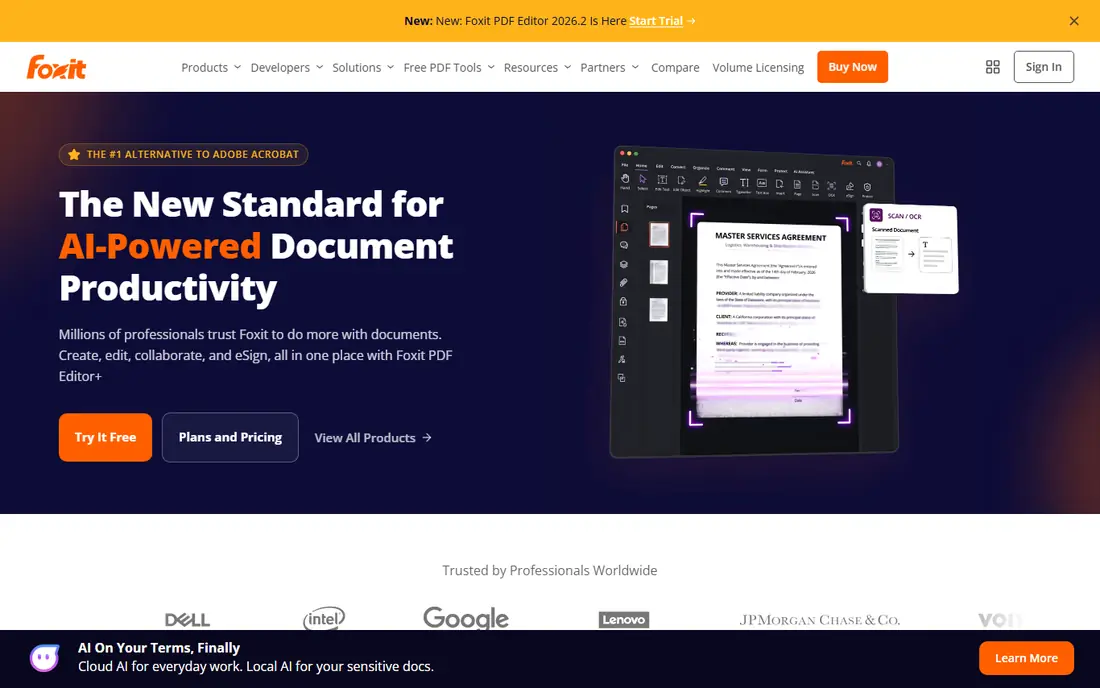
Foxit PDF Editor is the closest business alternative to Acrobat, with text and image editing, conversion, signing, form creation, and collaboration tools, plus security features like redaction and digital signatures. Subscriptions start around 10.99 dollars a month billed annually, with a perpetual license around 210 dollars for buyers who prefer one-time payment.
Its interface is busier than Acrobat's, and some advanced features sit in higher tiers. But for businesses that want Acrobat-class tools at a lower price, Foxit is the best alternative.
- Similar feature set to Acrobat
- Lower price
- Strong collaboration and security tools
- Interface is busier than Acrobat
- Some features vary by plan
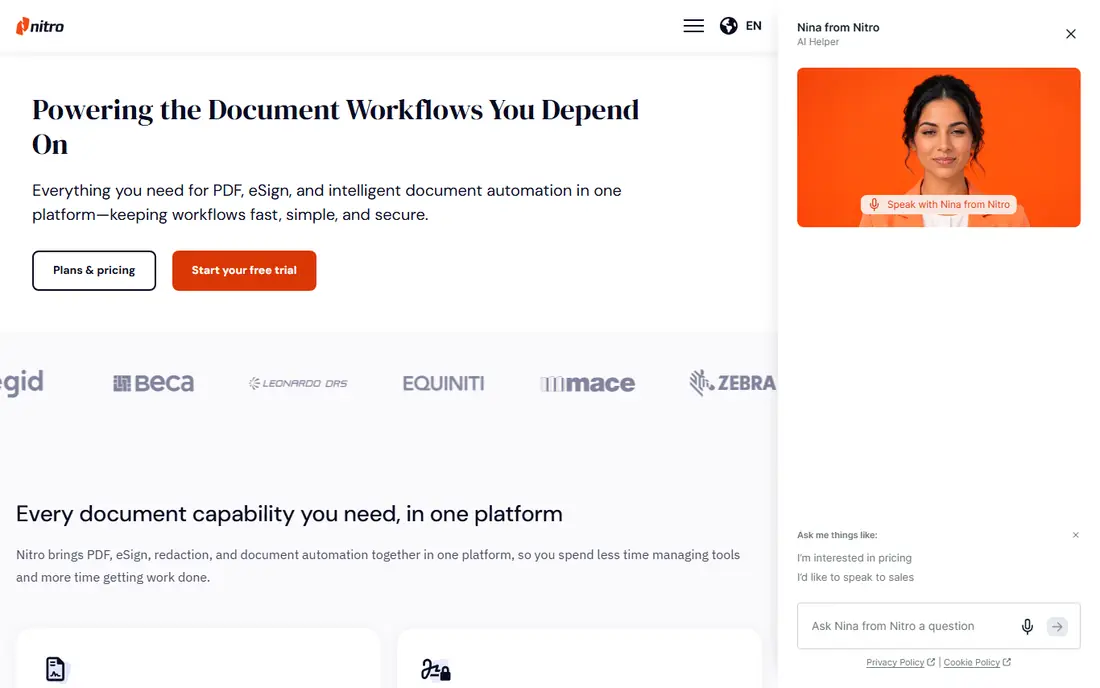
Nitro PDF Pro is a long-running Windows editor with strong text editing, conversion to Office formats, signing, and batch processing for handling many files at once. Its subscription runs around 15 dollars a month, with a Classic perpetual license around 270 dollars for buyers who want to own it outright.
The Mac version is less mature than the Windows edition, and the subscription price sits near Acrobat's. But for Windows users who convert and batch-process PDFs often, Nitro is a solid, well-supported choice.
- Strong conversion and editing
- Batch processing
- Perpetual Classic license available
- Mac version is less mature
- Subscription price is high
PDFelement, from Wondershare, offers text and image editing, annotation, signing, form creation, and OCR for scanned documents at around 9.08 dollars a month billed annually, undercutting Acrobat and Foxit. Its interface is clean and approachable, and mobile apps are included in the same account.
Some advanced tools sit in higher tiers, and OCR quality varies with scan quality, as it does for every editor. But for individuals and small teams who want a full editor without Acrobat's price, PDFelement is the best value paid option here.
- Full editing, OCR, and forms at a lower price
- Clean interface
- Mobile apps included
- Some advanced tools need higher tiers
- OCR quality varies by document
PDF Expert, from Readdle, is the best PDF editor on Mac and iPad, with a beautiful, fast interface for editing text, annotating, signing, filling forms, and managing pages. It costs 79.99 dollars a year, with a free trial for testing, and it feels more native to Apple devices than any cross-platform editor.
There is no Windows or Android version, so mixed-device teams need another tool. But for Apple-only users, PDF Expert is the most pleasant PDF editor available.
- Beautiful Mac and iPad design
- Fast and smooth
- Strong annotation and signing
- No Windows or Android version
- Subscription for full features
PDFgear is the standout free editor: it edits text and images, converts PDFs, signs documents, merges and splits files, and compresses PDFs, all free with no account required. Desktop apps for Windows and Mac and an online version cover most use cases, and its free tier is not a trial.
It is a newer brand than Adobe, with fewer enterprise features like advanced redaction workflows. But for most personal and small business editing, PDFgear does what paid editors do at no cost, and it is our pick for free editing.
- Real text editing, signing, and conversion free
- No account required
- Desktop and online versions
- Newer brand than Adobe
- Fewer enterprise features
Smallpdf offers browser-based tools for compressing, converting, merging, splitting, signing, and lightly editing PDFs, with no install needed. Its free tier covers basic tasks with limits, and a paid plan gives unlimited use and more tools. For a quick fix on a borrowed computer, Smallpdf is the fastest route.
Editing depth is lower than desktop editors: you cannot rewrite paragraphs as freely as in Acrobat or PDFelement. But for quick, occasional tasks, Smallpdf's simplicity is its strength.
- Easy browser-based tools
- Good compression and conversion
- No install needed
- Free tier is limited
- Editing depth is lower than desktop editors
Apple Preview comes free with every Mac, and it handles annotation, highlighting, form filling, signing, page management, and basic image adjustments without extra software. For most Mac users, Preview covers signing, commenting, and merging without spending anything.
It cannot edit text as deeply as Acrobat or PDF Expert, and it is Mac only. But if you use a Mac and your PDF needs are annotation, signing, and form filling, Preview is already installed and ready.
- Built into every Mac
- Annotation, signing, and form filling free
- Fast
- Mac only
- Cannot edit text as deeply as dedicated editors
Sejda offers a strong online PDF editor with text editing, signing, merging, splitting, and compression, plus a desktop app for offline work. Its free tier covers a few tasks a day, with a paid plan around 63 dollars a year for unlimited use. Sejda also publishes a clear privacy policy about how uploaded files are handled and deleted.
The free tier's daily limits frustrate heavy users, and the interface is functional rather than polished. But for browser-first users who want a capable online editor with a desktop option, Sejda is a strong choice.
- Strong online editor
- Desktop app available
- Clear privacy policy for file handling
- Free tier has daily limits
- Interface is functional rather than polished
How we picked these
We compared official pricing pages, editing features, and platform support for PDF editors actively available in 2026. We favored tools with real text editing, not just annotation, and we included free, paid, and platform-specific options. We did not claim hands-on testing; our comparison rests on published specifications, pricing, and public user reviews.
How to choose the right PDF editor
Start with how often you edit. If you edit PDFs weekly or daily, a paid desktop editor like Acrobat, Foxit, or PDFelement pays for itself in reliability and features. If you edit occasionally, PDFgear, Preview, or Smallpdf cover most needs free.
Also check your platform and file types. Mac users should try Preview and PDF Expert first, Windows users should compare Foxit and Nitro, and anyone handling scanned documents should confirm OCR quality with a trial before committing. Finally, check privacy: if your PDFs contain sensitive data, prefer a desktop editor that processes files locally over an online tool that uploads them.
Sources
- https://www.adobe.com/acrobat/pricing.html
- https://www.foxit.com/pricing
- https://www.gonitro.com/pricing
- https://pdf.wondershare.com/pricing.html
- https://pdfexpert.com/pricing
- https://www.pdfgear.com/pricing
- https://smallpdf.com/pricing
- https://support.apple.com/guide/preview/welcome/mac
- https://www.sejda.com/pricing