WordPress Alternatives in 2026: 9 Platforms Compared
By ToolNimba Editorial Team October 30, 2026 9 min read

- Top pick
 Wix
Small businesses that want to stop managing hosting and plugins
Starting priceFreeCheck out WixRead our review - Runner-up
 Squarespace
Design-led businesses, portfolios and blogs
Starting price$19 per monthCheck out SquarespaceRead our review - Also great
 Webflow
Designers who want visual control plus a real CMS
Starting priceFreeCheck out WebflowRead our review
How we researched this
We compared official pricing and feature pages, app store listings, privacy policies and public user reviews. Prices change, so check the provider's site before you pay.
Key takeaways
- Wix and Squarespace suit people who want hosting, security and updates handled for them, with no plugins to maintain.
- Ghost suits newsletter-first publishers, while Webflow and Framer suit designers who want close control over layout.
- Drupal, Joomla and Sanity suit developers and larger teams that need custom content structures.
- The cheapest software is not always cheapest overall, once hosting, themes, plugins and maintenance time are counted.
Quick comparison
| Name | Best for | Starting price | Free plan | |
|---|---|---|---|---|
| Wix | Small businesses that want to stop managing hosting and plugins | Free | Yes | Visit |
| Squarespace | Design-led businesses, portfolios and blogs | $19 per month | Free trial | Visit |
| Webflow | Designers who want visual control plus a real CMS | Free | Yes | Visit |
 Ghost | Publishers who want newsletters and paid memberships | $15 per month | Yes | Visit |
 Framer | Fast, polished marketing and portfolio sites | Free | Yes | Visit |
 Shopify | Selling products online with a hosted store | $29 per month | Free trial | Visit |
 Drupal | Organisations with developers and complex content needs | Free | Yes | Visit |
 Joomla | Self-hosters who want more built-in structure than a basic builder | Free | Yes | Visit |
 Sanity | Developer teams building custom front ends | Free | Yes | Visit |
The best wordpress alternatives
WordPress powers a huge share of the web, but it is not the right fit for everyone. Some readers want less maintenance, some want a better newsletter tool, and some want a developer-first content backend. We compared official pricing pages and feature lists for platforms that are actively maintained in October 2026.
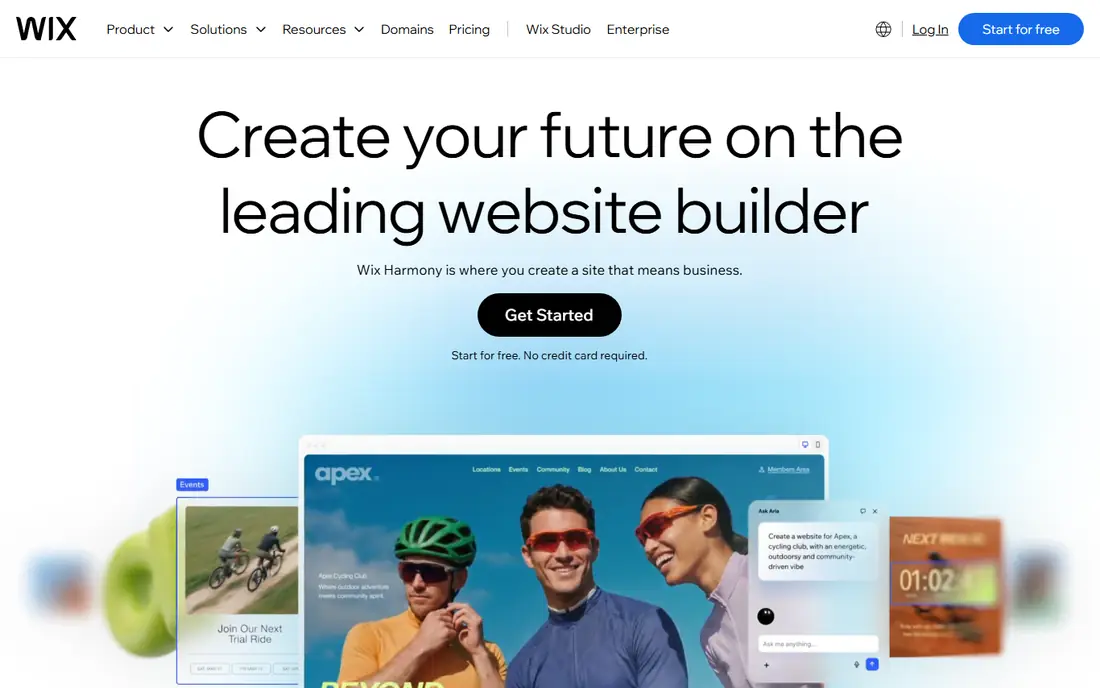
Wix is the easiest switch for readers who are tired of WordPress updates, plugin conflicts and hosting bills. Hosting, security and updates are handled for you, and the builder includes templates, an app market, stores, bookings and marketing tools in one account. A free plan lets you build and test before paying, with paid plans starting at 17 dollars per month on annual billing for Light in recent vendor pricing.
The trade-offs are lock-in and the free tier. Free sites show Wix branding on a subdomain, and moving a finished Wix site to another platform is difficult. Wix suits small businesses that value simplicity and a single bill over full control and portability.
- Free plan to build and test
- Drag-and-drop and AI builder
- Stores, bookings and marketing built in
- Free plan shows Wix ads on a subdomain
- Sites are hard to move off Wix
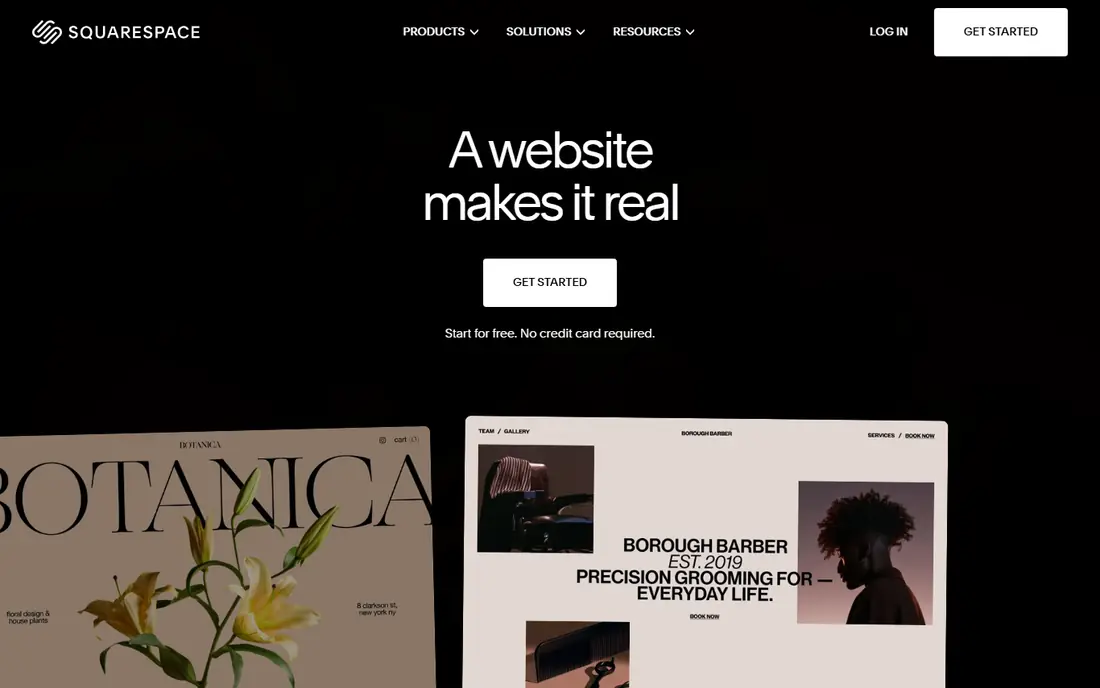
Squarespace is known for templates that look polished with little design effort, which makes it a strong choice for portfolios, restaurants, studios and small shops. Blogging, commerce, scheduling and member areas are built in, and annual plans include a free domain for a year. Recent vendor pricing lists Basic at 19 dollars per month billed annually, with higher tiers for commerce and advanced features.
The limits are extension depth and price. There is no permanent free plan, only a 14-day trial, and you cannot match the WordPress plugin catalogue. Squarespace suits readers who want a beautiful site with minimal maintenance and are happy to work inside its template system.
- Strong designer templates
- Blogging, commerce and scheduling built in
- No plugins to update
- No free plan, only a trial
- Fewer extensions than WordPress
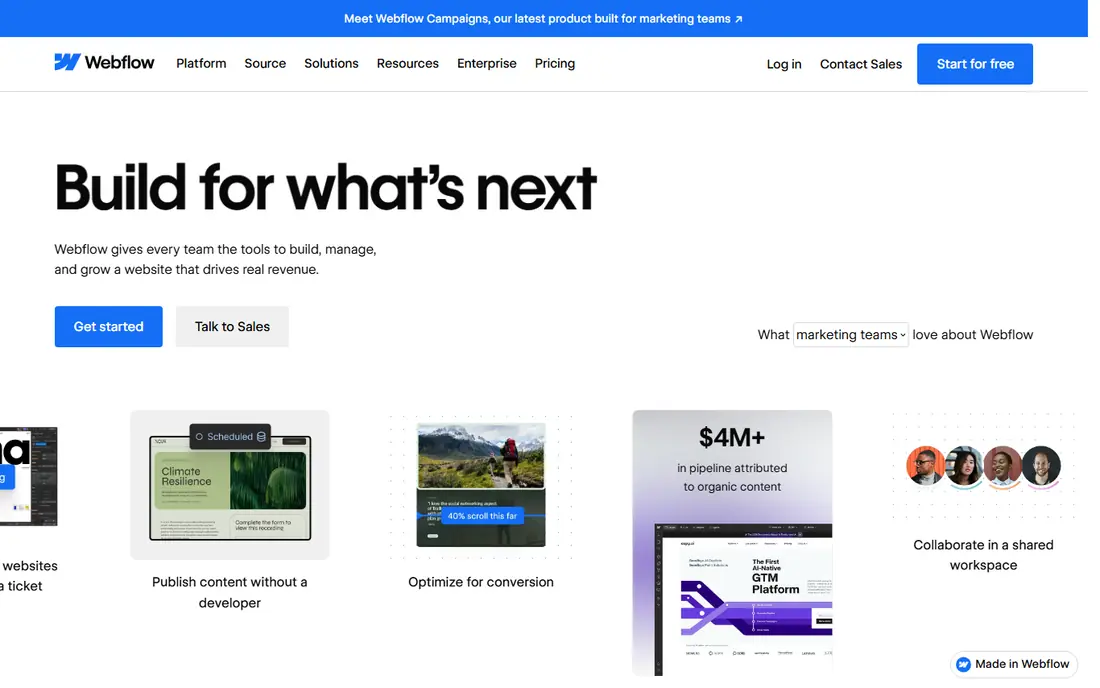
Webflow gives designers close control over layout, animation and content structure without writing a full theme from scratch. You design visually, define CMS collections for blogs, case studies or listings, and publish to Webflow hosting with a content delivery network. A free Starter plan lets you learn the editor, while paid site plans start at 15 dollars per month billed annually for Basic.
It takes longer to learn than Wix or Squarespace, and full CMS features need a higher tier. Webflow suits designers, agencies and marketing teams that want a custom-looking site and a structured blog, without taking on WordPress maintenance.
- Visual canvas with CMS collections
- Clean hosted output
- SEO controls built in
- Learning curve for beginners
- CMS limits on lower tiers
Ghost is built for independent publishers. Its editor is clean and fast, newsletters and paid memberships are core features rather than add-ons, and Ghost takes no fee from subscription revenue on its hosted plans. You can self-host the open-source software for free, or use Ghost(Pro) from 15 dollars per month billed annually at the Starter level in recent vendor pricing.
The limits are scope and customisation. There is no WordPress-style plugin system, and deeper design changes usually need theme code. Ghost suits writers and publishers whose main product is content and memberships, not a general business site with many unrelated features.
- Clean writing editor
- Memberships and newsletters built in
- No platform fee on paid subscriptions
- No plugin system
- Design changes often need theme code
Framer is the quickest path to a design-polished launch page or portfolio. Design and publishing happen together, templates are strong, and pages load fast on Framer hosting. A free plan covers basic publishing, while paid plans start at 10 dollars per month billed annually for Basic in recent vendor pricing.
It is less suited to large blogs or content hubs, where Webflow or Ghost offer deeper CMS tools, and it has no native commerce depth to match Shopify. Framer suits startups, freelancers and designers who need a sharp marketing site in days, not a large content operation.
- Design and publishing in one tool
- Strong templates
- Fast hosted pages
- Thin for large content sites
- No native commerce depth
Shopify is the clear pick when selling is the main job of the site. It handles products, payments, shipping, discounts and checkout on hosted infrastructure, with a large app store for extra features. The Basic plan is listed at 29 dollars per month billed annually, with a trial period for new stores.
Blogging is weaker than WordPress or Ghost, so content-led sites may need workarounds, and app subscriptions can push the monthly bill well above the base plan. Shopify suits stores of any size that want reliable commerce first and a blog second, rather than publishers who happen to sell a few items.
- Complete commerce tools
- Large app store
- Reliable hosted checkout
- Native blogging is weaker than WordPress
- Monthly cost plus apps adds up
Drupal is a free, open-source CMS for complex sites, used by governments, universities and large organisations. It handles detailed content types, user roles and permissions, multilingual content and large content libraries better than most hosted builders. The software itself costs nothing, though hosting and developer time are extra.
It is not a beginner tool. Setup, theming and maintenance need developer skill, and small teams may find it heavy for a simple blog or brochure site. Drupal suits teams with developers who need custom structure, access control and scale, and who want full ownership of code and data.
- Free open-source software
- Powerful content types and permissions
- Large scale proven
- Needs developer skill
- Hosting, security and updates are your job
Joomla
Best for: Self-hosters who want more built-in structure than a basic builder
Joomla sits between WordPress and Drupal in complexity. It is free and open source, self-hosted, and includes multilingual support, user management and content organisation that would need plugins elsewhere. Its extension library covers common needs such as forms, galleries and shops, though it is smaller than the WordPress catalogue.
Like Drupal, Joomla needs hosting, updates and backups managed by you or your host. It suits small organisations and developers who want a self-hosted CMS with more built-in structure than a simple builder, without the full weight of Drupal.
- Free open-source software
- Built-in multilingual and user management
- Active extension library
- Smaller ecosystem than WordPress
- Needs hosting and maintenance
Sanity is a headless CMS, which means it manages content as structured data while your team builds the front end separately. That separation suits apps, marketing sites with custom designs, and teams that publish the same content to web, mobile and other channels. A free tier covers small projects, with paid plans from 15 dollars per seat per month in recent vendor pricing.
It is not a site builder. Non-technical editors will need a front end built for them, and small teams without developers will find Wix or Squarespace faster. Sanity suits developer-led teams that want a flexible content backend and are already building their own front end.
- Structured content backend
- Free tier for small projects
- Real-time collaboration
- Developer required
- No ready-made site design for non-technical editors
How we picked these
We compared official pricing and feature pages for platforms that are actively maintained in October 2026 and that offer a realistic path off WordPress. We included hosted builders, publishing platforms, commerce platforms and developer CMS options, so readers with different skills and goals can compare fairly. Where prices differ by billing term we note annual billing, and readers should confirm current pricing on the vendor site before migrating.
How to choose a WordPress alternative
Start with the main job of your site. If it is selling, Shopify leads. If it is publishing and memberships, Ghost leads. If it is a beautiful business site with little maintenance, Wix or Squarespace lead. If it is a custom design or a developer project, Webflow, Framer, Drupal, Joomla or Sanity lead. Choosing by main job avoids paying for features you will never use.
Check migration before you commit
Export or rebuild a test page, check whether your posts, images, redirects and SEO titles carry over, and test forms, payments and email signup on the new platform. A platform that looks easy but loses your search traffic or subscriber list is not a good switch, however polished its templates look.
Count total cost, not just the plan price
Add hosting where needed, paid themes or apps, domain renewal, email service and maintenance time. A free CMS with paid hosting and developer help can cost more than a hosted builder, while a hosted builder with many apps can also grow expensive. Compare a realistic year-one total for your actual site.