Adobe Illustrator Alternatives in 2026: 8 Tools Compared
By ToolNimba Editorial Team November 8, 2026 10 min read

- Top pick
 Affinity
Direct Illustrator replacement
Starting priceFreeCheck out AffinityRead our review - Runner-up
 Inkscape
Free open-source vector editing
Starting priceFreeCheck out InkscapeRead our review - Also great
 CorelDRAW
Print and technical design
Starting priceSee websiteCheck out CorelDRAWRead our review
How we researched this
We compared official pricing and feature pages, app store listings, privacy policies and public user reviews. Prices change, so check the provider's site before you pay.
Key takeaways
- Affinity is the strongest direct Illustrator replacement for most designers, because it offers professional vector tools without a subscription.
- Inkscape is the best free alternative, with full vector editing at no cost, though its interface and print workflows are less polished.
- Figma is best for team UI work and collaboration, while CorelDRAW suits print and technical design, so match the tool to your main output.
- Check file compatibility before you switch: SVG, PDF, and AI file handling varies, and print work needs proper CMYK support.
Quick comparison
| Name | Best for | Starting price | Free plan | |
|---|---|---|---|---|
| Affinity | Direct Illustrator replacement | Free | Yes | Visit |
| Inkscape | Free open-source vector editing | Free | Yes | Visit |
| CorelDRAW | Print and technical design | See website | Free trial | Visit |
 Figma | Team UI and product design | Free | Yes | Visit |
 Sketch | Mac UI design | See website | Free trial | Visit |
 Linearity Curve | Apple and iPad vector work | Free | Yes | Visit |
 Canva | Quick marketing graphics | $12.99 per month | Yes | Visit |
 Boxy SVG | Simple web vector graphics | See website | Free trial | Visit |
The best Adobe Illustrator alternatives
Illustrator is powerful, but its subscription cost pushes many designers to look for alternatives. The tools below range from free open-source editors to professional print tools and team design platforms, so the right pick depends on whether you make logos, illustrations, UI designs, or print work.
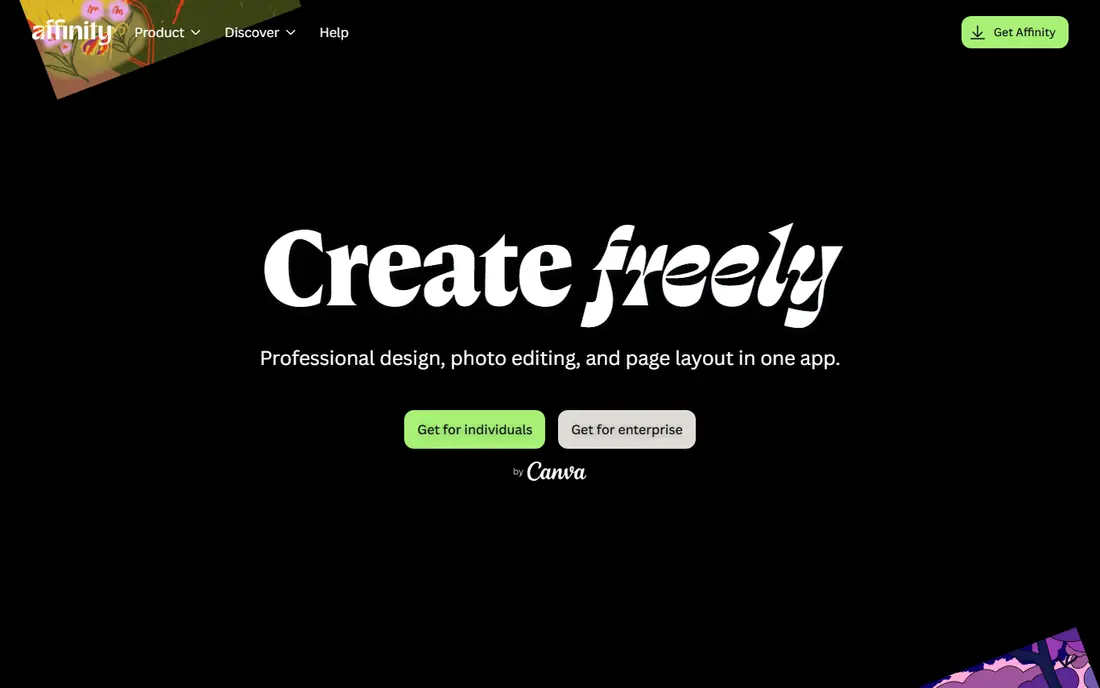
Affinity, now part of Canva, is the closest single replacement for Illustrator for most designers. It offers pen tools, Boolean operations, advanced typography, and a mix of vector and raster editing in one workspace, which covers logos, illustrations, and layout work. Recent pricing has made Affinity free to use, which removes the main reason many designers hesitated to switch from a subscription.
The gaps are mainly around collaboration and niche Illustrator workflows. Real-time team editing is not as strong as Figma, and some print or automation workflows need adjustment. If you work alone or in a small studio and want professional vector power without a monthly fee, Affinity is the first tool to try. Export a real project to SVG and PDF first, to confirm it fits your print or client workflow.
- Professional vector and raster tools in one app
- No subscription in recent Canva-era pricing
- Strong file compatibility
- Collaboration features are thinner than Figma
- Some Illustrator-specific workflows differ
- Learning curve for complex features
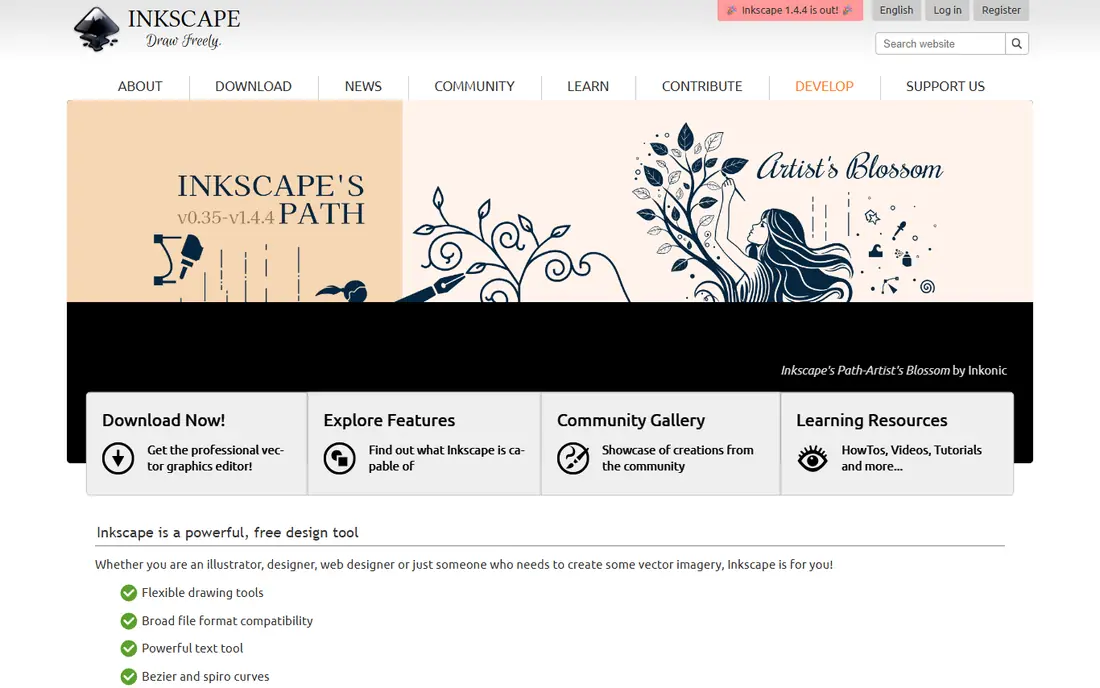
Inkscape is the best free Illustrator alternative, full stop. It is a complete vector editor for Windows, Mac, and Linux, handling logos, icons, illustrations, and diagrams with pen tools, path operations, and tracing. It saves in SVG, the native format for web graphics, and it can open Illustrator files saved with PDF compatibility. For students, freelancers, and small businesses on a tight budget, Inkscape removes cost as a barrier.
The trade-offs are polish and print. The interface is less refined than Affinity or Illustrator, and CMYK color handling is weaker, which matters if a print shop demands a true CMYK PDF. For web graphics, social images, laser cutting, and screen work, those limits rarely matter. If your work ends on screen, Inkscape is excellent. If it ends at a commercial printer, test its PDF output with your printer first.
- Completely free and open source
- Full vector editing for logos and illustrations
- Strong SVG support
- Interface feels less modern
- CMYK print workflows are weaker
- Performance can lag on very complex files
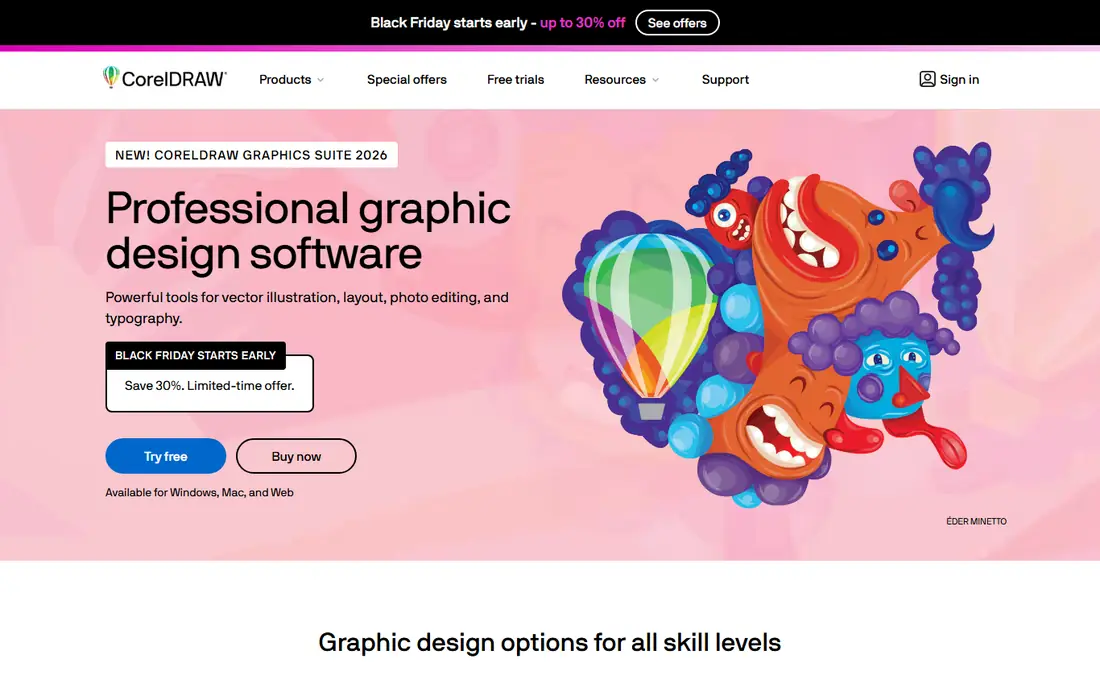
CorelDRAW has served print, sign, and technical design for decades, and it remains a strong Illustrator alternative for that work. Its layout, typography, and color management tools suit brochures, packaging, signage, and technical illustration, and it supports a wide range of file formats. For print shops and sign makers, CorelDRAW workflows are often already established.
Cost and focus are the drawbacks. CorelDRAW costs considerably more than Affinity or Inkscape, and it is less suited to modern UI design collaboration than Figma. Pricing has varied between subscription and perpetual licenses, so check the current offer on the official site. Choose CorelDRAW when print and technical work is your main output, not when you mainly design app screens.
- Strong print and layout tools
- Broad file format support
- Flexible subscription or perpetual license options in past pricing
- Higher cost than Affinity or Inkscape
- Learning curve for new users
- Less common for UI design teams
Figma is the best Illustrator alternative for teams designing apps, websites, and product interfaces. Multiple designers can edit the same file in real time, components keep designs consistent, and prototyping lets you test flows without leaving the tool. The free plan covers small teams and personal projects, which makes it easy to try before paying.
It is not a direct replacement for print illustration. Figma lacks some of Illustrator's deep path, brush, and print tools, and its strengths lie in UI systems rather than detailed artwork. Paid plans start at $12 per editor per month on annual billing in past pricing, so check current rates for team use. If your work is UI and product design, Figma is the natural pick. If it is illustration or print, pair it with Affinity or Inkscape.
- Real-time collaboration
- Strong component and prototyping tools
- Runs in the browser
- Less suited to complex print illustration
- Paid plans start per editor
- Needs internet for full collaboration
Sketch pioneered modern UI design workflows, and it remains a strong choice for Mac-based product teams. Its symbols, libraries, and plugins help teams build consistent interfaces, and its interface is focused and fast for screen design. For Mac users who prefer a native app over a browser tool, Sketch feels more at home than Figma in some workflows.
The limit is platform: Sketch runs only on Mac, so Windows-based teams and collaborators cannot use it directly. It is also less suited to detailed illustration or print work than Illustrator or Affinity. Check current pricing on the official site, since Sketch has moved between license and subscription models. Choose Sketch if your team is Mac-only and UI-focused; otherwise Figma or Affinity will be more flexible.
- Clean UI design workflow on Mac
- Strong symbols and libraries
- Large plugin ecosystem
- Mac only
- Less suited to print illustration
- Subscription pricing for team features
Linearity Curve, formerly Vectornator, is the most polished free vector app for Apple users. It runs on Mac, iPad, and iPhone, with a touch-friendly interface and Apple Pencil support that makes drawing on iPad feel natural. Bezier curves, auto trace, typography tools, and SVG and PDF export cover most logo and illustration tasks, and the free tier is generous for personal and small studio work.
Platform exclusivity is the catch. If you work on Windows or Android, or collaborate with people who do, Linearity Curve will not fit. Its community and template library are also smaller than Affinity or Inkscape. For Apple-focused designers, especially those who sketch on iPad, Linearity Curve is an excellent free alternative to Illustrator.
- Polished Apple and iPad experience
- Apple Pencil support
- Bezier tools, auto trace, and SVG export
- Apple devices only
- No Windows or Android version
- Smaller community than Inkscape or Affinity
Canva is not a traditional vector editor, but it belongs in this list because many people leave Illustrator for speed, not for deeper vector tools. Its drag-and-drop editor, template library, and brand tools let non-designers and marketing teams produce social graphics, presentations, and simple logos quickly. Canva Pro at $12.99 per month adds brand kits, background removal, and premium templates.
For complex illustration, logo refinement, or print production, Canva falls short of Affinity, Inkscape, or CorelDRAW. Path editing is limited, and precise vector control is not its strength. Choose Canva when your main need is fast marketing graphics from templates. Choose a true vector editor when you need precise paths, custom illustration, or print-ready files.
- Huge template library
- Drag-and-drop editing
- Brand kit and background removal on Pro
- Not a full vector editor for complex illustration
- Limited path editing
- Pro needed for best features
Boxy SVG is a lightweight vector editor built around SVG, the format browsers use. Its interface is simple, its SVG output is clean, and it suits web developers and designers who need icons, simple illustrations, and web graphics without a heavy application. A free trial lets you test it, and past pricing was low, so check the current rate on the official site.
Advanced illustration is where Boxy SVG stops. It lacks the deep brush, mesh, and print tools of Illustrator or Affinity, and it is not a print production tool. If your work is web icons and simple vector graphics, Boxy SVG is a fast, affordable pick. If you need detailed illustration or print work, start with Affinity or Inkscape instead.
- Simple, clean interface
- Good SVG code output
- Low cost for web graphics
- Limited advanced illustration features
- Smaller feature set than Affinity
- Web-focused rather than print-focused
How we picked these
We compared vector editors that can genuinely replace Illustrator for at least one major use case: professional illustration, print design, UI design, or quick marketing graphics. We checked official pricing pages, platform support, file format handling, and free plan or trial availability. We excluded tools that are only photo editors or only template libraries without vector editing, except Canva, which many Illustrator leavers use for marketing work.
How to switch from Illustrator
Export your key files before you cancel. Save important logos and illustrations as SVG and PDF, as well as in their original AI format, so you can open them in a new tool even if some effects shift. Then rebuild one real project in the new tool, not just a test shape: a logo with text, a multi-color illustration, and a print or web export. That test reveals font, color, and export differences before they affect client work.
Also check fonts and colors. Fonts licensed through Adobe may not carry over, so confirm you have the right to use them in a new tool. For print, confirm CMYK handling with your printer, and for web, confirm SVG output is clean. A week of parallel use, with Illustrator still available as a fallback, makes the switch far less risky than a sudden cancellation.
Sources
Frequently asked questions
What is the best free Adobe Illustrator alternative?
Inkscape is the best free alternative for full vector editing, with no cost and strong SVG support. Affinity is also free in its current pricing and offers a more polished interface. Linearity Curve is the best free pick for Apple and iPad users. Choose based on platform and whether you need print support.
Can Affinity replace Illustrator completely?
For most logo, illustration, and layout work, yes. Affinity covers pen tools, typography, and vector-raster editing well, and it exports SVG and PDF for clients and printers. Some Illustrator-specific workflows, plugins, and team collaboration features differ, so test a real project before you cancel Illustrator.
Is Figma a good Illustrator alternative?
Figma is a good alternative for UI and product design, where collaboration and components matter most. It is less suited to detailed illustration or print production. Many designers use Figma for screens and Affinity or Inkscape for illustration, rather than relying on one tool for both.
Do Illustrator alternatives open AI files?
Many alternatives can open AI files saved with PDF compatibility, including Inkscape and Affinity, but complex effects, gradients, and text may shift. Save a PDF and SVG copy alongside the AI file for safer transfer. Always open and check a file in the new tool before you rely on it for client work.
Which Illustrator alternative is best for print?
CorelDRAW and Affinity are the strongest print picks in this list, because they handle layout, typography, and color management better than web-focused tools. Inkscape is weaker for true CMYK print workflows. Confirm PDF output with your print shop before committing to a tool for commercial print.
Should I switch from Illustrator if I only make social graphics?
Probably yes, if cost is the main issue. Canva covers most social graphics faster and cheaper, and Affinity or Inkscape cover custom illustration when you need it. Illustrator's depth is wasted on simple social posts, and a simpler tool will save time as well as money.