Alternatives to Google Docs in 2026: 10 Tools Compared
By ToolNimba Editorial Team October 31, 2026 9 min read

- Top pick
 Microsoft Word
Word file compatibility
Starting price$9.99 per monthCheck out Microsoft WordRead our review - Runner-up
 Zoho Writer
Free online replacement
Starting priceFreeCheck out Zoho WriterRead our review - Also great
 Notion
Docs, wikis, and databases
Starting price$10 per user per monthCheck out NotionRead our review
How we researched this
We compared official pricing and feature pages, app store listings, privacy policies and public user reviews. Prices change, so check the provider's site before you pay.
Key takeaways
- Microsoft Word is the best Google Docs alternative if you exchange Word files with clients, schools, or employers every week.
- Zoho Writer and LibreOffice Writer are the best free replacements, with Zoho Writer stronger online and LibreOffice Writer stronger offline.
- Notion and Coda suit teams that want docs, wikis, and databases in one workspace, not just a word processor.
- Proton Docs and CryptPad suit readers who want privacy-first collaboration, with end-to-end encryption as a core feature.
- Test your real documents before you switch, because formatting, comments, and tracked changes do not always move cleanly between tools.
Quick comparison
| Name | Best for | Starting price | Free plan | |
|---|---|---|---|---|
| Microsoft Word | Word file compatibility | $9.99 per month | Yes | Visit |
| Zoho Writer | Free online replacement | Free | Yes | Visit |
| Notion | Docs, wikis, and databases | $10 per user per month | Yes | Visit |
 LibreOffice Writer | Free offline writing | Free | Yes | Visit |
 Apple Pages | Apple device users | Free | Yes | Visit |
 ONLYOFFICE Docs | Office format fidelity | $20 per admin per month | Yes | Visit |
 Proton Docs | Privacy-first collaboration | $3.99 per month | Yes | Visit |
 Coda | Docs that act like apps | $10 per month | Yes | Visit |
 Dropbox Paper | Lightweight team docs | Free | Yes | Visit |
 CryptPad | Encrypted team docs | Free | Yes | Visit |
The best alternatives to Google Docs
Google Docs is free and easy, but some readers want better Word compatibility, offline use, stronger privacy, or a wiki-style workspace. The tools below cover those needs. We compared official pricing pages and recent independent comparisons, and we favored tools that are live today and that truly support collaborative writing.
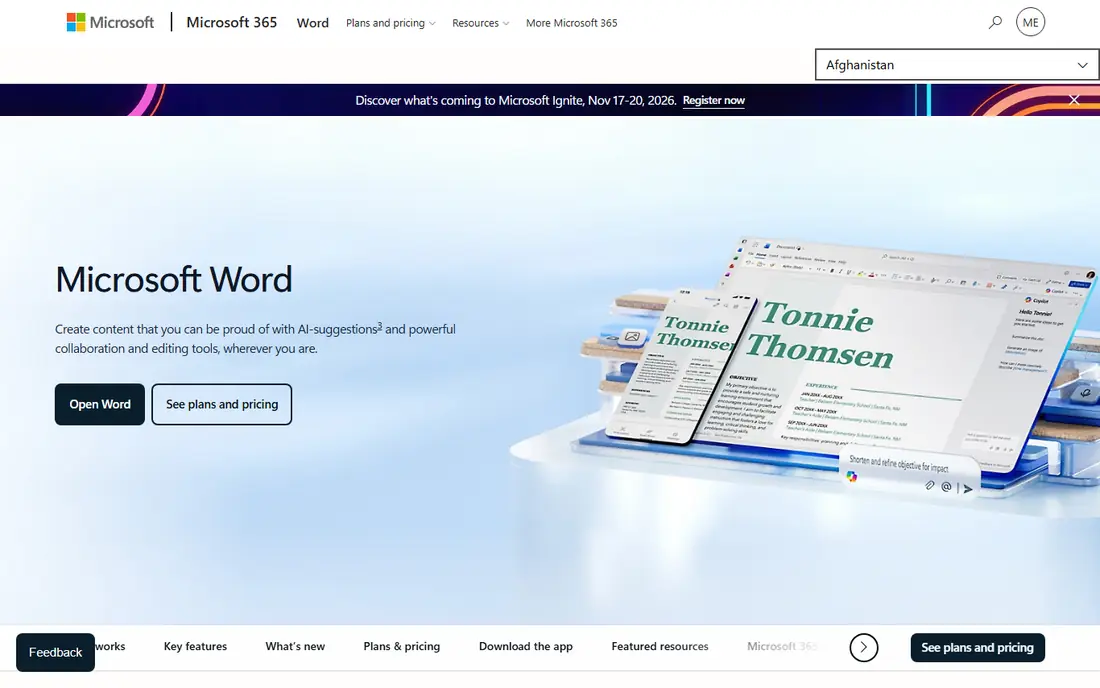
Microsoft Word is the most practical Google Docs alternative for anyone who works with Word files daily. The web version is free with 5 GB of storage in recent listings, and Microsoft 365 Personal is listed at $9.99 per month, or $99.99 per year, for the full desktop apps. Coauthoring, comments, and tracked changes work well across Word, web, and mobile.
The trade is cost and weight. The free web version is enough for basic writing, but advanced layout, macros, and offline desktop use need a paid plan. If your clients send .docx files and expect them back unchanged, Word is the safest choice.
- Best Word format support
- Real-time coauthoring
- Web version free with a Microsoft account
- Full desktop app needs a paid plan
- Web version has fewer features than desktop Word
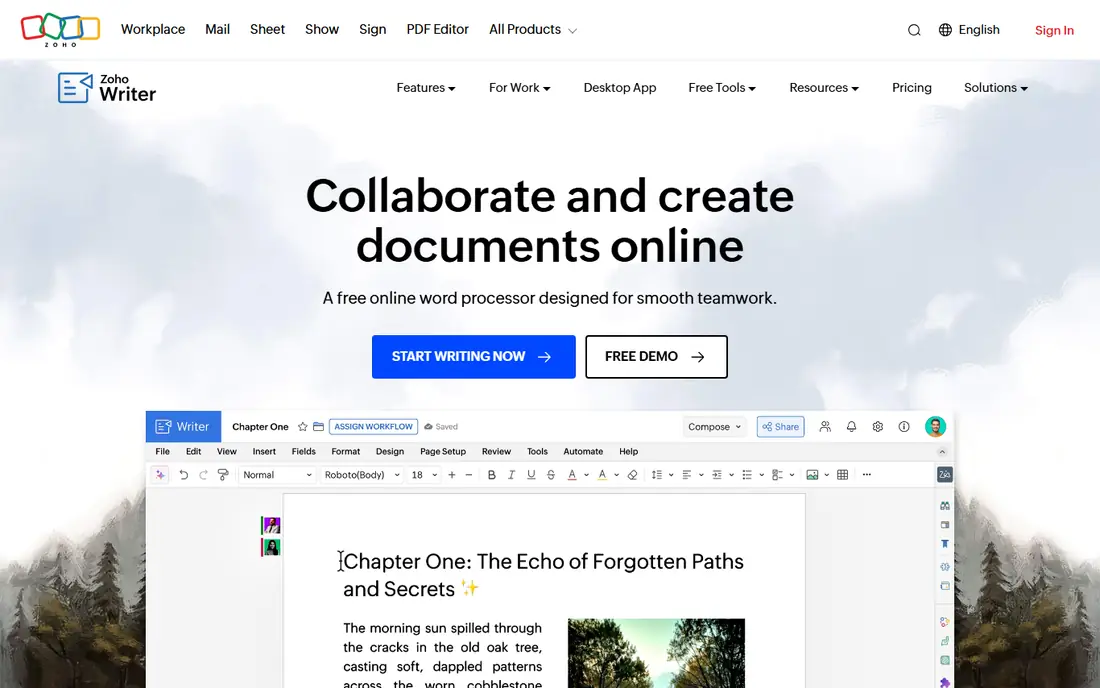
Zoho Writer is the closest free online replacement for Google Docs. It offers real-time collaboration, comments, tracked changes, and a clean interface, without a subscription for basic editing. Document automation credits are charged only beyond a free allowance in recent listings, and team storage sits in Zoho WorkDrive.
The catch is ecosystem. Solo writers get a great free editor, but teams that want admin controls and shared storage will need a WorkDrive plan. If you want a free Docs-like editor with fewer Google ties, Zoho Writer is the first tool to try.
- Free full-featured online editor
- Real-time collaboration
- Offline mode and Word compatibility
- Best value inside Zoho WorkDrive for teams
- Some automation features need paid credits
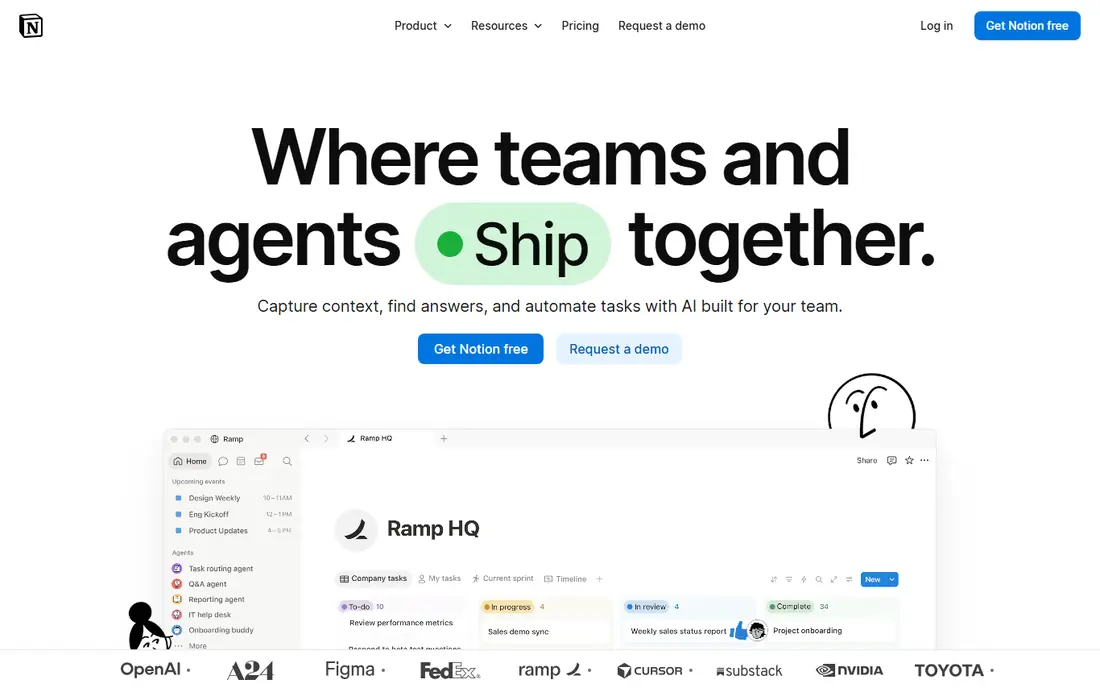
Notion is a better pick when your docs are part of a larger workspace. You can link pages, build a team wiki, add databases for projects, and embed files, all in one place. The free plan covers individual use, and Plus is listed at $10 per user per month when billed annually.
It is not ideal for a formal report that must match Word layout exactly. Export and print formatting need care, and offline use is limited compared with LibreOffice or Word desktop. For internal docs and team knowledge, Notion is hard to beat.
- Docs, wikis, tasks, and databases in one workspace
- Strong templates
- Good for team knowledge
- Less of a pure word processor
- Offline use is limited
- Page layout differs from Word
LibreOffice Writer is the best free offline alternative to Google Docs. It runs on Windows, Mac, and Linux, needs no account, and opens and saves Word files well for most everyday documents. It is a strong choice for writers, students, and anyone who wants to own their files.
Collaboration is the limit. There is no Google Docs-style live co-editing built in, so teams must share files or use a cloud drive. For solo writing and offline work, that trade is easy to accept, and the price is zero.
- Completely free and open source
- Full offline use
- Good Word file support for most documents
- No built-in real-time collaboration
- Interface feels older
- Complex Word layouts may shift
Apple Pages is free with an Apple device and iCloud account, and it is a polished writer for letters, reports, and school work. Templates look good, collaboration works through iCloud, and you can export to Word, PDF, and EPUB. It is a natural Docs replacement on a Mac, iPad, or iPhone.
Windows and Android users get only the web version through iCloud, which is more limited. If your team is mixed-platform and Word files are central, Word or Zoho Writer will cause fewer export surprises.
- Free on Apple devices
- Polished templates
- Good iCloud collaboration
- Exports to Word and PDF
- Apple-only for the full app
- Word layout may shift on export
- Fewer business integrations
ONLYOFFICE Docs is built for teams that need Word, Excel, and PowerPoint formats to stay intact. The browser editors handle .docx files with high fidelity, and a free Community server can be self-hosted. The cloud DocSpace Business plan is listed at $20 per admin per month in recent listings.
The pricing model needs reading, because it is per admin rather than per user in the cloud plan. For a team that already runs its own servers or uses a platform that bundles ONLYOFFICE, it is a strong, cost-effective Docs alternative.
- Strong .docx compatibility
- Self-hosting option
- Collaborative editing in the browser
- Cloud pricing is per admin, which confuses small teams
- Setup takes more work when self-hosted
Proton Docs, inside Proton Drive, suits readers who want collaboration without giving a large ad platform their documents. Docs are encrypted, sharing is controlled, and the free plan includes 5 GB in recent listings. Drive Plus is listed at $3.99 per month when billed annually, and Unlimited at $9.99 per month.
The feature set is still growing, so advanced Word layout, macros, and large team admin tools are thinner than Word or Notion. If privacy is your top priority and your docs are mostly text, Proton Docs is a principled pick.
- End-to-end encryption for docs and Drive
- Clean collaboration
- No ad tracking model
- Feature set is smaller than Google Docs or Word
- Storage limits apply on free and low plans
Coda turns a document into a small app, with tables that act like databases, buttons that trigger actions, and automations that update rows. That suits project docs, trackers, and team hubs that Google Docs cannot handle. The Pro plan is listed at $10 per month per Doc Maker, with editors free, and a free plan covers basic use.
The learning curve is the catch. A simple letter is faster in Word or Zoho Writer, and Coda rewards teams that invest time in building a doc system. For a team that lives in trackers and wikis, that investment pays off.
- Docs with tables, buttons, and automations
- Strong templates
- Editors are free on team plans
- Learning curve is higher than Docs
- Pricing is per Doc Maker, which needs explaining
Dropbox Paper is a lightweight collaborative doc tool for teams that already store files in Dropbox. Writing is simple, comments and tasks are built in, and media embeds look clean. It is free with a Dropbox account, which makes it an easy add-on for existing Dropbox users.
It is not a Word replacement. Formatting options are limited, and long formal documents are better in Word, Zoho Writer, or LibreOffice. For meeting notes, briefs, and light team docs, Paper is fast and pleasant.
- Free with a Dropbox account
- Very simple, clean writing
- Good media embeds and comments
- Fewer formatting and layout options
- Best only if you already use Dropbox
CryptPad is the most privacy-focused option in this list. Documents, spreadsheets, and whiteboards are encrypted so that even the server operator cannot read them, and the code is open source. A free plan is available on public instances, and hosted plans on CryptPad.fr start at about 5 euros per month in recent listings.
The trade is polish. CryptPad feels simpler than Google Docs, and some teams will miss advanced formatting and integrations. For schools, nonprofits, and privacy-minded teams that need encrypted collaboration, it is a strong and honest choice.
- End-to-end encrypted docs, sheets, and whiteboards
- Open source
- Self-hosting option
- Interface is plainer than Docs
- Paid hosted plans are in euros
- Collaboration features are simpler
How we picked these
We compared official pricing and feature pages and recent independent comparisons, and we favored tools that are live today and that support real collaborative writing or strong offline work. We included free, paid, privacy-first, and wiki-style options, and we did not claim hands-on testing.
What to check before you switch
Open your most complex real document in the new tool, not a blank page. Check headings, tables, images, comments, and tracked changes, because those are where switches fail. If you collaborate live, test with two people editing at once before you move a whole team.
Privacy, offline use, and file format
Decide which matters most, because no tool wins on all three. Proton Docs and CryptPad win on privacy, LibreOffice wins offline, and Word wins on file format. A team that needs all three may need two tools, not one.
Cost over a year
Free plans are enough for many solo writers, but team plans add up. Compare annual prices, storage limits, and whether editors or viewers are charged. Notion, Coda, and ONLYOFFICE all price differently, so count Doc Makers, admins, or members carefully.
Sources
- https://www.microsoft.com/microsoft-365/word
- https://www.zoho.com/writer
- https://www.notion.so
- https://www.libreoffice.org
- https://www.apple.com/pages
- https://www.onlyoffice.com
- https://proton.me/drive
- https://coda.io
- https://www.dropbox.com/paper
- https://cryptpad.org
- https://www.flozic.ai/blog/alternatives/google-docs-alternatives
- https://revise.io/blog/best-free-word-processors