Best 2D Animation Software in 2026: 9 Tools Compared
By ToolNimba Editorial Team October 31, 2026 9 min read

- Top pick
 Toon Boom Harmony
Professional studio pipelines
Starting price$30 per monthCheck out Toon Boom HarmonyRead our review - Runner-up
 Adobe Animate
Web and vector animation
Starting price$22.99 per monthCheck out Adobe AnimateRead our review - Also great
 TVPaint Animation
Traditional frame-by-frame drawing
Starting price$590 one-timeCheck out TVPaint AnimationRead our review
How we researched this
We compared official pricing and feature pages, app store listings, privacy policies and public user reviews. Prices change, so check the provider's site before you pay.
Key takeaways
- Toon Boom Harmony is the professional studio standard, while Adobe Animate suits web and Creative Cloud users.
- OpenToonz, Pencil2D, Synfig Studio, and Krita offer genuinely free routes into 2D animation.
- Moho is the best value paid option for rigged characters, with a one-time price instead of a subscription.
- TVPaint suits traditional frame-by-frame animators who want a natural drawing feel, while Blender Grease Pencil suits artists who also work in 3D.
Quick comparison
| Name | Best for | Starting price | Free plan | |
|---|---|---|---|---|
| Toon Boom Harmony | Professional studio pipelines | $30 per month | Free trial | Visit |
| Adobe Animate | Web and vector animation | $22.99 per month | Free trial | Visit |
| TVPaint Animation | Traditional frame-by-frame drawing | $590 one-time | Free trial | Visit |
 Moho | Rigged characters at low cost | $59.99 one-time | Free trial | Visit |
 OpenToonz | Free studio-grade tools | Free | Yes | Visit |
 Krita | Free drawing and animation | Free | Yes | Visit |
 Synfig Studio | Free vector tweening | Free | Yes | Visit |
 Pencil2D | Simple hand-drawn animation | Free | Yes | Visit |
 Cartoon Animator | Fast character animation | $149 one-time | Free trial | Visit |
The best 2D animation software
2D animation splits into two main styles. Frame-by-frame animation means drawing each pose, while rigged animation means building a character once and moving it with bones and controls. The best software for you depends on which style you enjoy, and how much time you want to spend drawing versus setting up rigs.
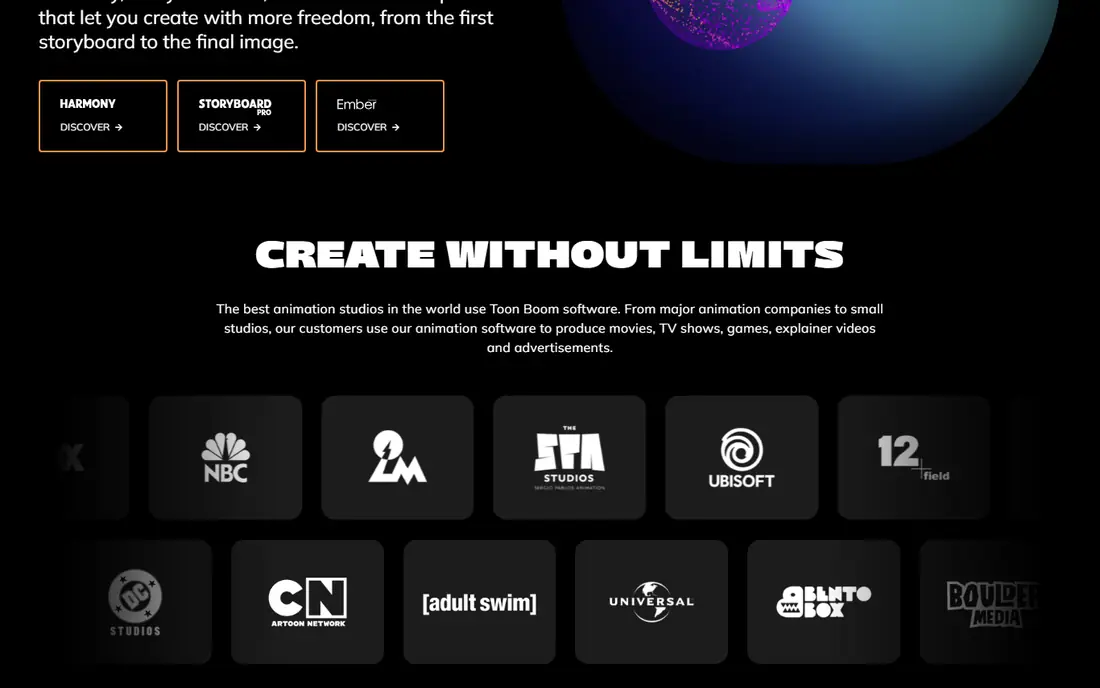
Toon Boom Harmony is used by many television and film studios, and its toolset reflects that history. You can draw traditionally, build cut-out rigs, mix both approaches, and composite scenes with camera moves and effects in one program. Its brush engine and vector drawing feel natural for artists who come from paper.
Essentials starts around $30 per month, with higher tiers for advanced features. Beginners may feel overwhelmed by the interface, and the subscription model means costs continue as long as you use it. If you aim for studio work, learning Harmony pays off directly.
- Industry-standard rigging and compositing
- Supports traditional, cut-out, and hybrid styles
- Strong drawing tools
- Subscription cost adds up
- Steep learning curve
- Needs a capable computer for large scenes
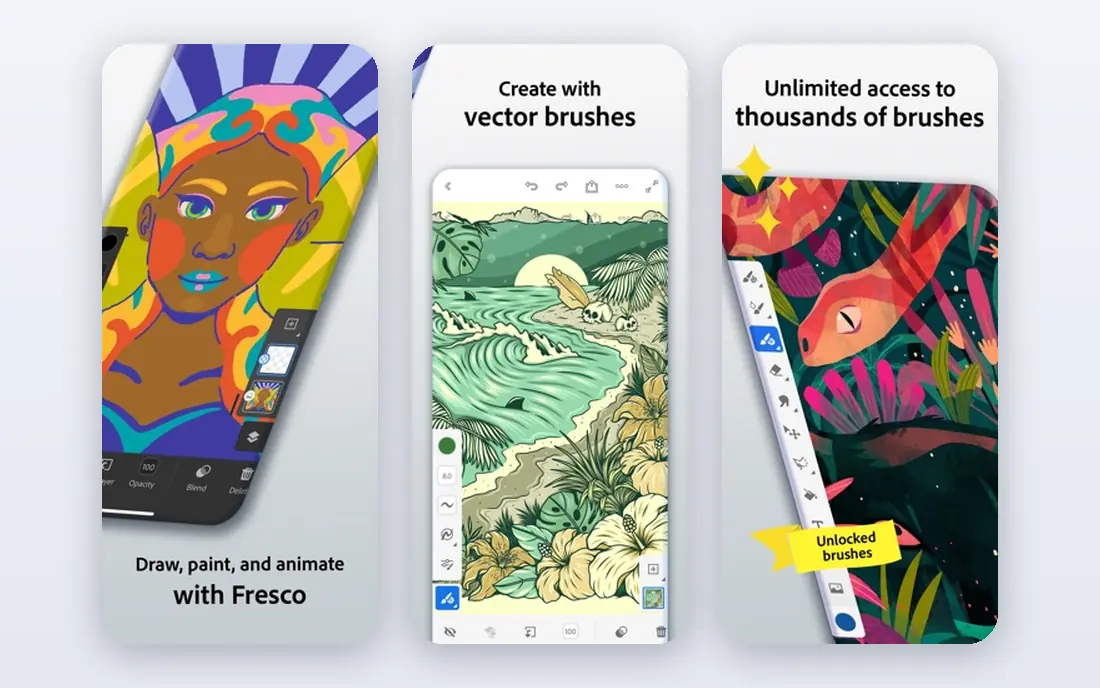
Adobe Animate is a strong choice for web banners, explainer videos, games, and interactive projects. Its vector workflow keeps art crisp at any size, and it exports to HTML5 Canvas and video formats. Integration with Photoshop and Illustrator helps if you already work in Creative Cloud.
At $22.99 per month, it is a recurring cost, and it is not as deep as Harmony for full television production. For designers and educators who need fast, shareable animation for screens, Animate remains practical and widely documented.
- Vector animation with web export
- Works with Photoshop and Illustrator
- Good for interactive content
- Subscription only
- Less deep for TV production than Harmony
- Some tools feel dated
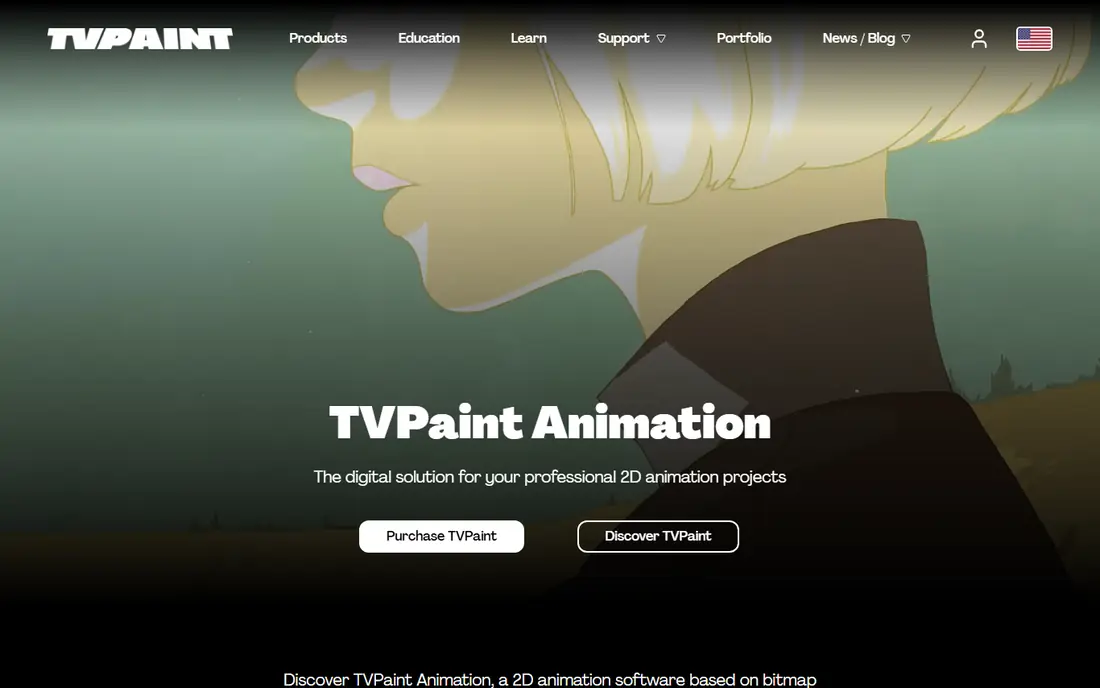
TVPaint is built for animators who want to draw every frame on a digital canvas that feels close to paper. Its bitmap brushes, onion skinning, and timeline tools support traditional workflows without forcing you into rigs. Professional short films and features have used it for that reason.
The $590 one-time price is a barrier for hobbyists, though it avoids a subscription. It is also less suited to rigged puppet animation than Moho or Harmony. If hand-drawn quality is your priority and you can afford the entry price, TVPaint is a focused, respected tool.
- Natural bitmap drawing feel
- Strong for hand-drawn animation
- Used in professional 2D films
- High one-time price
- No vector rigging focus
- Smaller tutorial community than Adobe
Moho, formerly Anime Studio, lets you build a character with bones, then animate it by posing the rig instead of redrawing each frame. That approach is fast for series work, explainer videos, and social content where the same characters return often. Debut starts at $59.99 one-time, which makes it the cheapest paid route into rigged animation.
Pro at $399.99 adds advanced rigging, physics, and export options. Drawing inside Moho is serviceable but not as refined as TVPaint or Krita, so many artists draw characters elsewhere and rig them here. If you want reusable characters without a subscription, Moho is our value pick.
- Bone rigging at a low one-time price
- Debut edition is affordable
- Good for YouTube and explainer characters
- Pro edition costs $399.99
- Drawing tools are weaker than TVPaint
- Learning rigging takes time
OpenToonz is open source software with roots in professional studio production. It offers scanning, inbetweening, effects, and compositing tools that rival paid programs, all for free. That makes it a strong choice for students and independent animators who want studio-grade features without a subscription.
The interface is less polished than commercial rivals, and some workflows assume prior animation knowledge. Beginners should expect to follow tutorials for the first projects. Once the basics click, OpenToonz can carry a serious short film from drawings to final composite.
- Free and open source
- Professional scanning and compositing tools
- Used in studio production
- Interface feels dated
- Setup can confuse beginners
- Documentation is uneven
Krita is primarily a digital painting program, but its animation tools are strong enough for short frame-by-frame projects. You get brushes, onion skinning, a timeline, and audio import, all in a free, open source app. Illustrators who already paint in Krita can animate without learning a new drawing environment.
It is not a rigging powerhouse, and long television episodes would strain its workflow. For illustrations that move, GIFs, storyboards with motion, and learning animation basics, Krita is one of the best free starting points available.
- Excellent free drawing tools
- Timeline and onion skinning for animation
- Active community
- Animation tools are simpler than Harmony
- Large files can slow older computers
- Not built for complex rigs
Synfig Studio lets you draw vector shapes and animate them with tweening, so the software fills in movement between key poses. That saves time compared with drawing every frame, especially for logos, explainer graphics, and simple characters. It also includes a bone system for cut-out animation.
The interface feels older than Animate or Harmony, and beginners may need patience to find features. Rendering complex scenes can also take time. If you want free vector animation and you are comfortable learning a less polished tool, Synfig offers real power for no cost.
- Free vector animation with automatic tweening
- Bone system for cut-out work
- No subscription
- Interface is dated
- Fewer tutorials than major tools
- Rendering can be slow on complex scenes
Pencil2D is the simplest tool on this list, and that is its strength. You draw frames, use onion skinning to see neighboring drawings, and play back the result. There is little setup and almost no clutter, which makes it ideal for students, children learning animation, and anyone testing whether they enjoy hand-drawn work.
Its limits appear quickly for larger projects. Effects, camera tools, and compositing are basic, and managing hundreds of frames is harder than in Harmony or TVPaint. Start here to learn timing and drawing, then move to a deeper tool when your projects outgrow it.
- Very easy to learn
- Free and open source
- Supports bitmap and vector layers
- Limited effects and compositing
- Not suited to large productions
- Fewer advanced tools
Cartoon Animator focuses on speed. You can use ready-made characters, apply motion clips, add lip sync, and produce a finished video far faster than drawing or rigging from scratch. That suits marketers, teachers, and small businesses that need animated explainers without hiring an animator.
The trade-off is originality. Template characters can look familiar, and custom rigs take more work than the marketing suggests. At $149 one-time, it is a mid-priced tool that pays off when speed matters more than a fully hand-crafted style.
- Ready-made characters and motions
- Fast for explainer and social video
- Face and body motion tools
- Template look can feel generic
- $149 entry price
- Less control than full rigging tools
How we picked these
We compared official pricing pages, feature descriptions, and platform support for live 2D animation tools in October 2026. We included frame-by-frame, rigged, and vector options, plus free tools that genuinely support finished projects. We did not claim hands-on testing, and we left out 3D-only software except where a 2D workflow is a clear part of the tool.
Choosing between free and paid 2D animation software
Free tools are a smart first step because animation style matters more than brand. Spend a month with Pencil2D or Krita for drawing, and Synfig or OpenToonz for tweening and rigging, before paying. That month tells you whether you enjoy drawing every frame or prefer building rigs.
Match the tool to the output
Web and social video favors Animate and Cartoon Animator, television and film favors Harmony and TVPaint, and reusable characters favor Moho. Check export formats early, including video, image sequences, and transparency, since a tool that cannot export what your editor needs will slow every project.
Check your computer first
Animation software can be demanding, especially with large canvases and effects. Check the system requirements for your chosen tool, try the free trial on your actual machine, and keep projects organized with separate folders for art, audio, and exports.