Best 3D Animation Software in 2026: 9 Tools Compared
By ToolNimba Editorial Team November 7, 2026 11 min read

- Top pick
 Blender
Free all-in-one 3D animation
Starting priceFreeCheck out BlenderRead our review - Runner-up
 Autodesk Maya
Film and games studio pipelines
Starting price$235 per monthCheck out Autodesk MayaRead our review - Also great
 Cinema 4D
Motion graphics and fast production
Starting price$69.91 per monthCheck out Cinema 4DRead our review
How we researched this
We compared official pricing and feature pages, app store listings, privacy policies and public user reviews. Prices change, so check the provider's site before you pay.
Key takeaways
- Blender is free and covers modeling, animation, and rendering in one app, which makes it the best starting point for most people.
- Maya remains the studio standard for film and games, but subscription pricing near $235 per month puts it out of reach for many freelancers.
- Cinema 4D at about $69.91 per month suits motion graphics artists who want fast results and After Effects integration.
- Houdini Indie at $299 per year gives solo artists procedural simulation power at a fraction of studio pricing.
- Pick by pipeline first. The tool your collaborators and clients use matters as much as the feature list.
Quick comparison
| Name | Best for | Starting price | Free plan | |
|---|---|---|---|---|
| Blender | Free all-in-one 3D animation | Free | Yes | Visit |
| Autodesk Maya | Film and games studio pipelines | $235 per month | Free trial | Visit |
| Cinema 4D | Motion graphics and fast production | $69.91 per month | Free trial | Visit |
 Houdini | Procedural simulation and VFX | $299 per year | Yes | Visit |
 Autodesk 3ds Max | Games and architectural visualization | See website | Free trial | Visit |
 Moho | 2D character animation with 3D feel | See website | Free trial | Visit |
 Cascadeur | AI assisted character animation | See website | Yes | Visit |
 Daz 3D | Ready made characters and scenes | Free | Yes | Visit |
 iClone | Real time character animation | See website | Free trial | Visit |
The best 3d animation software
3D animation software covers modeling, rigging, keyframe animation, simulation, and rendering, but each tool leans toward a different kind of work. Some serve film pipelines, some serve motion graphics, and some serve solo creators. We compared official pricing pages, free tiers, and the kind of projects each tool is known for to build this list.
Blender is free and open source software under the GPL, with no subscription, no seat limit, and no revenue cap on commercial work. It covers modeling, sculpting, UV work, rigging, animation, simulation, and rendering with the Cycles and Eevee engines, plus Grease Pencil for 2D work inside 3D scenes. It runs on Windows, macOS, and Linux, and Python scripting lets users extend it with community add-ons.
Blender suits beginners, freelancers, and small studios that need a full pipeline without license costs. It also suits short films, ads, and game art, where its toolset has grown steadily. The trade is pipeline fit. Some large film studios still standardize on Maya, so Blender artists may need to export through FBX or Alembic when collaborating. For learning and independent work, that trade rarely matters.
- Free and open source with no seat limits
- Modeling, rigging, animation, and rendering in one app
- Huge tutorial community
- Interface takes time to learn
- Less common in some established studio pipelines
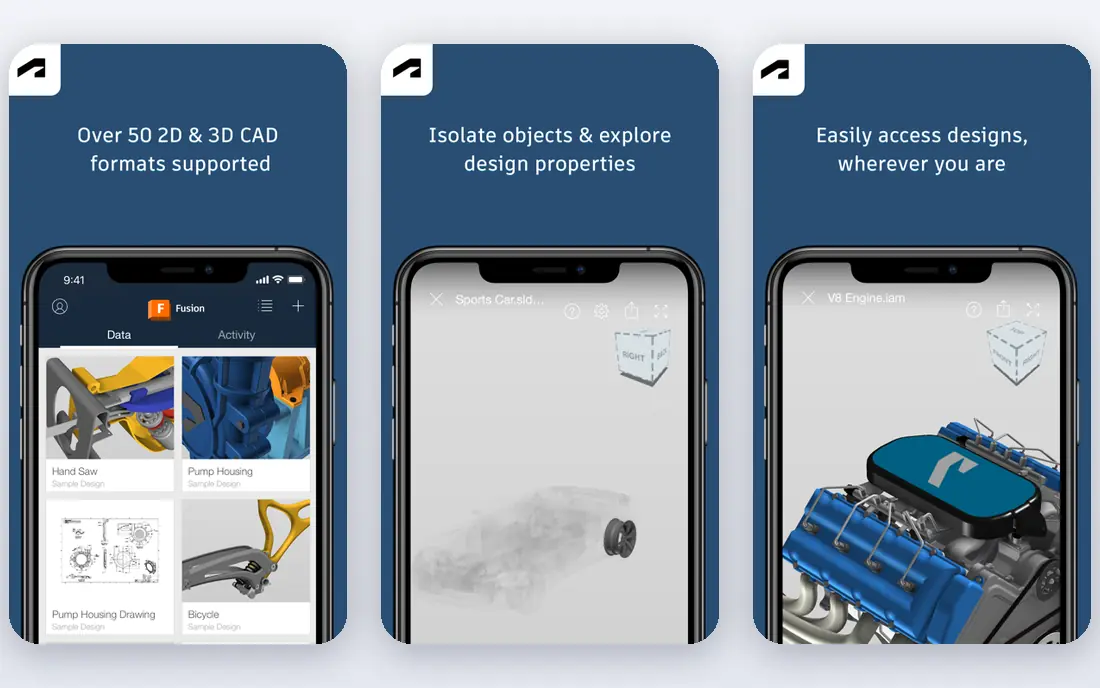
Maya is the long standing standard for character animation, rigging, and visual effects in film, television, and games. It offers deep rigging and skinning tools, Bifrost simulation, and the Arnold renderer for high quality output, plus broad plugin and pipeline support through Autodesk tools and studio scripts. Published comparisons place Maya near $235 per month or about $1,945 to $2,010 per year, with a lower cost Indie option for eligible small creators.
Maya suits artists aiming for studio jobs and teams already built around Autodesk pipelines. Hiring, file exchange, and plugin access all favor Maya in that world. It suits less well for hobbyists and freelancers, where the subscription can exceed the income from early projects. Start with Blender if budget matters, and move to Maya when pipeline access justifies the cost.
- Industry standard rigging and animation tools
- Arnold renderer included
- Deep pipeline and plugin support
- High subscription cost
- Steep learning curve
- Free student and indie terms have eligibility limits
Cinema 4D from Maxon starts near $69.91 per month on published comparisons, with annual subscriptions also listed near $719 per year through resellers. Its MoGraph toolset makes cloners, effectors, and procedural motion straightforward, which is why broadcast designers, ad studios, and social content teams favor it. Integration with After Effects lets motion designers move work between 2D and 3D without a painful round trip.
Cinema 4D suits motion graphics, product visualization, and fast-turnaround commercial work. It suits less well for heavy character rigging or large VFX simulations, where Maya and Houdini offer deeper tools. If your work is mostly titles, product shots, and animated graphics, Cinema 4D will get you to a finished piece faster than a heavier pipeline tool.
- Approachable interface for motion designers
- MoGraph toolset for procedural motion
- Strong After Effects integration
- Modeling depth lags behind Blender and Maya
- Default rendering may need a separate engine for top end work
Houdini from SideFX uses a node based procedural workflow, where each step in a scene can be adjusted and reused without rebuilding the whole shot. That approach powers fluids, pyro fire and smoke, particles, destruction, cloth, and crowds in film and games. Houdini Apprentice is free for non-commercial learning with watermarked renders, Indie costs $299 per year for eligible small studios, and Core and FX studio licenses cost far more.
Houdini suits technical artists and VFX teams that need simulation depth and iteration. A change to one node can ripple through an entire effect, which saves time once the setup is built. It suits less well for hand modeling or quick character work, where the node workflow can feel slow. Learn Apprentice first, and only pay for Indie when you have commercial work to deliver.
- Node based procedural workflow with deep control
- Industry standard fluid, pyro, and destruction tools
- Free Apprentice version for learning
- Very steep learning curve
- Manual modeling is weaker than in Maya or Blender
- Heavy sims need strong hardware
3ds Max is an Autodesk 3D tool known for modeling, rendering, and visualization, with a long history in game development and architectural visualization. It offers a broad modifier stack, strong material and lighting tools, and plugin support for rendering engines and scene assembly. Autodesk prices 3ds Max by subscription, with terms similar to Maya, so check the current Autodesk page for the exact monthly and annual rates before you budget.
3ds Max suits game artists, archviz studios, and Windows-based teams that value its modeling workflow and renderer plugins. It suits less well for Mac users, since it does not run natively on macOS, and for film character animation, where Maya holds the edge. If your studio already uses 3ds Max for modeling, adding animation inside the same tool keeps the pipeline simple.
- Strong modeling and rendering toolset
- Widely used in games and archviz
- Large plugin ecosystem
- Windows only
- Subscription pricing similar in scale to Maya
- Less animation focused than Maya for film character work
Moho, formerly Anime Studio, is a 2D animation tool with bone rigging, smart bones, and vector drawing, aimed at character animation for series, ads, and online video. It lets animators rig a character once and reuse walks, turns, and expressions across scenes, which speeds up episodic work. Moho offers a Debut tier for beginners and a Pro tier for professional work, with pricing listed on its own site.
Moho belongs on this list because many searches for 3D animation software include creators who want dimensional character movement without a full 3D pipeline. It suits 2D animators, educators, and small studios making character content quickly. It does not suit true 3D modeling, lighting, or simulation, so pair it with Blender if you need real 3D scenes.
- Bone rigging and smart actions for 2D characters
- Faster than frame by frame drawing for series work
- Approachable for small teams
- Not a true 3D animation tool
- 3D object support is limited compared with Blender or Maya
Cascadeur is a standalone character animation tool that uses AI assistance and physics-aware tools to help animators pose characters, clean up motion, and keep movement physically plausible. It is built for game and film animators who want to focus on performance rather than rig setup, and it exports to common game and 3D pipelines. A free Basic tier covers learning and small projects, with paid tiers adding more features and export options.
Cascadeur suits animators who already have rigged characters and want faster posing and motion cleanup. It suits less well as a first 3D tool, since it does not replace modeling, texturing, or rendering. Use it alongside Blender or Maya when character performance is the bottleneck in your workflow.
- AI assisted posing and physics help for character animation
- Free Basic tier to learn
- Focused toolset for animators
- Narrower scope than full 3D suites
- Advanced features sit behind paid tiers
Daz Studio is free software for posing and rendering ready made 3D characters, clothing, poses, and environments. Users assemble a scene from the Daz content library, adjust lighting and cameras, and render stills or animations without modeling every asset by hand. The base app costs nothing, while premium characters and environments are sold through the Daz store.
Daz suits illustrators, comic creators, and beginners who want finished looking scenes quickly. It suits less well for artists who need original characters or studio pipeline control, since the asset-driven workflow limits custom modeling. Treat Daz as a staging and illustration tool, and move to Blender or Maya when you need full creative control.
- Free base app with ready made characters, poses, and environments
- Large content store
- Fast way to stage a scene
- Results can look generic without custom work
- Many quality assets cost extra
- Less control than building from scratch
iClone from Reallusion is a real time 3D animation tool for character performance, with motion capture support, facial animation, and a library of motions, characters, and props. Animators can preview scenes in real time, direct cameras, and export to game engines and video pipelines. Pricing varies by edition and bundle, with a trial available on the Reallusion site.
iClone suits creators making character-driven video, virtual production, and game cinematics who want speed over simulation depth. It suits less well for modeling-heavy work or large VFX simulations, where Blender, Maya, or Houdini offer more control. If your bottleneck is directing performance rather than building assets, iClone can shorten the path to a finished scene.
- Real time preview for character animation
- Motion capture and facial animation tools
- Large motion and character library
- Windows focused
- Pricing varies by bundle and add-ons
- Less suited to heavy modeling or simulation
How we picked these
We compared official pricing pages, free tiers, and the type of work each tool is known for in film, games, motion graphics, and independent production. We kept tools that animate in 3D or support 3D character performance, and we noted where a tool is 2D or asset-driven rather than a full 3D suite. Prices were checked against vendor pages and recent comparisons in October 2026, and where pricing varied by reseller or bundle we wrote See website.
How to choose your first tool
Start with the work you will actually make in the next six months. A motion graphics artist, a game animator, and a VFX artist need different strengths, even though all three use 3D software. Try Blender first if you are unsure, since it costs nothing and covers the full pipeline. Move to a paid tool when a job, a client pipeline, or a specific feature justifies the subscription.
Check hardware before you buy. Rendering and simulation need a capable GPU, enough RAM, and fast storage, and a subscription will not fix a slow machine. Learn rigging and timing fundamentals in any tool, since those skills transfer when you switch. The software changes, but good movement, staging, and storytelling carry across every app on this list.
Sources
- https://www.blender.org
- https://www.autodesk.com
- https://www.maxon.net
- https://www.sidefx.com
- https://www.mohoanimation.com
- https://www.cascadeur.com
- https://www.daz3d.com
- https://www.reallusion.com
- https://www.selecthub.com/3d-design-software/blender-3d-vs-autodesk-maya/
- https://www.selecthub.com/3d-design-software/cinema-4d-vs-sidefx-houdini/
- https://superrendersfarm.com/article/how-much-does-houdini-cost
Frequently asked questions
What is the best free 3D animation software?
Blender is the best free option, with full modeling, rigging, animation, and rendering at no cost and no commercial limits. Houdini Apprentice is also free for learning, but renders carry a watermark and commercial use is not allowed. Daz Studio is free for staging ready made scenes, though premium assets cost extra.
What is the best 3D animation software for beginners?
Blender is the best beginner pick because it is free, widely taught, and covers the whole pipeline in one app. Cinema 4D is easier to learn for motion graphics, but it costs about $69.91 per month. Maya and Houdini are powerful but harder to learn, so save them for when you have a clear reason to use them.
Is Blender as good as Maya for animation?
Blender covers most animation needs for independent and small studio work, with strong rigging, keyframe, and rendering tools. Maya still leads in large studio pipelines, plugin depth, and hiring demand for film and AAA games. For learning, freelancing, and short films, Blender is more than capable. For a studio job in film, Maya experience still helps.
What is the best 3D animation software for motion graphics?
Cinema 4D is the strongest motion graphics pick, thanks to MoGraph and After Effects integration. Blender also handles motion graphics well at no cost, with a larger learning curve for procedural motion. Choose Cinema 4D if you work in broadcast or advertising and need fast, polished motion work on deadlines.
Can I use 3D animation software on a normal laptop?
Yes for learning and small scenes, especially in Blender with Eevee rendering. Large scenes, heavy simulations, and Cycles rendering need a stronger GPU and more RAM. Start small, use viewport previews, and render at lower settings while you learn. Upgrade hardware when render times start blocking your work.
Which 3D animation software do game studios use?
Game studios commonly use Maya and 3ds Max for character and asset work, Blender for independent and mid-size teams, and Houdini for procedural environments and effects. Cascadeur and iClone appear in character animation pipelines for performance work. Check job listings for the studios you target, since pipeline choice varies by team.