Best Accounting Software for Restaurants in 2026: 9 Tools Compared
By ToolNimba Editorial Team November 7, 2026 8 min read

- Top pick
 QuickBooks Online
Most restaurants
Starting price$38 per monthCheck out QuickBooks OnlineRead our review - Runner-up
 Xero
Multi-user teams
Starting price$27 per monthCheck out XeroRead our review - Also great
 Restaurant365
Multi-location restaurants
Starting priceSee websiteCheck out Restaurant365Read our review
How we researched this
We compared official pricing and feature pages, app store listings, privacy policies and public user reviews. Prices change, so check the provider's site before you pay.
Key takeaways
- QuickBooks Online and Xero remain the safest general accounting choices for restaurants, because most accountants already know them and they link to many POS systems.
- Restaurant365 and MarginEdge are built for restaurants, with food-cost, inventory, and multi-location tools that general tools do not match.
- Wave and Zoho Books suit a single small restaurant or food truck that needs low-cost books without restaurant-specific features.
- Before you buy, confirm the POS link, sales tax handling, and payroll coverage for your state, because those three links decide whether the books stay current.
Quick comparison
| Name | Best for | Starting price | Free plan | |
|---|---|---|---|---|
| QuickBooks Online | Most restaurants | $38 per month | Free trial (30 days) | Visit |
| Xero | Multi-user teams | $27 per month | Free trial (30 days) | Visit |
| Restaurant365 | Multi-location restaurants | See website | No | Visit |
 MarginEdge | Food cost and inventory | See website | No | Visit |
 Sage Intacct | Larger restaurant groups | See website | No | Visit |
 FreshBooks | Small service-style food businesses | See website | Free trial (30 days) | Visit |
 Zoho Books | Low-cost books | Free | Yes | Visit |
 Wave | Single small restaurant | Free | Yes | Visit |
 xtraCHEF | Invoice and cost control | See website | No | Visit |
The best accounting software for restaurants
Restaurant books are different from office books. Food costs move weekly, tips and payroll are complex, and sales arrive through a POS system that must feed the ledger cleanly every day.
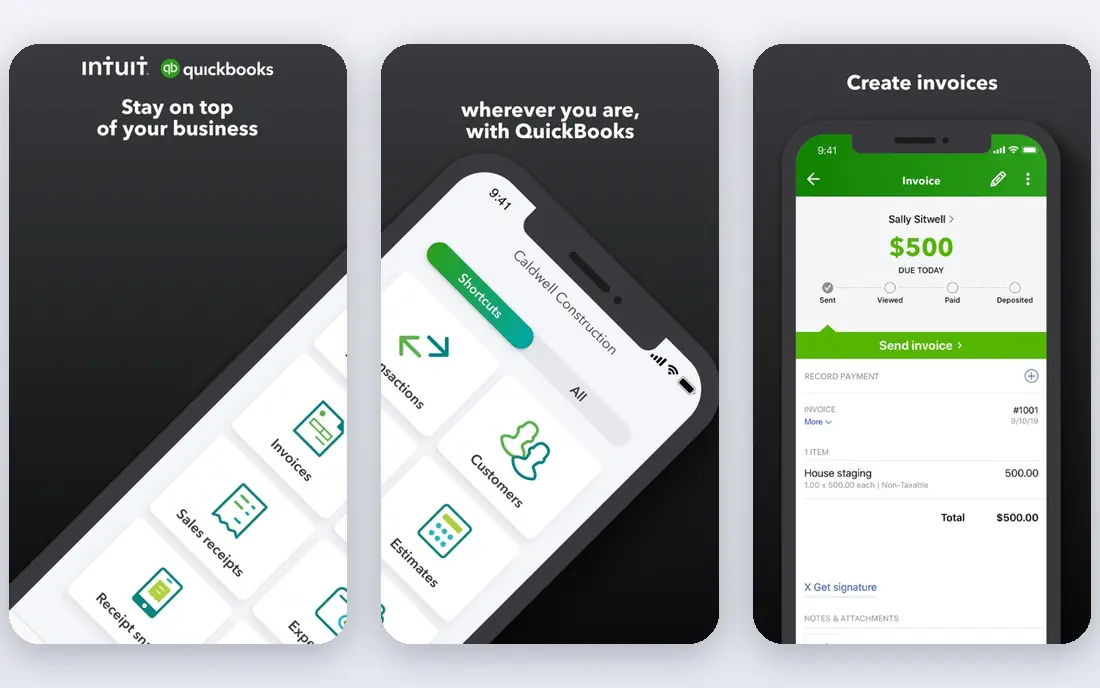
QuickBooks Online is the default choice for a reason. Most US accountants know it, it links to common POS systems, payroll, and payment tools, and its reporting covers profit and loss by location or class on higher plans. A single restaurant can run on Simple Start or Essentials, while a small group will need Plus for inventory and location tracking.
The cost grows as you add users and features, and the plan ladder can confuse first-time buyers. Take time to set up food, beverage, labour, and overhead categories correctly at the start, because a messy chart of accounts makes food-cost reports useless later.
- Widest accountant familiarity
- Many POS and payroll links
- Strong reporting
- Price rises with users and features
- Setup needs care for food-cost categories
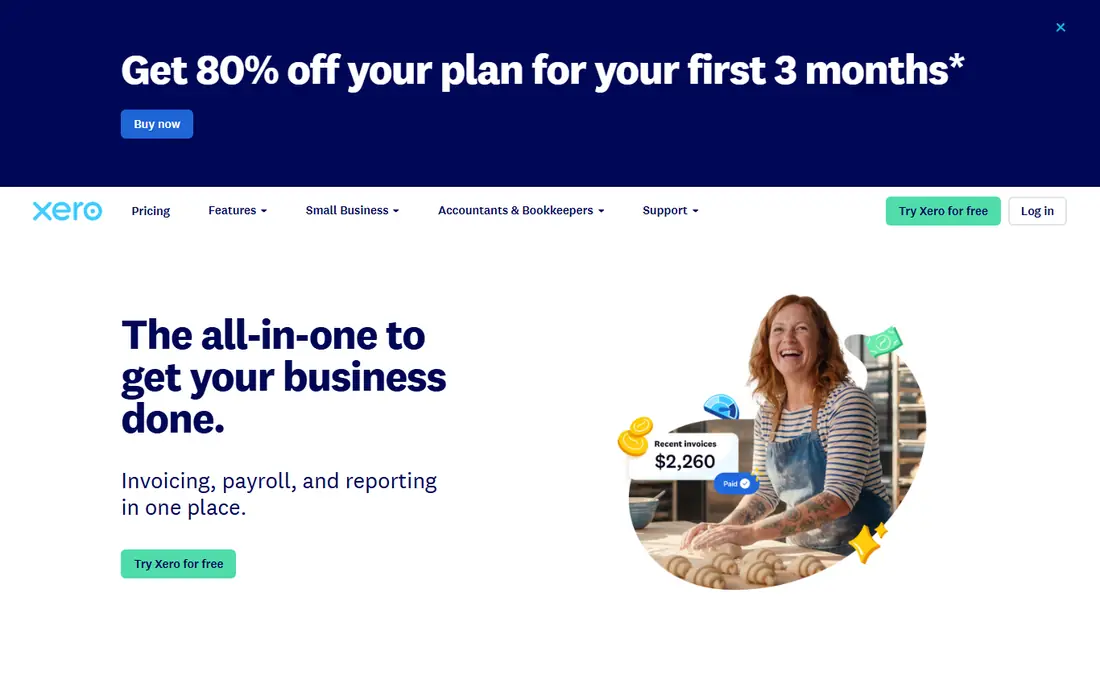
Xero suits restaurant owners who want several people in the books without paying per seat. Managers, bookkeepers, and accountants can all access the same ledger, and bank reconciliation is quick and reliable. The app marketplace adds POS, inventory, and payroll links, though you may need more than one add-on to match a restaurant-specific platform.
Food-cost and recipe costing are not built in at the same depth as Restaurant365 or MarginEdge. If your main pain is recipe margins and waste, pair Xero with a restaurant cost tool, or pick a specialist platform instead.
- Unlimited users on every plan
- Clean bank reconciliation
- Large app marketplace
- Entry plan caps invoices and bills
- Restaurant-specific tools come from add-ons
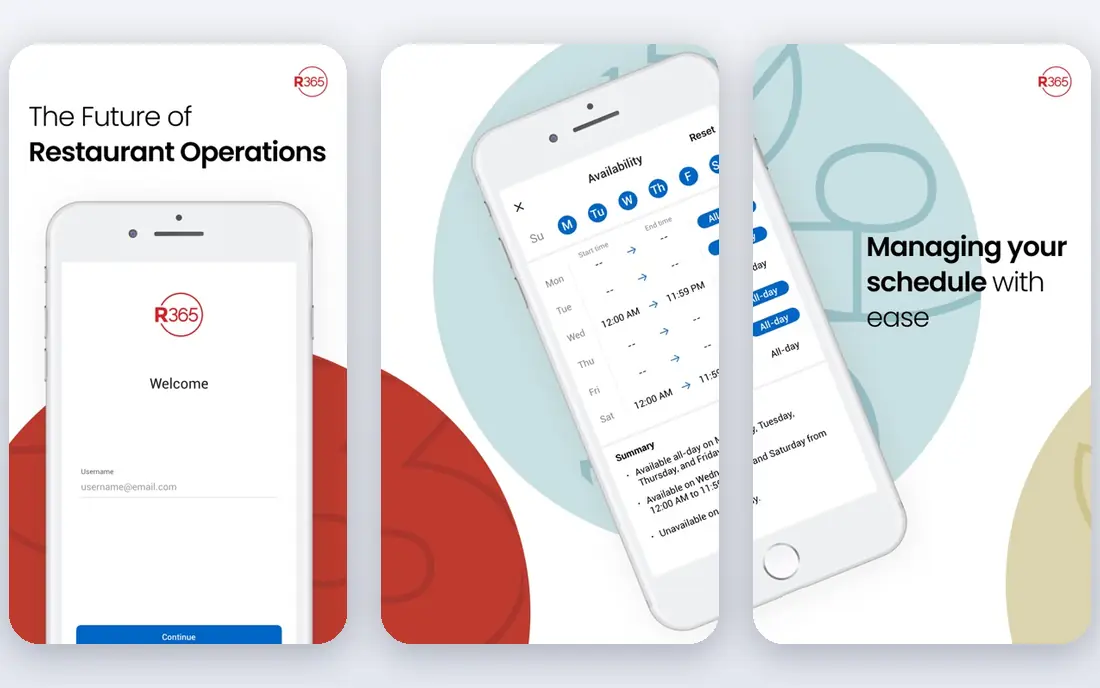
Restaurant365 is designed around restaurant work, not adapted to it. Accounting, inventory, purchasing, scheduling, and reporting sit in one system, so a multi-location operator can compare food cost, labour cost, and sales across sites without stitching spreadsheets together. That single view is the main reason growing groups move to it.
Pricing is quote-based, and setup takes real work: menus, recipes, vendors, and POS links must be configured before the reports mean anything. For a single small restaurant, that effort may not pay off. For a group, it often does.
- Built for restaurants
- Combines accounting, inventory, and scheduling
- Multi-location reporting
- Quote-based pricing
- Implementation takes longer than a general app
MarginEdge attacks the most painful restaurant task: turning supplier invoices into usable cost data. Staff photograph invoices, the system codes them, and food-cost reports update as prices change. Recipe costing shows which dishes make money and which quietly lose it when ingredient prices rise.
MarginEdge works best alongside a general ledger such as QuickBooks Online or Xero, rather than replacing it entirely. Budget for both tools if you want full books plus live food-cost control, and confirm that your suppliers and POS system are supported.
- Invoice processing from photos
- Live food-cost tracking
- Recipe costing
- Not a full general ledger on its own
- Pricing is quote-based
Sage Intacct suits restaurant groups that have outgrown small business tools. Multi-entity accounting, approvals, and detailed reporting handle complex ownership structures, shared costs, and many locations without spreadsheet workarounds. Finance teams get cleaner close processes and better audit trails.
Cost and complexity are the barriers. Sage Intacct is quote-based, implementation usually needs a partner, and a single restaurant will find it far heavier than needed. Choose it when your group size and reporting needs justify a finance system, not just a bookkeeping app.
- Strong multi-entity and multi-location accounting
- Deep reporting
- Good controls
- Quote-based and costly
- Needs implementation help for most groups
FreshBooks fits caterers, food trucks, and small cafes that bill clients and track expenses more than they manage complex stock. Invoices look professional, expenses are easy to capture, and time tracking helps catering jobs. The learning curve is gentle for owners who do their own books.
It is not a restaurant operations platform. Inventory is basic, recipe costing is limited, and multi-location reporting is thin. If your menu changes often and food cost is your main concern, a specialist tool will serve you better.
- Easy invoicing and expense tracking
- Good for caterers and food trucks
- Simple interface
- Weak inventory and recipe costing
- Limited multi-location tools
Zoho Books gives a small restaurant real accounting at low cost. The free plan covers businesses under $50,000 in annual revenue, and paid plans add inventory, projects, and more users. For a new cafe or food truck watching every dollar, that starting point is hard to beat.
Restaurant-specific features are limited. POS links, recipe costing, and food-cost dashboards usually come from integrations rather than built-in tools. Zoho Books is a strong ledger choice, but it does not replace a restaurant cost system on its own.
- Free plan for smaller businesses
- Full double-entry accounting
- Inventory on paid plans
- Free plan has a revenue limit
- Restaurant POS links depend on third-party apps
Wave suits a single small restaurant, coffee stand, or food truck that needs clean books without a monthly subscription. Core accounting and invoicing are free, setup is quick, and the reports cover the basics an owner needs to watch cash flow.
Growth is where Wave shows its limits. Multi-location reporting, recipe costing, and deep inventory tools are not its strengths, and payroll is a paid add-on with its own fees. Start with Wave if cost matters most, and plan to move to QuickBooks Online or a specialist tool when the business grows.
- Free core accounting and invoicing
- Simple setup
- Low barrier to start
- Limited restaurant features
- Payroll and payments carry separate fees
xtraCHEF focuses on the back-of-house cost work that eats owner time: supplier invoices, price changes, and item costs. By automating invoice capture and coding, it gives owners a clearer view of what ingredients actually cost this week, not last quarter. That timeliness helps menu pricing decisions.
Like MarginEdge, xtraCHEF pairs with a general ledger rather than replacing it. Check that your vendors, POS system, and accounting tool are supported, and budget for both the cost tool and the ledger when you compare total monthly cost.
- Supplier invoice automation
- Cost tracking by item
- Works with common accounting tools
- Not a standalone general ledger
- Pricing is quote-based
How we picked these
We compared official feature and pricing pages, POS integration lists, and public reviews for tools used by US restaurants in October 2026. We favoured tools that handle restaurant sales, food costs, payroll, or multi-location reporting, and we included both general ledgers and restaurant specialists so owners can compare the two approaches fairly.
What a restaurant should check first
Start with the POS link. Your POS system should send daily sales, payment types, tips, and tax totals into the ledger without manual retyping. A broken or partial link creates daily cleanup work and makes sales tax and tip reporting unreliable.
Next, check payroll and tips. Restaurant payroll includes tipped wages, overtime rules, and multi-state rules for some groups, so confirm that the payroll tool files taxes in your states and handles tip reporting correctly. A general payroll tool that misses tipped-wage rules can create costly corrections.
Finally, set up food-cost categories before you go live. Separate food, beverage, paper goods, and waste, and map menu items to recipes where your tool allows it. Without that structure, even the best software can only tell you total spending, not which dishes or suppliers are driving costs up.
Sources
Frequently asked questions
What is the best accounting software for a small restaurant?
QuickBooks Online is the safest default, because most accountants know it and it links to many POS systems. Xero suits teams that want unlimited users, while Wave or Zoho Books suit a very small restaurant on a tight budget.
Do I need restaurant-specific software, or is QuickBooks enough?
QuickBooks Online is enough for books, payroll links, and reporting for many single restaurants. Restaurant-specific tools such as Restaurant365 or MarginEdge add value when food cost, inventory, and multi-location reporting become daily concerns rather than monthly ones.
How does restaurant accounting handle tips?
Tips must be recorded, reported, and allocated correctly for payroll tax purposes, and the method depends on whether tips go through the POS, a tip pool, or cash. Choose a POS and payroll combination that tracks tips by employee and shift, and confirm the setup with your accountant before your first payroll run.
Can accounting software track food cost?
General tools track spending by category, while specialist tools track cost by recipe, item, and supplier invoice. If menu margins matter to you, pair a general ledger with MarginEdge, xtraCHEF, or a similar cost tool, or use a platform such as Restaurant365 that includes both.
Is free accounting software safe for a restaurant?
Free tools such as Wave and Zoho Books are legitimate for small operations, but they charge for payments, payroll, and some add-ons. Check data backup, bank security, and support options, and keep copies of tax records outside any single app.