Best Accounting Software for Self Employed in 2026: 9 Tools Compared
By ToolNimba Editorial Team November 7, 2026 10 min read

- Top pick
 QuickBooks Solopreneur
Simple tax tracking
Starting price$20 per monthCheck out QuickBooks SolopreneurRead our review - Runner-up
 QuickBooks Online
Growing self employed businesses
Starting price$38 per monthCheck out QuickBooks OnlineRead our review - Also great
 FreshBooks
Service freelancers who invoice
Starting price$23 per monthCheck out FreshBooksRead our review
How we researched this
We compared official pricing and feature pages, app store listings, privacy policies and public user reviews. Prices change, so check the provider's site before you pay.
Key takeaways
- QuickBooks Solopreneur and FreshBooks suit most self employed workers who need simple tax tracking and clean invoices.
- Wave and Zoho Books offer genuine free starting points, but check revenue caps and paid features before you rely on them.
- QuickBooks Online and Xero suit self employed workers who plan to hire, hold inventory, or work closely with an accountant.
- The best tool is the one that separates business and personal spending cleanly and makes quarterly tax estimates less stressful.
- This article gives general information only and is not tax advice; check current tax rules or ask a tax professional for your situation.
Quick comparison
| Name | Best for | Starting price | Free plan | |
|---|---|---|---|---|
| QuickBooks Solopreneur | Simple tax tracking | $20 per month | Yes | Visit |
| QuickBooks Online | Growing self employed businesses | $38 per month | Free trial (30 days) | Visit |
| FreshBooks | Service freelancers who invoice | $23 per month | Free trial (30 days) | Visit |
 Xero | Accountant-friendly books | $27 per month | Free trial | Visit |
 Wave | Free core accounting | Free | Yes | Visit |
 Zoho Books | Low-cost full accounting | Free | Yes | Visit |
 FreeAgent | Simple UK and US freelancer books | See website | Free trial | Visit |
 Sage Accounting | Straightforward small business books | See website | Free trial | Visit |
 Hurdlr | Automatic expense and mileage tracking | Free | Yes | Visit |
The best accounting software for self employed
Self employed accounting is different from corporate accounting. You need to track income, separate business spending, send invoices, set aside tax money, and hand clean records to a tax preparer. We compared official pricing pages and feature pages for tools that serve sole proprietors, freelancers, and independent contractors.
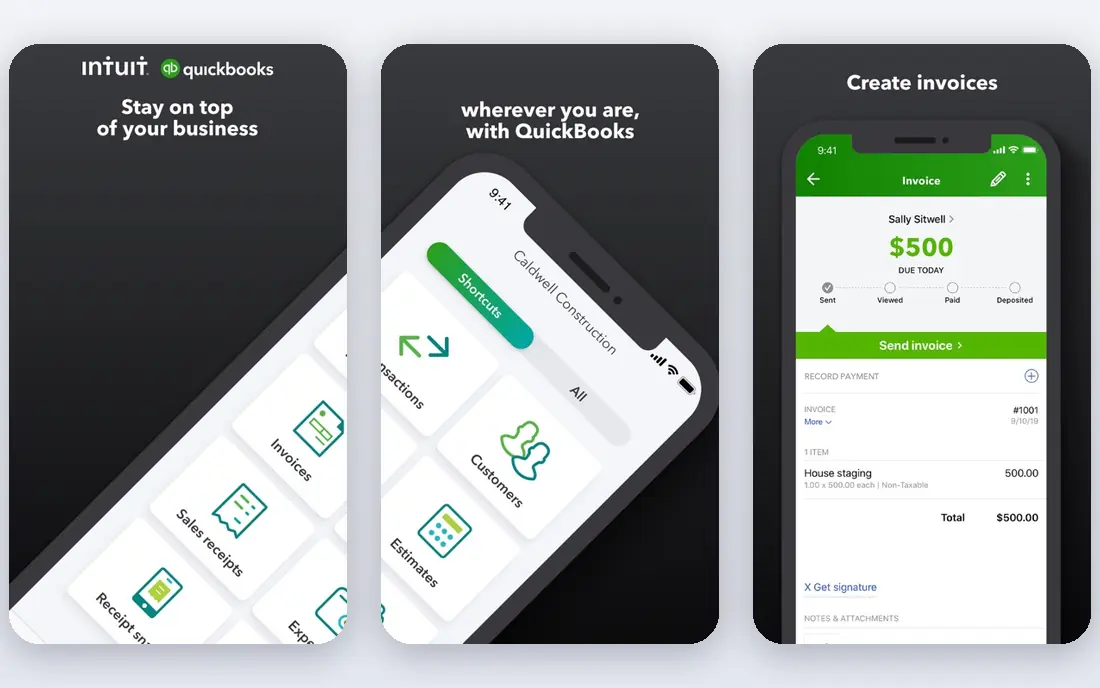
QuickBooks Solopreneur is the simplest Intuit option for a one-person business. It focuses on the jobs that matter most to a freelancer: sorting transactions, tracking mileage, sending invoices, and estimating quarterly taxes. The free version covers a small number of invoices per month, while the paid plan at $20 per month removes that limit and adds more tax tools.
The limit is growth. Solopreneur does not offer the full double-entry accounting, inventory, and multi-user features of QuickBooks Online. If you hire staff, sell products with inventory, or need complex reporting, you will outgrow it. For a solo service worker, it is a strong, low-friction start.
- Separates business and personal spending
- Tracks mileage and tax estimates
- Familiar to many US accountants
- Lacks full double-entry features of QuickBooks Online
- Limited users and inventory
- Price rises with add-ons
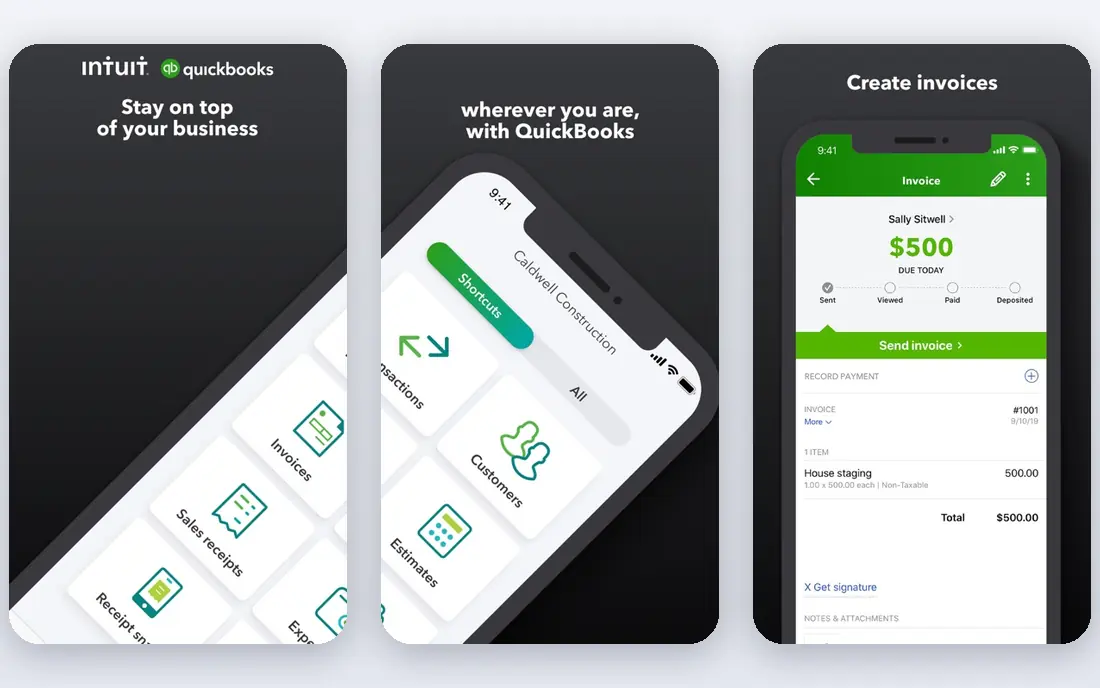
QuickBooks Online is the standard choice when a self employed worker expects to grow. Simple Start at $38 per month covers one user and core accounting, while Essentials at $85 per month adds three users and bill management. Payroll, inventory, and time tracking are available as add-ons or higher plans.
The main reason to choose it is compatibility. Most US accountants and bookkeepers already use QuickBooks, so sharing records is simple. The downside is price and complexity for a very small operation. If your books are simple and you work alone, Solopreneur or FreshBooks may be enough for now.
- Full double-entry accounting
- Widest accountant familiarity in the US
- Large app and payroll ecosystem
- Higher price than freelancer tools
- Per-plan user limits
- Learning curve for beginners
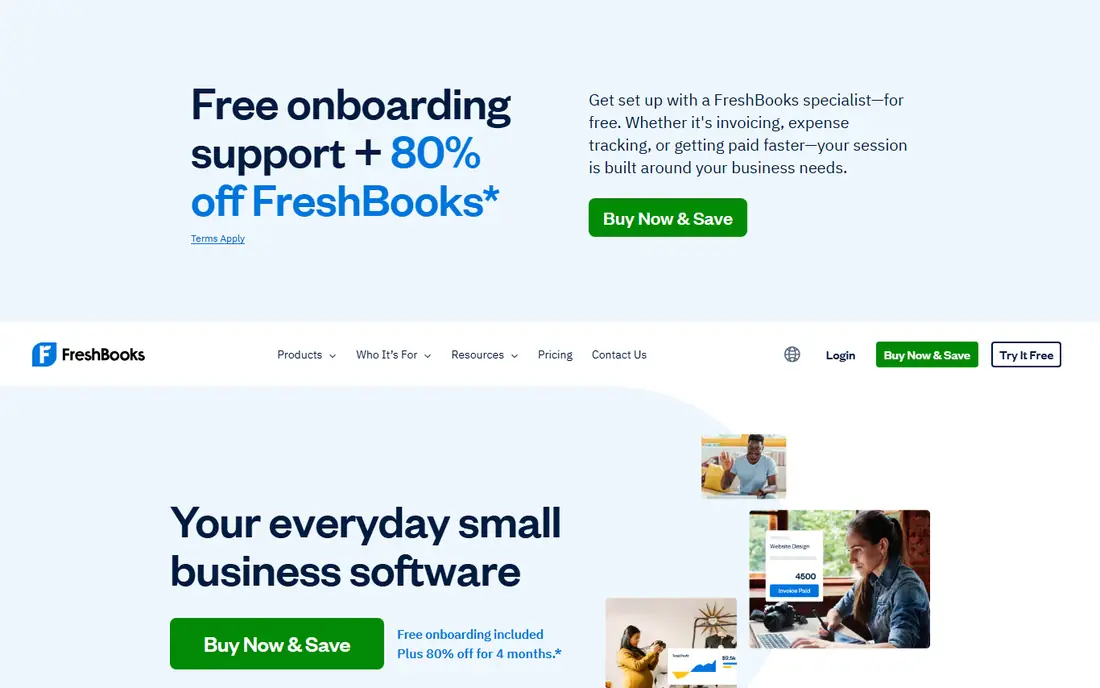
FreshBooks is built around getting paid. Invoices look professional, clients can pay online, and time tracked on a project can turn into an invoice line in a few clicks. Lite at $23 per month covers five billable clients, while Plus at $43 per month covers 50 clients, which suits a growing service business.
Pure accounting depth is lighter than QuickBooks Online or Xero, so a business with inventory or complex reporting may need a second view. For consultants, designers, writers, and other service freelancers, FreshBooks often feels faster day to day, because invoicing is the main job and accounting follows from it.
- Excellent invoicing and client experience
- Time tracking and expense capture
- Easy to learn
- Plans limit billable clients
- Accounting depth is lighter than QuickBooks
- Extra team members cost more
Xero suits a self employed worker who shares access with a bookkeeper or accountant. Every plan includes unlimited users, so you do not pay per seat for your accountant to log in. Early at $27 per month covers 20 invoices and five bills per month, while Growing at $59 per month raises those limits and adds bulk reconciliation.
The Early caps matter. If you send more than 20 invoices a month, you will need Growing, which changes the price comparison. US payroll also runs through a partner such as Gusto rather than inside Xero itself. For a solo worker with an outside accountant and steady invoicing, Xero is a clean, scalable choice.
- Unlimited users on every plan
- Clean bank reconciliation
- Large app marketplace
- Early plan caps invoices and bills
- Multi-currency needs a higher plan
- US payroll needs a third-party add-on
Wave is the best free starting point for a self employed worker on a tight budget. The Starter plan is free and covers invoicing and accounting records, with no revenue cap of the kind Zoho Books applies to its free plan. Pro, at $19 per month, adds bank auto-import, receipt capture, and other conveniences.
The catch is that the conveniences many users want sit in Pro. Manual bank entry on the free plan takes time, and payments processing and payroll carry their own fees. Still, for a side business or a new freelancer, Wave lets you keep proper books at no monthly cost, which is a real advantage.
- Free invoicing and double-entry accounting
- No revenue cap on the free plan
- Simple setup
- Bank auto-import and receipt capture need Pro
- Payments and payroll are paid add-ons
- Support is mainly online
Zoho Books offers full double-entry accounting at a low price, with a free plan for businesses under $50,000 in annual revenue in eligible regions. The free plan covers up to 1,000 invoices per year, and Standard at $20 per month raises limits and adds more users and automation. For a freelancer already using Zoho apps, the integration is a bonus.
Check the revenue cap and invoice caps carefully, since growing past them moves you to a paid plan. Zoho Books also feels most natural inside the Zoho ecosystem, so users who prefer standalone tools may find the extra Zoho apps unnecessary. On features per dollar, it remains one of the strongest options here.
- Strong features per dollar
- Free plan for small businesses under a revenue cap
- Deep Zoho suite integration
- Free plan has a revenue limit
- Invoice caps vary by plan
- Full value depends on the Zoho ecosystem
FreeAgent is designed for freelancers and small businesses that want a clear picture of tax deadlines and cash flow. Its dashboard shows income, expenses, tax estimates, and upcoming deadlines in plain language, which helps a solo worker who does not think in accounting terms. Invoicing, expenses, and bank feeds sit in the same workspace.
US users should check current pricing and payroll options on the vendor site, since FreeAgent has strong UK roots and its US feature set differs. The app ecosystem is also smaller than QuickBooks or Xero. For a freelancer who wants simplicity and a clear tax timeline, FreeAgent is worth a trial.
- Clear freelancer dashboard
- Tax timelines and estimates
- Invoicing and expense capture in one place
- Pricing varies by region and partner bank
- Fewer US payroll options
- Smaller app ecosystem than QuickBooks
Sage Accounting suits a self employed worker who wants traditional, dependable books without a lot of extra tools. It covers invoicing, expenses, bank reconciliation, and reporting, with higher plans adding multi-currency and more users. Sage has a long history in small business accounting, which reassures some owners and accountants.
The interface feels more traditional than FreshBooks or Wave, and tax estimate tools for US sole proprietors are less central than in QuickBooks Solopreneur. Confirm the current starting price on the Sage site for your region, since plans differ. For a product seller or a small business with straightforward books, Sage is a solid, unflashy choice.
- Established accounting brand
- Straightforward double-entry books
- Good reporting for small businesses
- Pricing varies by plan and region
- Interface feels more traditional
- Freelancer-specific tax tools are lighter
Hurdlr focuses on the tracking jobs that freelancers often forget: mileage, expenses, and income, all captured automatically where possible. The free plan covers core tracking, and paid plans add more automation and tax tools. For a driver, real estate agent, or field freelancer, automatic mileage alone can save hours at tax time.
Hurdlr is not a full replacement for QuickBooks or Xero if you need detailed reporting, inventory, or payroll. Many users pair it with a fuller accounting tool, using Hurdlr for daily tracking and the other tool for final books. As a low-cost way to stop losing deductible expenses, it earns its place.
- Automatic mileage and expense tracking
- Self employed tax estimates
- Simple freelancer dashboard
- Full accounting is lighter than QuickBooks
- Premium features need a paid plan
- Best as a companion to a fuller tool
How we picked these
We compared official pricing pages and feature pages for accounting tools that serve sole proprietors, freelancers, and independent contractors in 2026, and we favored tools with bank feeds, invoicing, expense capture, and tax estimate features. We excluded enterprise accounting suites and tools that require a bookkeeper to operate. Prices shown are starting prices and can change with billing period and add-ons.
What to set up first
Connect your business bank account and card, then set rules for recurring transactions so rent, software, and supplies sort themselves. Keep personal spending on a separate card or account where possible, since mixed spending is the most common cause of messy year-end books. Set aside a percentage of each payment for taxes in a separate savings account, and review the balance monthly rather than at year end.
Invoicing, expenses, and tax estimates
Send invoices the day work is done, and use a tool that reminds clients about overdue payments automatically. Photograph receipts at the time of purchase, since a faded paper receipt is hard to reconstruct months later. For quarterly estimates, use the tax estimate feature in your tool as a guide, and confirm the final numbers with a tax professional, since rules vary by state and income type.
Sources
Frequently asked questions
What is the best accounting software for sole proprietors?
QuickBooks Solopreneur, FreshBooks, and Wave are the most common picks. Solopreneur suits simple tax tracking, FreshBooks suits service invoicing, and Wave suits a free start. Choose based on whether invoicing, tax estimates, or price matters most to you.
Is there free accounting software for self employed workers?
Yes. Wave offers free core accounting with no revenue cap, Zoho Books offers a free plan under a revenue cap, and Hurdlr offers free tracking. Paid plans add bank auto-import, receipt capture, and more automation.
Do I need double-entry accounting as a freelancer?
Not always for very simple books, but double-entry accounting gives cleaner records as income grows, and most accountants prefer it. Tools such as QuickBooks Online, Xero, Wave, and Zoho Books use double-entry accounting, while simpler tools focus on income and expense tracking.
How do I handle quarterly taxes as a self employed worker?
Track income and expenses through the year, set aside money from each payment, and use your tool's tax estimate as a starting point. Tax rules, thresholds, and deadlines vary, so confirm your estimated payments with a tax professional or the relevant tax authority.
Can I switch accounting software later?
Yes, but moving historical data takes care. Export invoices, expenses, and reports before you cancel, and start the new tool at a clean boundary such as a month or quarter end. Many accountants can help with the migration if the books are complex.