Best Accounts Payable Automation Software in 2026: 9 Platforms Compared
By ToolNimba Editorial Team November 7, 2026 9 min read

- Top pick
 BILL
SMBs with structured approvals
Starting price$49 per user per monthCheck out BILLRead our review - Runner-up
 Ramp
Free bill pay plus spend controls
Starting priceFreeCheck out RampRead our review - Also great
 Melio
Low-cost vendor payments
Starting priceFreeCheck out MelioRead our review
How we researched this
We compared official pricing and feature pages, app store listings, privacy policies and public user reviews. Prices change, so check the provider's site before you pay.
Key takeaways
- The best accounts payable automation software cuts manual data entry, speeds approvals, and keeps vendor payments on schedule.
- BILL and Ramp lead for small and mid-size teams, while Tipalti and Stampli suit larger or global payables.
- Free tiers exist, but per-payment fees, user limits, and ERP sync rules often matter more than the monthly subscription.
- Check your accounting system first, because the best tool is the one that syncs cleanly with QuickBooks, Xero, NetSuite, or Intacct.
- Our pick for most small businesses is Ramp for its free bill pay, with BILL as the stronger choice for structured approvals.
Quick comparison
| Name | Best for | Starting price | Free plan | |
|---|---|---|---|---|
| BILL | SMBs with structured approvals | $49 per user per month | No | Visit |
| Ramp | Free bill pay plus spend controls | Free | Yes | Visit |
| Melio | Low-cost vendor payments | Free | Yes | Visit |
 Tipalti | Global vendor and contractor payments | $99 per month | No | Visit |
 Stampli | Collaborative invoice approvals | See website | No | Visit |
 AvidXchange | Paper-heavy mid-market AP | See website | No | Visit |
 Brex | Bill pay bundled with cards | Free | Yes | Visit |
 Yooz | Document-heavy invoice capture | See website | Free trial | Visit |
 Corpay One | ERP-connected mid-market teams | See website | No | Visit |
The best accounts payable automation software
Accounts payable automation replaces inbox chaos and spreadsheets with invoice capture, approval routing, and scheduled payments. The platforms below differ in price model, global reach, and ERP depth, so the right choice depends on invoice volume, vendor location, and how strict your approval controls need to be. We compared official pricing pages, feature pages, and public documentation.
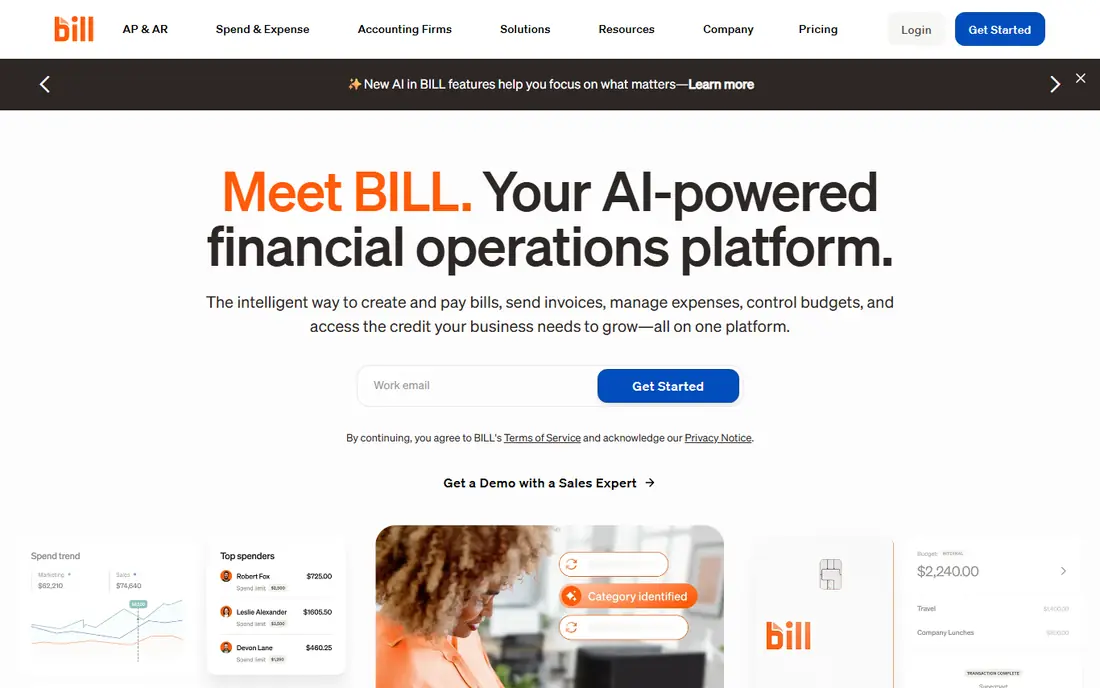
BILL is the familiar standard for small and mid-size businesses that want a clear, auditable AP workflow. Invoices arrive by inbox or upload, data is captured automatically, and approvals follow rules you set by amount, vendor, or department. Sync with QuickBooks and Xero is a core strength, and larger plans add NetSuite and Intacct support.
The cost model needs attention. Per-user pricing means a team with many occasional approvers can pay more than expected, and payment fees sit on top of the subscription. For businesses with steady invoice volume and a need for clean books, BILL remains a safe, well-supported choice.
- Strong OCR capture
- Role-based approvals
- AP and AR in one platform
- Per-user pricing adds up with many approvers
- Per-payment fees apply on top
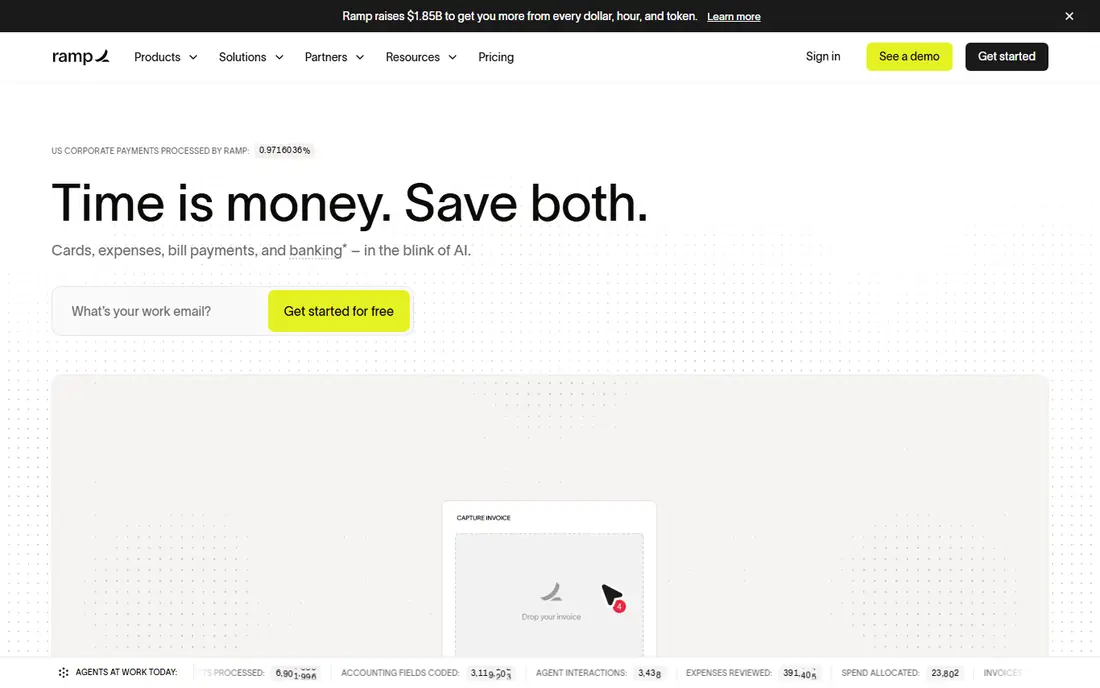
Ramp Bill Pay combines invoice capture, approvals, and payments with corporate cards and expense management. The free tier is a real draw for startups that want to stop paying a subscription just to pay bills. AI capture pulls line items from invoices, and approvals can route by amount or department on paid plans.
The limit is that the most advanced controls, including three-way matching on some systems, require a paid tier. If you already use Ramp cards, the combined view is hard to beat. If you only need AP and use another bank, compare the paid tier against BILL before switching.
- Free bill pay tier
- AI invoice capture
- Cards and expenses in one place
- Advanced approvals sit on paid plans
- Some features depend on Ramp accounts
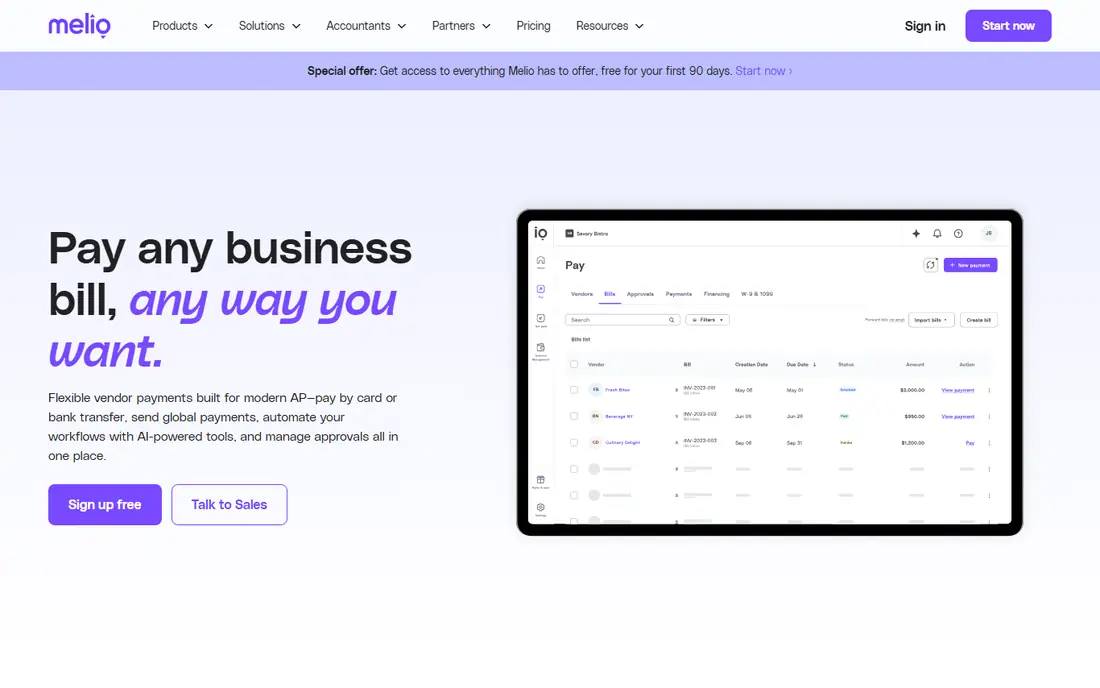
Melio is built for very small businesses that pay a handful of vendors each month and want to avoid a large subscription. The free plan covers basic bill pay, and paid tiers add more users, faster payments, and stronger approval controls. Sync with QuickBooks and Xero keeps the books tidy without manual re-entry.
The trade-off is depth. Melio does not offer the purchase order matching or global payment range of Tipalti or Stampli, so it is not the pick for complex procurement. For a small team that values low cost and simple payments, it is a sensible starting point.
- Free plan for small teams
- Simple bill pay
- QuickBooks and Xero sync
- No purchase order matching
- Higher tiers needed for advanced approvals
Tipalti suits companies that pay vendors, suppliers, and contractors across borders. It handles invoice capture, approval workflows, tax forms, and payments in many currencies, which removes a lot of manual work for finance teams with global suppliers. Two- and three-way matching helps catch invoice errors before payment.
The cost is higher than a basic bill pay tool, and transaction pricing sits on top of the monthly fee. Small domestic-only teams will not need this depth. Companies with international payables, contractor onboarding, and tax compliance needs will find the extra structure worth it.
- Payments to many countries and currencies
- Tax compliance tools
- PO matching
- Transaction fees on top of subscription
- No free tier
- Setup takes time
Stampli stands out for how approvers work inside the invoice itself. Comments, questions, and approvals live on the document, which reduces email back-and-forth and keeps an audit trail. Its AI coding tool learns from past invoices, and it connects to many ERPs, which suits mid-market teams with complex approval chains.
Pricing is quote-based and depends on invoice volume, so you cannot compare it at a glance with per-user tools. That sales process is a drawback for small teams. For mid-market finance teams with many approvers and messy invoices, the collaboration features can save real time.
- In-invoice collaboration
- AI coding
- Wide ERP integrations
- Quote-based pricing
- No self-serve free plan
AvidXchange is aimed at mid-market companies still dealing with paper invoices, mailed checks, and manual approval routing. It digitises invoices, routes them for approval, and pays suppliers through its network, which can reduce check handling. ERP integrations cover common mid-market systems.
The downside is that pricing and implementation are not self-serve, so smaller teams may find the process heavy. If your AP team still handles a large share of paper and your invoice volume is high, AvidXchange offers a proven path to digitisation. If you are already mostly digital, a lighter tool may be faster to adopt.
- Strong paper-to-digital capture
- Supplier payment network
- ERP integrations
- Quote-based pricing
- Implementation can be involved
Brex bundles bill pay with corporate cards and expense management, similar to Ramp. The essentials tier is free, and paid tiers add premium approval chains and wider ERP support. AI draft bills with line items reduce manual entry, and multi-level approvals are available across plans.
The catch is that the full benefit depends on how much of your spend runs through Brex. Teams that keep their main banking elsewhere may not get the same value. For startups already using Brex cards, adding bill pay in the same system is a natural step.
- Free essentials tier
- Multi-level approvals
- Cards and bill pay together
- Best value depends on using Brex accounts
- Global payment range is narrower than Tipalti
Yooz focuses on capturing invoice data from documents and routing it through approval workflows. It suits teams with varied invoice formats and a need for reliable extraction. Volume-based pricing can work well when invoice counts are predictable, and a free trial lets teams test capture quality before committing.
The lack of simple published pricing makes comparison harder, and its accounting integrations should be checked against your exact system. If capture accuracy is your main pain point, Yooz deserves a trial. If you need a quick self-serve signup, BILL or Ramp will be faster.
- Strong document capture
- Approval workflows
- Volume-based pricing
- Pricing is not published as a simple plan
- Smaller accounting sync range than BILL
Corpay One targets mid-market finance teams that run on major ERPs and want bill pay, approvals, and card controls in one workflow. It handles invoice capture and payment, with controls that suit teams managing larger vendor lists. Its ERP focus makes it a good fit when your accounting system is the centre of finance operations.
Pricing is quote-based, so budgeting requires a sales conversation. Smaller teams may prefer a tool with published plans. Mid-market teams already on a supported ERP should include Corpay One in a shortlist alongside Stampli and AvidXchange.
- ERP integrations
- Bill pay and card controls
- Approval workflows
- Quote-based pricing
- No free tier confirmed
How we picked these
We compared official pricing pages, feature pages, and public documentation for AP tools that capture invoices, route approvals, and pay vendors. We required a current product with real AP features, not just expense tracking. We included free, per-user, and quote-based tools so readers can see the full price range, and we noted ERP sync and global payment limits because those factors often decide the purchase. We did not claim hands-on testing.
What to check before you buy
Start with invoice volume and vendor mix. Count monthly invoices, note how many vendors are international, and list who must approve payments. A tool that works for 20 domestic bills a month may struggle with 500 global invoices and three approval levels. Check per-payment fees too, because a low subscription can hide higher transaction costs.
Confirm the accounting sync
Sync should be two-way and automatic for your system, not a manual export. Test how invoices, payments, and vendor records map to your chart of accounts, and ask what happens when an invoice is edited after sync. A clean sync saves more time than any single capture feature.
Test capture on your real invoices
Capture quality varies by invoice format, language, and layout. Run a trial with your messiest invoices, including scanned PDFs and multi-page bills. Check line-item capture, tax handling, and duplicate detection, because those details decide whether staff still fix data by hand.
Map approvals before you sign
Approval rules should match your policy, not force you to change it. Confirm amount thresholds, department routing, delegate cover for holidays, and audit logs. If an approver is away, the workflow should not stall payments or break the audit trail.
Sources
Frequently asked questions
What is the best accounts payable automation software?
For most small businesses, Ramp or BILL are strong starting points. Ramp offers free bill pay, while BILL offers more structured approvals and accounting sync. Larger or global teams should shortlist Tipalti and Stampli for payment range and collaboration.
What are the best accounts payable automation tools for small businesses?
Ramp, Melio, and Brex offer free tiers that suit small teams with modest invoice volume. BILL is the better choice when you need strict approvals and a deeper accounting sync, even though it costs more per user.
How much does accounts payable automation software cost?
Free tiers exist, per-user plans often start around $45 to $49 per user per month, and global tools such as Tipalti start around $99 per month plus transaction fees. Quote-based tools for mid-market teams vary by invoice volume, so get a written quote before budgeting.
Does AP automation work with QuickBooks and Xero?
Most leading tools sync with QuickBooks and Xero, and larger plans add NetSuite and Intacct. Check your exact plan, because sync depth can differ by tier. Test vendor, invoice, and payment sync during a trial.
What is the difference between AP automation and bill pay?
Bill pay covers sending payments to vendors. AP automation adds capture, coding, approvals, matching, and audit trails before payment. If you only need to send money, a simple bill pay tool may be enough. If approvals and controls matter, choose full AP automation.
Is AP automation safe for vendor payments?
Reputable tools use approval controls, audit logs, and payment verification to reduce fraud and duplicate payments. Keep user permissions tight, require dual approval for large payments, and review vendor bank changes through a separate check outside the tool.