Best Accounts Payable Software in 2026: 8 Tools Compared
By ToolNimba Editorial Team October 31, 2026 11 min read

- Top pick
 Melio
Simple small business bill pay
Starting priceSee websiteCheck out MelioRead our review - Runner-up
 BILL
Approval-heavy teams and accounting sync
Starting priceSee websiteCheck out BILLRead our review - Also great
 Ramp
Card-led spend plus bill pay
Starting priceSee websiteCheck out RampRead our review
How we researched this
We compared official pricing and feature pages, app store listings, privacy policies and public user reviews. Prices change, so check the provider's site before you pay.
Key takeaways
- Melio and Ramp offer the lowest entry cost for small teams, with free starting options.
- BILL suits teams that need mature approvals and strong accounting sync.
- Tipalti suits companies that pay vendors in many countries and currencies.
- Compare total cost at your invoice volume, since per-user and per-transaction fees add up differently.
Quick comparison
| Name | Best for | Starting price | Free plan | |
|---|---|---|---|---|
| Melio | Simple small business bill pay | See website | Free trial | Visit |
| BILL | Approval-heavy teams and accounting sync | See website | No | Visit |
| Ramp | Card-led spend plus bill pay | See website | Free trial | Visit |
 Tipalti | Global vendor payments and compliance | See website | No | Visit |
 Stampli | Collaborative invoice approvals | See website | No | Visit |
 QuickBooks Bill Pay | QuickBooks Online users | See website | No | Visit |
 AvidXchange | High invoice volume | See website | No | Visit |
 Yooz | High-volume invoice processing | See website | No | Visit |
The best accounts payable software tools
Accounts payable software should cut manual entry, speed approvals, and keep a clear record of every payment. The tools below do that in different ways, from simple bill pay to global payouts and card-led spend control.
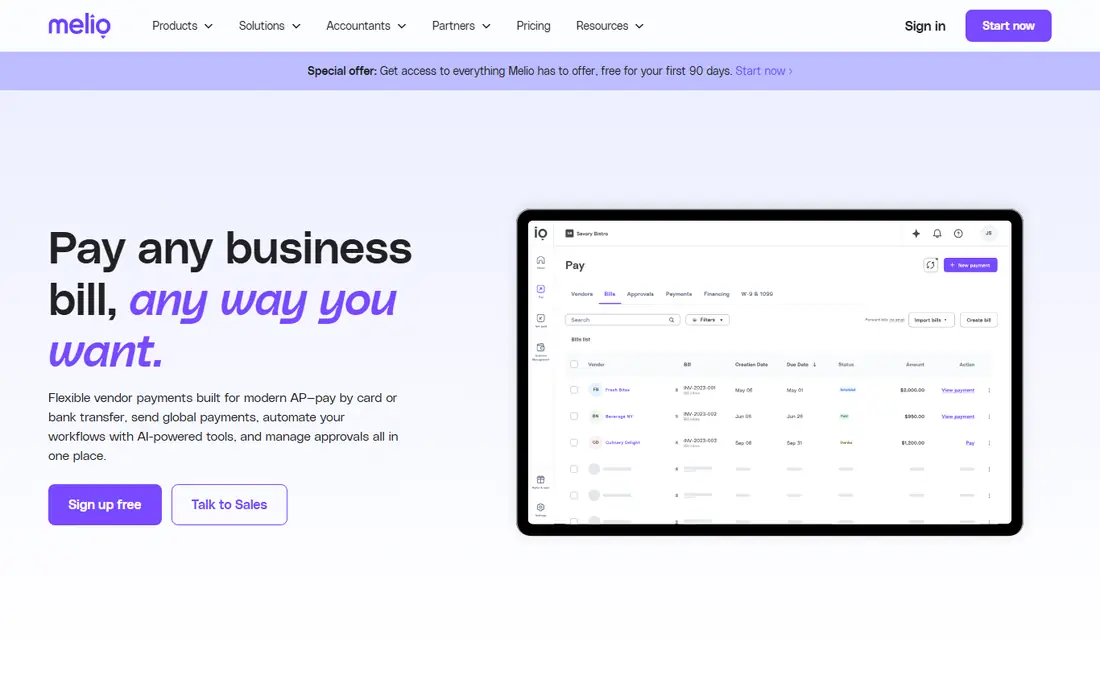
Melio suits small businesses that want to pay vendors without a complex setup. Melio is a solid pick when payables work takes too much manual time. It focuses on bill capture, card-to-bank payments, and QuickBooks and Xero sync, and it suits teams that want fewer errors, faster approvals, and clearer cash flow. For many small businesses, the first win is simply stopping manual invoice entry.
In daily use, Melio captures invoice details, routes bills for approval, and pays vendors by bank transfer, card, or check depending on the plan. Sync with accounting software matters here, because a tool that does not update your books creates double work. Check approval rules, audit trails, and how it handles international vendors if that applies to you.
The catch is scale. Larger teams with complex approvals may need a deeper platform. Pricing models differ, with some tools charging per user, some per transaction, and some by quote. Compare total cost at your invoice volume, including card fees and international fees, and test approval workflows with a real invoice before you switch fully.
- Bill capture, card-to-bank payments, and QuickBooks and Xero sync
- Sync with common accounting systems
- Approval controls
- Transaction fees or per-user costs may apply
- Global features vary by plan
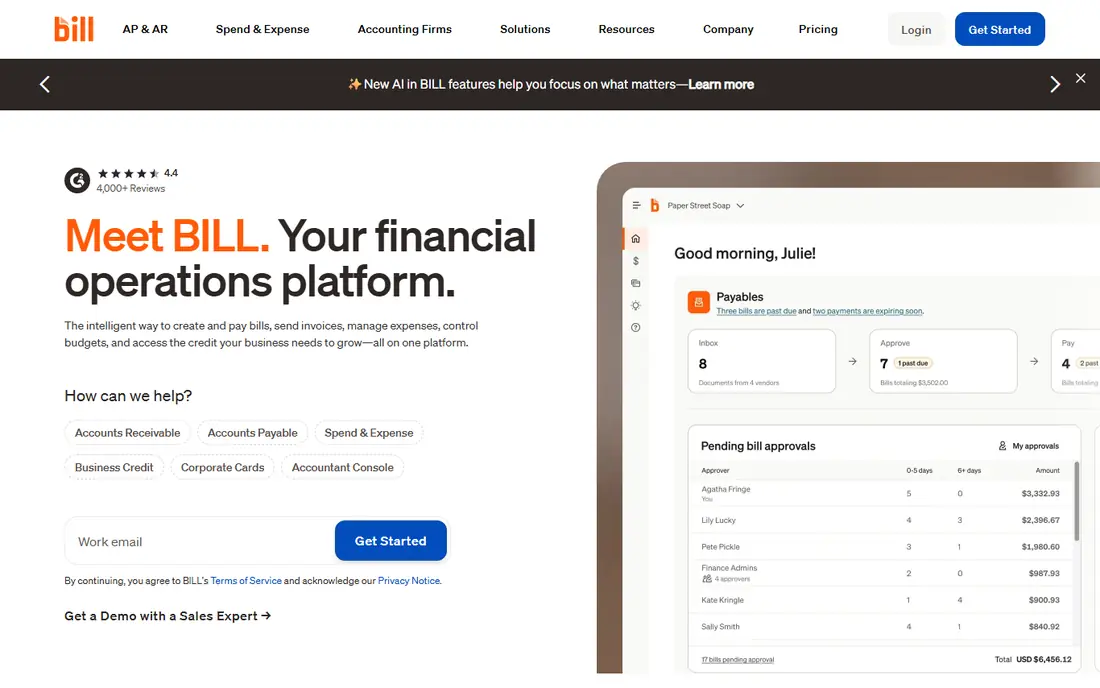
BILL suits growing businesses that need structured approvals and reliable accounting sync. BILL is a solid pick when payables work takes too much manual time. It focuses on AI invoice coding, multi-step approvals, and payments in many countries, and it suits teams that want fewer errors, faster approvals, and clearer cash flow. For many small businesses, the first win is simply stopping manual invoice entry.
In daily use, BILL captures invoice details, routes bills for approval, and pays vendors by bank transfer, card, or check depending on the plan. Sync with accounting software matters here, because a tool that does not update your books creates double work. Check approval rules, audit trails, and how it handles international vendors if that applies to you.
The catch is per-user pricing. Costs rise as more approvers and staff are added. Pricing models differ, with some tools charging per user, some per transaction, and some by quote. Compare total cost at your invoice volume, including card fees and international fees, and test approval workflows with a real invoice before you switch fully.
- AI invoice coding, multi-step approvals, and payments in many countries
- Sync with common accounting systems
- Approval controls
- Transaction fees or per-user costs may apply
- Global features vary by plan
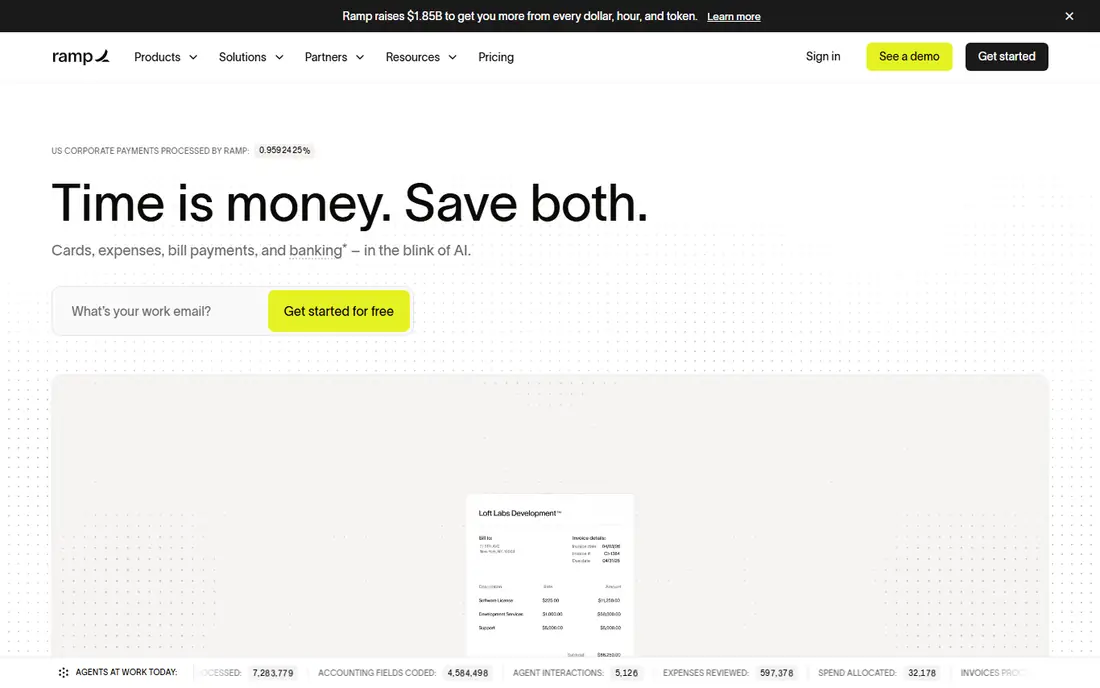
Ramp suits teams that already use corporate cards and want bill pay in the same system. Ramp is a solid pick when payables work takes too much manual time. It focuses on bill pay, corporate cards, expense management, and AI invoice capture, and it suits teams that want fewer errors, faster approvals, and clearer cash flow. For many small businesses, the first win is simply stopping manual invoice entry.
In daily use, Ramp captures invoice details, routes bills for approval, and pays vendors by bank transfer, card, or check depending on the plan. Sync with accounting software matters here, because a tool that does not update your books creates double work. Check approval rules, audit trails, and how it handles international vendors if that applies to you.
The catch is bundle fit. Teams that only need bill pay may not use the full platform. Pricing models differ, with some tools charging per user, some per transaction, and some by quote. Compare total cost at your invoice volume, including card fees and international fees, and test approval workflows with a real invoice before you switch fully.
- Bill pay, corporate cards, expense management, and AI invoice capture
- Sync with common accounting systems
- Approval controls
- Transaction fees or per-user costs may apply
- Global features vary by plan
Tipalti suits companies that pay many vendors abroad and need tax and compliance help. Tipalti is a solid pick when payables work takes too much manual time. It focuses on global payments in many currencies, supplier onboarding, and tax compliance, and it suits teams that want fewer errors, faster approvals, and clearer cash flow. For many small businesses, the first win is simply stopping manual invoice entry.
In daily use, Tipalti captures invoice details, routes bills for approval, and pays vendors by bank transfer, card, or check depending on the plan. Sync with accounting software matters here, because a tool that does not update your books creates double work. Check approval rules, audit trails, and how it handles international vendors if that applies to you.
The catch is price. Platform fees and setup suit mid-size and larger payers more than micro businesses. Pricing models differ, with some tools charging per user, some per transaction, and some by quote. Compare total cost at your invoice volume, including card fees and international fees, and test approval workflows with a real invoice before you switch fully.
- Global payments in many currencies, supplier onboarding, and tax compliance
- Sync with common accounting systems
- Approval controls
- Transaction fees or per-user costs may apply
- Global features vary by plan
Stampli suits teams where several people need to discuss and approve the same invoice. Stampli is a solid pick when payables work takes too much manual time. It focuses on invoice collaboration, AI capture, and ERP integrations, and it suits teams that want fewer errors, faster approvals, and clearer cash flow. For many small businesses, the first win is simply stopping manual invoice entry.
In daily use, Stampli captures invoice details, routes bills for approval, and pays vendors by bank transfer, card, or check depending on the plan. Sync with accounting software matters here, because a tool that does not update your books creates double work. Check approval rules, audit trails, and how it handles international vendors if that applies to you.
The catch is pricing. Stampli is usually quoted, so small teams should request a clear estimate. Pricing models differ, with some tools charging per user, some per transaction, and some by quote. Compare total cost at your invoice volume, including card fees and international fees, and test approval workflows with a real invoice before you switch fully.
- Invoice collaboration, AI capture, and ERP integrations
- Sync with common accounting systems
- Approval controls
- Transaction fees or per-user costs may apply
- Global features vary by plan
QuickBooks Bill Pay suits businesses already on QuickBooks Online who want bill pay without a second system. QuickBooks Bill Pay is a solid pick when payables work takes too much manual time. It focuses on native bill pay inside QuickBooks, vendor management, and scheduled payments, and it suits teams that want fewer errors, faster approvals, and clearer cash flow. For many small businesses, the first win is simply stopping manual invoice entry.
In daily use, QuickBooks Bill Pay captures invoice details, routes bills for approval, and pays vendors by bank transfer, card, or check depending on the plan. Sync with accounting software matters here, because a tool that does not update your books creates double work. Check approval rules, audit trails, and how it handles international vendors if that applies to you.
The catch is depth. Advanced approval or global payment needs may require a separate tool. Pricing models differ, with some tools charging per user, some per transaction, and some by quote. Compare total cost at your invoice volume, including card fees and international fees, and test approval workflows with a real invoice before you switch fully.
- Native bill pay inside QuickBooks, vendor management, and scheduled payments
- Sync with common accounting systems
- Approval controls
- Transaction fees or per-user costs may apply
- Global features vary by plan
AvidXchange suits mid-size companies with high invoice volume and many accounting integrations. AvidXchange is a solid pick when payables work takes too much manual time. It focuses on invoice-to-pay automation, approval workflows, and payments by ACH, card, and check, and it suits teams that want fewer errors, faster approvals, and clearer cash flow. For many small businesses, the first win is simply stopping manual invoice entry.
In daily use, AvidXchange captures invoice details, routes bills for approval, and pays vendors by bank transfer, card, or check depending on the plan. Sync with accounting software matters here, because a tool that does not update your books creates double work. Check approval rules, audit trails, and how it handles international vendors if that applies to you.
The catch is implementation. High-volume setups need time to configure well. Pricing models differ, with some tools charging per user, some per transaction, and some by quote. Compare total cost at your invoice volume, including card fees and international fees, and test approval workflows with a real invoice before you switch fully.
- Invoice-to-pay automation, approval workflows, and payments by ACH, card, and check
- Sync with common accounting systems
- Approval controls
- Transaction fees or per-user costs may apply
- Global features vary by plan
Yooz suits teams that process many invoices and want fast capture with per-document pricing. Yooz is a solid pick when payables work takes too much manual time. It focuses on smart invoice capture, fraud checks, and many integrations, and it suits teams that want fewer errors, faster approvals, and clearer cash flow. For many small businesses, the first win is simply stopping manual invoice entry.
In daily use, Yooz captures invoice details, routes bills for approval, and pays vendors by bank transfer, card, or check depending on the plan. Sync with accounting software matters here, because a tool that does not update your books creates double work. Check approval rules, audit trails, and how it handles international vendors if that applies to you.
The catch is pricing model. Per-document costs need careful comparison at high volumes. Pricing models differ, with some tools charging per user, some per transaction, and some by quote. Compare total cost at your invoice volume, including card fees and international fees, and test approval workflows with a real invoice before you switch fully.
- Smart invoice capture, fraud checks, and many integrations
- Sync with common accounting systems
- Approval controls
- Transaction fees or per-user costs may apply
- Global features vary by plan
How we picked these
We compared official feature pages, pricing pages, app store listings, privacy policies, and public reviews for each product on this list. We kept only products that are live in October 2026 and that fit the topic directly, and we left out products whose pricing or core features we could not verify. Where a vendor does not publish a clear starting price, we say See website rather than guess. We did not claim hands-on testing that we did not do, and we weighed the fit for different users more heavily than brand size alone.
How to choose accounts payable software
Start with invoice volume and approval needs. A business with ten invoices a month needs a simple tool, while a business with hundreds needs capture accuracy, routing rules, and audit trails. List who approves, what limits apply, and which vendors are paid abroad, then test each tool against that list.
Next, check accounting sync and payment methods. The tool should update your ledger without manual re-entry, and it should pay vendors in the ways they accept, whether by bank transfer, card, or check. If you pay internationally, confirm currencies, fees, and tax forms before you commit, since those details affect total cost.
Finally, compare total cost at your real volume. Add subscription fees, per-user fees, per-transaction fees, and card fees together, and ask about implementation and support. A free plan that caps users or payments may cost more in time than a paid plan that fits your team from day one.