Best Accounts Receivable Software in 2026: 9 Tools Compared
By ToolNimba Editorial Team November 7, 2026 8 min read

- Top pick
 BILL
Small and mid-size businesses
Starting price$45 per user per monthCheck out BILLRead our review - Runner-up
 Billtrust
High-volume B2B invoicing
Starting priceSee websiteCheck out BilltrustRead our review - Also great
 Versapay
Customer payment portals
Starting priceSee websiteCheck out VersapayRead our review
How we researched this
We compared official pricing and feature pages, app store listings, privacy policies and public user reviews. Prices change, so check the provider's site before you pay.
Key takeaways
- BILL is the most accessible AR tool for small and mid-size businesses, starting at $45 per user per month with a clear plan ladder.
- Billtrust, Versapay, HighRadius, and Emagia suit mid-market and enterprise teams with high invoice volumes, but most are quote-based.
- Invoiced, Upflow, and Gaviti offer clearer starting prices for smaller teams that need collections automation without an enterprise implementation.
- Match the tool to your bottleneck: cash application, collections, disputes, or customer portals, because no single tool leads on all four.
Quick comparison
| Name | Best for | Starting price | Free plan | |
|---|---|---|---|---|
| BILL | Small and mid-size businesses | $45 per user per month | Free trial | Visit |
| Billtrust | High-volume B2B invoicing | See website | No | Visit |
| Versapay | Customer payment portals | See website | No | Visit |
 HighRadius | Enterprise order-to-cash | See website | No | Visit |
 Emagia | AI cash application | See website | No | Visit |
 Invoiced | SMB invoicing automation | $299 per month | Free trial | Visit |
 Upflow | Collections visibility | $299 per month | Free trial | Visit |
 Gaviti | Automated collections | $499 per month | No | Visit |
 Quadient AR | Full order-to-cash | See website | No | Visit |
The best accounts receivable software
Accounts receivable software turns invoices into cash faster. The best tools automate invoicing, reminders, cash application, and disputes, and they show finance teams exactly which customers need attention.
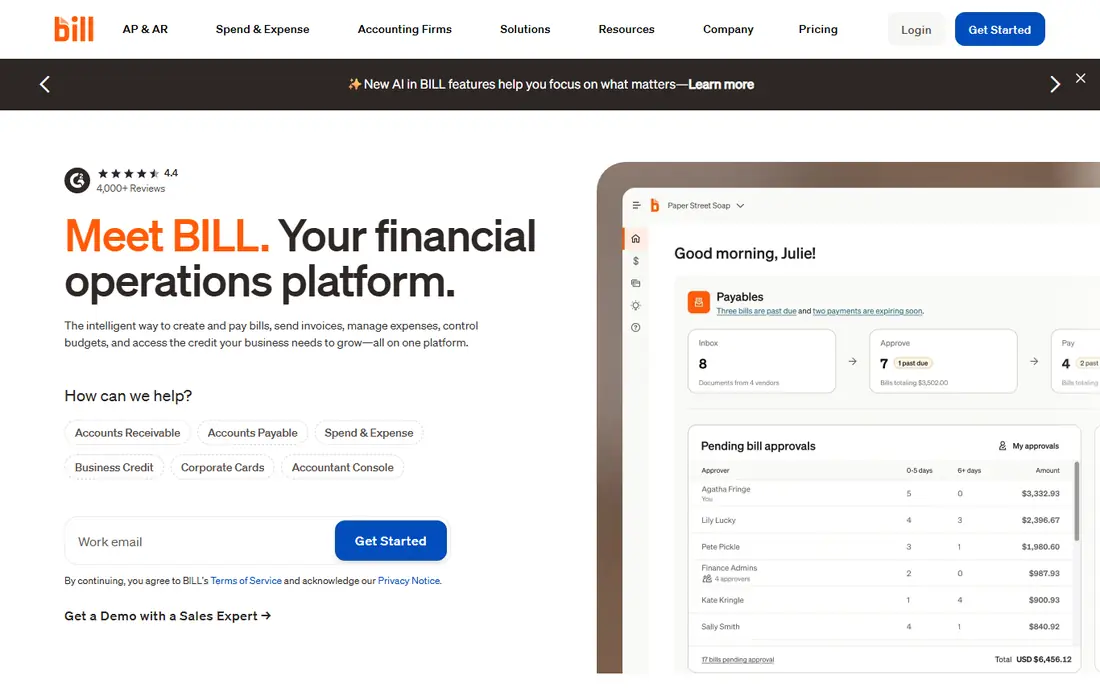
BILL is the easiest entry point in this list for a small or mid-size business. Plans start at $45 per user per month for Essentials, with Team at $55 and Corporate at $79, and the platform covers invoicing, payments, approvals, and syncing with QuickBooks, Sage, and NetSuite. Setup is self-serve, which suits teams without an implementation partner.
Depth is the limit. BILL handles everyday AR well, but high-volume global operations with complex credit, deductions, and multi-entity cash application will outgrow it. For most SMB finance teams, BILL is the right balance of price, speed, and completeness.
- Clear per-user pricing
- Fast setup
- AP and AR in one platform
- Less suited to complex global receivables
- Limited deep credit risk modelling
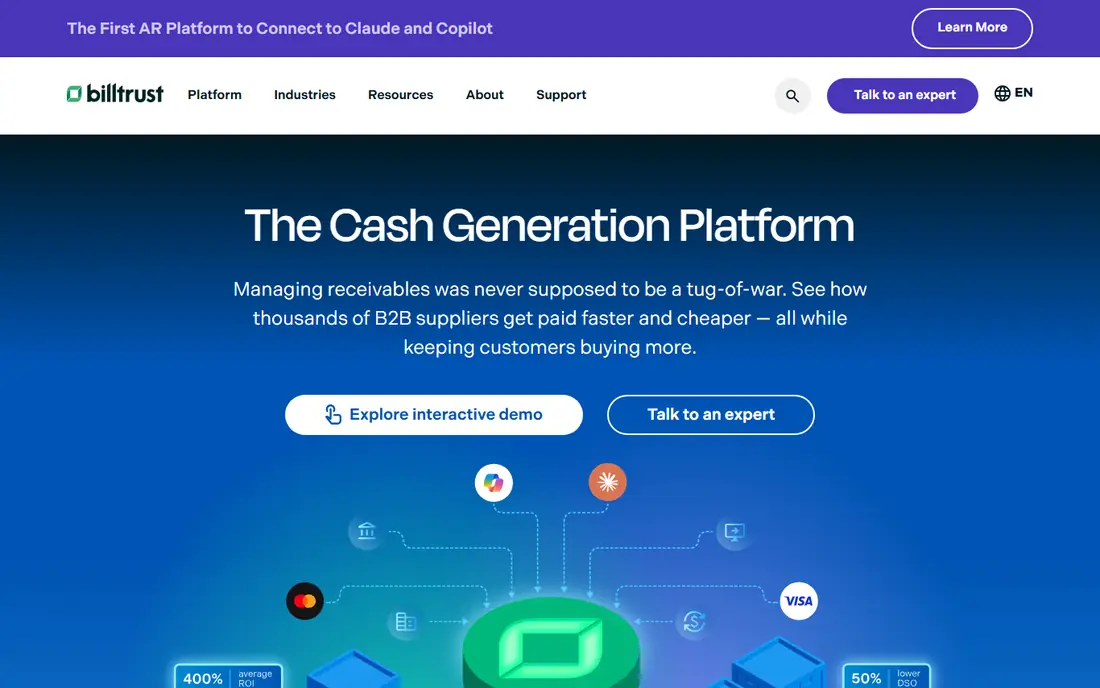
Billtrust suits B2B companies that push high invoice volumes and want invoicing, payments, and collections in one system. Automated invoice delivery by email, print, and EDI, a customer payment portal, and machine-learning cash application reduce manual matching work. Reporting depth is a strength, and ERP links cover major systems including SAP.
Pricing is quote-based, and implementation takes more effort than BILL or Invoiced. Smaller shops with tight budgets may find the cost and setup hard to justify. For mid-size to large AR operations, Billtrust is a solid, proven choice.
- Strong invoice presentment and payment portal
- Established B2B payments network
- Deep reporting
- Quote-based pricing
- Setup can feel daunting for smaller teams
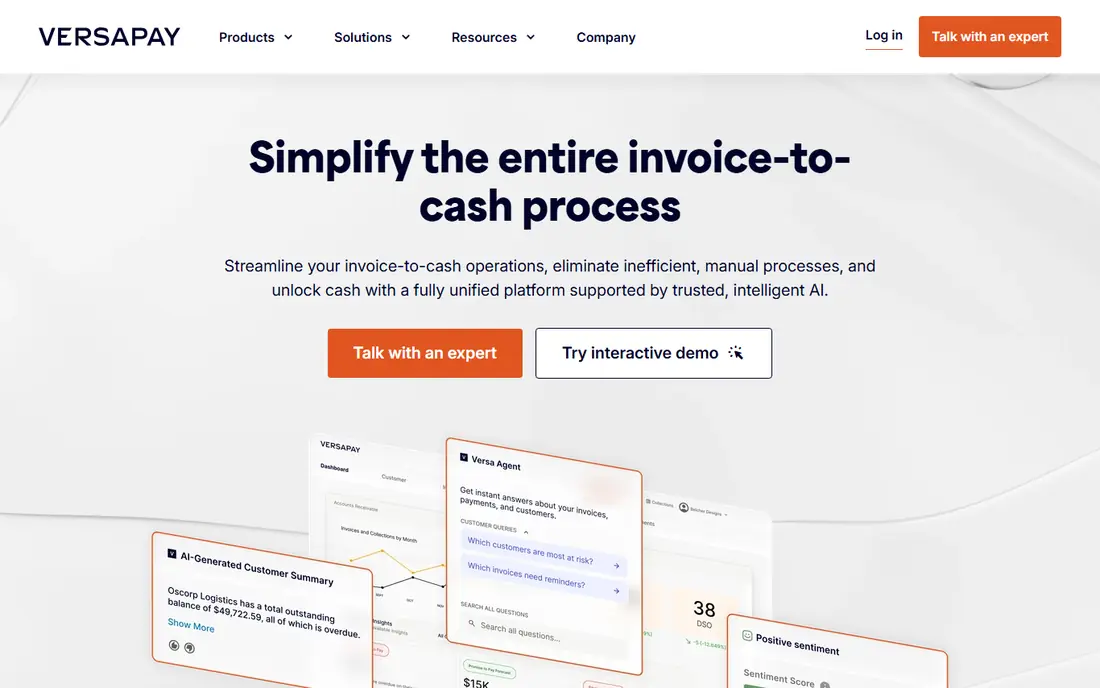
Versapay puts the customer experience at the centre of AR. Buyers get a self-service portal with invoices, payment history, and messaging, which speeds up payment and cuts dispute back-and-forth. Teams can collaborate on disputes inside the platform instead of across email threads, and cash application is assisted by automation.
Credit risk and global compliance depth lag HighRadius and Emagia, and pricing requires a quote, which makes upfront budgeting harder. If your main pain is slow payment caused by poor customer visibility, Versapay solves the right problem.
- Strong customer self-service portal
- Collaborative dispute handling
- AI-assisted cash application
- Quote-based pricing
- Less depth in credit risk than enterprise rivals
HighRadius is built for large enterprises running high-volume, global order-to-cash operations. Modules cover credit management, collections, cash application, deductions, and e-invoicing, with multi-currency and multi-language support. Finance teams with thousands of invoices a month gain the most from its automation and predictive analytics.
Cost and implementation are the barriers. HighRadius is quote-based, mid-market configurations can start around $2,000 per month in public comparisons, and rollout usually needs a partner. Lean teams should look at BILL, Invoiced, or Upflow first.
- Broad suite across credit, collections, cash application, and e-invoicing
- Strong global support
- Quote-based and costly
- Implementation suits larger budgets
Emagia focuses on AI-driven AR, with touchless cash application, predictive collections, and risk scoring as headline strengths. Integrations cover SAP, Oracle, NetSuite, and Dynamics, and global multi-currency support suits enterprises with international customers. Finance teams drowning in unmatched payments will see the fastest payback here.
Emagia is built for mid-market and enterprise teams, so pricing requires a sales conversation and implementation is not self-serve. Smaller teams with a few hundred invoices a month will find BILL or Upflow simpler and cheaper.
- High touchless cash application rates
- Predictive collections and risk scoring
- Deep ERP links
- Quote-based pricing
- More than smaller teams need
Invoiced gives SMBs invoicing automation with a clear price: $299 per month to start. Customers get a self-service portal, payment options are broad, and automated reminders chase overdue invoices without manual follow-up. Setup is faster than enterprise platforms, and the portal reduces "where is my invoice" emails.
Very small teams may find $299 per month steep compared with BILL at $45 per user, especially if invoice volume is low. Invoiced earns its price when collections follow-up, portal use, and payment automation save a finance person hours each week.
- Clear starting price
- Self-service customer portal
- Good payment integrations
- Costs more than BILL for very small teams
- Enterprise features are limited
Upflow focuses on making collections visible and systematic. Finance teams see overdue invoices, payment behaviour, and follow-up actions in one place, and automated reminders go out on a schedule instead of relying on memory. Real-time insights help managers spot cash flow problems early.
Cash application depth is thinner than HighRadius or Emagia, so teams with complex remittance matching may still need manual work. For SMBs whose main problem is chasing overdue invoices consistently, Upflow is a strong, fairly priced choice.
- Clear cash flow visibility
- Automated reminders
- Real-time payment tracking
- Less depth in cash application than enterprise tools
- Pricing rises with scale
Gaviti automates collections with workflows, reminders, and analytics that show collectors where to focus. ERP integrations keep invoice data current, and managers get visibility into collector performance and overdue trends. Mid-size teams that have outgrown spreadsheet chasing will find Gaviti a clear step up.
The $499 per month starting price puts Gaviti above Invoiced and Upflow, so small teams should confirm the collections time saved justifies the gap. Gaviti suits teams with enough overdue volume that automation pays for itself quickly.
- Automated collections workflows
- ERP integrations
- Analytics for collectors
- Higher starting price than Invoiced or Upflow
- Smaller brand presence than Billtrust
Quadient AR, formerly YayPay in part of its history, covers the full order-to-cash cycle: invoicing, payments, collections, cash application, and forecasting. AI forecasting helps finance teams predict cash flow, and the platform suits mid-market and enterprise teams that want one AR system rather than several point tools.
Pricing is quote-based, and implementation for larger teams needs planning around ERP links and data migration. Smaller teams will find BILL or Upflow faster to deploy, while larger teams that want a single AR platform should include Quadient AR in a shortlist with Billtrust and HighRadius.
- Full order-to-cash automation
- AI forecasting
- Strong invoicing and payments
- Quote-based pricing
- Implementation needs planning for larger teams
How we picked these
We compared official product pages, pricing disclosures, and public AR comparisons from 2026, focusing on invoicing, cash application, collections automation, dispute handling, and ERP integrations. We favoured tools that operate in the US today and publish enough pricing or scope detail to compare fairly, and we used See website where pricing is quote-based rather than guessing a figure.
How to choose AR software
Start with your bottleneck. If payments arrive without clear remittance detail, prioritise cash application tools such as Emagia or HighRadius. If invoices sit unpaid because follow-up is inconsistent, prioritise collections tools such as Upflow or Gaviti. If customers complain they cannot see invoices or pay easily, prioritise portal tools such as Versapay or Invoiced.
Next, check ERP links and data quality. AR software is only as good as the invoice and payment data it receives, so confirm native sync with your ERP or accounting system, and test how it handles partial payments, credit notes, and disputes. A tool that needs manual imports every week will not save time.
Finally, model total cost, not just the subscription. Quote-based enterprise tools can cost tens of thousands per year once implementation and modules are included, while SMB tools at $299 to $499 per month may look pricey until you count the hours saved on chasing and matching. Ask vendors for a total first-year cost in writing before you sign.
Sources
Frequently asked questions
What is the best accounts receivable software for small business?
BILL is the best default for small businesses, starting at $45 per user per month with fast setup and AP plus AR in one platform. Invoiced and Upflow suit teams that need stronger collections automation and can justify $299 per month.
How much does accounts receivable software cost?
SMB tools start around $45 per user per month for BILL, or $299 to $499 per month for Invoiced, Upflow, and Gaviti. Mid-market and enterprise tools such as Billtrust, Versapay, HighRadius, and Emagia are usually quote-based and cost far more per year.
What is AR automation?
AR automation uses software to send invoices, remind customers, match payments to invoices, manage disputes, and forecast cash flow without manual spreadsheet work. The goal is faster payment, fewer errors, and clearer visibility into overdue accounts.
Do I need AR software if I already use QuickBooks?
QuickBooks handles basic invoicing and reminders well for small volumes. AR software adds value when invoice volume grows, follow-up becomes inconsistent, cash application takes hours, or customers need a self-service portal and dispute tools.
How long does AR software take to implement?
SMB tools such as BILL, Invoiced, and Upflow can go live in days to weeks. Enterprise tools such as HighRadius, Billtrust, and Quadient AR can take weeks to months, depending on ERP links, data migration, and workflow setup.