Best Agile Project Management Software in 2026: 9 Tools Compared
By ToolNimba Editorial Team November 8, 2026 12 min read

- Top pick
 Jira
Scrum software teams
Starting price$7.91 per user per monthCheck out JiraRead our review - Runner-up
 Asana
Cross-functional teams
Starting price$10.99 per user per monthCheck out AsanaRead our review - Also great
 monday.com
Visual workflows
Starting price$9 per seat per monthCheck out monday.comRead our review
How we researched this
We compared official pricing and feature pages, app store listings, privacy policies and public user reviews. Prices change, so check the provider's site before you pay.
Key takeaways
- Jira remains the deepest choice for Scrum and Kanban software teams, with sprints, backlogs, burndown charts, and strong reporting.
- Linear is the fastest-feeling option for product and engineering teams that want cycles, issues, and roadmaps without heavy setup.
- Asana, monday.com, and ClickUp suit cross-functional teams that need agile boards alongside marketing, operations, and client work.
- Zoho Sprints and Trello are the lowest-cost ways to run real sprints or Kanban boards, especially for small teams.
Quick comparison
| Name | Best for | Starting price | Free plan | |
|---|---|---|---|---|
| Jira | Scrum software teams | $7.91 per user per month | Yes | Visit |
| Asana | Cross-functional teams | $10.99 per user per month | Yes | Visit |
| monday.com | Visual workflows | $9 per seat per month | Yes | Visit |
 ClickUp | All-in-one workspaces | $7 per user per month | Yes | Visit |
 Trello | Simple Kanban boards | $5 per user per month | Yes | Visit |
 Linear | Fast product teams | $10 per user per month | Yes | Visit |
 Zoho Sprints | Dedicated Scrum teams | $1 per user per month | Yes | Visit |
 Azure DevOps | Microsoft engineering teams | $6 per user per month | Yes | Visit |
 Shortcut | Lean product backlogs | $8.50 per user per month | Yes | Visit |
The best agile project management software
Agile software is not just a board with cards. The tools in this list support sprints, backlogs, estimation, and reporting in different ways, and the right pick depends on whether the team writes software, runs marketing work, or does both. We compared official pricing pages, product documentation, and 2026 feature comparisons, and we favored tools with real Scrum or Kanban support, not just a task list with a board view.
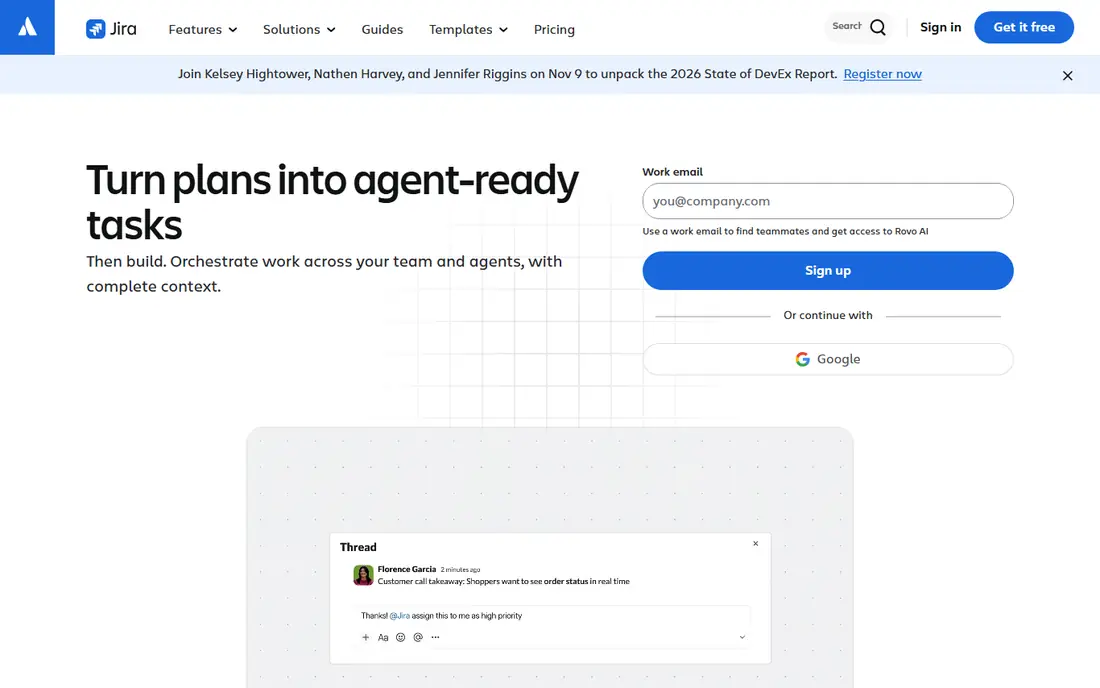
Jira is the default for software teams that run Scrum or Kanban seriously. Sprints, backlogs, story points, burndown charts, and roadmaps are built in, and automation rules can move issues, assign work, and send updates without manual effort. Integration with Confluence, Bitbucket, and GitHub keeps documentation and code close to the work itself.
The cost is complexity. Jira has many settings, workflows, and permission options, and a poorly set up project can confuse the team it is meant to help. Non-technical teams often find the interface heavier than Asana or monday.com, and advanced planning features sit on paid tiers.
Jira is our pick for software and IT teams that live in sprints. Start with a standard Scrum template, keep workflows simple, and add complexity only when the team asks for it.
- Native Scrum sprints, backlogs, and burndown charts
- Deep reporting and automation
- Free for up to 10 users
- Setup and administration take time
- Interface can feel heavy for non-technical teams

Asana suits teams that mix product, marketing, and operations work in one workspace. Tasks, timelines, portfolios, and goals give managers a clear view without forcing every team into a developer workflow. Templates for campaigns, launches, and requests help new teams start quickly, and the interface is easier to learn than Jira.
Asana does not offer native Scrum sprints in the same way Jira does, so software teams need to model sprints with sections, custom fields, or timelines. That workaround is workable for many teams, but it is not as clean as a dedicated sprint tool. The free Personal plan is also limited to a small number of users in recent plans.
Choose Asana when adoption speed and cross-team visibility matter more than deep Scrum features. It works well for organizations where engineering is one part of a larger operation.
- Clear tasks, timelines, and portfolios
- Easy adoption for non-technical teams
- Strong templates
- No native sprints in the classic Jira sense
- Starter plan is $10.99 per user per month billed annually
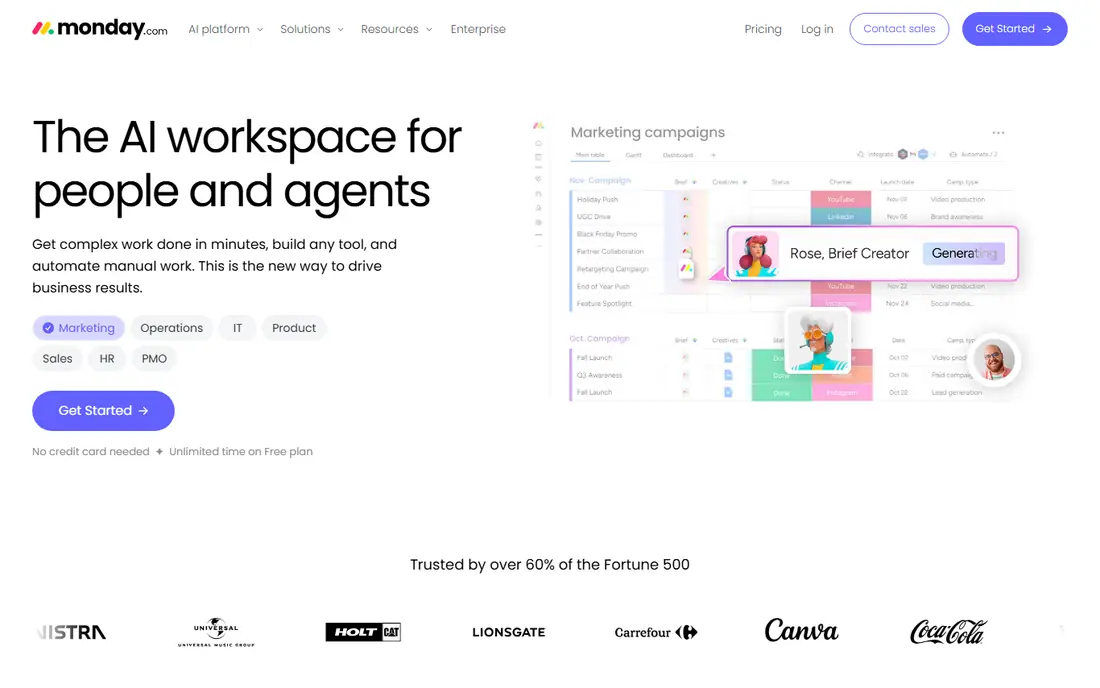
monday.com is built around visual boards that non-technical teams find easy to read. Columns, statuses, timelines, and dashboards make progress visible at a glance, and automations can assign work, send reminders, and update statuses. For client work, campaigns, and operations, that visual style helps teams stay aligned without a long training period.
For agile software teams, the limits matter. Sprint management is listed on the Standard plan at $12 per seat per month in 2026 comparisons, not on the $9 Basic plan, so budget for the plan that actually includes the features you need. The free plan is also limited to two seats, which is enough for a test but not for a team.
Pick monday.com when the team thinks in boards and needs a tool that clients and stakeholders can read easily. Software teams that need deep sprint reporting should compare it with Jira or Linear first.
- Visual boards and dashboards
- Flexible automations
- Good for client-facing work
- Sprint management sits on higher plans
- Basic plan has a 3-seat minimum
ClickUp tries to replace several tools at once, with tasks, documents, goals, whiteboards, and sprint views in a single workspace. The Free Forever plan includes unlimited tasks and members, which makes it easy to test with a real team, and the Unlimited plan starts at $7 per user per month billed annually. For teams that want one subscription instead of many, that breadth is appealing.
Breadth is also the risk. ClickUp has so many views, fields, and settings that a new team can spend weeks configuring it instead of shipping work. Free and Unlimited plans also cap some sprint features, such as Sprint Points uses, and omit others, so check the sprint details before committing.
ClickUp fits teams that want flexibility and a single workspace for tasks, docs, and sprints, and that have someone willing to set it up well. Teams that want a tool that works with minimal setup may prefer Trello or Linear.
- Tasks, docs, goals, and sprints in one place
- Generous free plan
- Highly configurable views
- Configuration options can overwhelm new teams
- Some sprint features are limited on lower plans
Trello is the simplest tool in this list, and that simplicity is its strength. A board, lists, and cards are enough for many Kanban workflows, and a new team can start in minutes without training. The free plan covers up to 10 collaborators per workspace in recent comparisons, and Standard starts at $5 per user per month billed annually.
Trello does not offer native sprints, burndown charts, or advanced agile reporting, so software teams that need those features will outgrow it. Power-Ups and integrations can add some capabilities, but they do not turn Trello into Jira. For a small team running Kanban, that limit may not matter.
We would pick Trello for small teams, personal projects, and simple Kanban boards where speed and clarity beat depth. It is also a good first agile tool for a team that has never used one.
- Instant Kanban setup
- Very easy to learn
- Low paid price
- No native sprints
- Reporting and planning features are limited
Linear is built for product and engineering teams that want speed. Issues, Cycles, projects, and roadmaps are organized cleanly, and keyboard shortcuts and a fast interface make daily triage feel quick. Cycles work like sprints, with a defined period, a set of issues, and progress tracking, without the heavy administration that Jira can require.
The free plan is generous for members but caps issues at 250 and teams at two in 2026 comparisons, so a growing backlog will push you to the $10 per user per month Basic plan. Linear is also less suited to marketing, operations, or client work, since it is designed around engineering issues rather than general tasks.
Linear is our pick for startups and product teams that want a modern, fast sprint tool and that mainly track engineering work. Cross-functional teams should test Asana or ClickUp alongside it.
- Fast interface
- Cycles for sprints
- Clean issue tracking and roadmaps
- Free plan caps issues and teams
- Less suited to non-technical or marketing work
Zoho Sprints is a dedicated agile tool, not a general task manager with agile features added on. It offers Scrum boards, Kanban boards, backlogs, sprint planning, and burndown charts in a focused workspace, which helps teams that want agile structure without a large platform. The free plan covers 3 users, 3 projects, and limited storage, and Starter is listed at $1 per user per month billed annually in 2026 comparisons.
The limits are real for larger teams. The free plan is small, and the Starter plan is reported for 12 to 100 users, which may not fit a very small team that wants to pay for just a few seats. Zoho Sprints also sits apart from Zoho Projects, so teams already using Zoho Projects should check which tool matches their workflow.
Zoho Sprints fits small Scrum teams that want a dedicated, low-cost agile workspace, especially if they already use other Zoho products. It is one of the cheapest ways to run real sprints.
- Dedicated Scrum and Kanban workspaces
- Very low Starter price
- Backlog and burndown views
- Free plan is limited to 3 users and 3 projects
- Starter plan has a minimum user count in reports
Azure DevOps combines Boards for agile planning with Repos, Pipelines, Test Plans, and Artifacts for the full engineering workflow. For teams already using Azure, GitHub, or Visual Studio, that integration is a major advantage, and the first five Basic users are free, with additional Basic users at $6 per user per month in 2026 comparisons. Boards support Scrum and Kanban, backlogs, sprints, and dashboards.
The suite is broader than most teams need if they only want agile planning. Setting up pipelines, repos, and test plans takes time, and non-engineering teams will find Boards less friendly than Asana or monday.com. Azure DevOps is best judged as an engineering platform, not as a general project tool.
Choose Azure DevOps when the team already builds on Microsoft tools and wants planning, code, and delivery in one place. For planning alone, Jira or Linear are simpler.
- Boards, repos, pipelines, and test plans in one suite
- First 5 Basic users free
- Strong for Microsoft shops
- Full suite is complex
- Boards alone is less appealing for non-engineering teams
Shortcut, formerly Clubhouse, focuses on product work: backlogs, iterations, epics, and roadmaps, with a clean interface that needs less configuration than Jira. The free plan covers up to 10 users, and Team starts at $8.50 per user per month billed annually in 2026 comparisons. For a product team that wants agile planning without a heavy admin burden, that focus is welcome.
Shortcut is smaller than Jira, Asana, or ClickUp, so integrations and third-party templates are fewer. The free plan limit of one team also matters for organizations with several product teams. Check the integrations your team relies on before switching.
Shortcut fits product teams that want a lean backlog and iteration tool and that do not need a general work platform. It is a good middle ground between Trello simplicity and Jira depth.
- Clean backlog, iteration, and roadmap views
- Less configuration than Jira
- Free for up to 10 users
- Free plan is limited to one team
- Fewer integrations than larger platforms
How we picked these
We compared official pricing pages, product documentation, and 2026 agile tool comparisons, and we favored tools with real sprint, backlog, or Kanban support that are available now. We left out general task tools without agile planning features, and we left out tools whose pricing could not be checked. We weighed sprint depth, ease of adoption, reporting, and the full plan cost, including seat minimums.
We also paid attention to free plan limits, since many teams start free and only pay later. A free plan that covers a real team is more useful than one that only covers a demo.
How to choose for your team
Start with who will use the tool every day. A tool that engineers love but marketers avoid will not hold a cross-functional plan together, and a tool that managers love but engineers resist will not hold a sprint together.
Separate software sprints from general work
If the team writes software and runs Scrum, shortlist Jira, Linear, Zoho Sprints, Azure DevOps, and Shortcut. If the team runs campaigns, operations, or client work alongside product work, shortlist Asana, monday.com, and ClickUp. Trello works for simple Kanban in either case, but it is not a full sprint tool.
Run a real sprint in two tools
Pick two finalists and run one real sprint in each, with the same team, backlog, and reporting needs. That test shows whether estimation, burndown, and planning feel natural, and whether the team actually updates the board. A two-week trial with a real project beats a feature checklist.
Budget for seats, not just the headline price
Check seat minimums, free user limits, and which plan includes sprints, roadmaps, and automation. A $9 plan with a 3-seat minimum and a $12 plan for sprints are different budgets, and a free plan capped at 10 users will not cover a 20-person team.
Sources
Frequently asked questions
What is the best agile project management software?
Jira is the deepest pick for software teams running Scrum, while Linear is the fastest-feeling pick for product teams. Asana and ClickUp suit cross-functional teams, and Zoho Sprints offers the lowest-cost dedicated Scrum workspace in this list.
What is the best free agile project management software?
Jira is free for up to 10 users, ClickUp offers a generous free plan, and Trello is free for small Kanban teams. Zoho Sprints and Shortcut also offer free plans for small teams. Check user, project, and feature limits before relying on a free plan for a whole team.
What is the best tool for agile project management for software teams?
Jira, Linear, Azure DevOps, and Shortcut are built around software workflows, with sprints, backlogs, and issue tracking at the center. Linear suits fast product teams, Jira suits larger or more complex teams, and Azure DevOps suits Microsoft-centered engineering teams.
Does Asana support agile project management?
Asana supports agile-style boards, timelines, and workflows, but it does not offer native Scrum sprints in the same way Jira does. Many teams model sprints with sections and custom fields, which works well for cross-functional work but is less clean for strict Scrum.
How much does agile project management software cost?
Entry paid plans in this list range from $1 per user per month for Zoho Sprints Starter to $10.99 per user per month for Asana Starter, with most tools between $5 and $10 per user per month billed annually. Always add seat minimums and the plan that includes the agile features you need.