Best AI Agent Platform in 2026: 9 Platforms Compared
By ToolNimba Editorial Team October 31, 2026 11 min read

- Top pick
 n8n
Technical teams and self-hosting
Starting priceSee websiteCheck out n8nRead our review - Runner-up
 Lindy
Business users and assistants
Starting priceSee websiteCheck out LindyRead our review - Also great
 Relevance AI
Ops teams and research agents
Starting priceSee websiteCheck out Relevance AIRead our review
How we researched this
We compared official pricing and feature pages, app store listings, privacy policies and public user reviews. Prices change, so check the provider's site before you pay.
Key takeaways
- No single platform wins, because hosted builders, workflow tools, and code frameworks serve different buyers.
- n8n and LangGraph suit technical teams that want control, while Lindy and Relevance AI suit business users.
- Zapier Agents wins on app connections, and Copilot Studio wins inside Microsoft 365.
- Botpress and Dify suit chat agents and visual AI apps with different trade-offs.
- Check how pricing counts runs, tasks, or credits before scaling any agent.
Quick comparison
| Name | Best for | Starting price | Free plan | |
|---|---|---|---|---|
| n8n | Technical teams and self-hosting | See website | Yes | Visit |
| Lindy | Business users and assistants | See website | Yes | Visit |
| Relevance AI | Ops teams and research agents | See website | Yes | Visit |
 Gumloop | Visual data-heavy workflows | See website | Free trial | Visit |
 Zapier Agents | Widest app connections | See website | Yes | Visit |
 Microsoft Copilot Studio | Microsoft 365 organizations | See website | Free trial | Visit |
 LangGraph | Developers and stateful agents | Free | Yes | Visit |
 Botpress | Customer-facing chat agents | See website | Yes | Visit |
 Dify | Visual AI app and agent building | See website | Yes | Visit |
The best ai agent platforms apps
AI agent platform now means several different products. Some are hosted builders for business users, some are visual workflow tools with AI nodes, and some are developer frameworks for custom agents. We compared all three kinds, because comparing a no-code builder with a code framework on the same scorecard would mislead buyers.
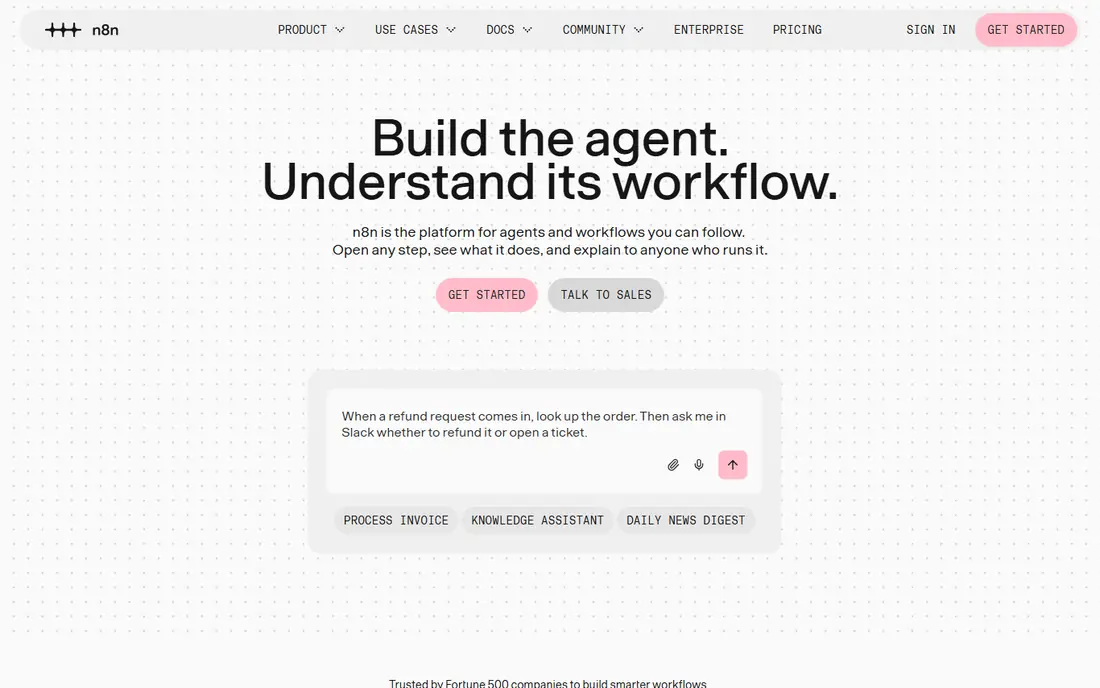
n8n stands out first for visual agent workflows, tool use, and self-hosted automation. We put it near the top because it covers the core job without forcing a team to stitch together several smaller tools, and its main workflows are easy to explain to a colleague who has not used it before. That breadth matters when a decision affects more than one person, because the tool chosen on day one is often the tool that still has to make sense in six months. For most buyers, the practical test is simple. Check whether visual agent workflows, tool use, and self-hosted automation shows up in the plan you would actually pay for, not only in the top tier, and check how limits change as use grows. a non-technical team may find setup and maintenance heavier than a hosted builder. If both answers look acceptable, it is a strong shortlist candidate, and a short trial with real data will tell you more than any demo video.
- Visual workflows with AI nodes
- Self-hosted option
- Large integration library
- Needs technical skill for complex agents
- Cloud pricing grows with usage
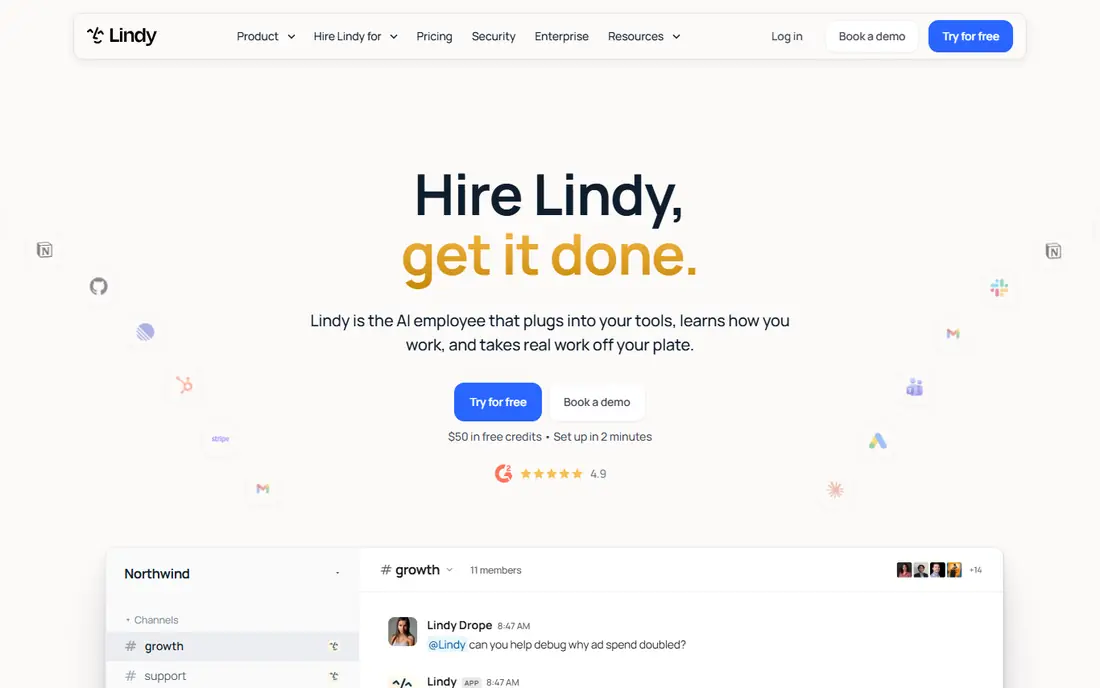
If your priority is business assistants for inbox, scheduling, and research, Lindy deserves a close look. It takes a narrower problem and handles it in depth, which can be more useful than a broad platform that only touches the same area in passing. Teams with a clear use case often prefer that focus, because setup is shorter and the results are easier to judge. The trade-off is scope, and that is where buyers should be careful. check how credits and agent runs are counted before scaling. Before committing, list the two or three tasks you will do every week and confirm each one works in the plan you intend to buy. When those tasks are covered, the narrower focus becomes an advantage rather than a limit.
- Natural-language setup and templates
- Strong email and calendar depth
- Per-agent pricing can grow fast
- Complex logic may need workarounds
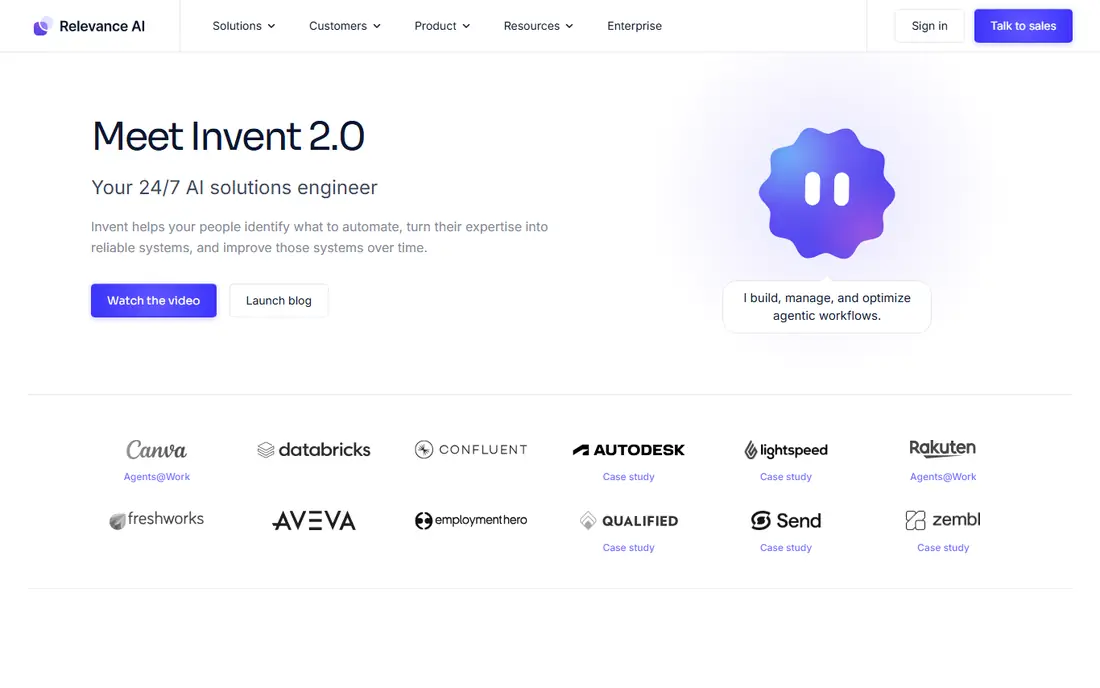
Relevance AI is a good middle-ground choice for people who want composable agents for research, sales, and operations without a long learning curve. Its interface and documentation are aimed at regular users rather than specialists, so a small team can usually get value in the first week. That matters when there is no dedicated administrator to run the tool. Still, no tool in this guide is right for every buyer. small teams should test the free tier against a real workflow first. A useful check is to run one real project through it from start to finish, including export, sharing, and any reporting you need at the end. If that full loop feels smooth, the tool will likely hold up under normal use.
- Block-based agent building
- Multi-agent workflows
- Research and sales use cases
- Pricing can be high for small teams
- Learning the block system takes time
For buyers who care most about visual AI workflows for data-heavy tasks, Gumloop offers a different balance from the leaders above it. It may not win on every feature, but it can be the better fit when price, simplicity, or a specific workflow matters more than having the largest feature list. That kind of fit is easy to miss in a side-by-side table. The honest catch is worth stating plainly. usage-based costs need careful tracking on large jobs. Weigh that limit against the price and against how often you would hit it in practice. A limit that rarely matters in daily work should not rule out a tool, while a limit that blocks a weekly task should move it down your list at once.
- Drag-and-drop canvas with AI nodes
- Good for bulk data and subflows
- Enterprise features and governance sit in higher plans
- Pricing varies by use
Zapier Agents stands out first for agents connected to many everyday business apps. We put it near the top because it covers the core job without forcing a team to stitch together several smaller tools, and its main workflows are easy to explain to a colleague who has not used it before. That breadth matters when a decision affects more than one person, because the tool chosen on day one is often the tool that still has to make sense in six months. For most buyers, the practical test is simple. Check whether agents connected to many everyday business apps shows up in the plan you would actually pay for, not only in the top tier, and check how limits change as use grows. a high-volume agent can become costly on task billing. If both answers look acceptable, it is a strong shortlist candidate, and a short trial with real data will tell you more than any demo video.
- Thousands of app integrations
- Agents sit beside familiar Zap workflows
- Task-based billing can grow quickly
- Agent control is less deep than code frameworks
If your priority is agents inside Microsoft 365, Teams, and business apps, Microsoft Copilot Studio deserves a close look. It takes a narrower problem and handles it in depth, which can be more useful than a broad platform that only touches the same area in passing. Teams with a clear use case often prefer that focus, because setup is shorter and the results are easier to judge. The trade-off is scope, and that is where buyers should be careful. teams outside Microsoft 365 will get less value from it. Before committing, list the two or three tasks you will do every week and confirm each one works in the plan you intend to buy. When those tasks are covered, the narrower focus becomes an advantage rather than a limit.
- Deep Microsoft 365 and Power Platform links
- Autonomous agents and orchestration
- Best value inside Microsoft licensing
- Pricing uses credits that need planning
LangGraph is a good middle-ground choice for people who want custom stateful agents with full developer control without a long learning curve. Its interface and documentation are aimed at regular users rather than specialists, so a small team can usually get value in the first week. That matters when there is no dedicated administrator to run the tool. Still, no tool in this guide is right for every buyer. it is a framework, not a ready product, so build time is real. A useful check is to run one real project through it from start to finish, including export, sharing, and any reporting you need at the end. If that full loop feels smooth, the tool will likely hold up under normal use.
- Open-source framework for stateful, multi-step agents
- Strong developer control
- Needs coding skill
- Hosting, monitoring, and support are your responsibility
For buyers who care most about support and sales chat agents on websites and messaging apps, Botpress offers a different balance from the leaders above it. It may not win on every feature, but it can be the better fit when price, simplicity, or a specific workflow matters more than having the largest feature list. That kind of fit is easy to miss in a side-by-side table. The honest catch is worth stating plainly. a good builder cannot fix unclear bot goals or poor content. Weigh that limit against the price and against how often you would hit it in practice. A limit that rarely matters in daily work should not rule out a tool, while a limit that blocks a weekly task should move it down your list at once.
- Visual builder for chat agents
- Messaging channels and human handoff
- Advanced deployments and higher usage need paid plans
- Design work still matters
Dify stands out first for visual agent apps with retrieval and tool use. We put it near the top because it covers the core job without forcing a team to stitch together several smaller tools, and its main workflows are easy to explain to a colleague who has not used it before. That breadth matters when a decision affects more than one person, because the tool chosen on day one is often the tool that still has to make sense in six months. For most buyers, the practical test is simple. Check whether visual agent apps with retrieval and tool use shows up in the plan you would actually pay for, not only in the top tier, and check how limits change as use grows. open-source flexibility comes with setup and update work. If both answers look acceptable, it is a strong shortlist candidate, and a short trial with real data will tell you more than any demo video.
- Visual building for agents and AI apps
- Open-source option
- Model flexibility
- Self-hosting needs technical care
- Hosted limits vary by plan
How we picked these
We compared official feature pages, pricing pages, app store listings where relevant, privacy policies, and public reviews. We kept only products that are available now and that fit the topic in a direct way, not tools that mention the topic only as a side feature. Where a price or free tier could not be verified on the vendor site or store listing, we wrote See website rather than repeating an unverified figure. We also looked for honest limits, such as caps on a free plan, features held back for higher tiers, and cases where a product works best for one size of team or one kind of project. A product stayed on the list only when its strengths were clear enough to recommend for a specific buyer, even when it was not the best choice for everyone.
How to choose an AI agent platform
Pick the builder type first
If you want an agent for your own operations, a hosted builder is fastest. If you want agents inside your product, a framework gives more control. If you want customer chat, a conversational builder with human handoff fits better. That choice narrows the list more than any feature table.
Test with a real task and real data
Run one end-to-end task, such as triaging support messages or researching prospects, with your own data and tools. Check accuracy, failure handling, and what happens when a tool call fails. A demo with clean sample data hides the edge cases that matter in production.
Plan for cost, safety, and oversight
Check how runs, tasks, or credits are counted, and set limits early. Add human review for actions that send messages, change records, or spend money. Log agent steps so you can audit a bad outcome, and keep permissions as narrow as the task allows.
Sources
- https://n8n.io/pricing
- https://www.lindy.ai/pricing
- https://relevance.ai/pricing
- https://www.gumloop.com/pricing
- https://zapier.com/pricing
- https://www.microsoft.com/en-us/microsoft-copilot/microsoft-copilot-studio/pricing
- https://www.langchain.com/langgraph/pricing
- https://botpress.com/pricing
- https://dify.ai/pricing