Best AI Chatbot App in 2026: 9 Apps Compared
By ToolNimba Editorial Team October 29, 2026 8 min read

- Top pick
 ChatGPT
General purpose chat
Starting price$20 per monthCheck out ChatGPTRead our review - Runner-up
 Claude
Long documents and reasoning
Starting price$20 per monthCheck out ClaudeRead our review - Also great
 Gemini
Google ecosystem users
Starting price$19.99 per monthCheck out GeminiRead our review
How we researched this
We compared official pricing and feature pages, app store listings, privacy policies and public user reviews. Prices change, so check the provider's site before you pay.
Key takeaways
- ChatGPT remains the most versatile chatbot, with strong general ability and a huge ecosystem.
- Claude suits long conversations, documents and careful reasoning, with a large context window.
- Gemini fits Google users, with deep integration into Search, Gmail, Docs and Android.
- Perplexity is the best chatbot for research, since answers cite sources you can check.
- Microsoft Copilot suits Windows and Microsoft 365 users who want AI inside Office and Edge.
- Free tiers are genuinely useful, so try two or three before paying for any subscription.
Quick comparison
| Name | Best for | Starting price | Free plan | |
|---|---|---|---|---|
| ChatGPT | General purpose chat | $20 per month | Yes | Visit |
| Claude | Long documents and reasoning | $20 per month | Yes | Visit |
| Gemini | Google ecosystem users | $19.99 per month | Yes | Visit |
 Microsoft Copilot | Windows and Office users | $20 per month | Yes | Visit |
 Perplexity | Research with citations | $20 per month | Yes | Visit |
 Meta AI | Social and free chat | Free | Yes | Visit |
 Grok | Real-time news and X users | See website | Yes | Visit |
 DeepSeek | Low-cost reasoning | Free | Yes | Visit |
 Poe | Many models in one app | See website | Yes | Visit |
The best AI chatbot app
AI chatbot apps now differ less on raw ability and more on ecosystem, research features, price and personality. We compared official feature pages, pricing pages and public documentation to build this list, covering the major chatbots available in the US in October 2026.
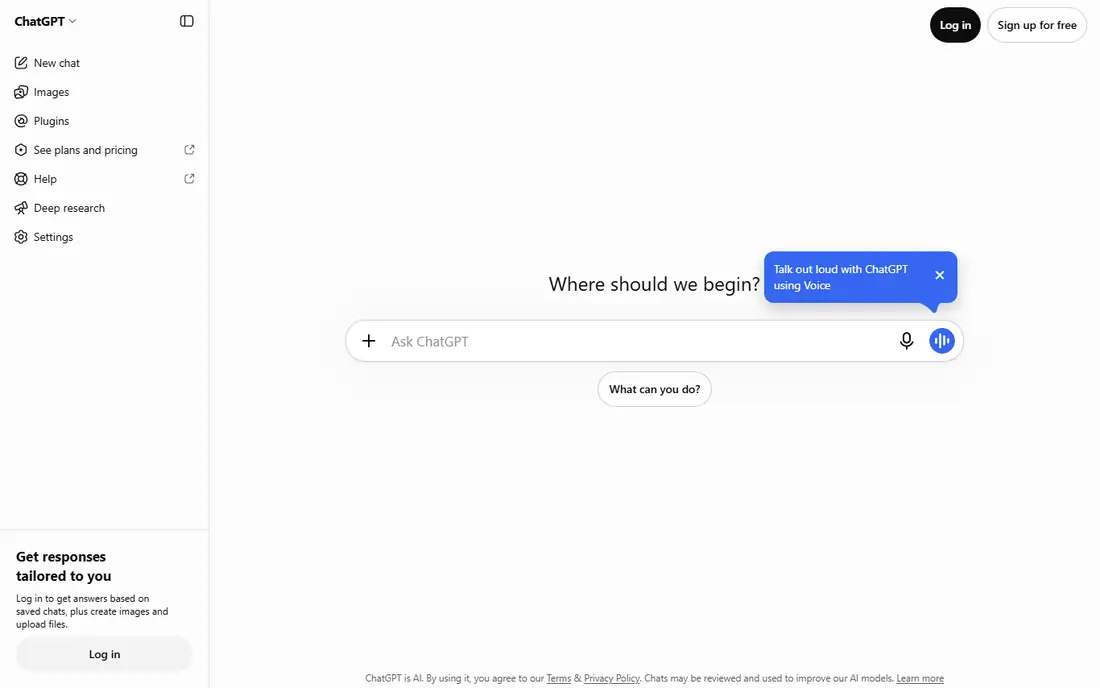
ChatGPT is the best known chatbot for good reason: it handles writing, coding, brainstorming, planning and everyday questions in one app, with voice mode, image generation and file uploads. Plus costs 20 dollars per month for stronger models and higher limits, while the free tier covers casual use.
The breadth is the appeal, and the ecosystem of integrations keeps growing. As with every chatbot, answers can sound confident while being wrong, so verify important facts. For most people, ChatGPT is the default pick.
- Most versatile general model
- Voice and image features
- Huge ecosystem of tools
- Free tier has usage limits
- Answers need fact-checking
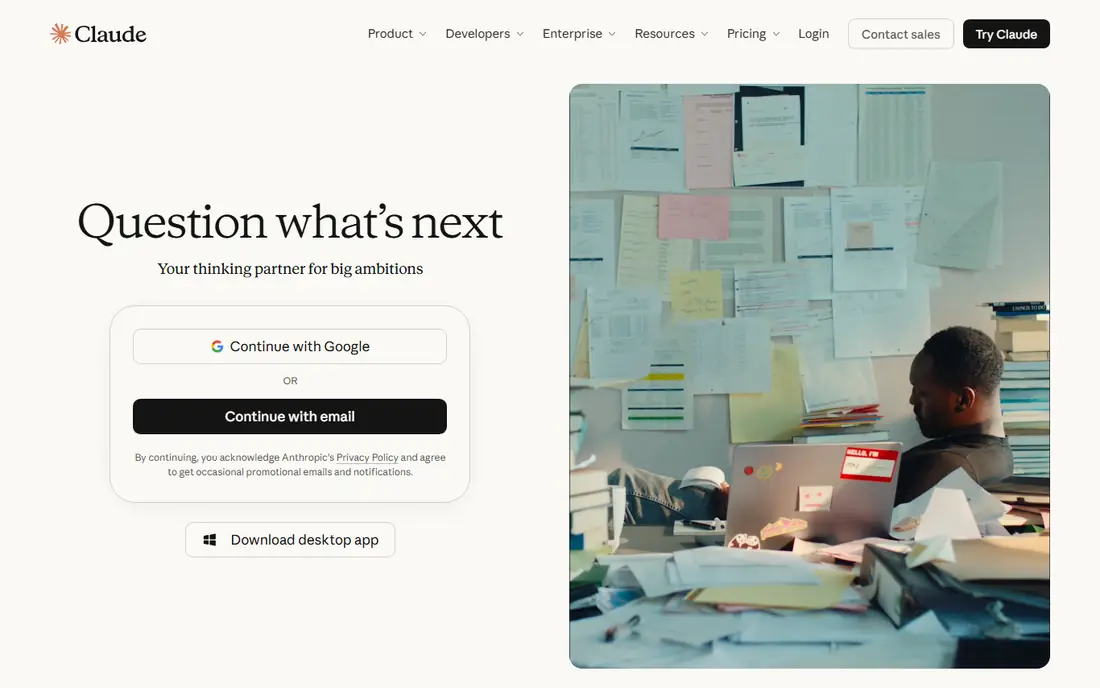
Claude Pro costs 20 dollars per month and stands out for long conversations, document analysis and careful reasoning. Its large context window lets it work with long reports, books and codebases, and its answers tend to be measured and well structured.
The free plan covers casual use, while Pro raises limits. Claude has fewer third-party integrations than ChatGPT, but for deep work with documents and complex questions, it is our pick for most people who write and think for a living.
- Excellent long-form reasoning
- Large context window
- Careful, nuanced answers
- Fewer integrations than ChatGPT
- Usage limits on heavy days
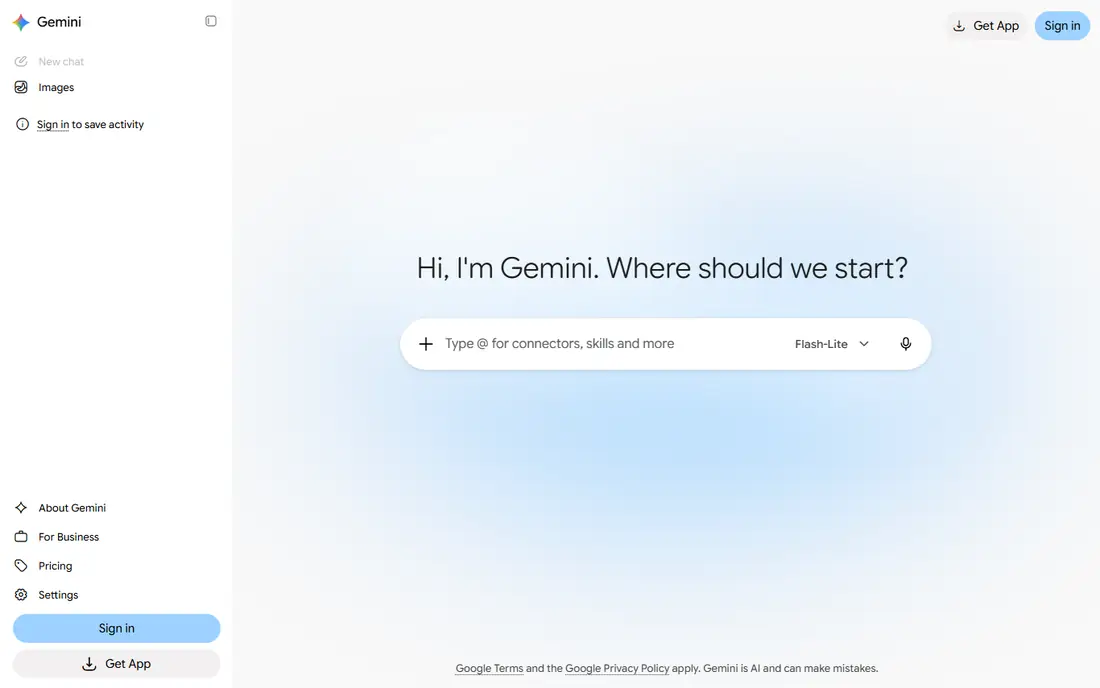
Gemini, from Google, integrates with Search, Gmail, Docs, Drive and Android, so it can pull from your Google world with permission. Google AI Pro costs 19.99 dollars per month for the strongest models and higher limits, while a free tier covers everyday chat.
The integration is the draw for Google users: ask about an email, a document or a photo and Gemini can work with it directly. For users outside the Google ecosystem, ChatGPT or Claude may feel more neutral. For Android and Workspace users, Gemini is a natural fit.
- Deep Google integration
- Strong multimodal ability
- Android and Search ties
- Some features vary by region
- Advanced plan needed for best models
Microsoft Copilot is built into Windows, Edge and Microsoft 365 apps, so it can draft in Word, summarize in Outlook and answer with web search grounding. Copilot Pro costs 20 dollars per month for priority access and Office integration, while a free tier covers everyday chat.
The value is highest for Microsoft users who live in Windows and Office. Outside that ecosystem, the standalone chatbot is solid but less distinctive. For Office workers, Copilot is the convenient pick.
- Built into Windows, Edge and Office
- Web search grounded answers
- Free tier useful
- Best features need Microsoft 365
- Pro adds cost on top of Office
Perplexity is a search-first chatbot: ask a question and it searches the live web, then answers with citations you can open and verify. Perplexity Pro costs 20 dollars per month for stronger models, more searches and file analysis, while the free tier covers daily research.
The citations change the workflow: you can trust but verify in one step, which suits researchers, students and journalists. For creative writing or long drafts, Claude or ChatGPT may serve better. For research, Perplexity is our pick.
- Answers cite sources you can check
- Live web search
- Follow-up questions
- Less suited to long creative writing
- Pro needed for best models
Meta AI is free and built into WhatsApp, Instagram, Facebook and Messenger, so billions of users can chat with it without a new app. It handles everyday questions, image generation and group chat assistance, with voice features on supported devices.
The convenience is real, but social integration means thinking carefully about what you share, since chats live inside Meta apps. For casual, free chatting inside apps you already use, Meta AI is the easiest option.
- Free
- Built into WhatsApp, Instagram and Facebook
- Voice and image features
- Social integration raises privacy questions
- Less depth for professional work
Grok, from xAI, is known for real-time awareness through X, giving it an edge on breaking news, sports and trending topics, plus a bolder personality than most rivals. A free tier covers basic use, while paid tiers add higher limits and features.
Pricing and tiers have changed several times, so check the current figures before subscribing. For X users who want a chatbot that tracks what is happening right now, Grok is a distinctive pick.
- Real-time access to X posts and news
- Bold personality
- Image generation
- Quality varies
- Pricing and tiers have changed often
DeepSeek offers a free chatbot with strong reasoning ability, especially for math, coding and technical questions, plus a low-cost API that developers favor. Its open model weights let others build on it, which has grown its community fast.
The ecosystem is smaller than ChatGPT or Claude, and support channels are thinner. For users who want capable reasoning at no cost, DeepSeek is the best free alternative to the big names.
- Free chat with strong reasoning
- Low-cost API
- Open model weights
- Smaller ecosystem
- Availability and support vary
Poe, from Quora, lets you chat with many AI models through one app and subscription, including major models from different providers, plus community bots built for specific jobs. A free tier covers daily messages, while a paid subscription raises limits.
The multi-model access suits users who want to compare answers or use different models for different tasks without several subscriptions. Limits vary by model, so heavy users should check the current allowance. For model variety in one place, Poe is a smart pick.
- Access to many models in one subscription
- Bots for different jobs
- Mobile and web
- Limits vary by model
- Subscription needed for heavy use
How we picked these
We compared official feature pages, pricing pages and public documentation for each app, and favored products that are actively available in the US in October 2026. We mixed general chatbots, research tools and ecosystem picks so the list covers different users. Prices come from vendor pricing pages, and where pricing varies by tier we say so plainly rather than guessing.
How to choose an AI chatbot app
Start with your ecosystem: Google users suit Gemini, Microsoft users suit Copilot, and social users suit Meta AI. Next, match the job: research points to Perplexity, long documents point to Claude, and general use points to ChatGPT. Try free tiers first, since they cover most everyday needs.
Check facts on important answers
Chatbots can invent facts with confidence, so verify medical, legal, financial and news claims against reliable sources. Perplexity citations help, but even cited answers deserve a second look on high-stakes topics.
Ask follow-up questions instead of accepting the first answer. Chatbots give better results when you correct them, ask for alternatives and request sources or reasoning, turning a single exchange into a short working session. Save prompts that work well, and build a small library for recurring tasks like summarizing, drafting and brainstorming. The skill is not in the first prompt, but in the conversation that follows.