Best Alternatives to QuickBooks in 2026: 9 Software Compared
By ToolNimba Editorial Team October 28, 2026 9 min read

- Top pick
 Xero
Growing small businesses
Starting price$25 per monthCheck out XeroRead our review - Runner-up
 FreshBooks
Freelancers and service businesses
Starting price$23 per monthCheck out FreshBooksRead our review - Also great
 Zoho Books
Budget conscious businesses
Starting price$20 per monthCheck out Zoho BooksRead our review
How we researched this
We compared official pricing and feature pages, app store listings, privacy policies and public user reviews. Prices change, so check the provider's site before you pay.
Key takeaways
- Xero is the closest like for like replacement for QuickBooks Online for growing small businesses, especially teams that need many users.
- Wave and Zoho Books offer the lowest cost entry points, with Wave free for core bookkeeping and Zoho Books free under a revenue limit.
- FreshBooks fits freelancers and service businesses best, because invoicing and time tracking sit at the center of the product.
- Payroll, inventory, and accountant familiarity often decide the switch more than the monthly price alone.
Quick comparison
| Name | Best for | Starting price | Free plan | |
|---|---|---|---|---|
| Xero | Growing small businesses | $25 per month | No | Visit |
| FreshBooks | Freelancers and service businesses | $23 per month | No | Visit |
| Zoho Books | Budget conscious businesses | $20 per month | Yes | Visit |
 Wave | Solopreneurs on a tight budget | Free | Yes | Visit |
 Sage 50 Accounting | Desktop based small businesses | See website | No | Visit |
 AccountEdge | QuickBooks Desktop replacement | $20 per month | No | Visit |
 Odoo | Businesses wanting a wider suite | See website | Yes | Visit |
 Kashoo | Very small businesses wanting simplicity | See website | No | Visit |
 Patriot Software | Small US businesses needing payroll | See website | No | Visit |
The best alternatives to quickbooks software
QuickBooks is the default for many small businesses, but the price, user limits, and feature mix do not suit everyone. The tools below cover the main reasons people switch, from lower cost and simpler invoicing to desktop accounting and a wider business suite.
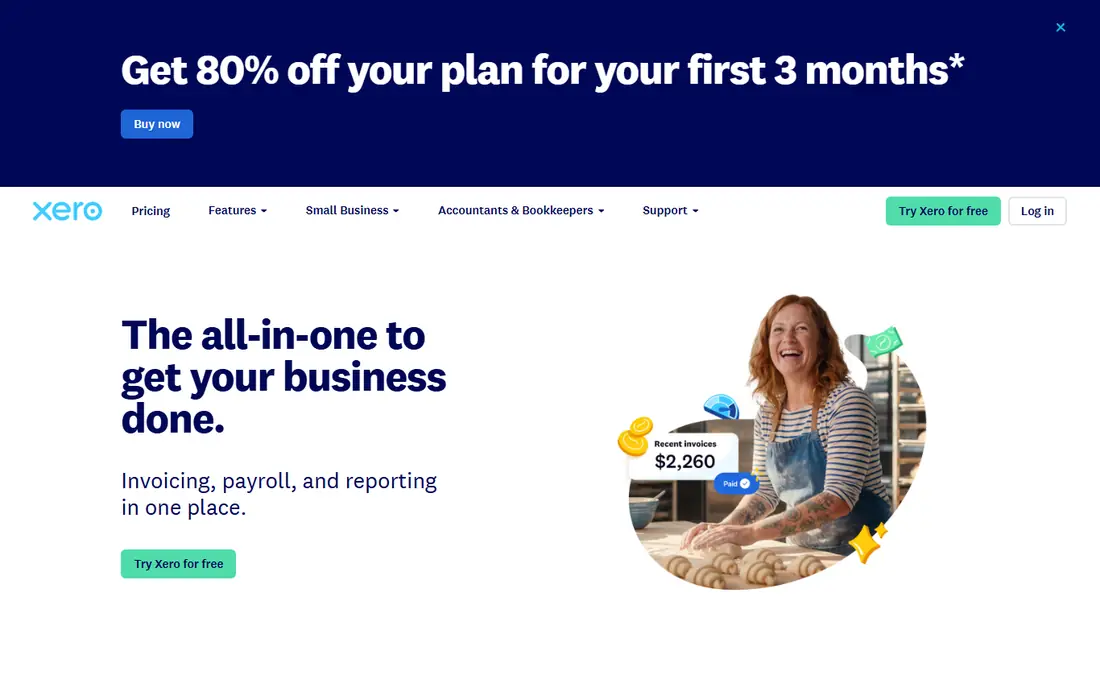
Xero is the most direct cloud replacement for QuickBooks Online. It covers invoicing, bills, bank reconciliation, and reporting, and it does not charge per user, which changes the math for a team. Accountants also work with Xero widely, so finding help is usually straightforward.
The catch is payroll and plan limits. US payroll comes through a partner add on, and the entry plan caps invoices and bills, so growing firms should price the next tier, not only the entry price. If your team is growing and you want cloud accounting without per user fees, Xero is the first tool to test.
- Unlimited users on plans, which helps teams and accountants
- Strong bank reconciliation and multi currency support
- Large app ecosystem for payroll, payments, and inventory
- No native US payroll in the core plan, so payroll needs an add on or partner
- Entry plan limits invoices and bills
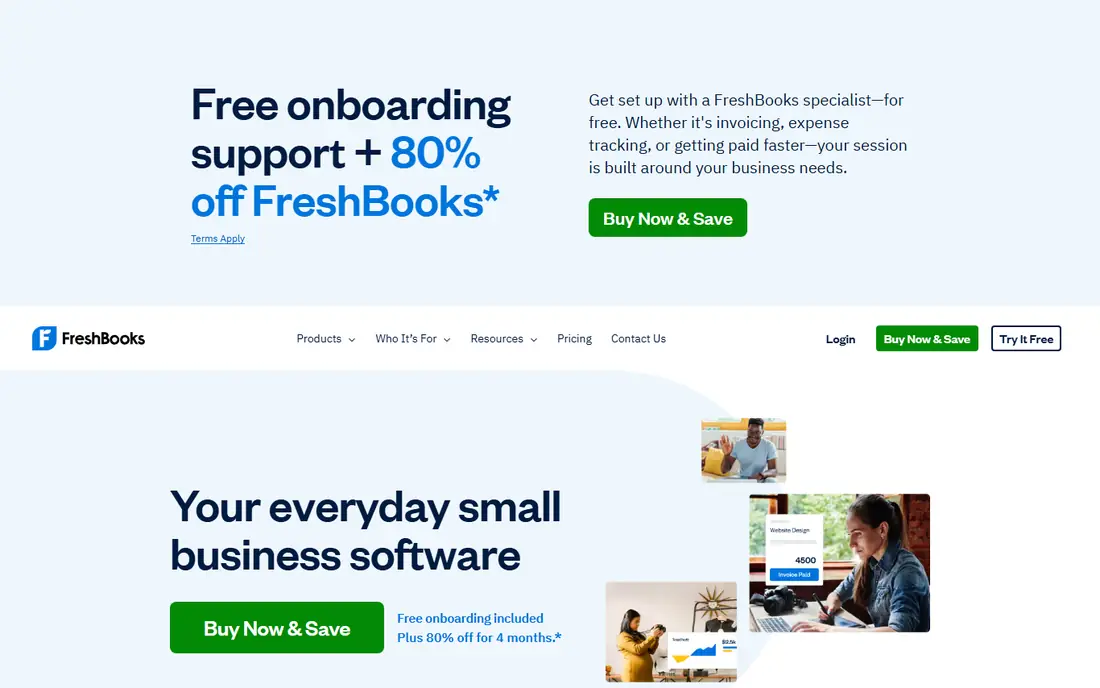
FreshBooks is built around getting paid. You can track time, turn it into an invoice, send it to a client, and follow up, all without opening a separate tool. That flow suits freelancers, agencies, and service businesses that live on client work.
It is less suited to businesses with complex inventory or deep accounting needs. If invoicing and client billing drive your week, FreshBooks will feel simpler than QuickBooks. If inventory and multi entity reporting drive your week, a fuller accounting tool will fit better.
- Clean invoicing, expense tracking, and time tracking in one place
- Client friendly invoices and payment reminders
- Good fit for project based work
- Entry plan limits the number of clients
- Full double entry accounting is lighter than Xero or QuickBooks
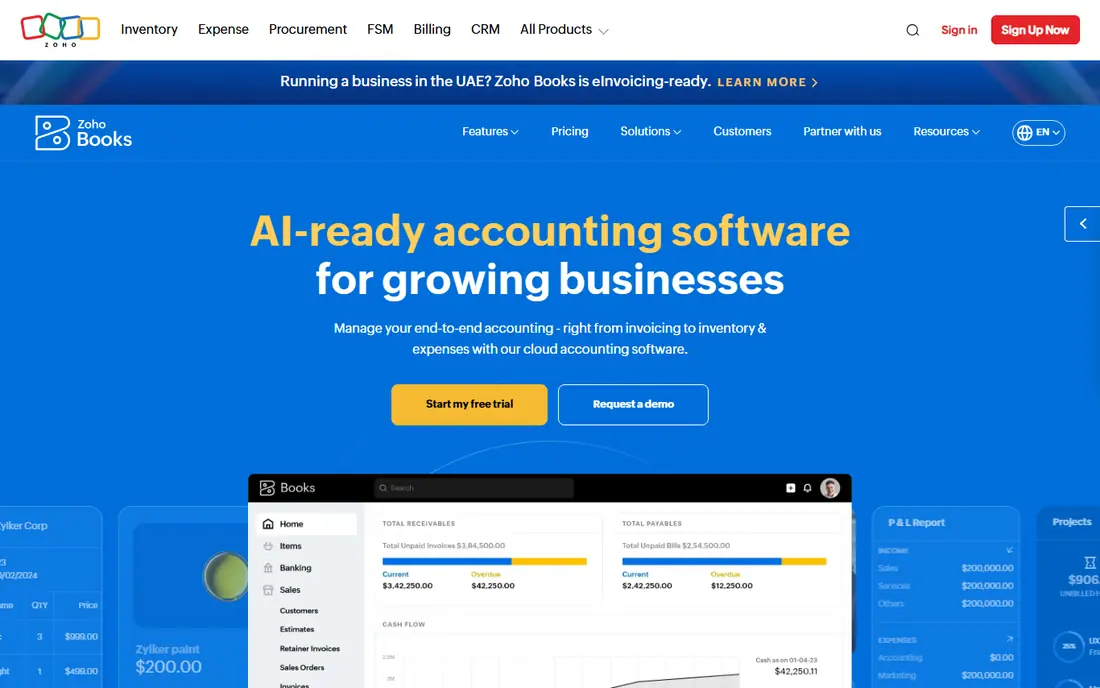
Zoho Books gives you a lot of accounting per dollar. The free plan covers core invoicing and bookkeeping for smaller businesses, and paid plans add users, automation, and more transactions. If you already use Zoho apps, the shared data and workflows add further value.
The honest catch is ecosystem fit. If your accountant works mainly in QuickBooks, you may need to export reports or give them Zoho access. For owners who manage their own books, or who already use Zoho, that trade off is often worth the saving.
- Free plan for businesses with annual revenue under $50,000
- Strong value on paid plans, with workflow automation
- Deep links to Zoho CRM, Inventory, and other Zoho apps
- Less familiar to some US accountants than QuickBooks or Xero
- Some advanced features sit on higher tiers
Wave is the best free starting point on this list. A solopreneur can send unlimited invoices, track expenses, and keep basic books without a monthly fee. That makes it a sensible test case if you are leaving QuickBooks mainly over price.
It is not a full replacement for a growing business with inventory, complex reporting, or many users. Use Wave while your needs are simple, and move to Xero or Zoho Books when you need deeper reporting, more users, or inventory control.
- Free Starter plan for invoicing, estimates, bills, and bookkeeping records
- Simple setup for very small businesses
- Payments and payroll available as paid add ons in supported regions
- No inventory tracking
- Reporting is lighter than paid accounting tools
- Availability and payroll coverage vary by country
Sage 50 suits businesses that prefer desktop software, or that need the control and reporting depth desktop accounting still offers. It covers invoicing, inventory, payroll options, and detailed reports, and it has served small businesses for many years.
The trade off is mobility. Cloud tools let you check books from any browser, while desktop tools tie core work to installed software and backup habits. If your team works mainly from one office and values desktop control, Sage 50 deserves a look. If your team is spread out, a cloud tool will fit better.
- Desktop accounting with strong reporting and inventory options
- Long track record with established small businesses
- Multi user options on higher tiers
- Desktop focus means cloud access works differently from cloud native tools
- Pricing and tiers can be harder to compare at a glance
AccountEdge is often named by QuickBooks Desktop users who want to stay on desktop software. It covers core accounting, invoicing, payroll, and inventory, with a layout that feels closer to desktop accounting than a browser app.
It fits small businesses that do not want to move fully to the cloud, or that have a workflow built around desktop files. The catch is scale and integrations, because the app ecosystem is smaller, so check payroll, payments, and bank feed support for your region before switching.
- Desktop accounting with a familiar feel for QuickBooks Desktop users
- Payroll and inventory options
- One time style pricing history with subscription options in recent plans
- Smaller ecosystem than Xero or QuickBooks
- Cloud access is more limited than cloud native tools
Odoo is different from the other tools here, because accounting is one module in a larger business system. That suits businesses that also need CRM, inventory, or project tools and want them in one place, rather than stitching together separate apps.
The catch is effort. A focused accounting app is faster to set up, while Odoo rewards teams that plan their modules and workflows. If you only need bookkeeping, a simpler tool will be faster. If you need a suite, Odoo can replace several tools at once.
- Accounting inside a wider suite covering CRM, inventory, sales, and projects
- Free one app plan for basic use
- Modular design lets you add apps as you grow
- Setup and configuration take more time than a focused accounting app
- Accounting depth depends on the modules and setup you choose
Kashoo targets owners who want books done without learning accounting terms. Setup is short, the interface stays simple, and core tasks such as invoicing and expense tracking are easy to find.
It fits very small businesses with simple needs and one or two users. As reporting, inventory, or payroll needs grow, you will likely outgrow Kashoo, so treat it as a simplicity first choice rather than a long term platform for a scaling firm.
- Simple setup and clean interface for owners without accounting training
- Invoicing, expenses, and basic reporting in one place
- Flat style pricing on core plans
- Advanced features are limited compared with Xero or QuickBooks
- Smaller integration ecosystem
Patriot Software suits a small US business that wants accounting and payroll together without enterprise complexity. Payroll is a common reason people stay with QuickBooks, so a vendor that pairs both can remove that barrier to switching.
The limit is scope. International firms, multi entity businesses, and firms with complex inventory will need a larger tool. For a small US team with straightforward payroll, Patriot offers a clear, focused alternative.
- Accounting plus US payroll in one vendor, which suits small US teams
- Straightforward pricing for accounting and payroll add ons
- US based support focus
- US only, so it does not fit international businesses
- Feature set is basic compared with larger accounting suites
How we picked these
We compared official pricing pages, feature pages, and migration notes, along with public reviews from small business owners. We favored tools that are still sold and supported, that cover core bookkeeping, and that fit a distinct reason for leaving QuickBooks, from price and simplicity to desktop use and payroll. We left out tools that only handle one narrow task, such as invoicing alone, unless they also cover bookkeeping.
How to switch from QuickBooks without losing data
Start by listing what you actually use in QuickBooks, including payroll, inventory, sales tax, and accountant access. That list matters more than a feature table, because a tool can look complete yet miss the one workflow your business depends on. Export your chart of accounts, customer and vendor lists, open invoices, and recent transactions before you cancel anything.
Test migration before you commit
Use a free plan or trial to import a copy of your data and run a month of parallel bookkeeping if you can. Check bank reconciliation, invoice formats, sales tax handling, and the reports your accountant needs. A short parallel run often reveals limits that a sales page does not mention.
Check payroll and payments early
Payroll deadlines and payment processing cause the most painful switches. Confirm payroll coverage for your states, tax filing support, and how payment fees work on the new tool. If payroll is complex, it may be cheaper to keep payroll separate and move only the books.
Sources
- https://www.spotsaas.com/blog/best-quickbooks-alternatives-2026
- https://www.xero.com
- https://www.freshbooks.com
- https://www.zoho.com/books
- https://www.waveapps.com
- https://www.sage.com/en-us/products/sage-50-accounting
- https://www.accountedge.com
- https://www.odoo.com
- https://www.kashoo.com
- https://www.patriotsoftware.com