Best Accounting Software in 2026: 8 Software Products Compared
By ToolNimba Editorial Team October 28, 2026 12 min read

- Top pick
 QuickBooks Online
Most United States small businesses
Starting price$38 per monthCheck out QuickBooks OnlineRead our review - Runner-up
 Xero
Teams and growing firms
Starting price$25 per monthCheck out XeroRead our review - Also great
 FreshBooks
Service businesses that invoice often
Starting price$23 per monthCheck out FreshBooksRead our review
How we researched this
We compared official pricing and feature pages, app store listings, privacy policies and public user reviews. Prices change, so check the provider's site before you pay.
Key takeaways
- QuickBooks Online is the safest default for United States small businesses, because most accountants already know it and its app range is very wide.
- Xero stands out for teams, because every plan includes unlimited users, while QuickBooks charges by user count on higher tiers.
- Wave and Zoho Books are the strongest low-cost starts, with Wave offering free core accounting and Zoho Books offering a free plan for revenue up to $50,000 a year.
- FreshBooks fits service businesses that live on invoices, time tracking, and getting paid, rather than complex inventory or manufacturing.
- Entry-plan limits matter more than headline prices, especially caps on users, invoices, bills, and bank feeds, so check those limits before you buy.
Quick comparison
| Name | Best for | Starting price | Free plan | |
|---|---|---|---|---|
| QuickBooks Online | Most United States small businesses | $38 per month | No | Visit |
| Xero | Teams and growing firms | $25 per month | No | Visit |
| FreshBooks | Service businesses that invoice often | $23 per month | No | Visit |
 Wave | Free core accounting | Free | Yes | Visit |
 Zoho Books | Low-cost full accounting | $20 per month | Yes | Visit |
 Sage Accounting | Established firms and inventory | See website | No | Visit |
 FreeAgent | Simple United States and freelance books | $20 per month | No | Visit |
 Bench | Hands-off bookkeeping by humans | See website | No | Visit |
The best accounting software
Good accounting software should do three jobs without a weekly fight: record income and expenses cleanly, send invoices that get paid, and produce reports you can hand to an accountant or a lender. The tools below cover those jobs at very different prices, and the right pick depends on how many users you have, how you bill, and whether you want to do the books yourself. This guide is general information, not financial advice, and tax rules vary by state and business type, so check details with your accountant before you rely on a report for a filing.
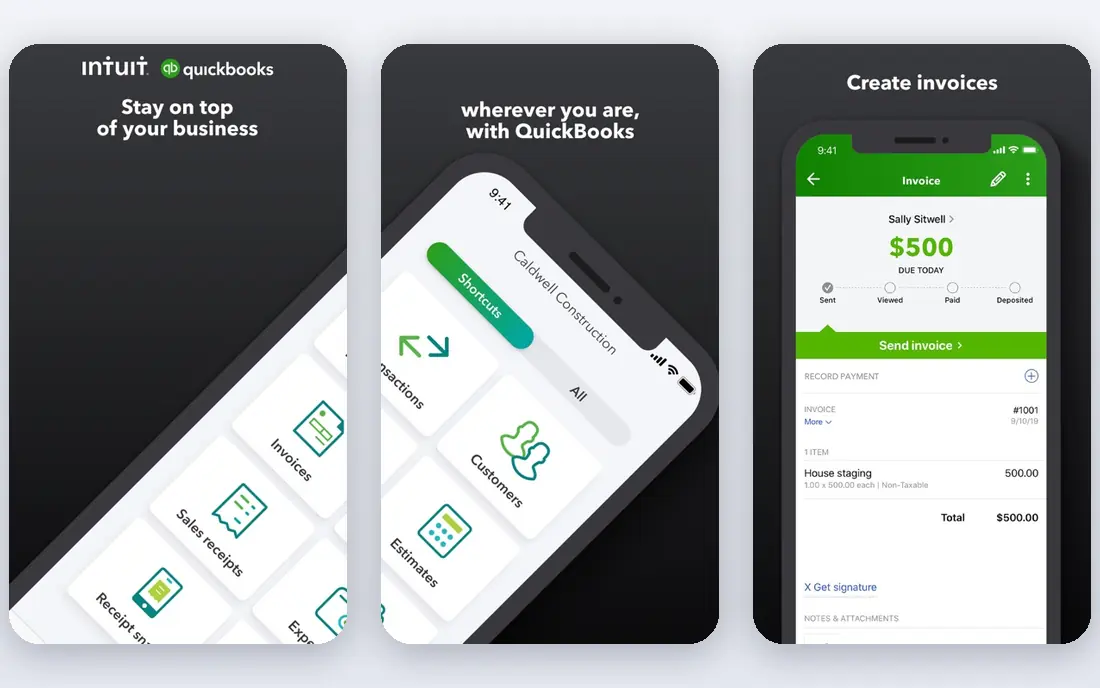
QuickBooks Online is the default for a reason that has little to do with design taste. Most United States accountants already use it, which means less time explaining your chart of accounts, fewer conversion headaches at year end, and a larger pool of bookkeepers if you hire help. The platform covers invoicing, expenses, bank feeds, reporting, sales tax, and, on higher tiers, inventory and project tracking.
The catch is cost and user limits. Simple Start at $38 per month covers one user, Essentials at $85 covers three, Plus at $140 covers five, and Advanced at $340 covers 25, in the September 2026 list prices we checked. Payroll and payment processing sit on top of those figures. If you are a solo owner who will never need inventory, a cheaper tool may do the same daily job for less, but if you plan to grow or work closely with an accountant, QuickBooks is hard to beat.
- Widest accountant familiarity in the United States
- Large app marketplace
- Inventory, sales tax, and payroll options on higher tiers
- Entry Simple Start plan allows one user
- Price rises sharply across tiers
- Add-ons for payroll and payments cost extra
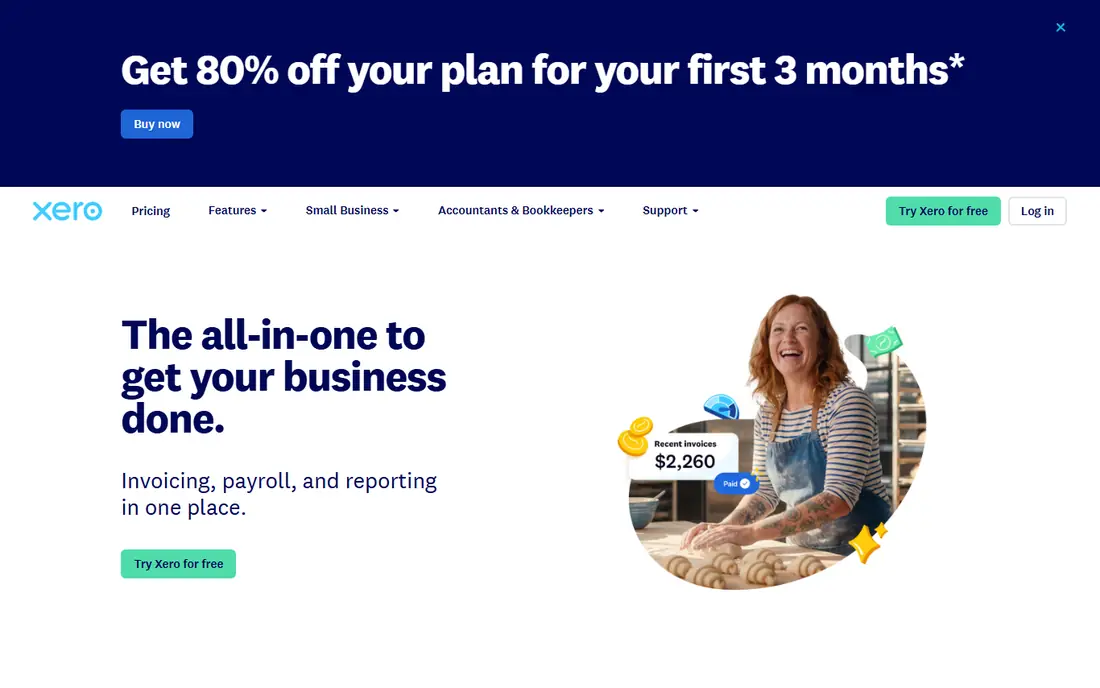
Xero wins on a simple rule: you do not pay per seat. A small team, a bookkeeper, and an accountant can all log in without pushing you to a higher tier for user count alone. The interface is clean, bank reconciliation is strong, and the app marketplace covers many point-of-sale, e-commerce, and payment tools that small firms actually use.
The limit to watch is volume on the entry plan. Early at $25 per month allows 20 invoices and 5 bills a month, which a busy service firm can hit quickly, pushing the move to Growing at $55 or Established at $90. United States payroll is also handled through a partner integration rather than a native payroll product, so check that flow if payroll is central. For a team that wants modern software without per-user pricing, Xero is a strong alternative to QuickBooks.
- Unlimited users on every plan
- Clean bank reconciliation
- Strong third-party app range and multi-currency on the top plan
- Entry Early plan caps invoices at 20 and bills at 5 per month
- United States payroll runs through a partner
- Smaller United States accountant network than QuickBooks
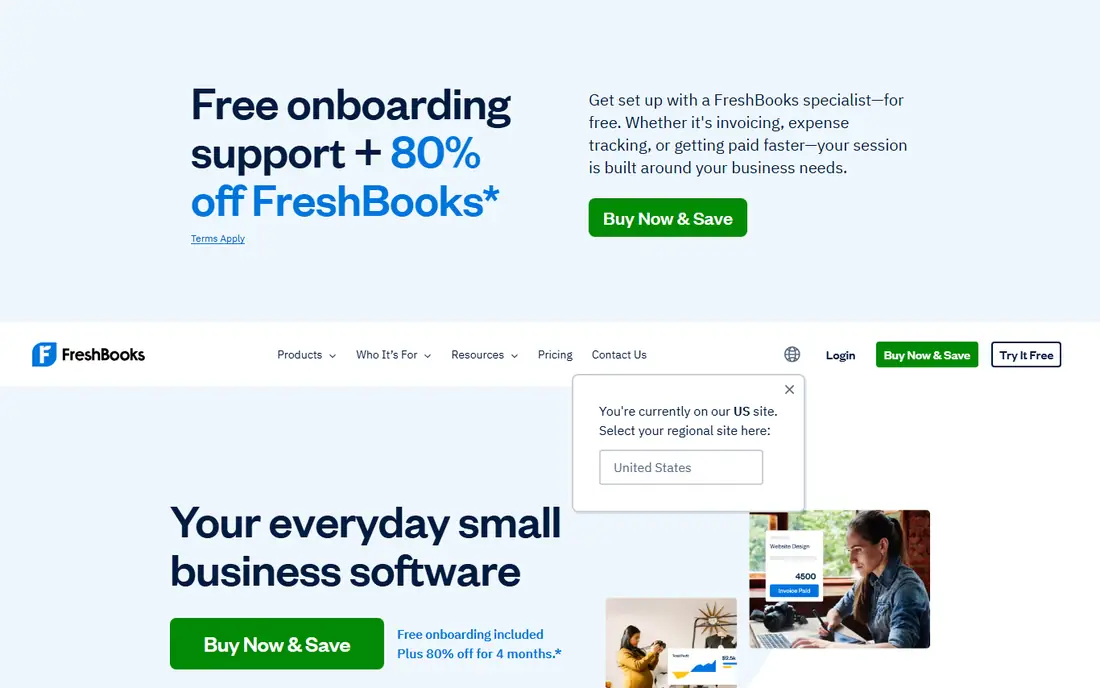
FreshBooks is built around getting paid, and that focus shows in every daily task. You can turn tracked time into an invoice, send payment reminders, accept online payments, and see which clients are late, without opening a separate billing tool. For consultants, designers, agencies, and trades that bill by project or by hour, that workflow saves more time than a deeper general ledger you rarely use.
The catch is scope. Lite at $23 per month covers 5 billable clients, Plus at $43 covers 50, and Premium at $70 covers more, in the list prices we checked. FreshBooks is not the best pick for a product business with inventory, manufacturing, or complex cost accounting. If your business is service-led and invoice-led, FreshBooks fits. If your books need full double-entry depth, start with QuickBooks, Xero, or Zoho Books instead.
- Excellent invoicing and payment reminders
- Time tracking and expense capture
- Simple client view for service firms
- Lite plan covers 5 billable clients
- Not built for complex double-entry or inventory needs
- Extra users cost extra
Wave is the honest free option on this list, not a trial dressed up as a free plan. Starter covers core accounting and invoicing at no monthly cost, which suits a sole proprietor or a very small business with simple books. Setup is quick, invoices look clean, and you can track income and expenses without committing to a monthly fee before the business has steady revenue.
The trade-off appears in bank feeds. In the current structure we checked, automatic bank import sits behind Pro at $19 per month, so free users handle imports or entry by hand. Payroll is also an add-on, and card payment fees apply per transaction. If your transaction volume is low and you do not mind manual imports, Wave is a strong free start. If bank feeds are the feature that keeps your books current, budget for Pro or pick Zoho Books.
- Free Starter plan for core accounting and invoicing
- Unlimited invoices and bookkeeping records
- Simple setup for sole proprietors
- Automatic bank import requires the paid Pro plan
- Payroll is an add-on
- Reporting depth is thinner than QuickBooks or Xero
Zoho Books gives small firms a full accounting product at a lower price point than QuickBooks or Xero. The free plan, for businesses with annual revenue up to $50,000, covers core accounting, invoicing, and expense tracking, which makes it a serious option for a new firm, not just a demo. Paid plans start at $20 per month for Standard in the monthly list prices we checked, with higher tiers adding more users, automation, and inventory features.
The limits are volume and ecosystem. The free plan caps invoices at 1,000 a year, and the third-party app range is smaller than QuickBooks, although Zoho's own suite fills many gaps for CRM, inventory, and payroll. If you already use Zoho CRM, Zoho Inventory, or Zoho Payroll, Zoho Books integrates cleanly. If your accountant insists on QuickBooks, that familiarity may outweigh the saving.
- Free plan for businesses with revenue up to $50,000 a year
- Real double-entry accounting
- Strong fit if you already use Zoho apps
- Free plan caps invoices at 1,000 a year
- Fewer third-party integrations than QuickBooks
- Some advanced features sit on higher tiers
Sage suits businesses that have outgrown a simple invoicing tool and need stronger inventory, job costing, or established-firm reporting. The Sage range covers cloud accounting for small firms as well as Sage 50 for larger desktop-led operations, so a firm can stay inside one vendor family as it grows. That continuity matters when historical data, custom reports, and staff training are already built around Sage.
The catch for United States buyers is pricing clarity. Sage prices vary by country and by product, and the United States site does not present one simple entry price that matches every market page, so we list See website rather than copy a United Kingdom figure as a United States price. Check the United States plan page, confirm whether payroll is included or added, and trial the interface, since Sage can feel heavier than the simpler tools on this list.
- Long track record with established firms
- Inventory and job costing depth on suitable tiers
- Desktop and cloud options in the wider Sage range
- United States pricing varies by product and country page
- Learning curve is steeper than FreshBooks or Wave
- Plan names differ by market
FreeAgent is designed for owners who do not want to learn accounting language to run their books. The dashboard shows cash position, tax estimates, invoices, and expenses in plain terms, and one plan includes invoicing, expenses, projects, and time tracking without tier puzzles. Unlimited users, clients, and projects also remove a common upgrade trigger.
The limits are ecosystem and depth. FreeAgent has fewer third-party integrations than Xero or QuickBooks, and it is not the best pick for a product business with complex inventory. United States buyers should also confirm current tax reporting and bank feed coverage on the United States site, since FreeAgent has a long United Kingdom history. At $20 per month after an introductory period in the figures we checked, it is a strong simplicity pick for freelancers and small service firms.
- Very clear dashboard for non-accountants
- Invoicing, expenses, time tracking, and tax estimates in one plan
- Unlimited users, clients, and projects on its plan
- Fewer integrations than Xero or QuickBooks
- Inventory depth is limited
- United States pricing and tax features need a direct check
Bench is not software in the same sense as the other tools here, and that is why it closes the list. You connect accounts, a Bench bookkeeper categorizes transactions and reconciles monthly, and you receive reports you can pass to an accountant. For an owner who knows the books will not get done without help, paying for a service can be cheaper than the tax and cash-flow cost of neglected books.
The catch is price and control. Bench service pricing has moved over time and varies by business size, so we list See website rather than lock in a stale monthly figure. You also give up some day-to-day control, since the bookkeeper works on a monthly cycle rather than in real time. If you will use accounting software weekly, pick QuickBooks, Xero, or Zoho Books. If you will not, Bench may be the only option on this list that actually gets the books done.
- A real bookkeeper handles monthly books
- Clean reports for tax time
- Useful if you will not maintain software yourself
- Service pricing sits well above software-only tools
- You still need to review and approve work
- Not a do-it-yourself accounting app
How we picked these
We compared official pricing pages, feature pages, app store listings, and public reviews, with prices checked against September 2026 list prices where vendors publish them. We kept tools with a current United States offering and a clear small business plan, and we favored a mix of full accounting, invoicing-led tools, free starts, and one managed service. Where pricing varied by billing term, market, or promotion, we used the regular monthly list price or listed See website, and we noted entry-plan limits because those limits decide when a cheap plan stops being cheap.
What to decide before you pay
Start with how you get paid and how many people touch the books. A service firm that invoices by hour needs strong invoicing and time tracking, while a product firm needs inventory and cost tracking. A solo owner can live with a one-user plan, while a team with a bookkeeper needs to count user costs across the year, not just the first month.
Bank feeds, payroll, and payments are separate costs
Many headline prices exclude payroll, payment processing fees, and extra users. Check whether bank feeds are automatic on the plan you will actually buy, whether payroll is native or through a partner, and what card fees apply to invoices you send. Those three items often add more to the annual bill than the difference between two entry plans.
Trial with real transactions
Use a trial with real bank data, real invoices, and a real month-end report, not just a demo company. Check whether your accountant can access the file, whether sales tax reports match your state needs, and whether you can export data cleanly if you leave. A tool that is easy to enter but hard to leave is a long-term cost, even at a low monthly price.