Best AI Apps in 2026: 9 Apps Compared
By ToolNimba Editorial Team October 28, 2026 12 min read

- Top pick
 ChatGPT
Everyday writing, ideas and coding help
Starting priceFreeCheck out ChatGPTRead our review - Runner-up
 Claude
Long documents, careful writing and code
Starting priceFreeCheck out ClaudeRead our review - Also great
 Gemini
Google apps, search and video
Starting priceFreeCheck out GeminiRead our review
How we researched this
We compared official pricing and feature pages, app store listings, privacy policies and public user reviews. Prices change, so check the provider's site before you pay.
Key takeaways
- ChatGPT is the safest single subscription for most people, with a free plan and Plus at $20 per month, while Claude Pro at the same price suits long writing and coding better.
- Gemini is the best value for Google users, with a free plan and Google AI Pro at $19.99 per month, including extra storage and video generation.
- Perplexity is the strongest pick for research with sources, since its answers link to the pages they came from, with Pro at $20 per month.
- DeepSeek and Meta AI show that a capable free assistant costs nothing, but free plans carry usage limits, and paid tiers mainly buy higher limits and faster models.
Quick comparison
| Name | Best for | Starting price | Free plan | |
|---|---|---|---|---|
| ChatGPT | Everyday writing, ideas and coding help | Free | Yes | Visit |
| Claude | Long documents, careful writing and code | Free | Yes | Visit |
| Gemini | Google apps, search and video | Free | Yes | Visit |
 Microsoft Copilot | Word, Excel, Outlook and Teams work | Free | Yes | Visit |
 Perplexity | Research with cited sources | Free | Yes | Visit |
 DeepSeek | Free chat, math and coding | Free | Yes | Visit |
 Poe | Comparing many AI models in one app | Free | Yes | Visit |
 Grok | Current events and X discussion | Free | Yes | Visit |
 Meta AI | Free help inside WhatsApp, Instagram and Facebook | Free | Yes | Visit |
The best AI apps
AI assistants now differ less on raw cleverness than on where they live, what they can read and how much they cost. We compared official pricing pages, feature lists and public reviews, and we focused on free plan limits, paid prices, ecosystem fit and the limits that push people to pay. Our pick for most people is ChatGPT, with Claude for careful long-form work and Gemini for Google households, but the free tier of any app here is enough to learn what you actually use.
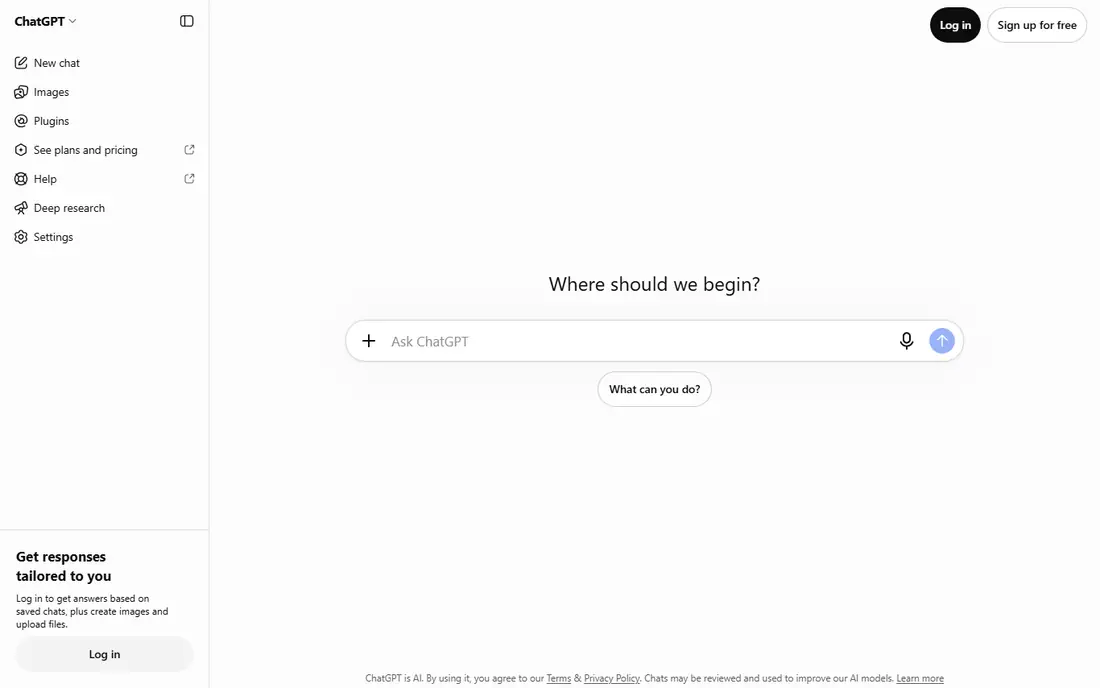
ChatGPT remains the default AI app for a reason: it handles the widest spread of everyday jobs in one place. Drafting emails, brainstorming, summarizing articles, debugging code, generating images and talking through ideas all work without switching tools, and voice mode makes it usable hands-free. The free plan covers unlimited text chats on the standard model, which is enough for most casual use.
Paid plans start with Go at $8 per month and Plus at $20 per month, which add higher limits, faster models, Deep Research runs and custom GPTs. The honest catch applies to every app here: ChatGPT can present wrong information smoothly, so verify dates, prices, medical details and anything you will publish. For general use, though, no other single app covers as much ground.
- Broadest range of uses, from writing to images to voice
- Large library of connectors and custom GPTs
- Strong free plan
- Free plan has usage limits on advanced models
- Answers can sound confident while wrong, so check facts that matter
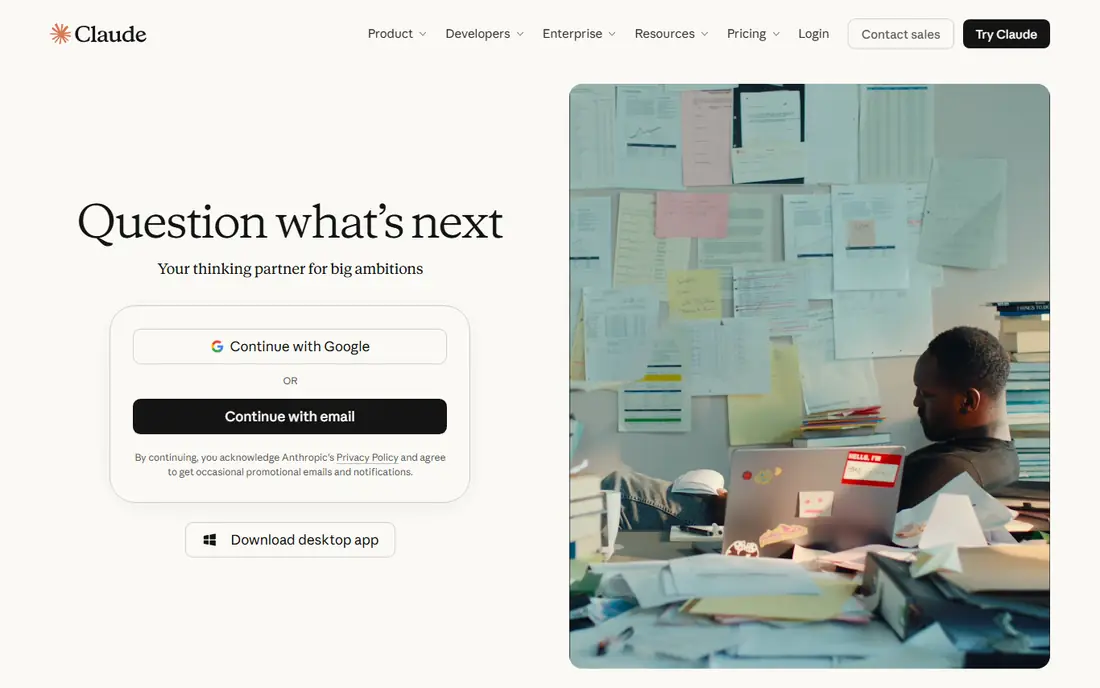
Claude is the app we point writers and coders toward first. It handles long documents well, keeps tone steady across a long draft, and works through code problems step by step rather than rushing to a short answer. The free plan covers the Sonnet and Haiku models with limits, which is enough to judge whether its style fits your work.
Pro costs $20 per month and raises usage limits substantially, with higher tiers for heavy users. Claude also offers tools for extended agentic coding work, which appeals to developers running long tasks. The trade-off is breadth: Claude has fewer playful extras than ChatGPT, and its free plan runs out faster under heavy use. If your work is mostly writing, analysis or code, that trade is usually worth it.
- Strong on long documents and nuanced writing
- Careful reasoning on hard problems
- Built for extended coding work
- Free plan is more limited than some rivals
- Fewer consumer extras such as image generation
- Pro costs $20 per month
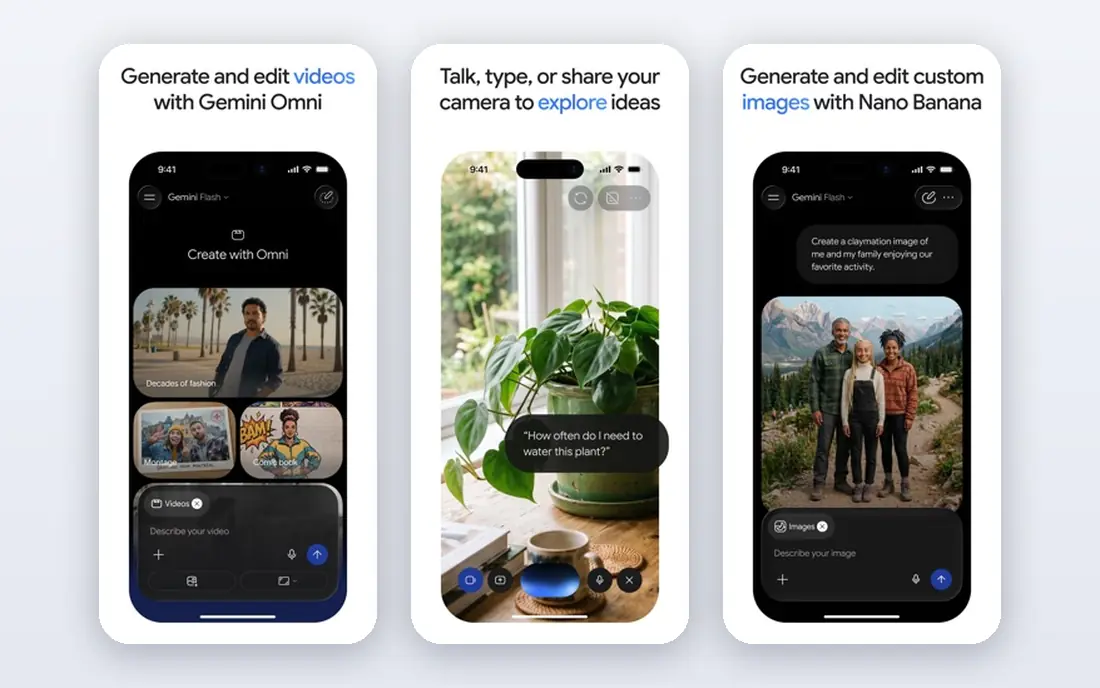
Gemini is the obvious pick if your work already lives in Google apps. It can summarize a Gmail thread, draft in Docs, pull from Drive and search the web, all without exporting files between tools. The free plan is generous for quick questions, and Google AI Pro at $19.99 per month adds higher limits, video generation and a large storage bundle.
Cheaper entry plans exist too, with AI Plus reported from $4.99 per month, though features and availability vary. The catch is ecosystem lock-in: Gemini shines inside Google and matters less if your office runs on Microsoft tools. Its answers also need the same fact-checking as every rival. For Google households, Gemini is the best value paid AI plan on this list.
- Deep integration with Gmail, Docs and Drive
- Strong video generation
- Generous free tier
- Best value requires living in Google apps
- Top tiers cost $99.99 to $199.99 per month
- Quality on hard reasoning varies
Copilot is less a general chatbot than a work assistant for Microsoft shops. In Word it drafts from a brief, in Excel it analyzes data in plain language, in PowerPoint it builds decks from a prompt, and in Teams it recaps meetings with action items. The free Copilot app covers web chat and basic help, which suits casual users.
Paid Copilot now comes bundled with Microsoft 365 Premium at $19.99 per month or Microsoft 365 Pro at $99.99 per month, after the standalone Pro plan was retired. That bundle is good value if you already pay for Office, and poor value if you do not. Outside Microsoft apps, Copilot has less to offer than ChatGPT or Claude, so match it to your office suite before paying.
- Built into Word, Excel, PowerPoint, Outlook and Teams
- Drafts emails and decks from short prompts
- Summarizes meetings
- Paid value now comes bundled with Microsoft 365
- Limited use outside Microsoft apps
- Standalone Pro plan was retired
Perplexity is the app to open when the answer must be checkable. Every answer links to the pages it drew on, which makes it far easier to verify a claim than with a chatbot that states facts with no trail. Pro searches dig deeper into a question, Deep Research builds structured reports, and file uploads let you ask questions about your own documents.
The free plan covers unlimited quick searches with a small daily allowance of Pro searches, which is enough for occasional fact-checks. Pro costs $20 per month, or about $17 per month billed yearly, and raises Pro searches to hundreds per day with a choice of models. Creative writing and coding are not its strengths, so pair it with ChatGPT or Claude if you need both research and drafting.
- Answers link to their sources
- Strong for current events and fact-checking
- Model picker on Pro
- Weaker for creative writing and coding
- Free plan limits Pro searches per day
- Pro costs $20 per month
DeepSeek is the best proof that a capable AI app can cost nothing. Its free chat handles math, logic problems and coding questions well, and developers can use its API at low cost compared with larger providers. For students, hobbyists and anyone curious about AI without a subscription, it is the easiest place to start.
The trade-offs are ecosystem and polish. DeepSeek has fewer app integrations, no broad connector library and no paid consumer tier that buys a dramatically better chat experience. It is a strong second app for technical questions, even if most people will still want ChatGPT or Claude for everyday breadth. If budget is your main filter, start here and pay only if you hit a real limit.
- Free chat with no subscription
- Strong on math, logic and coding
- Low-cost API for developers
- Fewer integrations and extras than big rivals
- No paid consumer tier with higher chat limits
- Availability and support vary
Poe solves a specific frustration: paying for three subscriptions to compare three models. One Poe account gives access to models from OpenAI, Anthropic, Google and others, plus smaller specialist bots, and you can run the same prompt through several models to see which answer you trust. Custom bots let you save a setup for a recurring job, such as summarizing articles in a fixed format.
The free plan is limited, and Premium costs $19.99 per month with usage metered by points, so heavy use of top models can run out faster than a flat subscription. Poe is best for curious users, reviewers and teams that compare models often. If you already know you want one assistant, a direct subscription to that assistant is usually simpler and cheaper.
- Access to GPT, Claude, Gemini and niche models in one subscription
- Easy side-by-side comparison
- Custom bots
- Paid Premium costs $19.99 per month
- Usage is metered by points
- Quality depends on the model you pick
Grok stands out on one thing: what is happening right now. Its real-time search and access to X discussion make it useful for breaking news, live events and public reaction, where other assistants may lag or hedge. The free plan covers basic chat, and paid tiers add deeper search and higher limits, with prices reported from $30 per month and higher tiers above that.
That strength is also its limit. Grok is less polished for careful writing and document work than Claude, and its less filtered style may not fit every workplace. If you track news, markets or social discussion daily, Grok earns a place beside your main assistant. If you want one all-purpose app, ChatGPT or Gemini covers more ground.
- Real-time search with access to X discussion
- Strong for breaking news
- Large context for long threads
- Paid tiers start around $30 per month
- Less filtered responses may not suit every workplace
- Weaker outside current events
Meta AI is the AI app most people already have without installing anything. It lives inside WhatsApp, Instagram, Facebook and Messenger, answers quick questions, edits images and helps plan in group chats, all for free. For casual questions and social planning, that convenience beats opening a separate app.
There is no paid tier, which keeps it free but also caps what it can do for heavy work. Long documents, coding projects and deep research fit Claude, ChatGPT or Perplexity better. Read the privacy terms before pasting sensitive personal or work details, since Meta AI sits inside social apps with their own data rules. As a free everyday helper, though, it is hard to beat on convenience.
- Free and already inside apps many people use daily
- Good for quick questions, image edits and group planning
- No subscription needed
- No paid tier with higher limits
- Tied to Meta apps and accounts
- Privacy terms deserve a read before sharing sensitive details
How we picked these
We compared official pricing pages, feature lists, app store listings and public reviews for the most widely used AI apps, and we kept only apps that are actively maintained and available to US consumers. We weighed free plan limits, paid prices, ecosystem fit, research quality and the limits that push users to pay. We did not run benchmark tests or claim hands-on trials, so our findings rest on published features, pricing and public reviews rather than lab testing.
How to choose the right AI app
Match the app to the job you do most. Pick ChatGPT for general use, Claude for long writing and code, Gemini for Google work, Copilot for Microsoft work, Perplexity for research with sources, DeepSeek for free technical help, Poe for comparing models, Grok for current events and Meta AI for quick help inside social apps. Start free everywhere, and pay only for the app you open daily.
A note on privacy and accuracy
AI answers can be wrong, and they can sound sure while being wrong, so check anything that affects money, health, legal decisions or published work. Avoid pasting passwords, private client data, medical records or other sensitive details into any AI app, and read the privacy terms of the app you use most. Free plans often use your prompts to improve models, while paid and business tiers usually offer stronger data controls, so check the terms before you share work documents.
Sources
- https://aipricecompare.org/best/best-ai-subscription.html
- https://aipricecompare.org/best/best-ai-for-small-business.html
- https://aipricecompare.org/best/best-ai-for-beginners.html
- https://aipricecompare.org/alternatives/copilot-alternatives.html
- https://aipricecompare.org/alternatives/gemini-alternatives.html
- https://aipricecompare.org/compare/perplexity-free-vs-pro.html
- https://dev.to/stimlau/perplexity-pro-pricing-explained-free-vs-pro-vs-max-in-2026-36ae
- https://toolchase.com/blog/chatgpt-alternatives-2026/
- https://www.peeraitools.com/reviews/ai-chatbots-2026.html
- https://promptslove.com/blog/google-gemini-vs-chatgpt/