Best AI Coding Tools in 2026: 8 Tools Compared
By ToolNimba Editorial Team October 29, 2026 9 min read

- Top pick
 GitHub Copilot
Everyday coding in many editors
Starting price$10 per monthCheck out GitHub CopilotRead our review - Runner-up
 Cursor
Agentic multi-file editing
Starting price$30 per monthCheck out CursorRead our review - Also great
 Windsurf
Agent-first desktop IDE
Starting price$20 per monthCheck out WindsurfRead our review
How we researched this
We compared official pricing and feature pages, app store listings, privacy policies and public user reviews. Prices change, so check the provider's site before you pay.
Key takeaways
- GitHub Copilot is our pick for most developers, thanks to broad editor support and a low entry price.
- Cursor and Windsurf suit developers who want an AI-first editor with agent workflows across many files.
- Claude Code is the strongest choice for terminal-first developers working on large, complex codebases.
- Pricing is metered in different ways, so compare what counts against your allowance, not just the headline monthly price.
Quick comparison
| Name | Best for | Starting price | Free plan | |
|---|---|---|---|---|
| GitHub Copilot | Everyday coding in many editors | $10 per month | Yes | Visit |
| Cursor | Agentic multi-file editing | $30 per month | Yes | Visit |
| Windsurf | Agent-first desktop IDE | $20 per month | Yes | Visit |
 Claude Code | Terminal and large codebases | $20 per month | No | Visit |
 Amazon Q Developer | AWS-heavy teams | $19 per month | Yes | Visit |
 Tabnine | Privacy-focused enterprises | $39 per user per month | No | Visit |
 JetBrains AI | JetBrains IDE users | $10 per month | Yes | Visit |
 Replit | Browser prototyping and apps | $20 per month | Yes | Visit |
The best ai coding tools
We compared official pricing pages, feature documentation, and public reviews for tools that write, explain, review, or refactor code. The list below covers extensions, full editors, terminal agents, and browser platforms.
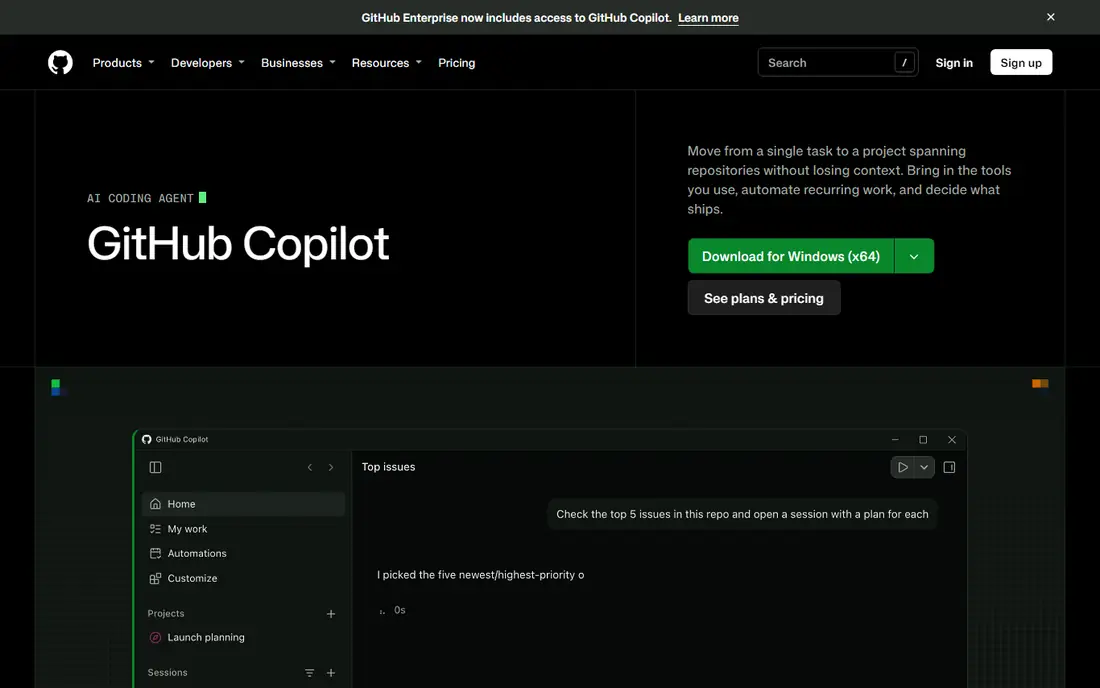
Copilot is the safest default for most developers. It lives inside the editor you already use, offers inline completions as you type, and adds chat, agent mode, and pull request reviews without forcing a new IDE. On paid plans, code completions and next edit suggestions do not draw on your AI credit pool, which keeps the core experience predictable.
The metered part is chat and agent work. Pro includes a monthly AI credit allowance, and longer agent sessions on frontier models use more credits. Light users will stay inside the allowance, while heavy agent users should look at Pro+ or track usage in settings. For teams already on GitHub, the native integration is a further reason to start here.
- Works in VS Code, JetBrains, Visual Studio, and Neovim
- Unlimited completions on paid plans
- Agent mode and chat included
- Chat and agent use draws on AI credits
- Heavy premium model use can add cost
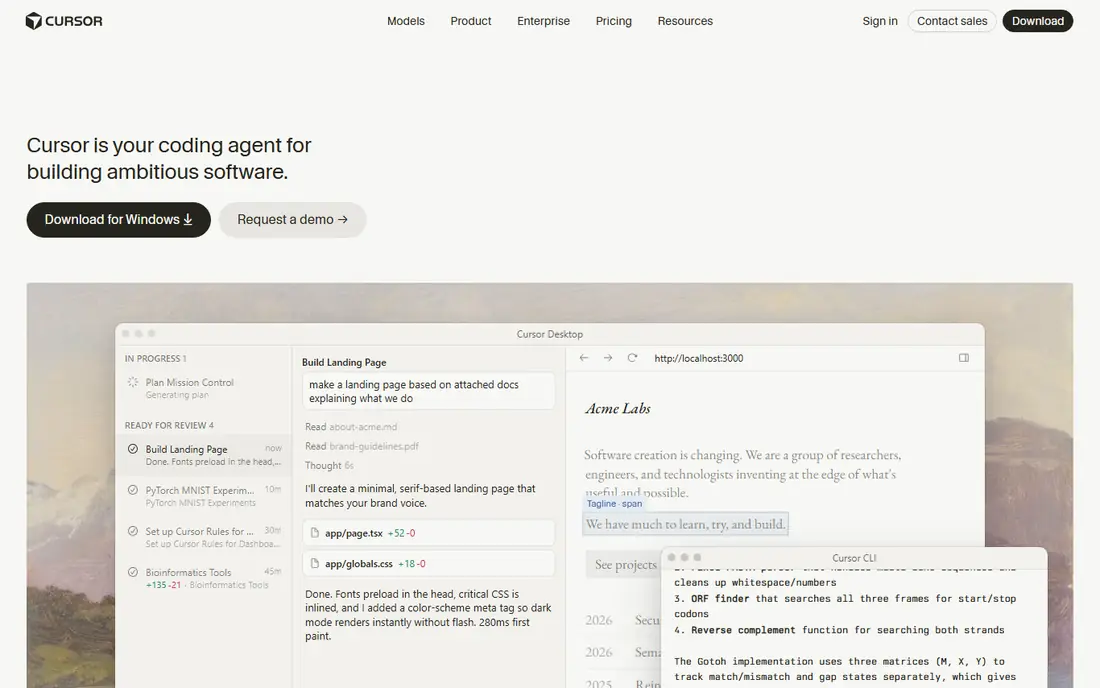
Cursor feels different from an extension because the whole editor is built around AI. Its agent can read across a codebase, plan a change, edit several files, and run checks, which suits refactors and feature work that spans modules. Importing VS Code settings and extensions keeps the switch less painful than adopting a wholly new tool.
Pricing needs attention. Cursor moved to tiered plans in 2026, with a lower-cost Plus tier covering its own models and a Premium tier for broader model access, plus higher tiers for heavy use. Check the current pricing page before you buy, and test the free tier on a real project to see how fast your usage pool runs down.
- AI-first editor with codebase-wide context
- Agent mode across many files
- Model choice
- Pricing tiers changed in 2026 and need careful reading
- Heavy use can require top-ups
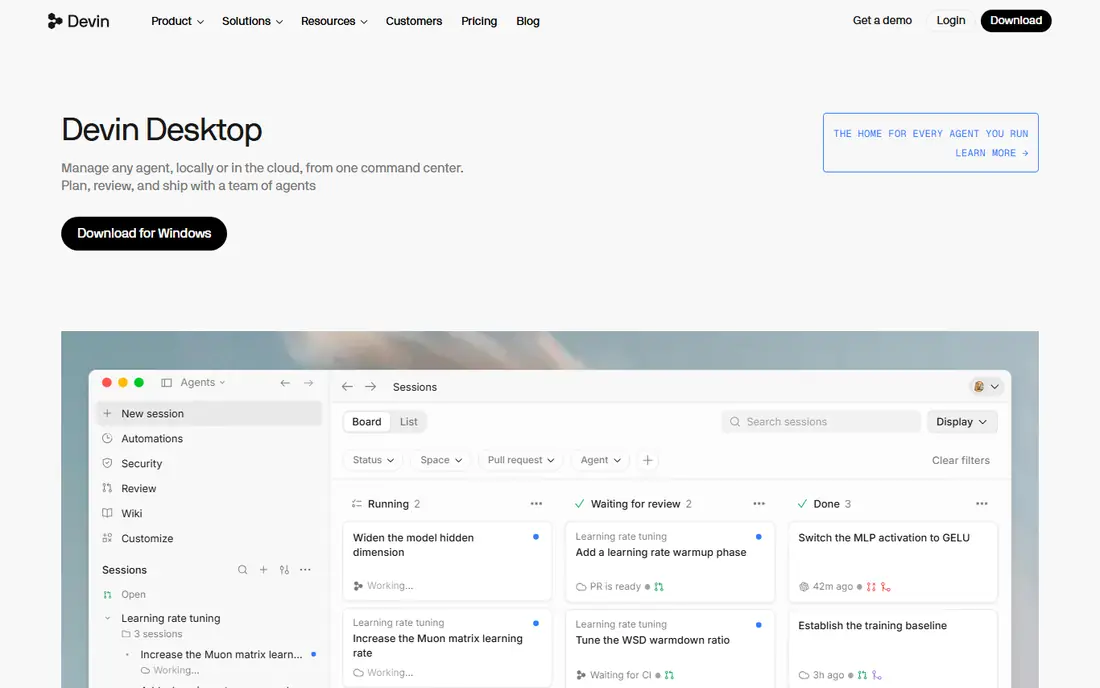
Windsurf, now part of the Devin team, pairs a full desktop IDE with an agent that can plan, edit, and run commands. Its free plan includes unlimited tab completions, which makes it a genuine way to test AI-assisted coding without paying. Paid plans add frontier models, higher agent allowances, and cloud features.
The acquisition is the main caveat. Branding, pricing pages, and product direction have shifted as Windsurf moved under Devin, so confirm the current plan names and allowances on the vendor site. If you like Cursor-style agent work but want a stronger free tier, Windsurf is the first alternative to try.
- Agent workflows with Cascade
- Unlimited tab completions on the free plan
- Broad IDE support
- Now tied to the Devin team after acquisition
- Pricing and branding have shifted
Claude Code runs in the terminal and is built for long, multi-step tasks on large codebases. It can explore a repository, make a plan, edit files, run tests, and iterate, with checkpoints that let you rewind when a change goes wrong. Extensions for VS Code and JetBrains bring the same agent into editors for developers who prefer a GUI.
This is not a beginner tool. The terminal workflow, usage limits, and model choices reward developers who already work from the command line and review diffs carefully. Access comes through a paid Claude plan or API usage, so budget for the plan tier that matches your weekly agent use.
- Strong long-form agent work
- Terminal-first workflow
- VS Code and JetBrains extensions
- No free tier for the full agent
- CLI workflow suits experienced developers best
Amazon Q Developer is the natural pick for teams that live in AWS. It suggests code, explains AWS services, helps with infrastructure code, and scans for security issues in context. A free tier through a Builder ID lets individuals try chat and basic suggestions before paying for Pro.
Outside AWS, the advantage fades. General completions and chat are solid, but Copilot or Cursor offer broader editor and model choice for the same money. If your daily work is Lambda, DynamoDB, and CloudFormation, Q Developer earns its place. If it is not, start elsewhere.
- Deep AWS integration
- Code suggestions with security scanning
- Works in VS Code and JetBrains
- Best value stays inside AWS
- Less compelling outside the AWS stack
Tabnine is the tool to shortlist when code privacy is a hard requirement. It offers enterprise deployment on your own infrastructure, including air-gapped setups, with zero data retention options that regulated teams need. Personalization from your own repositories can also tune suggestions to your codebase and style.
The price and access model limit its audience. Tabnine moved to enterprise-only plans for new users, so solo developers cannot simply sign up for a cheap tier. For banks, health care teams, and government contractors, that cost buys compliance that cheaper tools cannot match.
- Zero data retention options
- Self-hosted and air-gapped deployment
- Trained on licensed code options
- Enterprise-only for new users
- Higher price than general tools
JetBrains AI makes sense if you already live in IntelliJ IDEA, PyCharm, WebStorm, or another JetBrains IDE. It adds chat, code generation, and test creation without leaving the IDE, and it understands JetBrains project structure well. The Junie agent adds multi-step coding tasks for subscribers on higher tiers.
The limit is obvious: it does not follow you into VS Code or a terminal. Developers who switch editors often will get more value from Copilot or Claude Code. For a JetBrains-only team, the native fit and $10 entry price make it an easy add-on.
- Native inside IntelliJ, PyCharm, and other JetBrains IDEs
- Code generation and test help
- Junie agent features
- Only useful inside JetBrains IDEs
- Model choice is narrower than standalone editors
Replit is less an editor add-on and more a place to build. Its AI agent can turn a prompt into a running web app, with hosting and deployment built in, and the browser IDE means no local setup. That makes it strong for prototypes, student projects, and solo founders who want a working demo fast.
For large existing codebases, the browser model is a constraint. Moving a mature repository into Replit, or working offline, is less smooth than with a desktop IDE. Use Replit to start something new or to learn, and use Copilot, Cursor, or Claude Code for daily work on an established codebase.
- Build and deploy full apps from prompts in the browser
- No local setup
- Good for learning
- Browser-first limits suit large existing codebases less well
- Agent costs can rise with use
How we picked these
We compared official pricing pages, feature documentation, and public reviews, and we favored tools that are actively maintained and clearly priced. Each tool had to offer code completions, chat, or agent workflows in October 2026, and we included a mix of extensions, full editors, terminal agents, and browser platforms.
We did not claim hands-on testing of every tool, and we did not invent benchmark scores. AI coding pricing changed during 2026, with credit pools replacing flat unlimited plans at several vendors, so check the vendor pricing page and your usage dashboard before committing to a tier.
How to choose the right AI coding tool
The right tool depends on where you code, how large your projects are, and how much agent work you actually do.
Start with your editor
If you use VS Code, Copilot fits with the least friction. JetBrains users should try JetBrains AI first. Developers who want an agent-first editor should compare Cursor and Windsurf side by side on the same project before paying.
Count what the meter counts
Some tools meter chat and agent use, some meter tokens, and some meter model calls. Completions are often unlimited on paid plans, while agent sessions are not. Run a typical week of work on a trial, watch the usage dashboard, and choose the tier that covers that week with room to spare.
Review every diff
AI suggestions can look right while introducing bugs, security flaws, or style drift. Treat agent output like a junior colleague's pull request: read the diff, run tests, and check edge cases. The fastest tool is not the best one if it creates review work that eats the time it saved.
Sources
- https://github.com/features/copilot
- https://www.cursor.com
- https://windsurf.com
- https://claude.com/product/claude-code
- https://aws.amazon.com/q/developer/
- https://www.tabnine.com
- https://www.jetbrains.com/ai/
- https://replit.com
- https://coworker.ai/blog/cursor-pricing
- https://getdx.com/blog/ai-coding-assistant-pricing/
- https://replit.com/discover/cursor-alternative