Best AI Detection Tool in 2026: 10 Tools Compared
By ToolNimba Editorial Team October 31, 2026 11 min read

- Top pick
 GPTZero
Teachers and individual checks
Starting priceFreeCheck out GPTZeroRead our review - Runner-up
 Originality.ai
Publishers and content teams
Starting price$14.95 per monthCheck out Originality.aiRead our review - Also great
 Copyleaks
Enterprise and LMS screening
Starting priceSee websiteCheck out CopyleaksRead our review
How we researched this
We compared official pricing and feature pages, app store listings, privacy policies and public user reviews. Prices change, so check the provider's site before you pay.
Key takeaways
- No AI detector is reliable enough to be the sole evidence for a grade, job, or contract decision.
- GPTZero and Originality.ai lead for most users, while Turnitin suits institutions that already license it.
- Treat scores as a prompt for a human conversation, and check longer documents rather than short paragraphs.
- Free tiers are useful for occasional checks, but paid plans are needed for volume, reports, and integrations.
- False positives happen, especially with short, formal, or non-native English writing, so always review context.
Quick comparison
| Name | Best for | Starting price | Free plan | |
|---|---|---|---|---|
| GPTZero | Teachers and individual checks | Free | Yes | Visit |
| Originality.ai | Publishers and content teams | $14.95 per month | Free trial | Visit |
| Copyleaks | Enterprise and LMS screening | See website | Free trial | Visit |
 Turnitin | Universities and schools | See website | No | Visit |
 Winston AI | Agencies needing PDF reports | See website | Free trial | Visit |
 Sapling | API and support team checks | Free | Yes | Visit |
 ZeroGPT | Budget bundle of writing tools | Free | Yes | Visit |
 Pangram | Low false positive education checks | Free | Yes | Visit |
 QuillBot AI Detector | Students already using QuillBot | Free | Yes | Visit |
 Scribbr | Quick no-account student checks | Free | Yes | Visit |
The best AI detection tools
These tools detect AI-generated text, and some also check plagiarism. We compared official pricing pages, feature lists, and independent accuracy discussions, and we focused on tools that are available today and state their limits honestly. Vendor accuracy claims are noted as claims, not as proven results for every document.
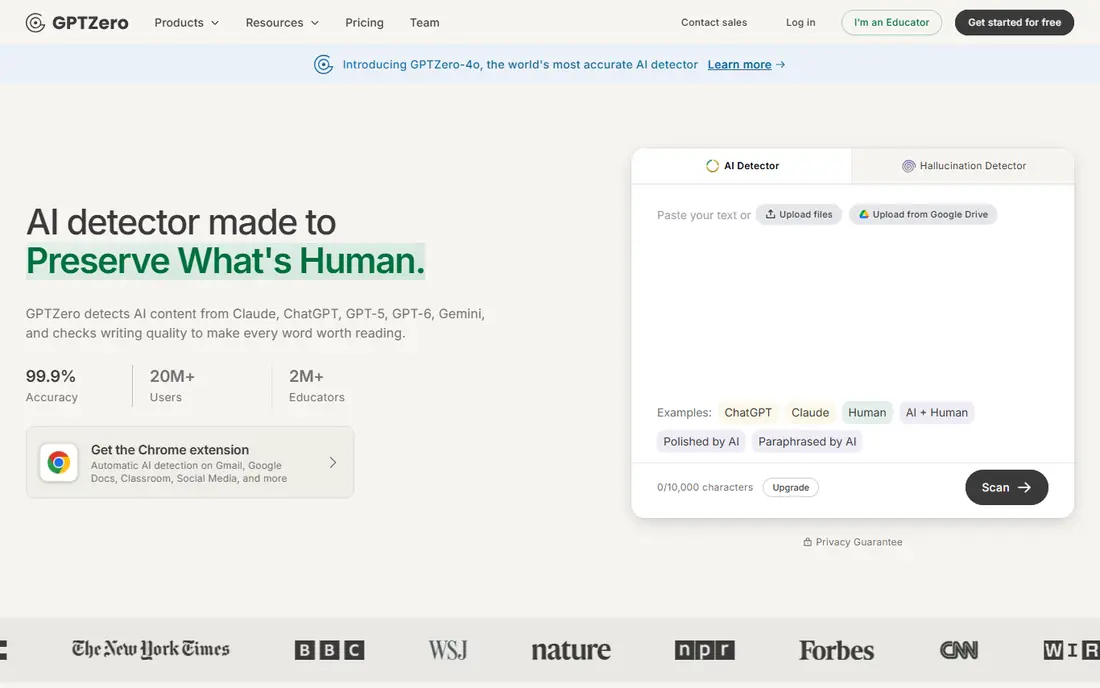
GPTZero is the best-known AI detector for education, and it is a good first check for teachers and individual writers. Paste text or upload a document, and GPTZero gives an overall score with sentence-level highlighting, which helps you see which passages look AI-like rather than just getting one number. Writing replay on paid plans shows the writing process, which can help in academic integrity conversations. GPTZero itself notes that no detector is perfect, and results are stronger on longer English prose than on short paragraphs. Use the free tier for occasional checks, and upgrade only if you need higher word limits, plagiarism checks, or classroom integrations. Never use a GPTZero score alone to accuse a student or writer.
- Free tier for quick checks
- Sentence-level highlighting
- Writing replay and plagiarism features on paid plans
- Accuracy varies by text type and length
- Paid plan needed for higher word limits
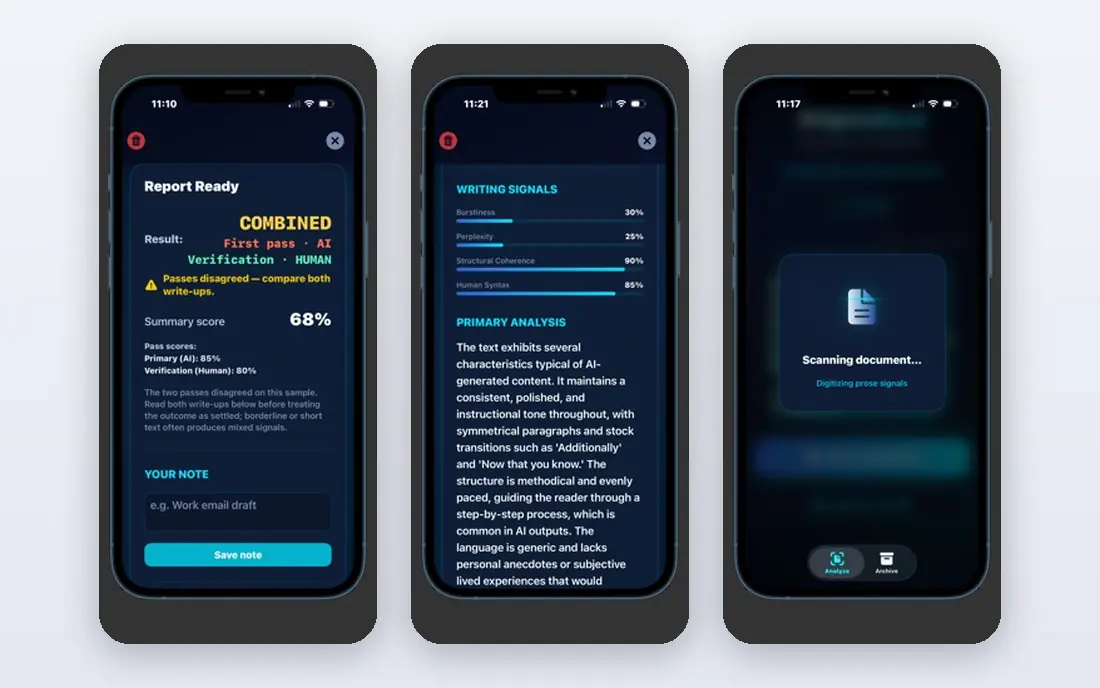
Originality.ai suits publishers, agencies, and content teams that need to check freelance work at scale. It combines AI detection with plagiarism checking in one scan, and credit-based pricing lets teams buy capacity for the volume they actually check. Higher plans add readability, fact-check, and team features that help editors review content before publishing. The credit system can be confusing at first, since one credit covers a set number of words, so track usage for the first month. Originality.ai is less suited to a single student who only needs occasional checks, since GPTZero or Scribbr may be cheaper for that use. For a publishing desk, the combined AI and plagiarism check saves a second tool.
- Combined AI and plagiarism checking
- Credit-based pricing for teams
- Readability and fact-check features on higher plans
- No permanent free plan for full checks
- Credit system needs tracking for large volumes
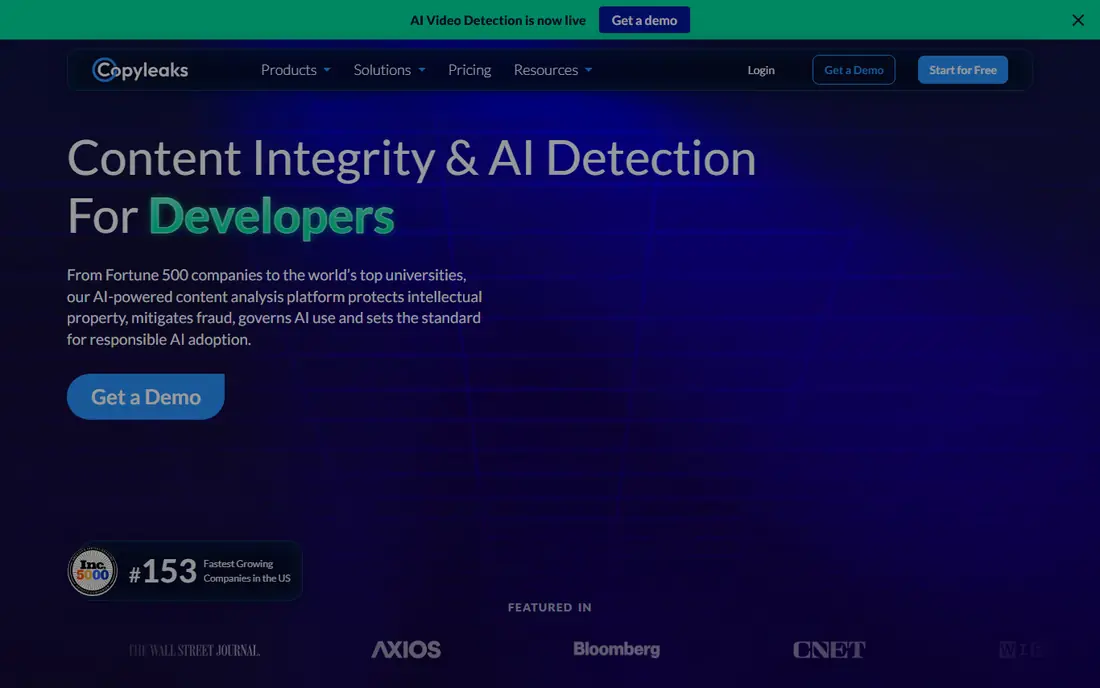
Copyleaks is built for enterprises, schools, and platforms that need to screen many documents through an API or a learning management system. It combines AI detection with plagiarism detection, and its integrations help institutions check submissions without manual uploads. That scale and integration depth set it apart from simpler web checkers. Pricing is not as simple as a single monthly plan, so request a quote based on volume and integration needs. Copyleaks fits organisations that need automated screening, while individual teachers will find GPTZero simpler and cheaper. Check the current plan on the vendor site, since entry pricing has changed in third-party reports.
- Enterprise and LMS integrations
- AI and plagiarism detection together
- API for screening at scale
- Pricing varies by plan and volume
- Small users may find it more complex than needed
Turnitin is the standard for many universities and schools, because it integrates natively with learning systems and combines plagiarism checking with AI detection. Institutions get reporting, originality checks, and workflow tools that fit academic processes, and students submit through a system they already use. That institutional fit is why Turnitin remains widely adopted in higher education. Turnitin is not available as a simple individual subscription, and pricing is by institutional contract, so individuals should not plan to buy it directly. If your university already licenses Turnitin, use it through that system and follow your institution's policy on AI scores. If you are an individual, GPTZero or Pangram are more accessible alternatives.
- Native LMS integration
- Plagiarism checking as core feature
- Institutional reporting
- Institutional only, no public price
- Not available to individual buyers
Winston AI suits agencies, publishers, and freelancers who need a clear report to share with a client or editor. It checks AI content and plagiarism, and produces PDF reports that document the result, which helps when a client asks for evidence of originality. Readability checks add context for editors who need to judge quality as well as origin. Pricing is based on credits and plans, so check the current vendor page for the tier that matches your monthly volume. Winston AI is less focused on classroom workflows than GPTZero or Turnitin, but for agency work, the report format is a practical advantage. Use reports as supporting evidence, not as a final verdict on authorship.
- PDF reports for clients
- Plagiarism and readability checks
- Good for agencies and publishers
- Pricing varies by credits and plan
- Less classroom integration than Turnitin or GPTZero
Sapling offers AI detection alongside writing assistance, with a free tier for short checks and an API for businesses that want to screen text inside their own systems. That API angle suits support teams, hiring platforms, and customer service tools that need to flag AI-like messages at scale. Sentence-level results help a human reviewer focus on specific passages. Free checks are limited in length, so longer documents need a paid plan, and Sapling is not as education-focused as GPTZero or Pangram. It fits teams that need detection as part of a larger workflow, rather than as a standalone classroom tool. Test the API on real messages from your system, since short, formal support replies can trigger false positives.
- Free sentence-level checks
- API for business integration
- Useful for support and hiring teams
- Free checks are limited in length
- Detection is one part of a broader writing platform
ZeroGPT is a budget option for casual checks, with a free tier and a bundle of writing tools including paraphrasing, summarising, and grammar checks. The interface is simple, and the free tier lets anyone paste text and get a quick score without an account in many cases. That accessibility makes it popular for one-off checks. Independent discussions place ZeroGPT below GPTZero and Originality.ai on accuracy, especially for humanised or edited AI text, so treat its scores as a rough signal, not a strong verdict. ZeroGPT fits casual users who want a free first check, but teachers and publishers should confirm important results with a stronger detector and human review.
- Free checks for casual use
- Bundle includes paraphrasing and summarising tools
- Simple interface
- Accuracy is weaker than leading detectors in independent discussions
- Bundle tools can distract
Pangram is a newer education-focused detector that emphasises a low false positive rate, which matters when a false accusation can harm a student. It claims to detect AI-generated, AI-assisted, and humanised text, and it integrates with Google Docs and learning systems such as Google Classroom and Canvas. That education focus and integration set it apart from generic checkers. Free credits are limited, so regular classroom use needs a paid plan based on usage, and very short texts remain hard for any detector. Pangram fits teachers who want fewer false flags and are willing to pay for education-specific features. As with every detector, use Pangram results to start a conversation, not to make a final judgment alone.
- Focus on low false positive rate
- Detects AI-assisted and rewritten text
- LMS and Google Docs integrations
- Free credits are limited
- Less useful for very short text
QuillBot AI Detector is useful mainly for students and writers who already use QuillBot for paraphrasing, summarising, or grammar checks. The detector is built into the same platform, so you can check a draft without opening another tool. The free version covers quick checks, while Premium gives fuller access and other QuillBot tools. As a detector, QuillBot is not as specialised as GPTZero, Originality.ai, or Pangram, so confirm important results elsewhere. It fits as a convenient first check inside a writing workflow, especially for students who already pay for QuillBot Premium for other features. Do not rely on it alone for academic or publishing decisions.
- Free detector for quick checks
- Convenient if you already use QuillBot for paraphrasing
- Simple interface
- Full access needs Premium
- Detection is not as deep as specialist detectors
Scribbr offers a free AI detector that students can use without creating an account for a basic check, which lowers the barrier for a quick self-check before submission. The interface is clear and student-friendly, and Scribbr also offers plagiarism checks priced per document for more thorough review. That combination suits students who want a fast check plus a separate plagiarism report. The free detector is basic compared with paid specialist tools, and plagiarism checks cost per document rather than by subscription. Scribbr fits students who need an occasional, low-friction check, while teachers and publishers should use GPTZero, Originality.ai, or Pangram for volume and reporting. Always pair a Scribbr result with your own review of the writing.
- Free detector with no account needed for basic checks
- Clear, student-friendly interface
- Plagiarism checks available
- Basic detector is limited
- Plagiarism checks are priced per document
How we picked these
We compared official pricing and feature pages, free tier terms, integration options, and independent accuracy discussions, and we favoured tools that are available today, state their limits, and serve a distinct user, whether teacher, publisher, enterprise, or student. We treated vendor accuracy claims as claims, not as guarantees, and we kept the focus on fair use and human review.
Using detectors fairly
Never use a detector score as the only evidence for a serious decision. Check the full document, look at drafts and version history where available, and talk to the writer about their process. Longer documents give more reliable signals than short paragraphs, and formal, technical, or translated writing can trigger false positives. For classrooms, set a clear policy before the term starts: what AI use is allowed, what must be disclosed, and how a flagged result will be handled. For publishing, use detectors as part of an editorial check that also includes fact-checking, plagiarism checking, and human editing. That process protects both quality and fairness.
Improving accuracy in practice
Scan the full document, not a single paragraph, and avoid scanning heavily edited or translated text as if it were a clean sample. Cross-check an important result with a second detector, since different models flag different passages. Keep a record of the score, the tool, and the date, and note that models change, so a score from one month may not match a rescan later.