Best AI Evaluation Tools for Production in 2026: 8 Tools Compared
By ToolNimba Editorial Team October 31, 2026 8 min read

- Top pick
 Langfuse
Open source tracing and evaluation
Starting priceFreeCheck out LangfuseRead our review - Runner-up
 LangSmith
LangChain and LangGraph apps
Starting price$39 per seat per monthCheck out LangSmithRead our review - Also great
 Arize AX
Enterprise monitoring and drift detection
Starting price$50 per monthCheck out Arize AXRead our review
How we researched this
We compared official pricing and feature pages, app store listings, privacy policies and public user reviews. Prices change, so check the provider's site before you pay.
Key takeaways
- Production evaluation is different from pre-release testing, because live prompts, users, and data keep changing after launch.
- The strongest tools combine tracing, scored checks, and alerts, so a bad output is caught before it becomes a pattern.
- Open source options suit teams that want to self-host, while managed platforms suit teams that want less setup.
- Price depends on volume and seats, so check the free tier limits and the cost per trace before committing.
Quick comparison
| Name | Best for | Starting price | Free plan | |
|---|---|---|---|---|
| Langfuse | Open source tracing and evaluation | Free | Yes | Visit |
| LangSmith | LangChain and LangGraph apps | $39 per seat per month | Yes | Visit |
| Arize AX | Enterprise monitoring and drift detection | $50 per month | Yes | Visit |
 Confident AI | Evaluation-first quality checks | See website | Yes | Visit |
 Braintrust | Prompt iteration and dataset testing | $249 per month | Yes | Visit |
 LangWatch | Multi-agent tracing and online evals | See website | Yes | Visit |
 Helicone | Cost and request observability | $79 per month | Yes | Visit |
 Evidently AI | Open source evaluation reports | Free | Yes | Visit |
The best AI evaluation tools for production
Production LLM apps fail quietly. A response can look fine, pass a status check, and still be wrong, off-topic, or unsafe. These tools help teams trace what happened, score outputs against clear checks, and spot drift over time. We compared official feature pages, pricing pages, and public documentation for each one.
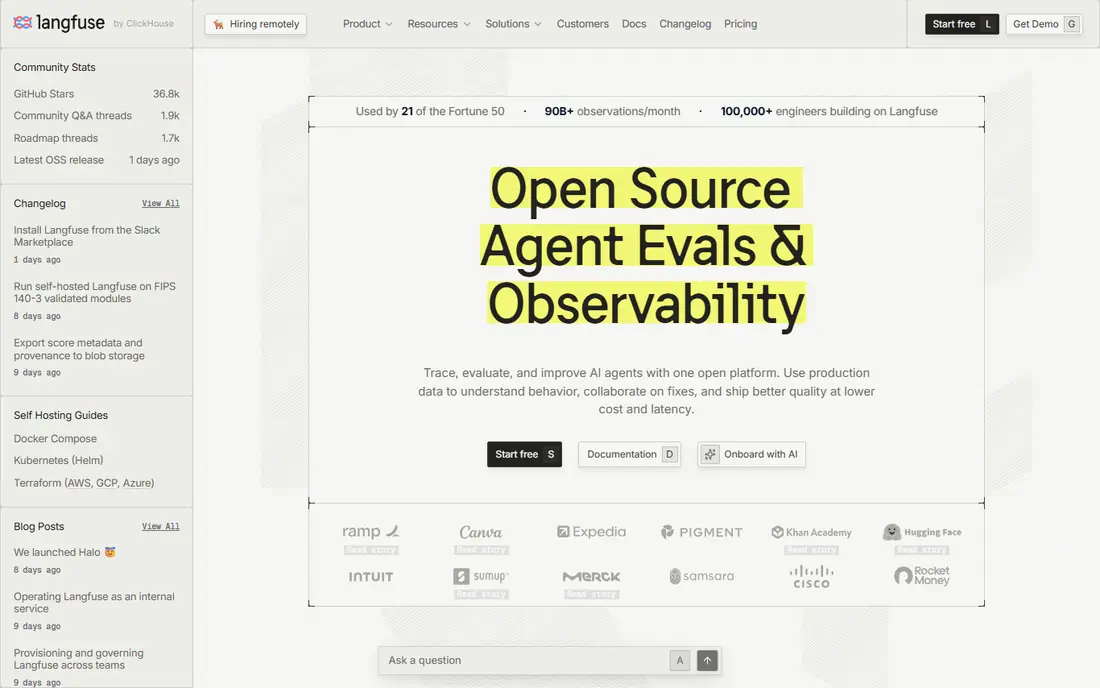
Langfuse is our pick for teams that want control over their data and a full evaluation loop. It traces prompts, model calls, and tool use, then lets teams run scores on those traces and build datasets from real production cases. That loop matters, because the best test cases often come from live failures, not from examples written in advance.
The catch is effort. Self-hosting gives control, but it also adds maintenance. Smaller teams may prefer the hosted cloud version and a narrower set of evals at first, then expand as volume grows.
- Open source core
- Tracing, prompts, datasets, and evals in one place
- Self-hosting option
- Setup takes more work than a proxy tool
- Some advanced features sit on paid tiers
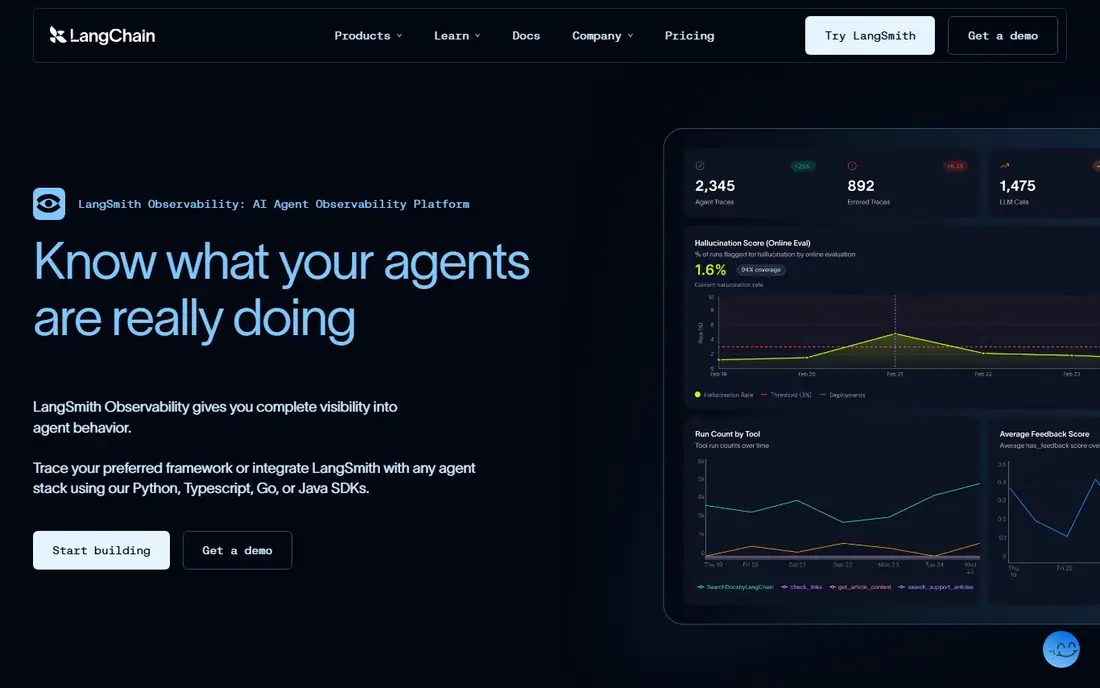
LangSmith fits best when an app is already built with LangChain or LangGraph. Tracing maps closely to how those frameworks run, which makes debugging a failed agent step much faster. Teams can also store prompts, run experiments, and compare versions side by side.
Outside that stack, the value is less clear. It still works, but teams using other frameworks may get similar tracing from a more neutral tool with less lock-in to one ecosystem.
- Deep tracing for LangChain apps
- Datasets and experiments
- Prompt management
- Less natural outside the LangChain stack
- Per-seat pricing adds up on larger teams
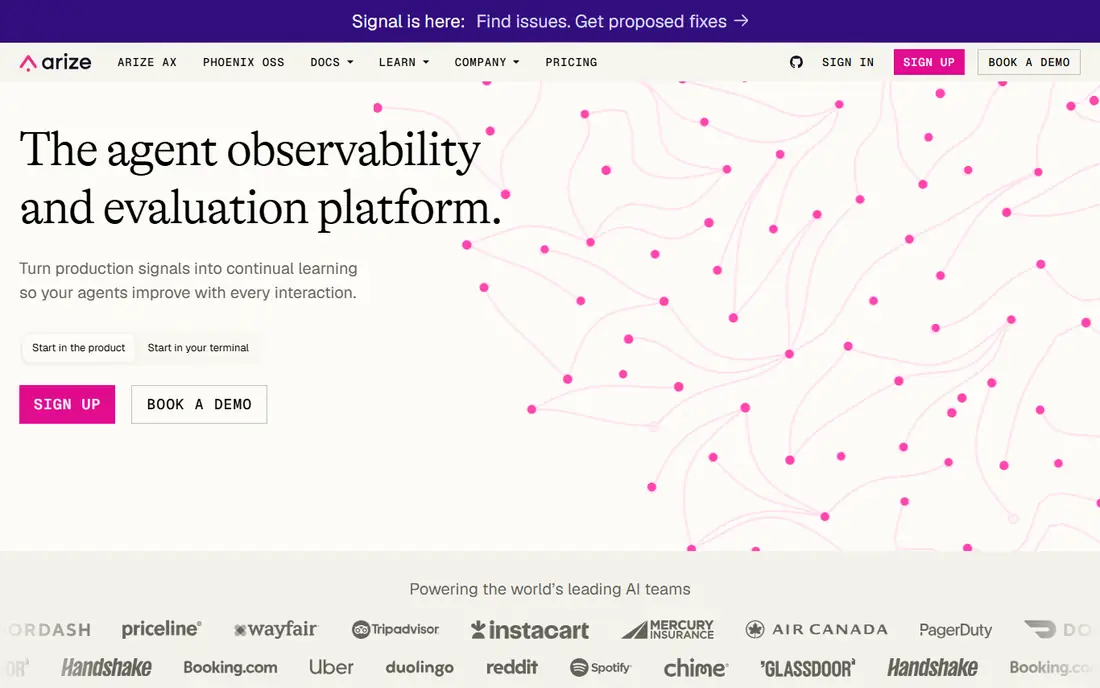
Arize AX covers both classic machine learning and LLM apps, which helps teams that run both. Its strength is spotting change over time, such as shifts in inputs, outputs, or quality scores, and slicing results to find which group of users or prompts is affected. Phoenix, its open source project, is a useful starting point for local tracing.
For a single small chatbot, Arize may be more than needed. It earns its place when uptime, compliance, and long-term quality trends matter as much as day-to-day debugging.
- Drift and performance monitoring
- Open source Phoenix for local work
- Strong analytics
- Can feel heavy for a simple prompt app
- Paid tier limits need careful reading
Confident AI puts evaluation at the center rather than treating it as an add-on to tracing. Teams can score outputs for hallucination, relevance, toxicity, and other checks, then review failures with product and domain experts. That review step is often where real quality gains happen.
The trade-off is that good metrics need thought. A team that copies a default metric without checking it against its own cases may get a false sense of safety. Start with a small set of checks tied to real user harm, then add more.
- Large library of evaluation metrics
- Dataset curation from production traces
- Collaboration features
- Pricing is not always simple to compare
- Learning curve for metric design
Braintrust is built around a simple loop: change a prompt, run it against a dataset, compare scores, and keep the version that wins. That discipline helps teams avoid the common trap of tweaking a prompt for one example and breaking ten others. Traces link back to the exact run, so debugging stays concrete.
Price is the main barrier. At $249 per month for the paid tier, it suits product teams with steady LLM work better than a side project. The free starter tier is worth using to test whether the workflow fits before paying.
- Clear experiment workflow
- Trace-backed debugging
- Dataset versioning
- Higher starting price
- No self-hosting on standard plans
LangWatch is a strong choice for agent apps, where one user request triggers several model calls and tool steps. Its views show handoffs between agents, which is exactly where multi-agent systems tend to break. Online evaluators can score live traffic, and simulations help test agents before release.
Teams should check current pricing on the vendor site, since plans have changed and are listed in euros on some pages. The open source version reduces that risk for teams happy to self-host.
- Open source option
- Agent handoff views
- Online evaluators and simulations
- Pricing varies by region and plan
- Smaller ecosystem than the largest rivals
Helicone takes a different route: it sits as a proxy in front of model providers and logs requests with minimal code changes. That makes it easy to answer basic production questions, such as which model costs the most, where latency spikes, and which prompts fail most often. For teams that mainly need visibility, that is enough.
It is not the best pick when deep evaluation is the main goal. Teams that need scored checks, datasets, and drift analysis will likely pair it with an eval-focused tool, or choose one of those tools instead.
- Fast proxy setup
- Cost and latency views
- Multi-provider support
- Evaluation features are lighter than eval-first tools
- Session views are limited for complex agents
Evidently AI is best known for evaluation reports that compare datasets and model outputs over time. For LLM teams, it adds a practical way to run checks and share results as reports, rather than keeping scores buried in a dashboard. The open source core keeps costs low.
It is not a drop-in hosted observability platform in the same way as the others here. Teams should expect to build the pipeline around it, which suits engineering-led groups and suits less well teams that want a managed dashboard on day one.
- Open source
- Ready-made eval reports
- Works with tabular and text data
- Needs engineering effort to wire into production
- Less of a hosted tracing product
How we picked these
We compared official feature pages, pricing pages, and public documentation, plus independent roundups of LLM observability tools. We kept only tools that work for live LLM or agent apps, offer tracing or scored evaluation, and are available in October 2026. We left out tools that only do pre-release benchmarking, with no production view.
What to check before you buy
Start with the failure you fear most. If bad answers are the risk, weight scored evals and human review. If cost spikes are the risk, weight token and latency tracking. If agents are the product, weight trace views that show tool calls and handoffs.
Set a small eval set first
Pick 20 to 50 real cases, including edge cases and known failures. Run every candidate tool against that set. A tool that looks good on a demo but misses your real failures is not a good buy, however polished its dashboard looks.
Watch volume pricing
Free tiers are often counted in observations, spans, or requests, and agent apps burn through those limits fast. Model a busy week, not a quiet day, and ask what happens when the limit is hit. Check retention too, since short retention makes trend analysis hard.
Keep humans in the loop
Automated scores help, but they can be wrong, especially on tone, safety, and domain facts. Build a weekly review of low-scoring traces, and let domain experts label a sample. That sample then becomes the dataset that makes future evals more trustworthy.
Sources
- https://langfuse.com
- https://www.langchain.com/langsmith
- https://arize.com
- https://www.confident-ai.com
- https://www.braintrust.dev
- https://langwatch.ai
- https://helicone.ai
- https://www.evidentlyai.com
- https://www.confident-ai.com/knowledge-base/compare/top-7-llm-observability-tools
- https://www.ovaledge.com/blog/ai-observability-tools