Best AI Face Swap Tools in 2026: 8 Tools Compared
By ToolNimba Editorial Team October 29, 2026 10 min read

- Top pick
 Magic Hour
Video face swaps for creators
Starting priceFreeCheck out Magic HourRead our review - Runner-up
 DeepSwap
Browser-based video swaps
Starting price$9.99 per monthCheck out DeepSwapRead our review - Also great
 Remaker AI
Quick photo swaps and batch work
Starting priceFreeCheck out Remaker AIRead our review
How we researched this
We compared official pricing and feature pages, app store listings, privacy policies and public user reviews. Prices change, so check the provider's site before you pay.
Key takeaways
- Magic Hour and DeepSwap are the strongest choices for video face swaps, while Remaker AI suits quick photo swaps.
- Reface remains the easiest mobile option for fun, short clips, but its free output is limited.
- Akool fits marketing teams that need multi-face swaps and brand controls, at a higher price.
- FaceSwapper.ai and Vidnoz suit beginners who want a simple browser tool without installing software.
- Consent matters more than quality: only swap faces with permission from everyone pictured, and never use these tools to mislead or harm.
Quick comparison
| Name | Best for | Starting price | Free plan | |
|---|---|---|---|---|
| Magic Hour | Video face swaps for creators | Free | Yes | Visit |
| DeepSwap | Browser-based video swaps | $9.99 per month | Yes | Visit |
| Remaker AI | Quick photo swaps and batch work | Free | Yes | Visit |
 Reface | Mobile face swaps and templates | Free | Yes | Visit |
 FaceSwapper.ai | Simple single-face photo swaps | Free | Yes | Visit |
 Vidnoz AI | Beginner-friendly browser swaps | Free | Yes | Visit |
 Akool | Marketing and multi-face video | See website | Free trial | Visit |
 FaceFusion | Free open-source control on desktop | Free | Yes | Visit |
The best AI face swap tools
Face swap tools can be fun for your own photos and useful for creative work, but they carry real risks when used without consent. Only use them with the consent of everyone pictured, users must be 18 or older for adult content and for accounts that require it, and non-consensual deepfakes can be illegal and harmful. The tools below are compared for quality and ease of use, and we favour tools with clear consent and safety practices.

Magic Hour stands out because face swap sits inside a wider video toolset, so you can move from a swap to other video steps without switching apps. That matters for creators who produce regular content and want a consistent workflow rather than a one-off trick. The free credits also let you test quality before paying, which is useful in a category where results vary a lot by source photo and video.
The limits show up on the free plan, where resolution and watermark rules can make output unsuitable for professional use. Paid plans remove those limits, but check the credit cost for longer videos before you commit. Use Magic Hour for your own face, or for faces you have clear permission to use, and keep the original consent in mind even when the tool makes the swap easy.
- Full video creation suite around face swap
- Free credits to try
- No signup needed for a first try in some flows
- Free exports can be limited in resolution and may carry a watermark
- Not a traditional timeline editor
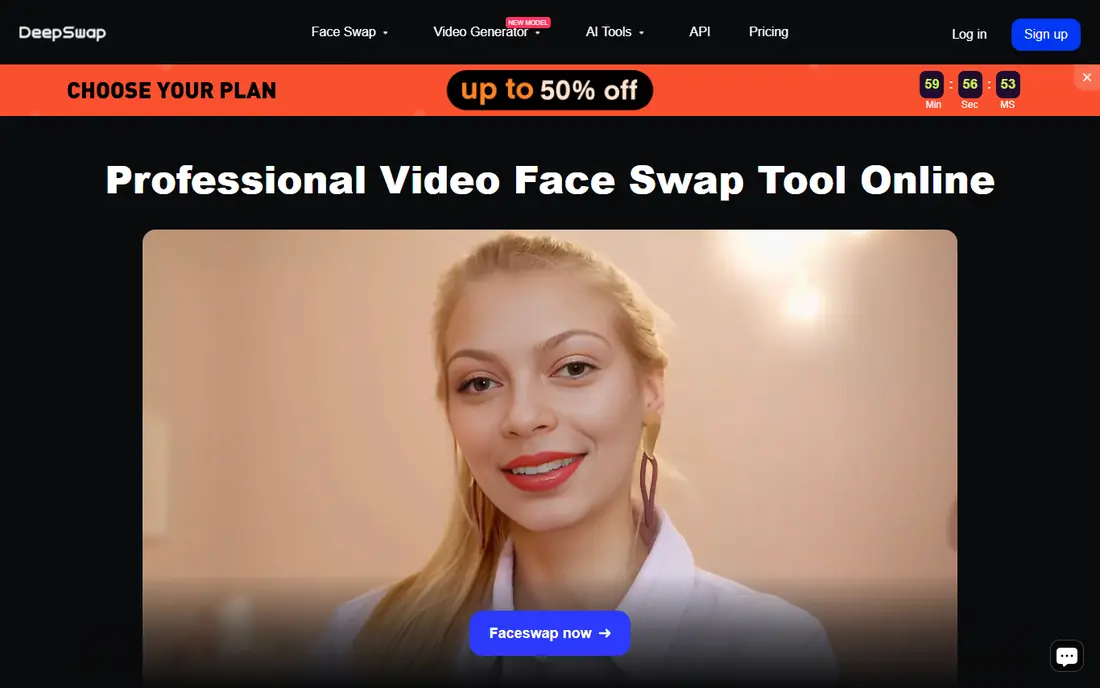
DeepSwap is a practical choice for creators who want video swaps without installing desktop software. Working in the browser keeps the setup simple, and multi-face support helps with group photos and scenes where more than one face needs attention. The credit system also makes it easier to see what each render costs, which helps avoid surprise spending on failed attempts.
The main cost risk is length. A short clip may be cheap, while a longer video can consume credits fast, so test with a short segment first. Lighting, angle and resolution in the source material also shape the result, and no tool can fully fix a blurry or side-on source face. For regular video work, DeepSwap is a solid middle ground between a phone app and a professional studio tool.
- Photo and video swaps in the browser
- Multi-face support
- Credit-based pricing is easy to track
- Longer videos can use credits quickly
- Results depend heavily on source quality
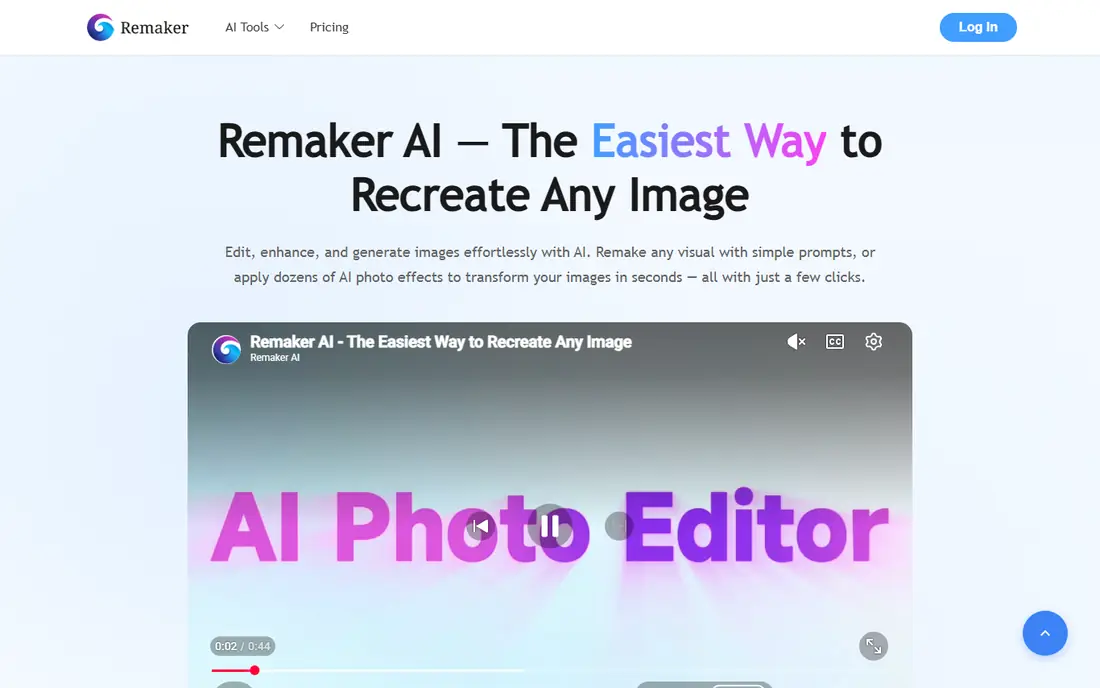
Remaker AI suits people who mainly swap faces in photos. The interface is simple: upload a photo, choose a face and download the result, with batch options for several images at once. That speed matters for social content, product mockups and creative projects where you need many variations quickly. Multi-face handling also helps with group photos, where a single-face tool would need repeated edits.
For video, Remaker AI is less convincing than DeepSwap or Magic Hour, so video creators should look elsewhere. Paid credits can also add up if you run many variations, so keep an eye on usage rather than buying a large pack at once. For photo-first work with your own images, Remaker AI is one of the easiest tools to learn.
- Fast photo swaps
- Batch and multi-face options
- Simple web interface
- Video features are more limited than video-first tools
- Paid credits add up with heavy use
Reface is the tool most people meet first, because it turns a selfie into a meme or short clip in seconds. The template library is its real strength: you pick a scene, add your face and share, without learning an editor. For fun with your own photos and friends who have agreed to take part, that simplicity is hard to beat.
The trade-off is quality and control. Results look best at phone size, and hair, glasses and side profiles can reveal flaws when you zoom in. Free output may carry a watermark, and paid plans are needed for fuller use. Reface also collects face data, so read its privacy policy and delete uploads you no longer need. Keep it for light, consensual fun, not for work that needs to pass close inspection.
- Huge template library for memes and short clips
- Very fast on mobile
- Easy sharing
- Free output can be watermarked
- Fine detail can break down on close inspection
FaceSwapper.ai does one job with little fuss, which is why it suits beginners. You upload a photo and a face, and the tool returns a swapped image in seconds. There is no timeline to learn and no desktop install to manage, so it works well for a quick creative test or a single social image.
The simplicity also sets its ceiling. If you need fine control over blending, lighting or multiple faces, you will quickly want a more capable tool. Video work is also better handled elsewhere. Treat FaceSwapper.ai as a fast starting point, and move to DeepSwap or Magic Hour when a project needs video or more control.
- Very simple browser workflow
- Fast photo results
- Low learning curve
- Limited editing controls
- Video support is less deep than video-first tools
Vidnoz AI appeals to beginners who want face swap plus other video tools in one place. The browser workflow avoids installs, and the wider suite can help if you later want to add voice, text or other video steps. For a creator testing ideas, that breadth saves time compared with stitching several single-purpose apps together.
Quality on the free plan is the main limit, since watermarking and resolution caps can make output unsuitable for client work. Paid plans improve exports, but check what each tier includes before you buy. As with every tool here, only use faces you have permission to swap, and avoid using Vidnoz to create misleading videos of real people.
- Browser-based photo and video swaps
- Wider AI video tools in the same account
- Easy for beginners
- Free output may be watermarked
- Paid plans needed for higher quality exports
Akool is built for teams, not for casual meme makers. It handles multi-face swaps, batch production and brand controls, which matters when a marketing team needs consistent output across many videos. If you are localising a spokesperson video or creating variations for different markets, that structure saves time and reduces errors.
The price and complexity are the honest costs. Casual users will find Akool more than they need, and the learning curve is steeper than a phone app. It also raises the consent stakes, because marketing use reaches a wide audience. Only use Akool with documented permission from the people pictured, and keep records of that permission with the project.
- Multi-face and batch video handling
- Brand and team controls
- Strong for marketing production
- Higher price than consumer tools
- Interface can feel complex for casual users
FaceFusion is the choice for technical users who want control and privacy. Because it runs locally, your photos and videos do not need to be uploaded to a hosted service, which some users prefer. The open-source model also means no subscription for the core tool, though you still need a computer capable of running it.
Setup is the barrier. FaceFusion needs installation and configuration, and there is no customer support team to fix problems for you. That freedom also brings responsibility: the tool itself does not check consent, so you must. Use FaceFusion only for your own images, or for work where you have clear, documented permission, and never to create misleading content about real people.
- Free and open source
- Runs on your own computer
- High control over output
- Needs technical setup
- No hosted support team
- User is responsible for safe and lawful use
How we picked these
We compared official product pages, pricing, photo and video support, free plans and safety information, plus public reviews and help pages, to check that each tool still operates and fits face swapping. We favoured tools with clear consent and safety practices, and we included a mix of mobile, browser, marketing and open-source options. We did not claim hands-on testing, and we note honestly that tools in this category can be misused, so consent and lawful use matter more than any feature list.
How to use face swap tools safely and legally
Start with consent, every time. Get clear permission from each person whose face you use, and do not swap the face of a stranger, a public figure or a child into a photo or video. If you are creating content for work, get that permission in writing and keep it with the project. If you cannot get permission, do not make the swap.
Next, check the tool privacy policy before you upload. Some tools store face data, some delete it after processing, and some use uploads to improve models. Prefer tools that explain retention clearly and let you delete your data. Avoid uploading sensitive photos, such as identity documents or private images, to any face swap tool.
Finally, label creative work honestly. Do not present a face swap as a real photo or video of a person, and do not use swaps to impersonate, embarrass or mislead anyone. If a tool refuses a swap or flags content, treat that as a safety feature, not a problem to work around. The best creative result is one you can share openly, with permission, without harming anyone pictured.