Best AI Lead Generation Tools in 2026: 9 Tools Compared
By ToolNimba Editorial Team November 6, 2026 10 min read

- Top pick
 Apollo
Small team outbound
Starting priceFreeCheck out ApolloRead our review - Runner-up
 ZoomInfo
Enterprise sales intelligence
Starting priceSee websiteCheck out ZoomInfoRead our review - Also great
 HubSpot
Inbound leads and CRM
Starting priceFreeCheck out HubSpotRead our review
How we researched this
We compared official pricing and feature pages, app store listings, privacy policies and public user reviews. Prices change, so check the provider's site before you pay.
Key takeaways
- Apollo is the best all-round starting point for small teams because it combines data, enrichment, and outreach in one place.
- ZoomInfo suits larger teams that need deep company data and intent signals, but pricing is quote based and annual.
- Clay is the pick for teams that want to combine many data sources into one workflow, not a simple contact list.
- Lusha and Hunter work well for quick lookups, while Leadfeeder suits teams that want to turn website visits into leads.
- Credit maths matters more than the headline price, since phone numbers and enrichment often cost far more than emails.
Quick comparison
| Name | Best for | Starting price | Free plan | |
|---|---|---|---|---|
| Apollo | Small team outbound | Free | Yes | Visit |
| ZoomInfo | Enterprise sales intelligence | See website | No | Visit |
| HubSpot | Inbound leads and CRM | Free | Yes | Visit |
 Lusha | Quick LinkedIn lookups | Free | Yes | Visit |
 Clay | Custom enrichment workflows | Free | Yes | Visit |
 Leadfeeder | Website visitor leads | Free | Yes | Visit |
 Seamless.AI | Real time contact search | Free | Yes | Visit |
 Cognism | Phone verified European data | See website | No | Visit |
 Hunter | Finding and verifying emails | Free | Yes | Visit |
The best ai lead generation tools
We compared official pricing pages, feature pages, and plan limits for each tool. The best ai lead generation tools are not all the same kind of product, so we included databases, enrichment platforms, and inbound tools, and we say plainly what each one is for.
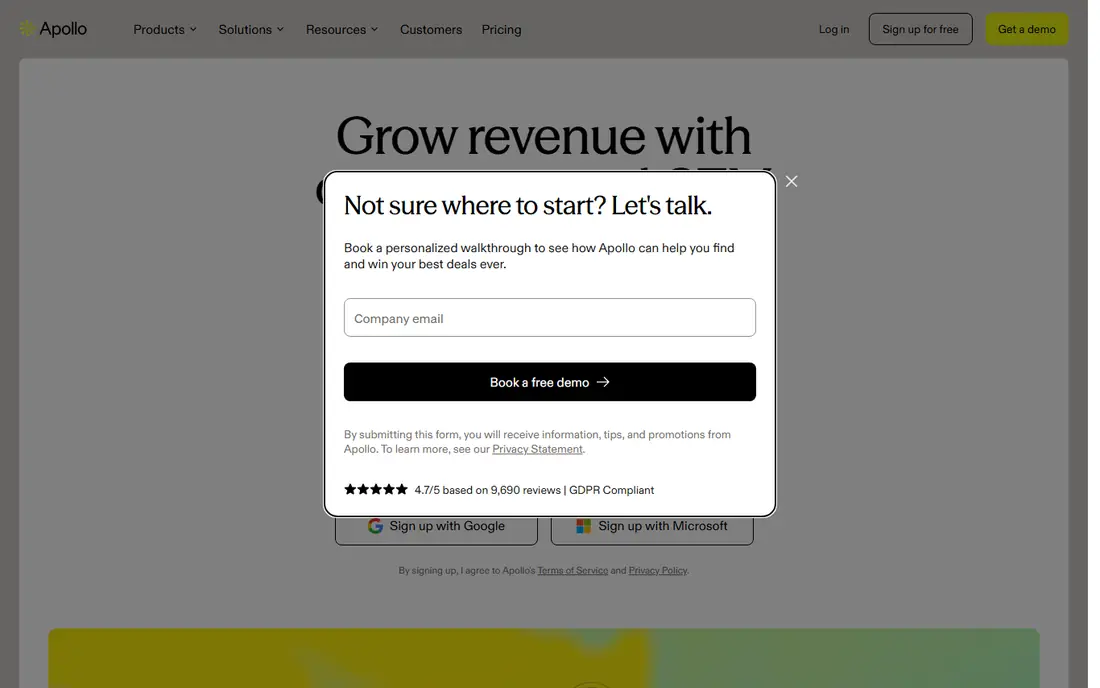
Apollo is our pick for most small sales teams because it covers the full outbound loop. You can search for people by title, industry, and company size, reveal contact details with credits, and then run email sequences without buying a separate outreach tool. The free plan lets a solo seller test the data before paying.
Paid plans start at $49 per user per month for Basic on annual billing, with Professional at $79 and Organization at $119. The catch is credits and seats: a five person team pays five times the per seat price, and unused credits do not roll over. Test Apollo on your exact target market first, since data quality varies by niche.
- Large contact database
- Built in sequences and dialer on paid plans
- Free plan for testing
- Credits expire each cycle
- Per seat pricing adds up fast
- Phone data costs more than email
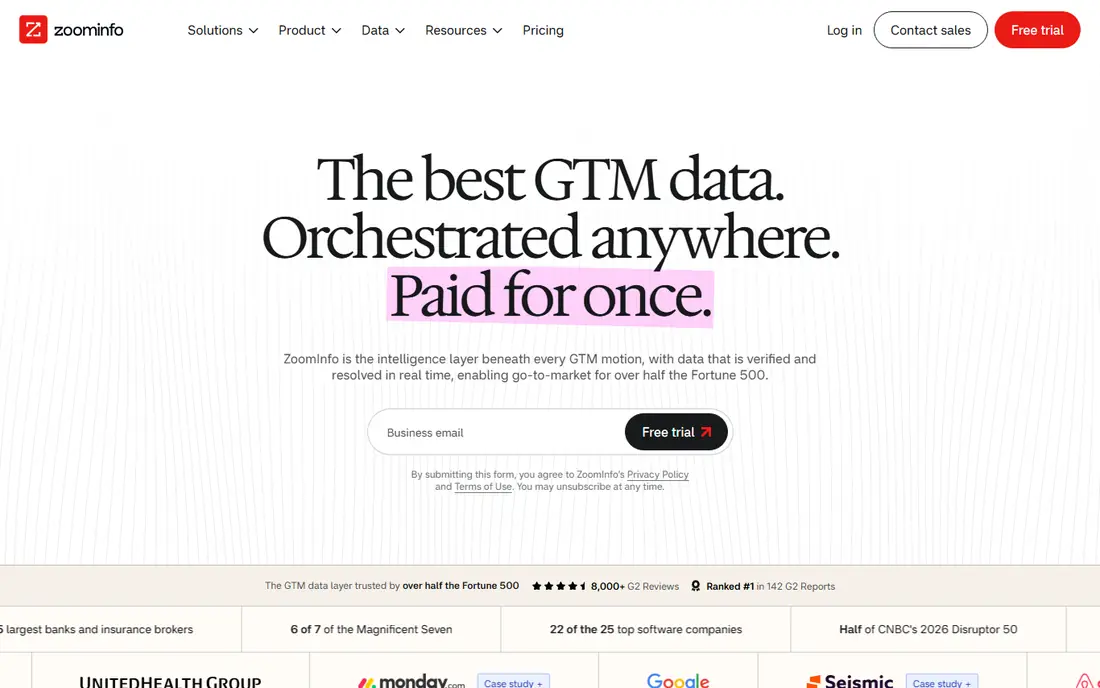
ZoomInfo is built for larger teams that need more than a list of names. It adds company hierarchies, technographics, intent topics, and buying groups, which help account based teams focus on accounts that are already showing interest. That depth is why many enterprise sales teams still treat it as the standard.
The downside is buying it. Pricing is not published as a simple monthly rate, and deals are usually annual contracts reported in the five figure range for small teams. Small businesses should get a written quote, check the renewal and cancellation window, and compare it with Apollo before signing.
- Deep company and contact data
- Intent signals and org charts
- Strong CRM integrations
- Quote based annual pricing
- No self serve monthly plan
- Contracts can be hard to exit
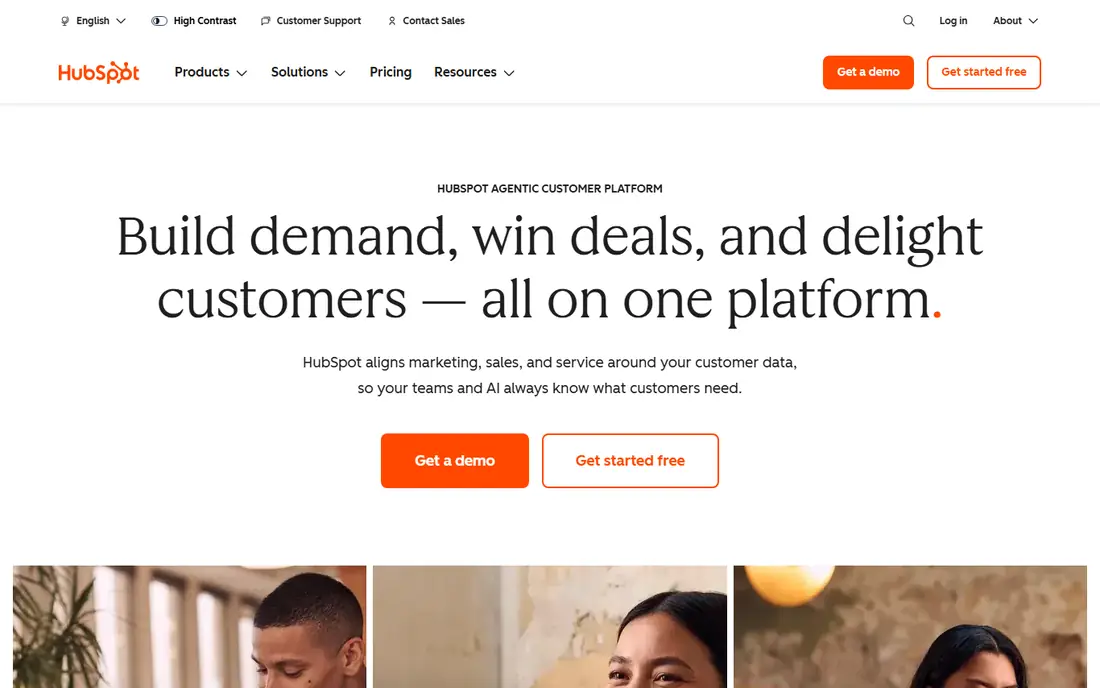
HubSpot answers a different question from Apollo or ZoomInfo. It does not sell you a list of strangers to email. Instead, it turns your own website traffic into leads through forms, landing pages, chat, and email follow up, then keeps those leads in a free CRM. That makes it a strong base for inbound teams and small businesses.
The free CRM is genuinely useful, and paid Starter plans are low cost, but Marketing Hub Professional climbs into hundreds of dollars per month. Pair HubSpot with a data tool if you also need outbound prospecting, and judge it on how many of your own visitors it converts, not on database size.
- Free CRM to organise leads
- Forms, landing pages, and email tools
- Strong integrations
- Not a prospecting database
- Paid marketing plans rise quickly
- Outbound data needs another tool
Lusha is best for reps who live on LinkedIn and company websites. Its extension reveals emails and phone numbers while you browse a profile, which is faster than exporting a list and enriching it later. The free plan gives a small monthly credit allowance for testing.
Paid Pro starts at $29.90 per user per month, with 250 credits, while Premium costs more and adds 600 credits. The maths to watch is phone numbers: each one costs 10 credits, so a phone heavy list can use up a month of credits in a day. Lusha suits email led prospecting better than heavy dialling.
- Fast browser extension
- Useful for LinkedIn prospecting
- Free credits each month
- Phone numbers cost 10 credits each
- Paid credits run out fast
- Team plans are limited by seats
Clay is not a database you simply search. It is a workspace where you build a table of companies, then run enrichment steps across many providers, add AI research, and score leads before you export them. That waterfall approach can fill gaps that a single database misses, which is why revenue teams with messy data like it.
The free plan gives a small credit allowance, and paid plans now start with Launch at $167 per month billed annually. Clay needs setup time and a clear workflow, and it does not send your outreach, so budget for a sequencer as well. Choose it when your lists need serious cleaning and research, not when you just need 100 names fast.
- Combines many data providers in one table
- AI agents for research
- Flexible workflows
- Steep learning curve
- Credit costs rise with complex workflows
- No built in outreach
Leadfeeder turns anonymous website traffic into a lead list by matching visitors to companies. That is useful for B2B teams whose site already gets steady traffic but who cannot tell which firms are researching them. You can filter by pages viewed, send leads to your CRM, and follow up while interest is fresh.
The limit is identity. Leadfeeder shows the company, not the named person who visited, so your team still needs to find the right contact. Low traffic sites will also see fewer useful leads. It works best as a complement to outbound data, not as a replacement for it.
- Identifies companies visiting your site
- Integrates with CRM tools
- Free plan for small sites
- Identifies companies, not individual visitors
- Data quality depends on traffic volume
- Paid plans scale with traffic
Seamless.AI pitches itself as a real time search engine rather than a static database. You search for a person or company, and it returns emails and phone numbers it finds at that moment, which can help when older databases hold stale records. The extension keeps the workflow inside LinkedIn and company sites.
The trade-off is consistency. Results can be strong in common US business niches and weaker elsewhere, so verify emails before a large send. Free credits let you test your own market, and paid plans suit teams that search daily rather than once a month.
- Real time search engine for contacts
- Chrome extension
- Free credits to try
- Accuracy varies by niche
- Paid plans are needed for bulk use
- Credits can be confusing
Cognism is a strong choice for teams selling into Europe, where other databases can be thin on mobile numbers and compliance detail. It focuses on phone verified data, which matters if your team calls prospects rather than only emailing them. It also makes a point of GDPR aligned processes, which procurement teams often ask about.
Pricing is not published as a simple self serve rate, so expect a sales conversation and an annual agreement. Solo sellers and very small teams will usually find Apollo or Lusha cheaper and simpler. Choose Cognism when European phone data and compliance are the main buying criteria.
- Strong European coverage
- Phone verified mobile numbers
- Compliance focused approach
- Quote based pricing
- No free plan
- Better for teams than solo sellers
Hunter does one job well: it finds email addresses linked to a company domain and checks whether they look deliverable. That simplicity is its strength. A founder, freelancer, or small team can type in a domain, get a pattern and a list, and verify a few addresses before sending, without learning a large platform.
Hunter is not a full lead generation suite. It does not offer the same company intelligence as ZoomInfo, nor the outreach tools of Apollo. Use it as a cheap, focused tool for email finding and verification, and pair it with a CRM to track replies.
- Simple domain search
- Email verifier
- Free searches each month
- No phone database of the same depth
- Not a full CRM
- Bulk work needs a paid plan
How we picked these
We compared official pricing pages, feature pages, and plan limits, and we kept only tools that were still selling and supporting their product in October 2026. We included different kinds of lead tools on purpose, since an inbound CRM, a prospecting database, and a website visitor tool solve different problems. We also weighed credit systems and contract terms, because a tool that looks cheap per month can cost far more once seats and phone credits are counted.
How to choose without overspending
Start by naming the job: inbound capture, outbound lists, phone data, or enrichment. Then test the tool on 50 real prospects from your own market and check how many emails bounce and how many phone numbers connect. That small test beats any vendor claim about database size.
Next, work out the full monthly cost. Multiply per seat prices by your team size, add the credits you will actually use, and check whether credits expire. If a tool needs a second tool for sending or CRM work, add that cost too before you compare headline prices.
Sources
Frequently asked questions
What are the best ai tools for lead generation for small businesses?
Apollo is the best starting point for most small businesses because it combines data and outreach with a free plan. HubSpot suits businesses that get inbound traffic, while Hunter is a cheap add on for email finding. Avoid annual enterprise contracts until you have tested data quality on your own market.
What is the best ai lead generation software for B2B?
For larger B2B teams, ZoomInfo and Cognism offer deeper company data and intent signals, while Clay offers the most flexible enrichment. Smaller B2B teams often get better value from Apollo plus HubSpot. The right choice depends on whether you need depth, phone data, or workflow control most.
Is there a free ai lead generation tool?
Yes. Apollo, HubSpot, Lusha, Clay, Leadfeeder, Seamless.AI, and Hunter all offer free plans or free credits. Free plans are best for testing and low volume work, since credits, seats, and features are limited. Expect to pay once you need bulk enrichment, phone numbers, or team features.
How much does ZoomInfo cost?
ZoomInfo does not publish a simple monthly price, and it sells annual contracts based on seats, credits, and add ons. Reports from buyers put small team contracts in the five figure range per year. Get a written quote that lists seats, credits, add ons, renewal terms, and the cancellation window before you sign.
What is the difference between Apollo and Clay?
Apollo is a database plus outreach tool you can start using quickly, while Clay is a flexible workspace for building enrichment workflows across many providers. Apollo suits teams that want lists and sequences in one place. Clay suits teams that need to clean, research, and score lists from several sources before outreach.
Do AI lead tools replace a CRM?
No. Lead tools find and enrich contacts, but a CRM such as HubSpot tracks conversations, deals, and follow ups over time. Most teams need both, even if one tool covers part of the other job. Choose your CRM first if you have no system for tracking replies, then add a data tool.