Best AI Lip Sync Video Tools in 2026: 7 Tools Compared
By ToolNimba Editorial Team November 6, 2026 9 min read

- Top pick
 HeyGen
Avatar videos and dubbing
Starting priceSee websiteCheck out HeyGenRead our review - Also great
 Sync.so
Developer dubbing API
Starting priceSee websiteCheck out Sync.soRead our review
How we researched this
We compared official pricing and feature pages, app store listings, privacy policies and public user reviews. Prices change, so check the provider's site before you pay.
Key takeaways
- Sync.so suits developers and dubbing teams who need accurate lip sync on real footage through an API.
- HeyGen suits corporate and marketing teams who want avatars, translation and lip sync in many languages.
- Magic Hour suits creators who want real-footage lip sync, face swap and talking photos in one workspace.
- Check output resolution, credit costs per second and commercial rights before buying, since pricing models differ sharply.
Quick comparison
| Name | Best for | Starting price | Free plan | |
|---|---|---|---|---|
| HeyGen | Avatar videos and dubbing | See website | Yes | Visit |
| Sync.so | Developer dubbing API | See website | Yes | Visit |
 Magic Hour | Real-footage lip sync | See website | Yes | Visit |
 D-ID | Enterprise avatars | See website | No | Visit |
 Synthesia | Corporate training video | See website | No | Visit |
 Captions | Mobile social dubbing | See website | Yes | Visit |
 Rask AI | Multilingual dubbing at volume | See website | No | Visit |
The best AI lip sync video tools
We compared official feature pages, pricing pages and public reviews for eight lip sync tools that were active in October 2026. Lip sync here means matching mouth movement to new audio, whether on real footage, an avatar or a still photo.
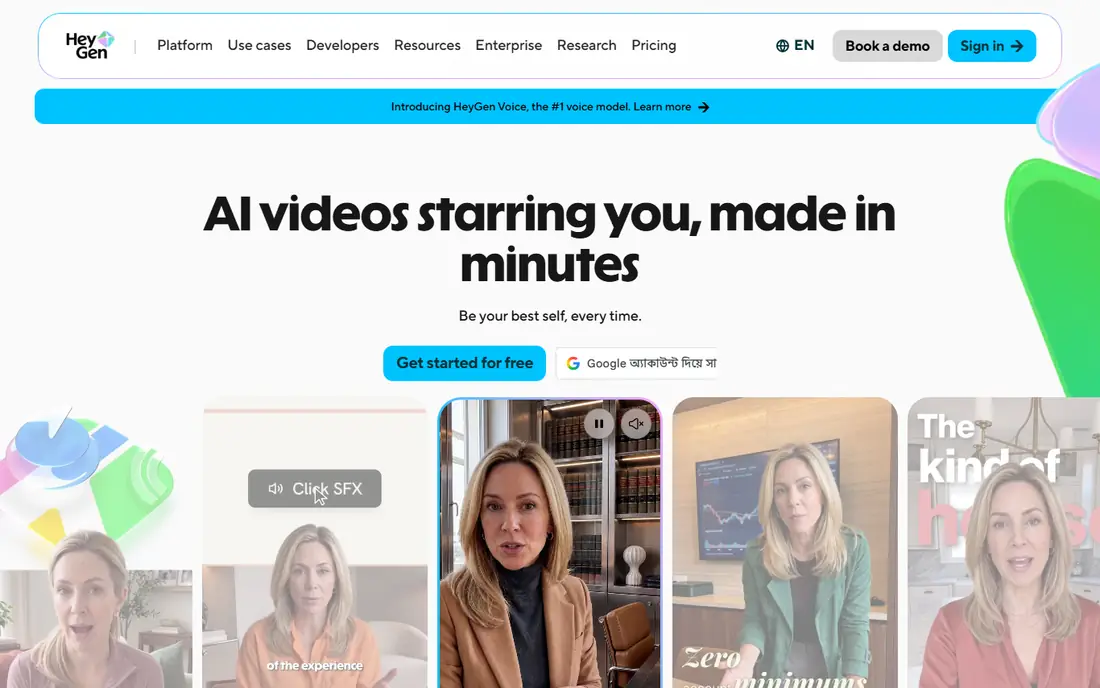
HeyGen is an avatar video platform with lip sync built into its core workflow. You can create a presenter video from text, translate it into many languages, and keep lip movement matched to the new audio. Its avatar models support a wide range of languages and dialects, which suits marketing, training and localisation teams. The quality of a custom avatar depends on the recording you supply, and HeyGen asks for a short video sample to build a realistic twin. Free access is limited to a few videos, so regular use needs a paid plan. For teams that publish presenter-led video often, HeyGen gives a consistent, scalable result that a photo-only tool cannot match.
- Avatar videos in over 175 languages
- Lip sync for translated audio
- API and streaming options
- Best results need a good avatar recording
- Higher plans needed for heavy use
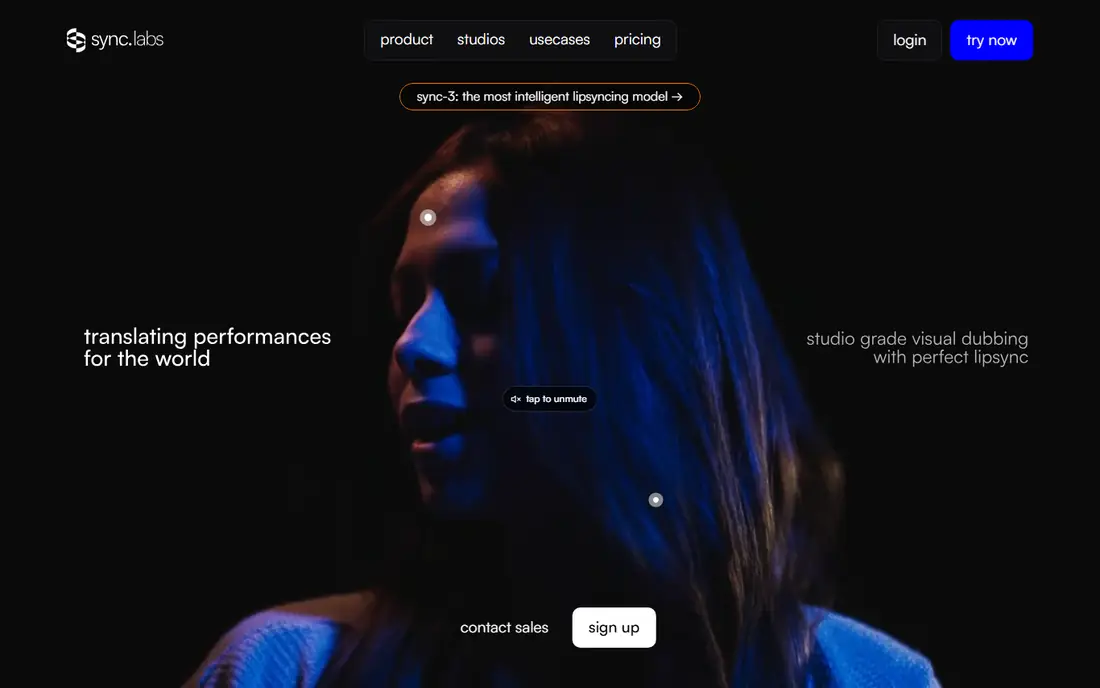
Sync.so, formerly Sync Labs, focuses on one job: making real footage match new audio. Its models handle dialogue, accents and varied camera angles, with high-resolution output on newer models and detection for faces partly hidden from view. That accuracy suits dubbing, localisation and post-production teams. The trade-off is audience. Sync.so is built for developers and production pipelines, with API access as the main workflow, so casual creators may prefer a browser tool with templates. Usage-based pricing also needs monitoring, since costs scale with seconds of video. For teams that dub at volume, Sync.so is the most precise tool here.
- Accurate lip sync on real footage
- High-resolution output options
- Strong API for production pipelines
- Developer-focused, so less friendly for casual creators
- Usage-based pricing needs monitoring
Magic Hour combines lip sync with face swap, talking photos and video generation in one workspace. Its lip sync is built for real recorded footage, so you can replace dialogue or translate a clip and keep mouth movement matched to the new audio. A free tier with credits lets new users test the workflow before paying. The credit system takes a little learning, since different tools use different amounts, and output quality depends on the source footage. Clean, front-facing video gives the best results, while dark or shaky clips will show flaws. For creators who want several AI video tools beside lip sync, Magic Hour offers the broadest bundle in this list.
- Real-footage lip sync plus face swap
- Free tier with credits
- Templates for quick social clips
- Credit system can confuse new users
- Quality varies with source footage
D-ID builds talking avatars and real-time visual agents for customer service, training and marketing. Its avatars speak in many languages, respond in real time on higher plans, and integrate through an API for enterprise workflows. Security and compliance features suit larger companies that need controlled deployment. There is no lasting free plan, only a trial, so testing is time-limited. The avatar style is polished and corporate, which fits training and support use better than expressive creative film. For enterprises that need a live, talking agent rather than a one-off clip, D-ID is a strong choice.
- Real-time conversational avatars
- Support for many languages
- Enterprise security and API options
- Trial only, with no lasting free plan
- Avatar style suits corporate use more than creative film
Synthesia is built for corporate training and learning video. Its library of stock avatars, templates and AI dubbing lets teams turn a script into a training video without cameras, studios or actors. Lip sync keeps avatar speech matched across translated versions, which helps global teams publish the same course in several languages. Free access is limited to a demo, so regular use needs a paid plan. Synthesia is not a real-footage dubbing tool, so filmmakers who need to fix dialogue in recorded video should use Sync.so or Magic Hour instead. For training teams that publish often, Synthesia saves studio time and keeps presentation consistent.
- Large avatar library for training video
- AI dubbing across many languages
- Templates for learning content
- Demo only on the free tier
- Less suited to real-footage dubbing
Captions is a mobile-first creator app with an AI Lipdub feature for dubbing social clips into other languages. It pairs lip sync with captions, editing and export tools in one app, so a creator can film, dub and post from a phone. That workflow suits solo creators who publish short videos often. Long-form dubbing is not its strength, and some features need a paid plan. For short social clips where speed matters more than studio precision, Captions is the most convenient option here. Check the output on a test clip first, since mobile dubbing quality varies with audio clarity.
- AI Lipdub built for social clips
- Mobile-first workflow
- Captions and editing tools in one app
- Best for short clips rather than long-form dubbing
- Some features need a paid plan
Rask AI focuses on translating and dubbing video at volume, with support for many languages and tools for longer content. Its lip sync option keeps translated speech matched to the speaker, which matters for courses, marketing videos and YouTube channels with a global audience. Team features help localisation workflows. Lip sync is not on the lowest plan, so the full feature set costs more than a single-clip tool. Rask AI suits creators and teams with a catalogue of videos to localise, rather than a single clip. If you publish long videos in several languages, its volume workflow can save more time than a per-clip tool.
- Dubbing in many languages at volume
- Lip sync option for translated video
- Tools for teams and longer content
- Lip sync sits on higher plans
- Pricing is higher than single-clip tools
How we picked these
We compared official feature and pricing pages for lip sync tools active in October 2026, plus public reviews on sync accuracy, language support and output quality. We kept tools with a real lip sync feature, whether for real footage, avatars or photos, and we left out tools that only generate video from text without a lip sync step. Prices were listed as "See website" where credit costs, plan tiers or per-second rates varied and could not be stated as a single monthly price.
How to choose a lip sync tool
Start with your source material. Real footage needs Sync.so, Magic Hour or Rask AI, while a still photo or character needs Magic Hour, and a recurring presenter needs HeyGen, Synthesia or D-ID. Matching the tool to the source matters more than headline accuracy claims, since each model is tuned for a different input. Next, test with your own worst-case clip, not a clean demo. Use fast speech, an accent, a side angle or a noisy room, and watch the mouth on close inspection. Check the credit cost per second for that clip, the output resolution, and whether commercial use is included in your plan. A tool that looks cheap per month can cost more per finished minute than a usage-based rival.
Rights and consent
Only lip sync people who have given consent, and be clear when a video uses an AI voice or avatar. Misleading lip sync can harm trust and, in some places, break the law, especially for public figures or commercial claims. Keep records of consent and licences for any voice or likeness you use.
Sources
Frequently asked questions
What is the best AI lip sync tool overall?
It depends on your source material. Sync.so is best for dubbing real footage, HeyGen is best for avatar presenter video, and Magic Hour is best for an all-round creator bundle.
Can AI lip sync handle different languages?
Yes, most tools in this list support many languages, with HeyGen covering over 175 languages and dialects, D-ID over 100, and Rask AI over 130 for dubbing. Check that lip sync, not just voice translation, is supported for your target language.
How much does AI lip sync cost?
Costs vary by model. Some tools charge a monthly subscription, others charge credits per second of video, and some combine both. Always test with a short clip and calculate the cost per finished minute before committing to a plan.
Does lip sync work on real footage or only photos?
Both, but with different tools. Sync.so, Magic Hour and Rask AI work on real footage, while similar tools animate still photos and characters. HeyGen, Synthesia and D-ID create avatar video from scripts.
Is AI lip sync legal to use?
It is legal when you have consent from the person shown and rights to the audio and footage. Do not create misleading videos of real people without permission, and check platform rules and local laws before publishing.