Best AI Phishing Detection Tools in 2026: 8 Tools Compared
By ToolNimba Editorial Team October 31, 2026 9 min read

- Top pick
 Abnormal AI
BEC protection in Microsoft 365
Starting priceSee websiteCheck out Abnormal AIRead our review - Runner-up
 Microsoft Defender for Office 365
Microsoft 365 teams
Starting price$2 per user per monthCheck out Microsoft Defender for Office 365Read our review - Also great
 Proofpoint
Broad enterprise email security
Starting priceSee websiteCheck out ProofpointRead our review
How we researched this
We compared official pricing and feature pages, app store listings, privacy policies and public user reviews. Prices change, so check the provider's site before you pay.
Key takeaways
- Abnormal AI is our pick for Microsoft 365 teams facing business email compromise, thanks to its behavioral AI approach.
- Microsoft Defender for Office 365 suits teams already on Microsoft 365, with Plan 1 starting at a low per-user price.
- Proofpoint and Mimecast offer broad email security suites for large or compliance-heavy organizations.
- IRONSCALES, Material Security, and Sublime Security suit mid-size teams that want focused phishing detection with faster setup.
Quick comparison
| Name | Best for | Starting price | Free plan | |
|---|---|---|---|---|
| Abnormal AI | BEC protection in Microsoft 365 | See website | No | Visit |
| Microsoft Defender for Office 365 | Microsoft 365 teams | $2 per user per month | Free trial | Visit |
| Proofpoint | Broad enterprise email security | See website | No | Visit |
 Mimecast | Email security and continuity | See website | No | Visit |
 IRONSCALES | Phishing plus training | See website | Free trial | Visit |
 Material Security | Cloud email protection | $4 per user per month | No | Visit |
 Check Point Harmony Email | Multi-app email and collaboration | See website | No | Visit |
 Sublime Security | Transparent detection rules | See website | Free trial | Visit |
The best ai phishing detection tools
AI phishing detection tools look beyond spam filters. They study sender behavior, message patterns, and account activity to catch business email compromise, impersonation, and other attacks that contain no malicious link or attachment. The eight below cover API-based detection, gateway suites, and specialist tools.
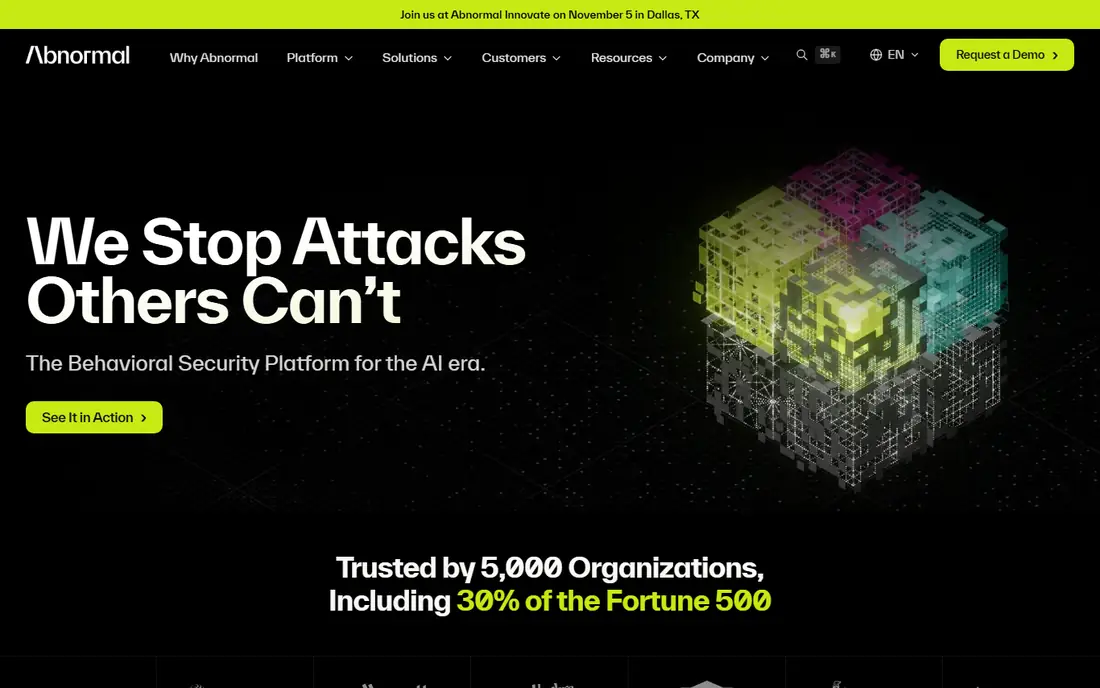
Abnormal AI is our pick for teams whose main risk is business email compromise. Instead of relying only on links and attachments, it builds a behavioral profile for each identity and flags messages that break normal patterns, such as a supplier suddenly asking for a payment change. That approach helps with payload-free attacks that traditional gateways often miss.
Abnormal deploys through an API, so mail does not need to be rerouted through a gateway, and it can sit alongside an existing gateway or native Microsoft protection. Pricing is quote-based, and estimates vary widely by tier and seat count, so get a written quote for your mailbox count. For Microsoft 365 shops with high BEC risk, Abnormal is the strongest specialist choice here.
- Behavioral AI for BEC and vendor compromise
- API-based, no mail rerouting
- Fast deployment for many teams
- Quote-based pricing
- Mainly focused on Microsoft 365 and Google Workspace email
Microsoft Defender for Office 365
Best for: Microsoft 365 teams
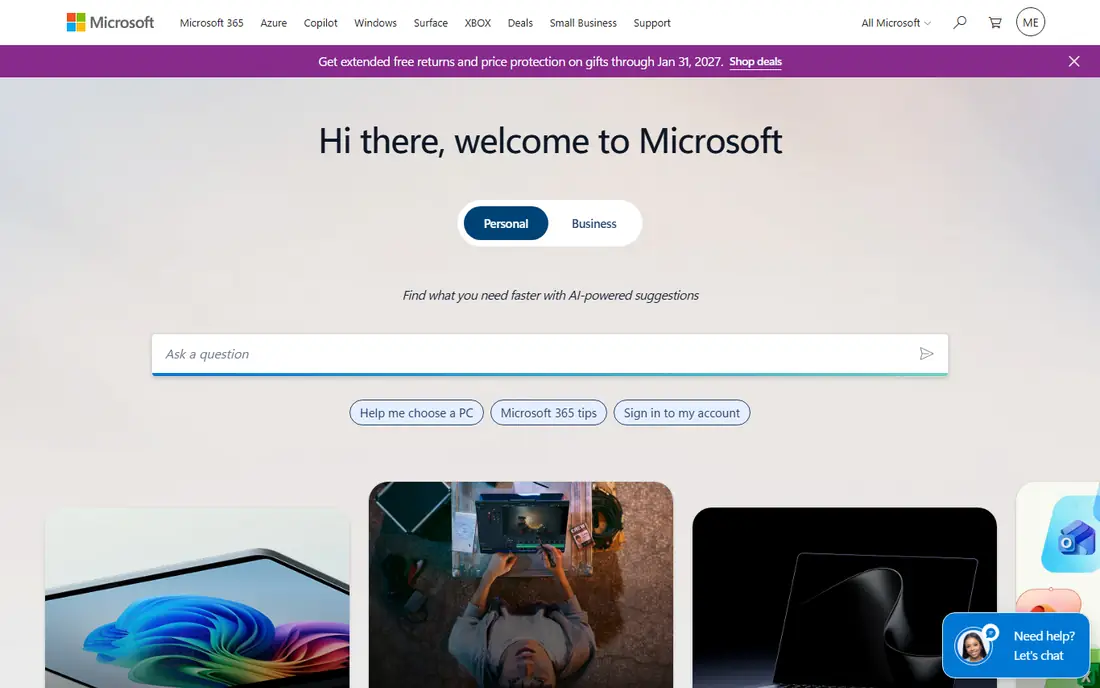
Microsoft Defender for Office 365 is the natural choice for teams already on Microsoft 365. Plan 1 starts at $2 per user per month, with higher plans adding automated investigation and response, threat trackers, and attack simulation. Because it is native, it links with Exchange, Teams, SharePoint, and identity tools without a separate gateway.
The trade-off is ecosystem fit. Defender works best inside Microsoft 365, and teams on Google Workspace or mixed email systems may prefer a gateway or API tool. For Microsoft shops that want solid AI-assisted phishing protection without adding a new vendor, Defender is a practical first layer, and it pairs well with a specialist tool such as Abnormal for BEC.
- Native Microsoft 365 integration
- Low Plan 1 starting price
- Automated investigation tools on higher plans
- Best value inside Microsoft 365
- Advanced features need higher plans or E5
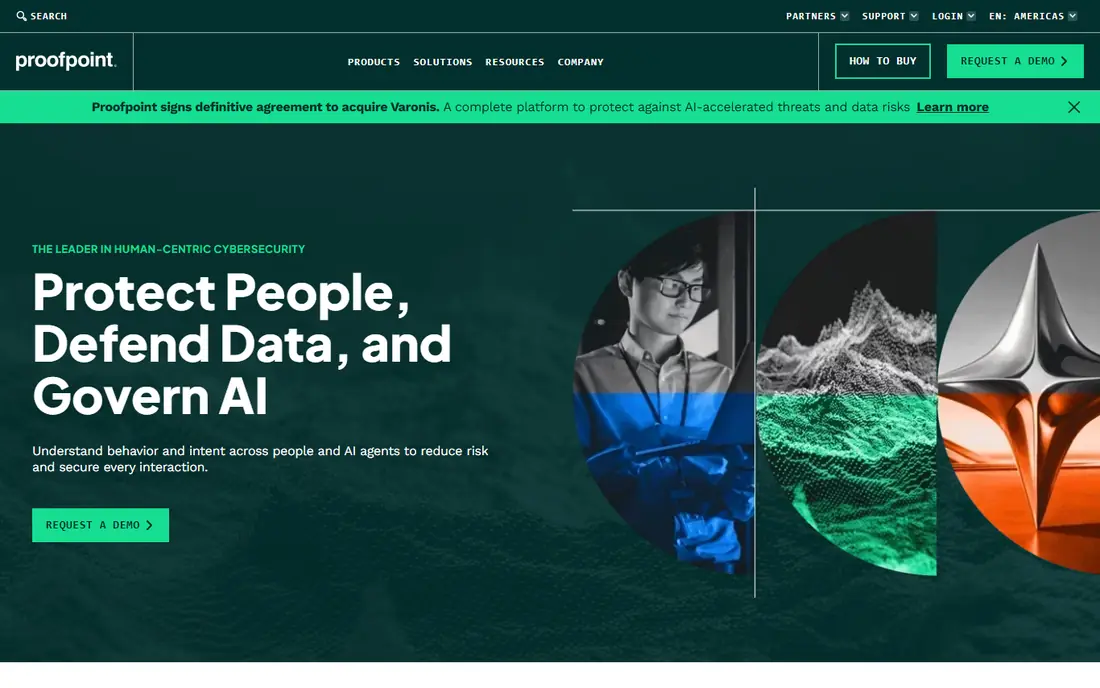
Proofpoint offers a broad email security suite, including threat protection, URL defense, attachment sandboxing, data loss prevention, encryption, and continuity. Its AI and machine learning tools help catch impersonation and targeted phishing, while its gateway approach suits complex, hybrid, or multi-platform email setups.
Pricing is quote-based and depends on modules and seat count, and the full suite can be complex for small teams. Proofpoint Essentials offers a simpler entry point for Microsoft 365 shops, with a lower starting price reported in public comparisons. For large or compliance-heavy organizations that need one broad suite, Proofpoint remains a leading choice.
- Broad email security suite
- Sandbox and URL defense
- Strong compliance options
- Quote-based pricing
- Suite complexity for small teams
Mimecast pairs email security with continuity and archiving, which appeals to organizations that need mail to keep working during an outage and must retain messages for compliance. Its security tools include impersonation protection, URL and attachment checks, and AI-assisted detection, with deployment options for Microsoft 365, Google Workspace, and hybrid setups.
Pricing is quote-based, and the full suite can be more than a small team needs. For organizations that value continuity and archiving alongside phishing protection, Mimecast offers a strong combined package. Check which modules are included in any quote, since archiving and continuity are often separate from core security.
- Email security plus continuity and archiving
- Impersonation protection
- Broad deployment options
- Quote-based pricing
- Suite breadth can be more than small teams need
IRONSCALES focuses on phishing and business email compromise, with mailbox-level AI that learns from user reports. When a user reports a message, the system can pull similar messages from other mailboxes automatically, which reduces manual cleanup. Built-in phishing simulations and training help staff recognize real attacks, which is a useful second layer.
Pricing is quote-based, with public comparisons reporting a starting point around $6 per user per month in some cases, so confirm your quote directly. Spam filtering is weaker than its phishing detection, so some teams pair it with another filter. For mid-size teams that want phishing depth plus training, IRONSCALES is a strong pick.
- Mailbox-level AI
- Automated remediation
- Phishing simulations and training
- Quote-based pricing
- Spam filtering is weaker than its phishing focus
Material Security offers cloud-native protection for Microsoft 365 and Google Workspace, with a starting price of $4 per user per month on annual billing in public comparisons. Its focus includes phishing, business email compromise, and account takeover, with API-based deployment that avoids mail rerouting.
The suite is narrower than Proofpoint or Mimecast, so teams that need archiving, continuity, or broad data loss prevention may need another tool. For cloud email teams that want a clear price and a focused phishing and takeover defense, Material Security is worth a trial.
- Cloud-native Microsoft 365 and Google protection
- Clear starting price
- Account takeover focus
- Narrower suite than Proofpoint or Mimecast
- Less suited to gateway-first setups
Check Point Harmony Email
Best for: Multi-app email and collaboration
Check Point Harmony Email, formerly Avanan, protects email and collaboration tools such as Microsoft Teams, Slack, and file-sharing apps, not only inboxes. That breadth matters when phishing moves beyond email into chat and shared files. API-based deployment lets it scan messages after native filters, catching threats that slip through a first layer.
Pricing is quote-based, with public comparisons reporting a starting point around $4 per user per month in some cases. Setup across many apps takes planning, and small teams may prefer a narrower tool. For organizations that need phishing protection across email and collaboration apps, Harmony Email offers a broad option.
- Covers email plus Teams, Slack, and file sharing
- API-based deployment
- Broad threat checks
- Quote-based pricing
- Breadth can add setup complexity
Sublime Security stands out for transparency. Its detection rules are open, so security teams can see, test, and customize how messages are flagged, rather than trusting a closed AI model alone. That openness suits detection engineers and teams that want to write their own rules for their specific threats.
Sublime also offers AI-assisted detection alongside its rule engine, with API-based deployment for Microsoft 365 and Google Workspace. Pricing is quote-based, and public comparisons report a lower starting range than some enterprise suites. For technical teams that value control and visibility, Sublime is a strong specialist choice.
- Open detection rules
- API-based deployment
- Good for detection engineers
- Quote-based pricing
- Needs technical staff to get full value
How we picked these
We compared official feature pages, pricing pages, and public reviews for tools that are live in October 2026 and truly use AI or behavioral analysis for phishing detection. We favored tools with clear Microsoft 365 or Google Workspace support, real BEC and impersonation features, and published pricing where available. Where a vendor does not publish a price, we say so rather than repeating an estimate as fact.
What to check before you buy
Start with your email system and your top attack type. API-based tools such as Abnormal, Material, and Sublime suit Microsoft 365 and Google Workspace without mail rerouting, while gateway suites such as Proofpoint and Mimecast suit hybrid or complex setups. List your must-have coverage, including internal mail, Teams or Slack, and file sharing, since some tools focus only on inbound email.
Next, run a trial with real mail, not only a demo. Check false positives on legitimate mail, especially newsletters, supplier invoices, and executive messages, and test how quickly malicious mail is pulled from inboxes. Confirm data handling, retention, and admin controls, and ask for total cost by seat count and module. Finally, pair any tool with user training and reporting, since no AI filter catches every attack.
Layering phishing defenses
Most mature teams layer defenses: a native filter or gateway for spam and malware, a specialist AI tool for BEC and impersonation, and training plus reporting for staff. That mix costs more than one tool, but it covers different attack types and reduces reliance on any single filter.
Sources
- https://abnormal.ai
- https://www.microsoft.com
- https://www.proofpoint.com
- https://www.mimecast.com
- https://ironscales.com
- https://material.security
- https://www.checkpoint.com
- https://sublime.security
- https://expertinsights.com/email-security/top-phishing-protection-solutions
- https://underdefense.com/blog/abnormal-security-pricing-guide/