Best AI Photo Animation Tools in 2026: 8 Tools Compared
By ToolNimba Editorial Team November 6, 2026 9 min read

- Top pick
 PixVerse
General photo animation
Starting priceFreeCheck out PixVerseRead our review - Runner-up
 Pika
Short stylized clips
Starting priceFreeCheck out PikaRead our review - Also great
 Runway
High quality cinematic clips
Starting priceFreeCheck out RunwayRead our review
How we researched this
We compared official pricing and feature pages, app store listings, privacy policies and public user reviews. Prices change, so check the provider's site before you pay.
Key takeaways
- PixVerse and Pika are our top picks for general photo to video animation, with free daily credits and short, shareable clips.
- LivePortrait is a good free-leaning option for simple face animation, including human and animal portraits.
- Runway and Kling AI offer higher quality and more control, but they cost more and suit creators who already edit video.
- Free tiers almost always include watermarks, short clips or daily credit limits, so check those limits before you plan a project.
Quick comparison
| Name | Best for | Starting price | Free plan | |
|---|---|---|---|---|
| PixVerse | General photo animation | Free | Yes | Visit |
| Pika | Short stylized clips | Free | Yes | Visit |
| Runway | High quality cinematic clips | Free | Yes | Visit |
 Kling AI | Longer keyframed clips | Free | Yes | Visit |
 HeyGen | Avatar and presenter videos | Free | Yes | Visit |
 LivePortrait | Simple face animation | Free | Yes | Visit |
 Hailuo AI | Multi-reference clips | Free | Yes | Visit |
 Immersity AI | Depth and 3D motion photos | Free | Yes | Visit |
The best AI photo animation tools
Photo animation tools turn a still image into a short moving clip. Some animate a face so it smiles, blinks or talks. Others add camera movement, depth or a full scene motion to a scenery or product photo. We compared official pricing pages, feature descriptions and public tool guides, and we focused on what each tool animates well, how long its clips run, and what the free tier actually allows.
A note on use: only animate photos you own or have permission to use, and do not animate a real person in a misleading way. Several tools add watermarks or usage rules to free outputs, and commercial use often needs a paid plan.
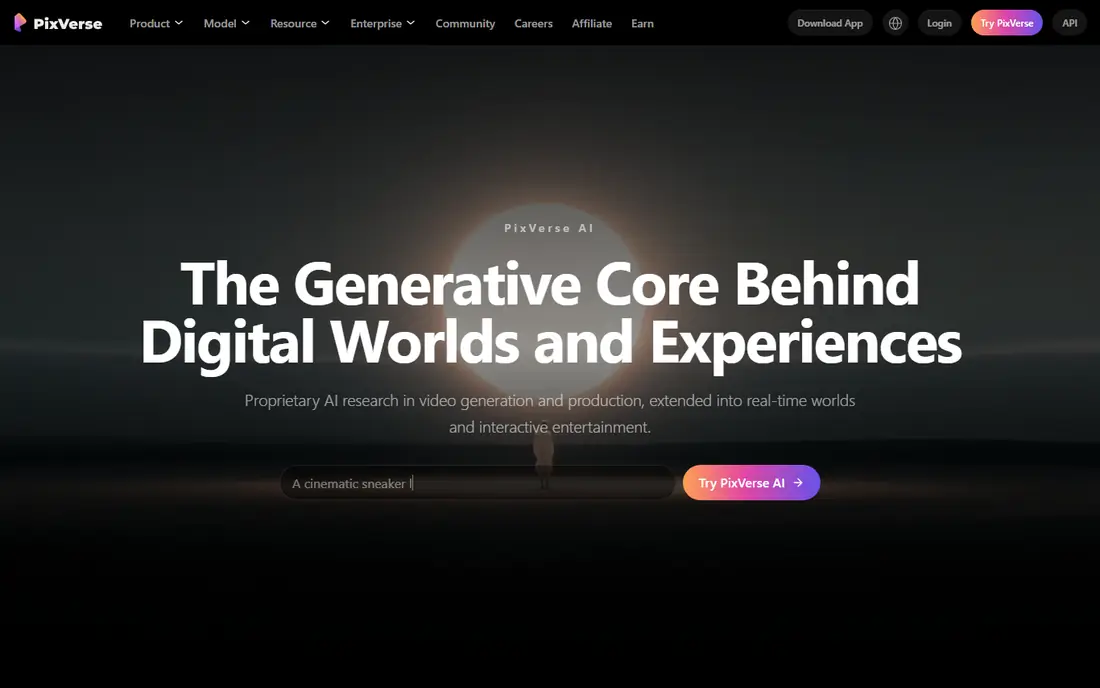
PixVerse is the easiest general starting point on this list. Upload a photo, add a prompt, and you get a short animated clip, often within a minute or two. Its free tier gives daily credits, and paid plans remove watermarks and raise resolution. Anime and cinematic styles come out particularly well, which suits social creators.
The free tier limits are real. Clips are watermarked at lower resolution, and daily credits run out fast if you test many prompts. For casual experiments and social posts, PixVerse is excellent. For client work, budget for a paid plan.
- Free daily credits
- Fast output
- Text to video and image to video
- Good anime and cinematic styles
- Free outputs are watermarked and lower resolution
- Higher quality needs paid tiers
- Avatar support is limited
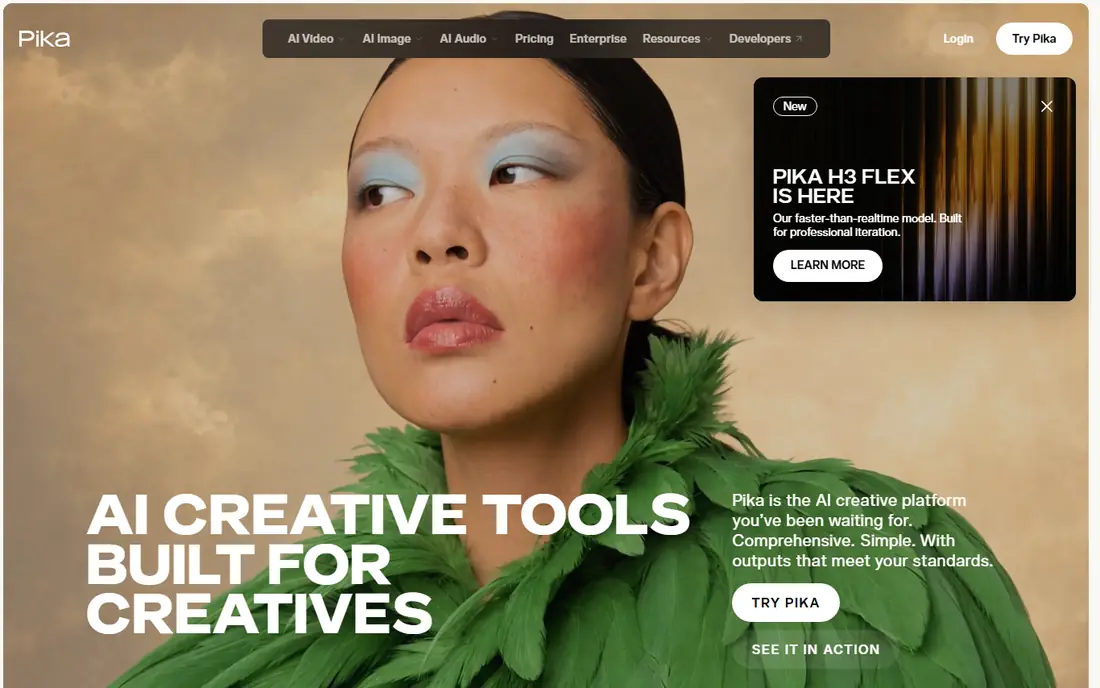
Pika turns photos and text prompts into short, stylized video clips, and it is popular with short-form creators for that reason. Effects and motion styles are easy to apply, and turnaround is fast, which helps when you are testing ideas for social posts. The free tier lets you learn the tool before paying.
Longer storytelling is not its strength, since clips stay short and narrative control is limited. If your goal is a punchy few seconds of motion for social media, Pika fits well. If you need a longer scene, Kling or Runway may serve you better.
- Free tier available
- Quick prompt to clip turnaround
- Stylized effects suit short-form content
- Clips are short
- Less suited to longer narratives
- Full commercial license needs higher tiers
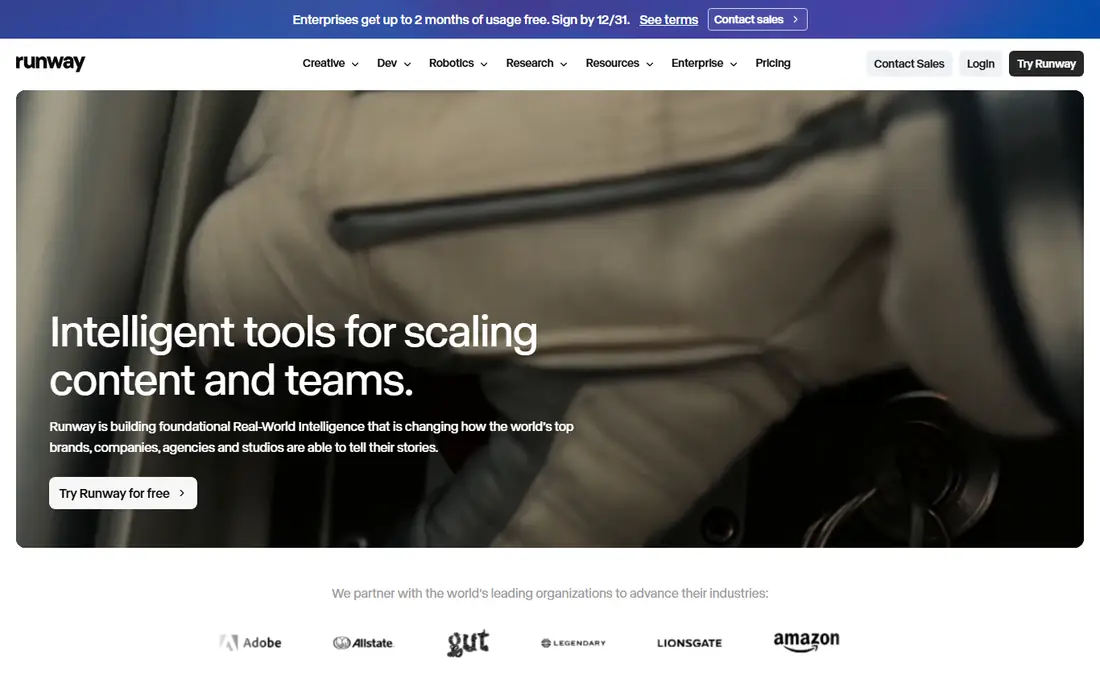
Runway is the most capable tool here for creators who want control. Its image to video models handle camera movement, subject motion and scene changes with more nuance than simpler apps, and the platform includes editing, upscaling and finishing tools. That depth rewards users who already think in shots and edits.
Beginners may find it more complex than PixVerse or Pika, and the best models sit behind paid plans. Free credits give you a taste, but regular use needs a subscription. For polished clips and client-facing work, Runway is worth the learning time.
- Strong cinematic motion control
- Image to video and text to video
- Editing and upscaling tools included
- Steeper learning curve
- Higher paid tiers for best models
- Free credits are limited
Kling AI stands out for creators who want more than a five second clip. It supports longer generations and keyframe control, which helps when you want a scene to move in a planned way rather than a single burst of motion. The free tier lets you test the basics before paying.
Pricing and credit use vary by model, so check the cost of the exact model you plan to use, not just the headline plan price. For creators moving beyond quick social clips into short scenes, Kling is a strong step up.
- Free basic tier
- Longer and keyframed clips than many rivals
- Strong motion quality
- Some advanced models need higher tiers
- Interface can be busy
- Credit costs vary by model
HeyGen turns a photo into an avatar that can present a script in many languages, which suits training videos, product explainers and marketing clips. You can build a presenter from a photo, choose a voice, and generate a video without filming anyone. That speed is the main appeal for teams that produce a lot of video.
Costs rise quickly for regular use, and the free tier is mainly for testing. Avatar videos can also feel less natural than a real presenter, so they work best for informational content rather than emotional storytelling.
- Photo avatars and AI presenters
- Many voices and languages
- Good for training and marketing videos
- Higher starting price than simple animators
- Free tier is limited
- Output can feel templated
LivePortrait focuses on animating faces with expressions and movement, and it supports both human and animal portraits. The interface is simple, generation is fast, and the free plan lets you try animations without paying. That makes it a good choice for fun portraits, greetings and social experiments.
Free outputs are less stable than paid ones, and you cannot easily edit a finished clip without re-uploading. For polished commercial work, a paid plan or a more advanced tool may be better. For quick, charming face animation, LivePortrait is hard to beat for ease.
- Free plan with animations
- Supports human and animal portraits
- Simple interface
- Fast generation
- Free animations are less stable
- Higher quality needs paid credits
- Editing after download is limited
Hailuo AI, from MiniMax, is known for strong image to video quality and support for multiple reference images, which helps keep a character or subject consistent across a clip. Trial credits let new users test it, and paid plans raise resolution and volume. Creators who need consistent subjects across scenes often rate it highly.
The credit and model system takes a little learning, and trial credits do not cover every model. Check which models your plan includes before you build a project around a specific look.
- Trial credits to start
- Multi-reference image support
- Strong motion quality
- Up to 4K on some outputs
- Paid plans needed for regular use
- Trial covers limited models
- Credit system needs checking
Immersity AI takes a different approach. Instead of animating a face, it adds depth and camera motion to a still photo, so a scenery or interior seems to move in three dimensions. That effect suits photographers, real estate creators and anyone who wants a still image to feel alive without a full video model.
It will not make a portrait talk, and its niche focus means it complements rather than replaces a general animator. Pair it with a face tool when a project needs both depth motion and a speaking character.
- Turns photos into 3D motion clips
- Good for scenerys and stills
- Free tier available
- Less suited to talking faces
- Paid plans needed for best quality
- Niche use compared with general animators
How we picked these
We compared official pricing pages, feature descriptions and public tool comparisons for photo animation tools that are currently available, and we favored tools with a clear free tier or trial, published pricing, and a distinct animation strength. We excluded tools that only upscale photos or only generate images with no motion. Free credit limits, watermarks and clip lengths change often, so confirm the current tier before you start a project that depends on them.
How to get better results from a photo animator
Start with a sharp, well-lit photo, since blurry or dark images animate less cleanly. For face animation, use a front-facing portrait with a clear expression and no hands or objects covering the face. For scene animation, write a short, specific prompt that describes one motion, such as a slow camera push or gentle wind, rather than five motions at once.
Generate a short test first, check the motion and any artifacts, then adjust the prompt or the photo before you spend credits on a longer clip. Keep your expectations honest for free tiers: short, watermarked tests are for learning, and paid plans are where consistent, client-ready output usually lives.
Sources
Frequently asked questions
What is the best AI photo animation app for free?
PixVerse, Pika and LivePortrait all offer free tiers, and each suits a different job. PixVerse is best for general photo animation, Pika for short stylized clips, and LivePortrait for simple face animation. Expect watermarks or credit limits on free outputs.
What is the best free AI photo animation tool without a watermark?
Most free tiers add a watermark or limit resolution, and a paid plan is usually needed for clean, high resolution output. LivePortrait offers downloadable free animations, but stability and quality are lower than paid tiers, so check the current free terms before you rely on it.
Can AI animate an old photo?
Yes, many tools handle old photos, though results depend on image quality. A scanned, high resolution copy with a clear face works better than a faded, damaged print. Some tools are built for old photo restoration and animation, but general animators such as PixVerse and Runway also work with scanned portraits.
What is the best AI tool for photo animation with talking faces?
HeyGen is a strong choice for talking portraits. suits character and social videos, while HeyGen suits presenter and training videos with many voices and languages.
How long are AI photo animation clips?
Most free and entry plans produce clips of about five to ten seconds, with longer clips on higher tiers or with keyframe tools such as Kling AI. If you need a longer video, plan to generate several clips and join them in an editor.