Best AI Powered Collaboration Tool in 2026: 9 Tools Compared
By ToolNimba Editorial Team October 31, 2026 11 min read

- Top pick
 Notion AI
Docs, wikis and workspace search
Starting price$20 per user per monthCheck out Notion AIRead our review - Runner-up
 ClickUp Brain
AI inside tasks and projects
Starting price$7 per user per monthCheck out ClickUp BrainRead our review - Also great
 Slack AI
Summaries and search in chat
Starting price$8.75 per user per monthCheck out Slack AIRead our review
How we researched this
We compared official pricing and feature pages, app store listings, privacy policies and public user reviews. Prices change, so check the provider's site before you pay.
Key takeaways
- Notion AI suits docs-first teams, while ClickUp Brain suits task-first teams that want AI inside projects and boards.
- Slack AI and Zoom AI Companion help most with meeting and message overload, not with long-form writing.
- AI pricing is often an add-on, so check whether AI is included in the base plan or costs extra per user.
- The best AI tool is the one inside the workspace your team already uses, because AI that sits in a separate app gets ignored.
- Review AI outputs before you share them, especially for dates, numbers, decisions and external messages.
Quick comparison
| Name | Best for | Starting price | Free plan | |
|---|---|---|---|---|
| Notion AI | Docs, wikis and workspace search | $20 per user per month | Yes | Visit |
| ClickUp Brain | AI inside tasks and projects | $7 per user per month | Yes | Visit |
| Slack AI | Summaries and search in chat | $8.75 per user per month | Yes | Visit |
 Microsoft Copilot in Teams | Microsoft 365 meetings and chat | See website | No | Visit |
 Zoom AI Companion | Meeting notes and summaries | See website | Yes | Visit |
 Asana AI | AI in project planning and goals | See website | Yes | Visit |
 Miro AI | Visual boards and workshops | See website | Yes | Visit |
 Google Workspace with Gemini | Docs, email and meetings in Google | See website | Yes | Visit |
 Monday AI | AI workflows and board automation | See website | Yes | Visit |
The best AI powered collaboration tools
AI collaboration tools promise to cut the busywork of teamwork: summarising threads, drafting docs, breaking down tasks and finding answers across a workspace. The tools below do that job in different places, from docs and chat to boards and video calls. We compared official pricing pages, AI feature lists, included versus add-on AI pricing and integration depth.
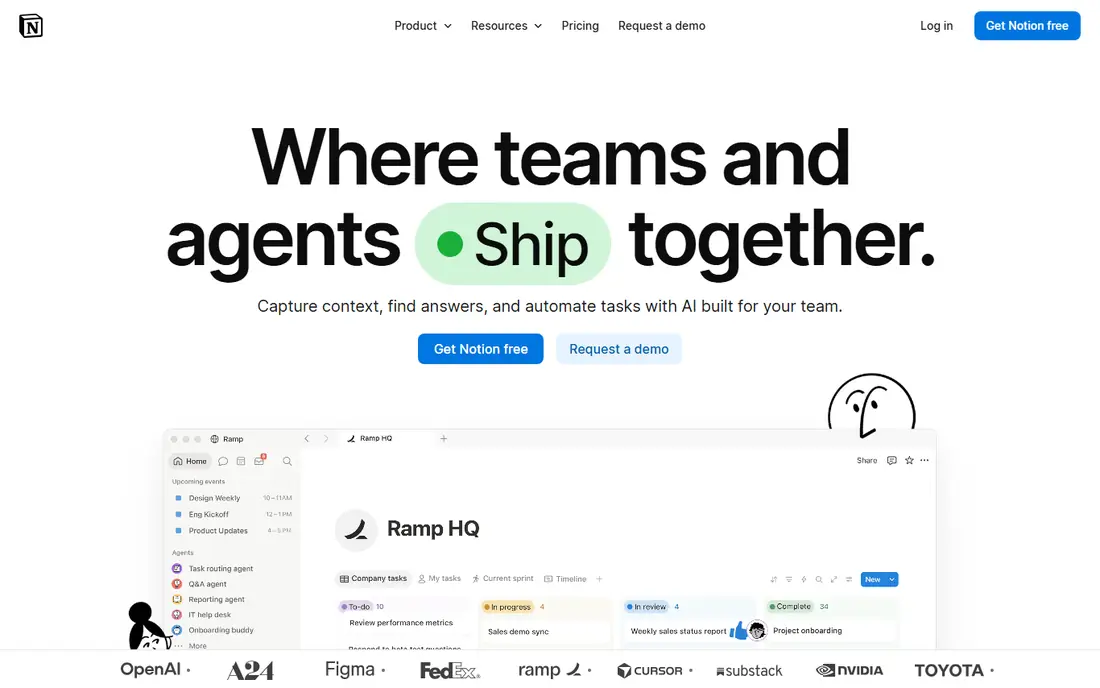
Notion AI works where teams already write. It can draft and edit pages, summarise long docs, extract action items and answer questions across a workspace, including connected sources on higher plans. That makes it strong for knowledge bases, project docs, meeting notes and onboarding guides, where the value is in finding and shaping information, not just storing it.
Pricing is the key detail. Full AI is included in the Business plan at $20 per user per month billed annually, while lower plans get only a limited trial of AI responses. Custom agents add a separate credit-based cost. Notion AI is our pick for docs-first teams that will use AI daily, and a weaker pick for teams that only want occasional AI help.
- AI writing, summarising and workspace Q&A
- Business plan includes full AI
- Strong docs and databases
- Full AI needs the Business plan, not Plus
- Custom agents add usage-based costs
- Lower plans get only trial AI responses
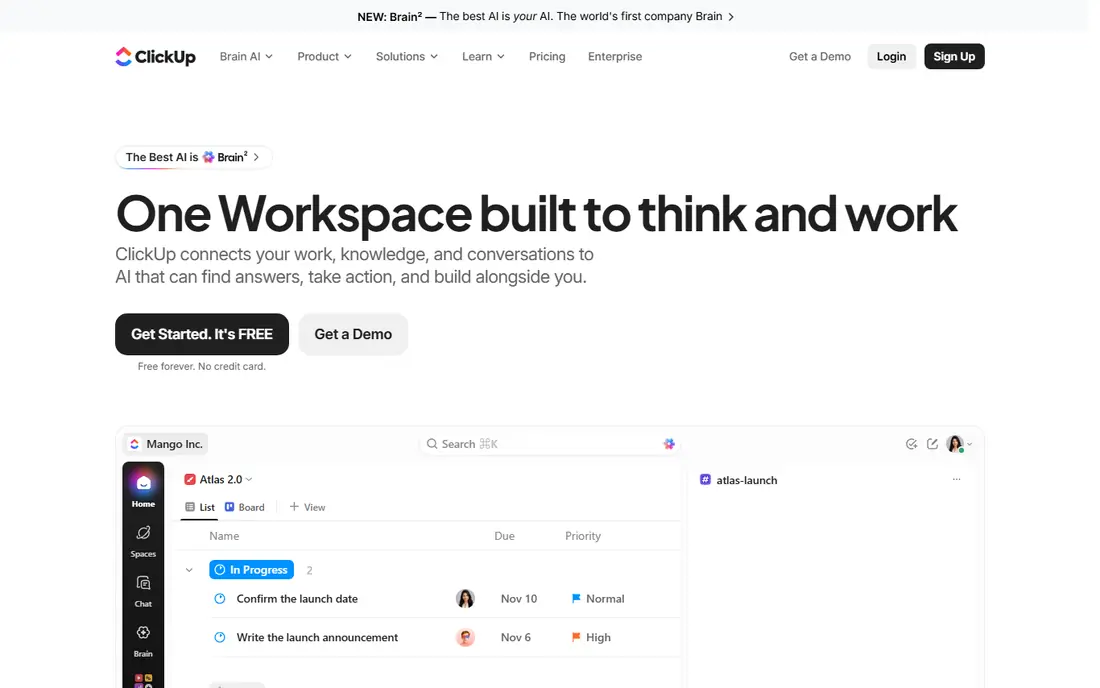
ClickUp Brain puts AI inside project work. It can write task descriptions, break goals into subtasks, summarise projects, draft standups and search across tasks, docs and connected apps. That execution focus suits teams that live in boards and task lists, rather than in long documents. The AI Project Manager features that flag at-risk work can also help managers spot delays earlier.
The cost structure needs care. Brain costs extra per user per month on top of a base plan, with a standard tier and a higher Everything AI tier for fuller agent features. A team on an entry base plan plus Brain can end up paying close to Notion Business per user. ClickUp Brain suits task-first teams that will use AI across many projects, not teams that only need occasional summaries.
- AI task writing, summaries and standups
- Connected search across tasks and docs
- Automation and agents on higher AI tiers
- Brain is a paid add-on, not included in base plans
- Full agent features need the higher Everything AI tier
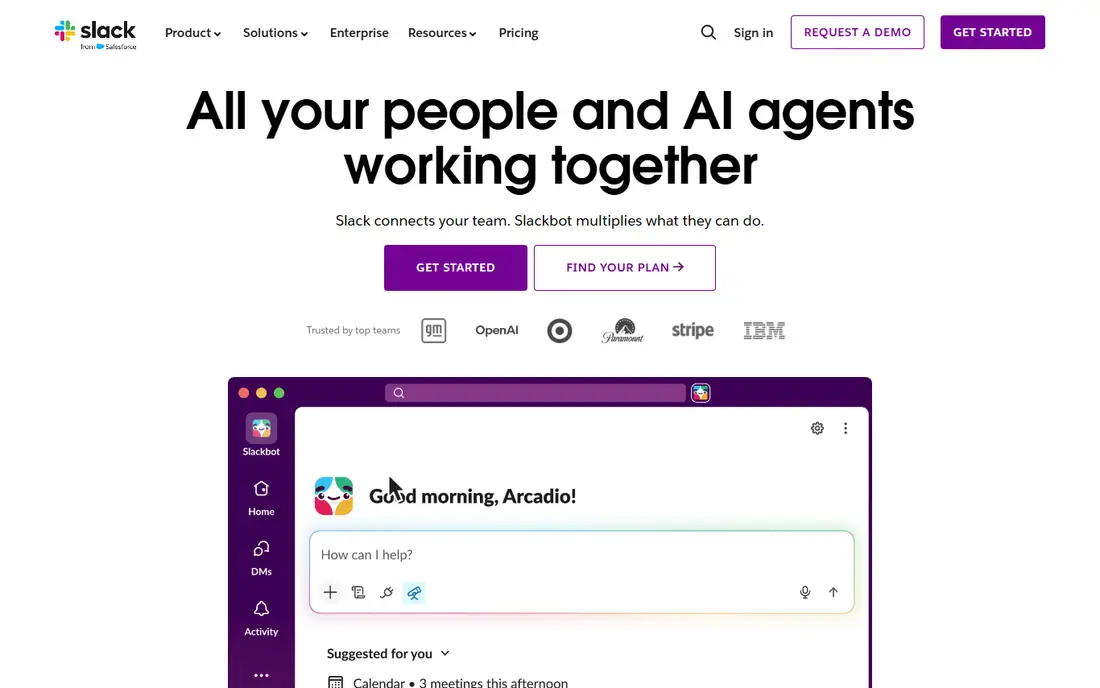
Slack AI tackles a specific pain: too many channels, threads and missed messages. It can summarise long threads, recap huddles, surface key points from channels and answer questions by searching messages, files and connected apps. For teams that make decisions in chat, that can save real time each day and reduce the need to ask colleagues to repeat themselves.
Slack AI does not replace a project or docs tool. It will not plan a project, write a long report or manage tasks in depth. It is best as an add-on for communication-heavy teams already on Slack, especially those with many channels, time zones or new joiners who need to catch up fast.
- Thread and channel summaries
- Recaps for huddles
- AI search across messages and files
- AI is an add-on or higher-tier feature in many cases
- It helps with chat overload, not deep project work
Microsoft Copilot in Teams
Best for: Microsoft 365 meetings and chat
Microsoft Copilot brings AI into Teams meetings, chats and Microsoft 365 apps. In Teams, it can recap meetings, list decisions and action items and answer questions about what was discussed. Across Word, Outlook and other apps, it can draft, summarise and help prepare documents and emails. For companies already on Microsoft 365, that breadth is hard to match with a single point tool.
The catch is plan complexity. Copilot availability, pricing and features vary by Microsoft 365 plan and licence type, so check your current plan before assuming Copilot is included. It suits Microsoft-centred companies that want AI across meetings, email and docs, rather than a team that only uses Teams for chat.
- Meeting recaps and action items in Teams
- Drafts and summaries across Word, Outlook and other Microsoft apps
- Enterprise controls
- Pricing and availability vary by Microsoft 365 plan
- Best value sits inside a full Microsoft 365 setup
Zoom AI Companion is built for teams that spend much of their week on video calls. It can summarise meetings, highlight action items, create smart chapters in recordings and help draft follow-up messages, depending on plan. That reduces the note-taking burden and helps people who missed a call catch up without watching a full recording.
It is not a docs or project AI. Zoom AI Companion helps with meetings, but it will not manage tasks, write a wiki or search a whole workspace in the same way as Notion or ClickUp. It is a strong add-on for meeting-heavy teams already on Zoom, especially for sales, support and cross-functional teams with many calls.
- Meeting summaries and smart recordings on paid plans
- Agenda and drafting help
- Works inside Zoom meetings
- Fuller AI features need paid plans or add-ons
- It is meeting-focused, not a full workspace AI
Asana AI, including Asana's AI Studio features on higher plans, helps teams plan and track work. It can draft projects from a goal, suggest subtasks, summarise project status and help automate routine workflow steps. That suits marketing, operations and product teams that manage many cross-functional projects and need clear status without manual reporting.
Asana is not a docs-first tool. Its AI is strongest inside projects, goals and workflows, not inside long-form writing or workspace search. Teams that need AI mainly for project planning and status updates will get more from Asana than from a chat or meeting tool, as long as they check which AI features sit on their plan.
- AI project and task creation
- Smart status updates and goal tracking
- Workflow automation
- AI features vary by plan
- Best depth needs paid plans
- Less suited to long-form docs
Miro AI helps visual collaboration. During workshops and brainstorms, it can cluster sticky notes into themes, generate diagrams and mind maps from text, summarise board content and help turn ideas into structured next steps. That saves time in the messy middle of a workshop, when a team has many notes and needs to find patterns fast.
Miro does not replace a task manager or a docs system. Boards are great for ideas and planning, but tasks, deadlines and long documents usually live elsewhere. Miro AI suits product, design and strategy teams that run workshops and want AI to organise visual work, rather than teams that need AI for daily task management.
- AI clustering for sticky notes
- Diagram and mind map generation
- Workshop summaries
- AI features vary by plan
- It is a visual tool, not a task or docs manager
Google Workspace with Gemini
Best for: Docs, email and meetings in Google
Google Workspace with Gemini brings AI into the apps many teams already use daily. In Docs, it can draft and summarise; in Gmail, it can summarise threads and draft replies; in Meet, it can take notes and summarise meetings. That coverage across email, docs, sheets and video makes it a practical AI choice for Google-centred companies, schools and small businesses.
Plan details matter. Gemini features, limits and pricing vary by Workspace edition, and some advanced agent features sit on higher tiers. Google Workspace with Gemini suits teams that already live in Gmail and Drive and want AI without adding a new workspace, rather than teams that need deep project or board AI.
- Gemini help in Docs, Gmail, Sheets and Meet
- Summaries and drafting across Google apps
- Familiar Google sharing
- AI availability varies by Workspace plan
- Deeper agent features need higher tiers
- Best for Google-centred teams
Monday AI adds intelligence to Monday's visual boards. It can help build boards, summarise updates, automate routine steps and surface insights from project data, which suits operations, marketing and project teams that track work in boards. Its visual style makes status easy to see at a glance, and AI can reduce manual updates.
Monday is not a docs-first workspace. Long-form writing, wikis and workspace search are weaker than in Notion, and AI depth varies by plan. Monday AI suits teams that already track work in Monday boards and want AI to speed up board setup, summaries and automation, rather than teams that need AI for writing and knowledge search.
- AI column and workflow help
- Board summaries and automation
- Visual project tracking
- AI features vary by plan
- Costs rise with users and AI usage on some plans
- Less docs depth than Notion
How we picked these
We compared official pricing and AI feature pages, whether AI is included or sold as an add-on, and where each AI tool works best: docs, chat, tasks, meetings or boards. We favoured tools with clear AI features in current plans, not just a marketing claim, and we kept a mix of docs, chat, project and visual tools. AI pricing changes often, so check the vendor pricing page for your plan before you buy.
How to choose an AI collaboration tool
Start with where work already happens
If your team writes in Notion, manages tasks in ClickUp or Asana, chats in Slack or meets in Zoom, start with the AI inside that tool. Adding a separate AI app that no one opens will not help, even if its features look strong on paper. A good AI tool should reduce steps in a workflow your team already uses.
Compare total AI cost, not just base price
Add base plan cost plus AI add-on cost per user, and check credit or usage limits for agents and heavy AI use. A cheap base plan plus an expensive AI add-on can cost more than a higher plan with AI included. Also check whether guests, viewers and new joiners get AI, because many tools limit AI to paid members.
Set rules for AI output
AI summaries and drafts save time, but they can miss context, invent details or misstate decisions. Agree that AI meeting notes, status updates and external messages are reviewed before they are shared, and keep human owners for decisions, dates and numbers. Treat AI as a draft and a search aid, not as a decision maker.
Sources
- https://www.notion.com
- https://clickup.com
- https://slack.com
- https://www.microsoft.com/en-us/microsoft-365/copilot
- https://www.zoom.com
- https://asana.com
- https://miro.com
- https://workspace.google.com
- https://monday.com
- https://aizolo.com/blog/ai-workspace-subscription-review-2026/
- https://yourtechcompass.com/notion-ai-vs-clickup-ai-small-teams/