Best AI Study Tools in 2026: 9 Tools Compared
By ToolNimba Editorial Team October 31, 2026 9 min read

- Top pick
 NotebookLM
Document-based study with cited answers
Starting priceFreeCheck out NotebookLMRead our review - Runner-up
 Quizlet
Pre-made decks and study modes
Starting price$7.99 per monthCheck out QuizletRead our review - Also great
 Knowt
Free flashcards with AI notes
Starting priceFreeCheck out KnowtRead our review
How we researched this
We compared official pricing and feature pages, app store listings, privacy policies and public user reviews. Prices change, so check the provider's site before you pay.
Key takeaways
- NotebookLM leads for source-grounded study, Anki leads for long-term retention, and Quizlet leads for ready-made decks.
- Knowt offers the strongest free flashcard start, while StudyFetch and Mindgrasp help most when lectures or long readings pile up.
- AI study apps help when they create active recall, not when they only summarize, so pair summaries with flashcards and practice tests.
Quick comparison
| Name | Best for | Starting price | Free plan | |
|---|---|---|---|---|
| NotebookLM | Document-based study with cited answers | Free | Yes | Visit |
| Quizlet | Pre-made decks and study modes | $7.99 per month | Yes | Visit |
| Knowt | Free flashcards with AI notes | Free | Yes | Visit |
 StudyFetch | Lecture-based study sets and AI tutor | $7.99 per month | Yes | Visit |
 Anki | Spaced repetition that sticks | Free | Yes | Visit |
 Brainscape | Confidence-based flashcard review | $7.99 per month | Yes | Visit |
 Mindgrasp | Fast summaries from long documents | $9.99 per month | Yes | Visit |
 Gizmo AI | Gamified AI flashcards and quizzes | Free | Yes | Visit |
 Khanmigo | Guided AI tutoring for school subjects | $4 per month | Yes | Visit |
The best ai study tools
AI study tools work best when they turn your own material into practice, not when they replace studying. This list covers document tutors, flashcard systems, and lecture tools, so you can pick based on whether your bottleneck is understanding, memory, or sheer volume of material.
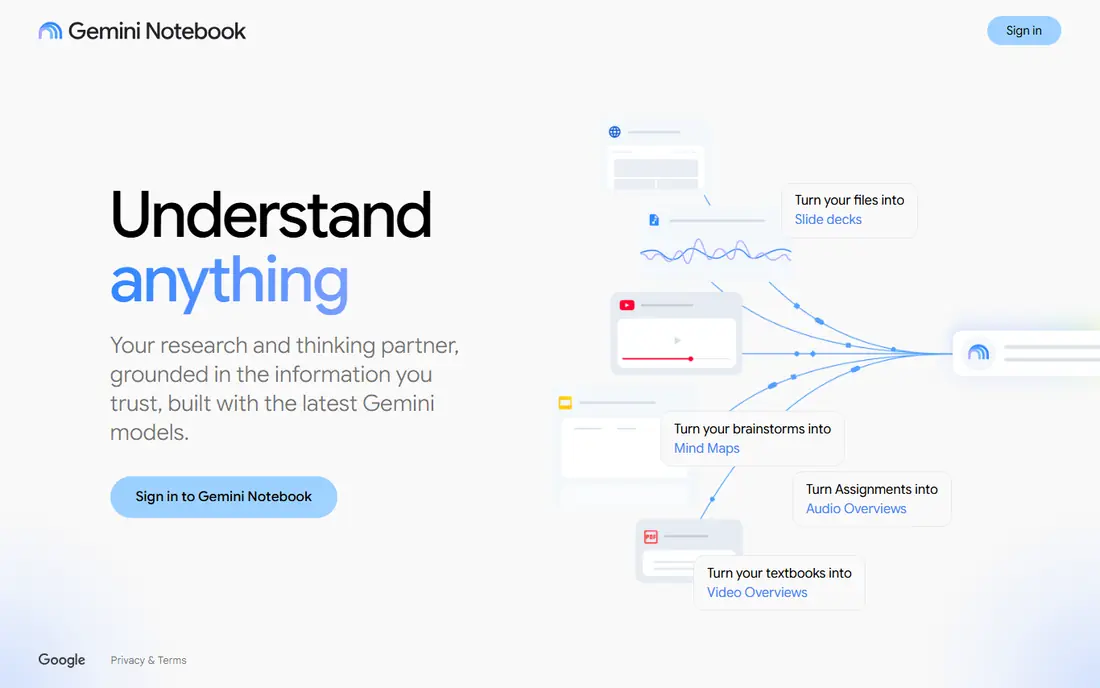
NotebookLM fits students whose material lives in PDFs, slides, and notes and who want answers tied to the exact passage. You upload sources, ask questions, and get responses grounded in those files, plus audio overviews for review on the go. That grounding helps with trust, since you can check the source behind an answer instead of accepting it blindly. The catch is review method, because it does not run a full spaced repetition system like dedicated flashcard apps. Check the export or sharing step early, because a tool that feels fast while you edit can still add friction at delivery.
- Answers grounded in your sources
- Audio overviews
- Generous free tier
- No spaced repetition system
- Best for documents, not flashcard drills
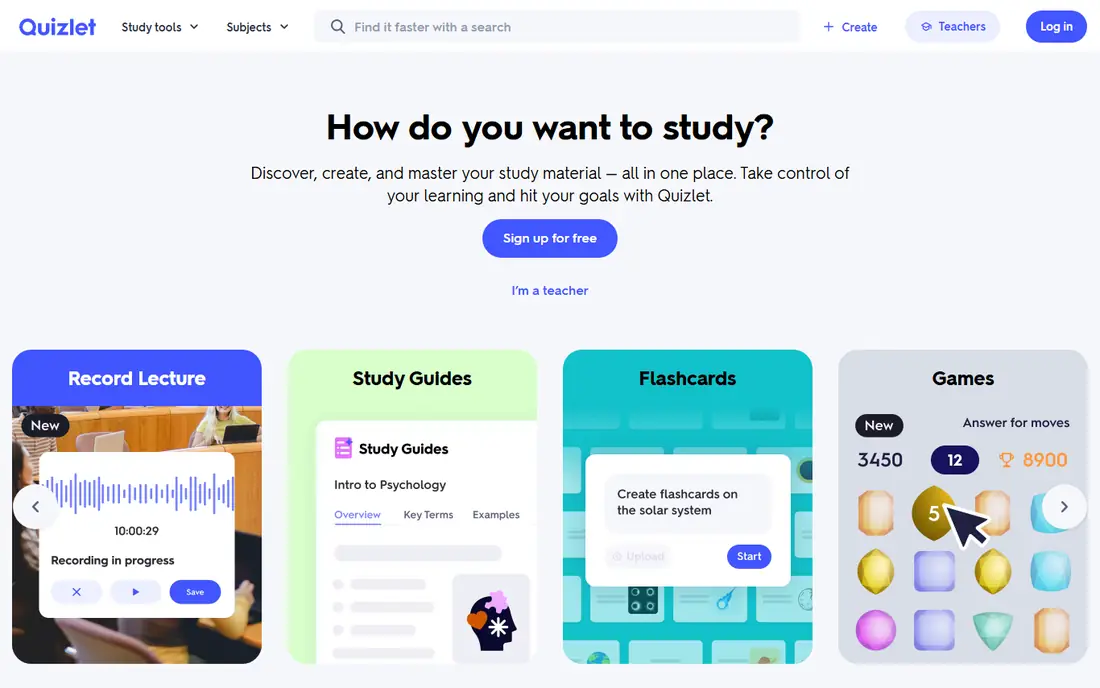
Quizlet fits students who want ready-made decks for standard courses, plus proven study modes for vocab and facts. Its library covers many textbooks and exams, and Learn mode adapts as you work through cards. For common subjects, finding a good existing deck saves hours of card creation. The catch is quality control, since shared decks vary, so check cards against your course material before trusting them. Try the free tier or trial on a small job first, and note what is locked behind a paid plan before you build a workflow around it.
- Largest community deck library
- Learn, Match, and Test modes
- Magic Notes
- Some modes and AI features need Plus
- Quality of shared decks varies
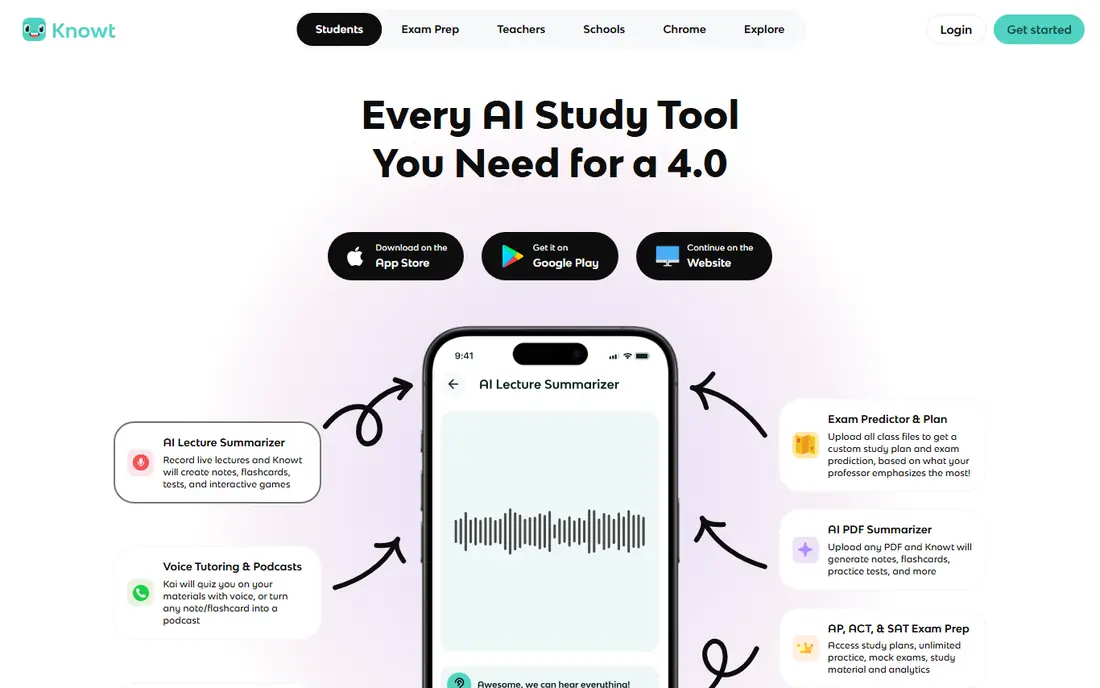
Knowt fits students who want unlimited free flashcards and a simple path from notes or videos to study sets. You can import Quizlet sets, create cards from PDFs and lectures, and use Learn mode and practice tests without paying for basic use. The free tier is genuinely useful, which makes it a strong first app to try. The catch is depth, since its spaced repetition and AI tutoring are lighter than specialist tools. Before you commit, test it on one real project with your usual files and export settings, so you can see where it slows down before it matters.
- Unlimited free flashcards
- Quizlet import
- AI notes from PDFs and video
- Advanced AI features need Ultra
- Spaced repetition is less deep than Anki
StudyFetch fits students with hours of recorded lectures who want those recordings turned into organized study material. It creates notes, flashcards, and quizzes from uploads, and its Spark.E tutor answers questions grounded in your course content. That lecture-to-set pipeline is the main advantage over manual card creation. The catch is the limited free tier, so test it on one real lecture before paying for a full term. Check the export or sharing step early, because a tool that feels fast while you edit can still add friction at delivery.
- Turns lectures and slides into notes and flashcards
- Spark.E tutor
- Free tier is limited
- Cancellation and pricing need checking before subscribing
Anki fits serious students who want long-term retention and are willing to build or curate their own decks. Its spaced repetition algorithm schedules reviews at the right time, which research supports for durable memory. For exams months away, that scheduling beats cramming in most cases. The catch is effort, since good cards take time to write, and the interface feels dated compared with newer apps. Try the free tier or trial on a small job first, and note what is locked behind a paid plan before you build a workflow around it.
- Best-in-class spaced repetition
- Huge shared decks
- Full customization
- Manual card creation
- Dated interface
- IPhone app costs $24.99 once
Brainscape fits students who like a simple review loop built around rating how well they knew each answer. You rate confidence as you go, and the app repeats weaker cards sooner, which keeps study focused on gaps. That confidence system is easy to understand and quick to use daily. The catch is AI limits, since unlimited AI-generated cards sit on the paid plan. Before you commit, test it on one real project with your usual files and export settings, so you can see where it slows down before it matters.
- Confidence ratings guide review
- Curated decks
- Clean study flow
- AI card generation needs Pro
- Free tier limits AI cards
Mindgrasp fits students facing long readings who need a fast, reliable summary before deeper study. It turns PDFs, slides, and recordings into notes and answers questions about the material, which helps with dense legal, medical, and technical texts. Speed is the advantage when a reading list is longer than the week allows. The catch is retention, since summaries alone do not replace active recall, so pair it with flashcards. Check the export or sharing step early, because a tool that feels fast while you edit can still add friction at delivery.
- Quick summaries of PDFs, video, and audio
- Q and A over uploads
- Free option is trial-style
- Less focus on long-term review
Gizmo AI fits students who want AI flashcards and quizzes with a gamified feel that keeps short daily sessions going. It turns notes into cards and quizzes, then uses spaced repetition to schedule reviews. The low-friction setup helps students start the same day they sign up. The catch is the free limit, since daily lives cap heavy use unless you pay. Try the free tier or trial on a small job first, and note what is locked behind a paid plan before you build a workflow around it.
- AI flashcards with spaced repetition
- Gamified review
- Quick setup
- Free daily lives limit heavy use
- AI depth is lighter than tutors
Khanmigo fits school learners and parents who want a tutor that guides thinking instead of handing over answers. Built with Khan Academy, it asks questions, checks steps, and helps students work through problems in core subjects. That guided style supports real learning better than a tool that simply solves homework. The catch is scope, since university and professional topics are less central than school subjects. Before you commit, test it on one real project with your usual files and export settings, so you can see where it slows down before it matters.
- Tutoring that guides rather than giving answers
- Tied to Khan Academy content
- Coverage is strongest for school subjects
- Learner plan pricing varies
How we picked these
We compared official feature pages, current pricing pages, app store listings, privacy policies where they mattered, and public reviews. We kept only products that exist and work today, and that fit the topic directly rather than loosely. Where a price was unclear or changed by plan, we used See website instead of guessing, and we treated free tiers as useful only when they cover real work, not just a demo. We also weighed the honest trade-offs. A strong feature set means less when the price, the learning curve, or the export options make everyday use harder. That is why each write-up below names a catch alongside the strengths, so you can match the tool to your budget, skill level, and the kind of output you actually need.
How to choose an AI study tool
Match the tool to the bottleneck
If you cannot remember facts, choose Anki or Brainscape for spaced repetition. If you cannot understand a topic, choose a tutor like Khanmigo or NotebookLM. If you have too much material, choose a summarizer and then convert its output into cards.
Check answers against your course
AI can invent details, so verify flashcards and summaries against lecture slides and textbooks before exam week. A tool that cites sources, like NotebookLM, makes that check faster.
Keep sessions short and regular
Spaced repetition works through short, regular reviews, not marathon cramming. Pick an app you will open daily, with mobile access and reminders, and build a routine around one set at a time.