Best AI Text to Video App for Creators in 2026: 9 Apps Compared
By ToolNimba Editorial Team October 29, 2026 8 min read

- Top pick
 Runway
Creative filmmaking and editing
Starting price$12 per monthCheck out RunwayRead our review - Runner-up
 Pika
Fast stylized social clips
Starting price$8 per monthCheck out PikaRead our review - Also great
 Kling
Value and realistic motion
Starting price$10 per monthCheck out KlingRead our review
How we researched this
We compared official pricing and feature pages, app store listings, privacy policies and public user reviews. Prices change, so check the provider's site before you pay.
Key takeaways
- Runway offers the most complete creative toolkit, with camera controls, motion brushes and editing in one place.
- Kling and Pika are the value picks for short social clips, with entry plans at 10 dollars and 8 dollars per month.
- Luma Dream Machine produces smooth, physically coherent motion, but its entry plan costs more than rivals.
- Synthesia and HeyGen serve a different job: avatar videos from a script, ideal for training and explainers.
- Note that OpenAI shut down the consumer Sora app in April 2026, so Sora is not a current option for creators.
Quick comparison
| Name | Best for | Starting price | Free plan | |
|---|---|---|---|---|
| Runway | Creative filmmaking and editing | $12 per month | Yes | Visit |
| Pika | Fast stylized social clips | $8 per month | Yes | Visit |
| Kling | Value and realistic motion | $10 per month | Yes | Visit |
 Luma Dream Machine | Smooth cinematic motion | $30 per month | No | Visit |
 Hailuo AI | Stylized clips and localization | $9.99 per month | Yes | Visit |
 Google Veo 3 | Photorealism with audio | $19.99 per month | No | Visit |
 Synthesia | Avatar training videos | $29 per month | Yes | Visit |
 HeyGen | Avatar explainers and marketing | $29 per month | Yes | Visit |
 Pictory | Script to video for marketers | $19 per month | Free trial | Visit |
The best AI text to video app for creators
AI text to video tools turn a written prompt or a still image into a short video clip, usually 5 to 15 seconds long. We compared official feature pages, pricing pages and public documentation to build this list, focusing on tools that are actively available to creators in October 2026.
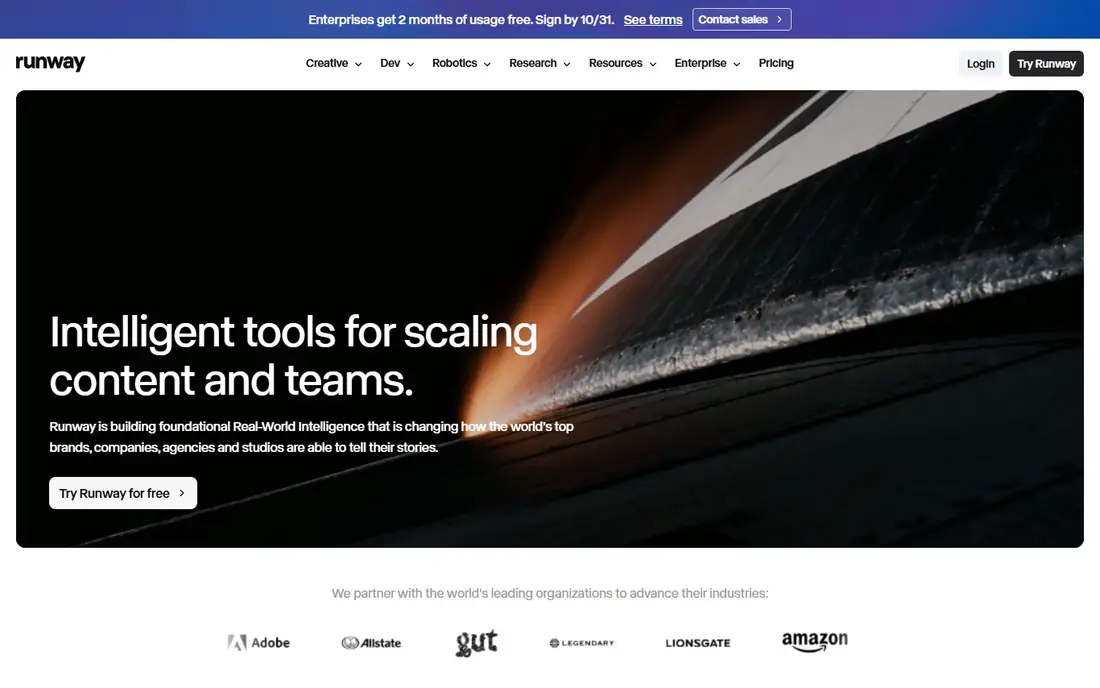
Runway pairs its Gen-4 video models with a full creative workspace: camera direction, motion brushes, lip sync and editing tools sit alongside generation. The Standard plan costs 12 dollars per month on annual billing for 625 credits, with Pro at 28 dollars for heavier use.
The toolset is the most complete here, which suits filmmakers and creators doing client work. Free access covers 125 one-time credits with a watermark, so test the models before paying. For regular creative work, Runway Pro is our pick for most people.
- Mature Gen-4 models
- Camera motion and motion brush controls
- Editing workspace included
- Credit costs add up on long projects
- Free credits are one-time only

Pika focuses on quick, expressive clips for social media, with text-to-video and image-to-video modes and tools for adjusting parts of a clip. The Standard plan costs 8 dollars per month on annual billing, while Pro at 28 dollars removes watermarks and is positioned as the minimum tier for commercial work.
Speed and price are the appeal: creators can iterate many ideas cheaply. Clips run shorter than some rivals, and the style leans playful rather than photoreal. For memes, shorts and rapid prototyping, Pika is strong value.
- Low entry price
- Fast generation
- No watermark on paid plans
- Shorter clips than some rivals
- Commercial use needs a higher tier
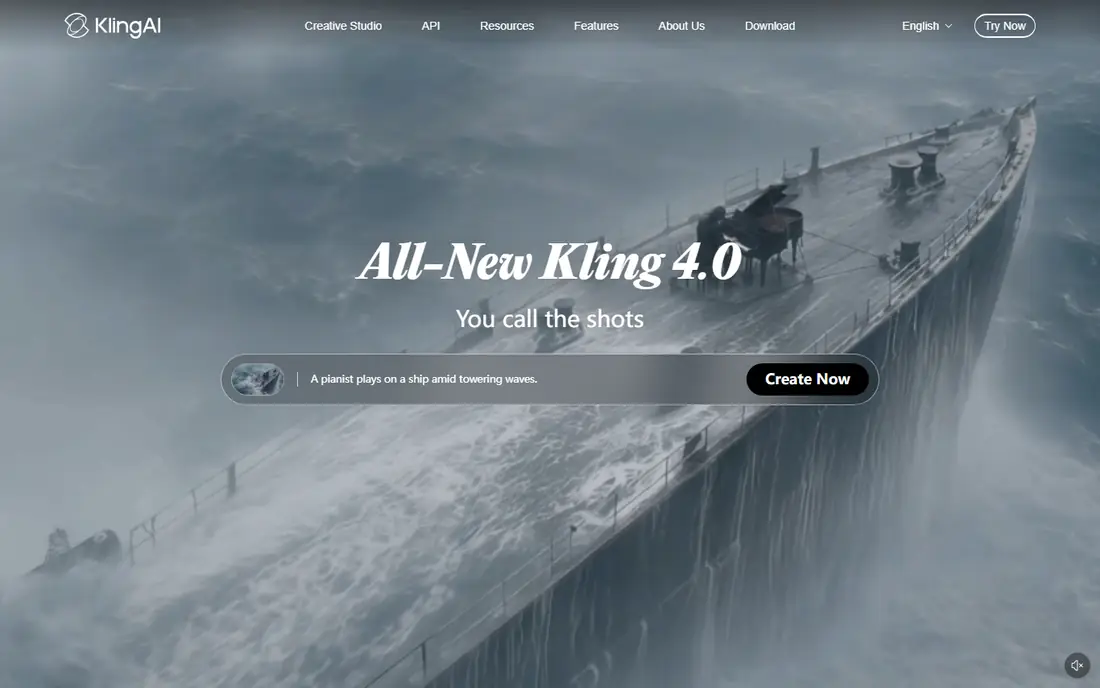
Kling, from Kuaishou, generates realistic motion with good physics and expressive character animation, plus lip sync in multiple languages. The Standard plan costs 10 dollars per month for 660 credits, with a free basic tier that carries a watermark.
The value is hard to beat for realistic short clips, especially for marketers and social creators. Free users get limited credits, so serious use needs a paid plan. For realistic motion on a budget, Kling is our pick.
- Strong motion and physics realism
- Multilingual lip sync
- Low entry price
- Free tier has no monthly credits
- Interface can feel busy
Luma Dream Machine is known for smooth, physically coherent motion, especially for shots with complex camera movement, plus keyframe controls for directing shots. The Plus plan costs 30 dollars per month for 10,000 credits, with higher tiers for heavy use.
As of August 2026 there is no permanent free tier, which raises the cost of trying it. If motion quality matters more than price, Luma is worth it; if budget matters more, Kling or Pika cover similar jobs for less.
- Smoothest, most coherent motion of the group
- Camera keyframe controls
- Realistic aesthetics
- No permanent free tier
- Entry plan is the priciest here
Hailuo AI, from MiniMax, generates stylized video clips with a distinctive look and strong localization options. Paid plans start from 9.99 dollars per month, with a free tier behind sign-in.
The aesthetic range suits creators who want something beyond generic realism, and localization features help multilingual projects. The community and tutorial base is smaller than Runway or Pika, so expect more self-guided learning.
- Distinct visual styles
- Strong for Asian markets and localization
- Low entry price
- Smaller community than leaders
- Some features vary by region
Google Veo 3 generates photorealistic video with native audio, so dialogue, sound effects and ambient sound can arrive with the picture rather than added later. Access for creators runs through Gemini plans from 19.99 dollars per month, while enterprise API use is custom priced.
The realism and audio integration set Veo apart for brand and narrative work. The trade is access: you buy a Gemini plan, not a standalone video subscription, and heavy API use costs more. For creators already in Google tools, Veo is a natural fit.
- Photorealistic clips with native audio
- Strong Google integration
- High quality motion
- Access runs through Gemini plans
- Enterprise use is custom priced
Synthesia turns a script into a presenter video with an AI avatar, in more than 140 languages, without cameras or studios. The Starter plan costs 29 dollars per month, with a free tier offering a few minutes a month.
Training teams, HR and educators get the most value: update a script and regenerate the video instead of refilming. Avatar videos will not replace creative filmmaking, but for explainers and courses they save days of production time.
- Realistic AI avatars from a script
- 140 plus languages
- No filming needed
- Avatar videos suit training, not cinematic content
- Per-video minute limits
HeyGen creates avatar videos from scripts, with voice cloning, templates and team workspaces for marketing and training content. Plans start at 29 dollars per month, with a free tier offering a small credit allowance.
The marketing templates and collaboration tools suit founders and small teams making product explainers without filming. Avatar realism varies, so test voices and avatars during the trial. For fast explainer videos, HeyGen is a strong pick.
- Avatar videos plus voice cloning
- Team collaboration
- Templates for marketing
- Realism varies by avatar
- Credits limit longer videos
Pictory converts scripts, blog posts and long videos into short, captioned videos using stock footage, voiceover and templates. The Starter plan costs 19 dollars per month, with a free trial available.
The tool suits marketers and YouTubers who need faceless content at volume, since it automates editing rather than generating new footage. Creative control is lower than Runway or Kling, and results can feel templated. For repurposing content fast, Pictory is efficient.
- Turns scripts and articles into videos with stock footage
- Automatic captions
- Brand templates
- Output leans templated
- Less creative control than generative models
How we picked these
We compared official feature pages, pricing pages and public documentation for each tool, and favored products that are actively available in October 2026. We excluded Sora, which OpenAI shut down for consumers in April 2026. Prices come from vendor pricing pages and recent vendor listings, and where plans use credits we note the entry plan rather than the top tier.
How to choose an AI text to video app
Start with the job. Creative clips point to Runway, Kling, Pika or Luma, while avatar explainers point to Synthesia or HeyGen, and content repurposing points to Pictory. Next, check credits: entry plans include a fixed monthly allowance, and longer or higher resolution clips consume more.
Test motion and text rendering
Generate the same prompt on two or three tools during trials and compare motion smoothness, hand and face quality, and text rendering. Models differ sharply on these details, and your subject matter decides which matters most.
Check commercial use terms
Free tiers often forbid commercial use or add watermarks. If videos will appear in client work or monetized channels, confirm the plan that covers commercial use before publishing.