Best AI Tool for Image Creation in 2026: 9 Tools Compared
By ToolNimba Editorial Team October 29, 2026 10 min read

- Top pick
 Midjourney
Artistic images and illustration
Starting price$10 per monthCheck out MidjourneyRead our review - Runner-up
 ChatGPT (GPT Image)
Easy image creation inside chat
Starting price$20 per monthCheck out ChatGPT (GPT Image)Read our review - Also great
 Adobe Firefly
Commercially safe brand images
Starting price$9.99 per monthCheck out Adobe FireflyRead our review
How we researched this
We compared official pricing and feature pages, app store listings, privacy policies and public user reviews. Prices change, so check the provider's site before you pay.
Key takeaways
- Midjourney still leads on pure artistic style, but it has no free plan and costs from $10 per month.
- ChatGPT image generation and Google Gemini are the easiest starting points because most people already have an account with one of them.
- Adobe Firefly is the safest choice for commercial brand work, since Adobe trains it on licensed and public domain content.
- If you want full control and no monthly fee, Stable Diffusion is free to run yourself, but it needs more setup and a capable computer.
- Text inside images remains a weak spot for many tools, and Ideogram is the strongest specialist pick for posters, logos and signs.
Quick comparison
| Name | Best for | Starting price | Free plan | |
|---|---|---|---|---|
| Midjourney | Artistic images and illustration | $10 per month | No | Visit |
| ChatGPT (GPT Image) | Easy image creation inside chat | $20 per month | Free trial | Visit |
| Adobe Firefly | Commercially safe brand images | $9.99 per month | Yes | Visit |
 Google Gemini | Photorealistic images in Google apps | $20 per month | Yes | Visit |
 Leonardo AI | Game art and design assets | $12 per month | Yes | Visit |
 Ideogram | Text and typography in images | $8 per month | Yes | Visit |
 Canva Magic Media | Quick social and marketing graphics | $15 per month | Yes | Visit |
 Stable Diffusion | Free local control | Free | Yes | Visit |
 Recraft | Logos, vectors and brand sets | $12 per month | Yes | Visit |
The best ai tools for image creation
The best ai image generator app for you depends on what you make most. Some tools chase beauty, others chase accuracy, and a few focus on images you can safely use at work. We compared official feature pages, pricing pages and app store listings, plus public reviews, to sort the leaders from the niche picks.
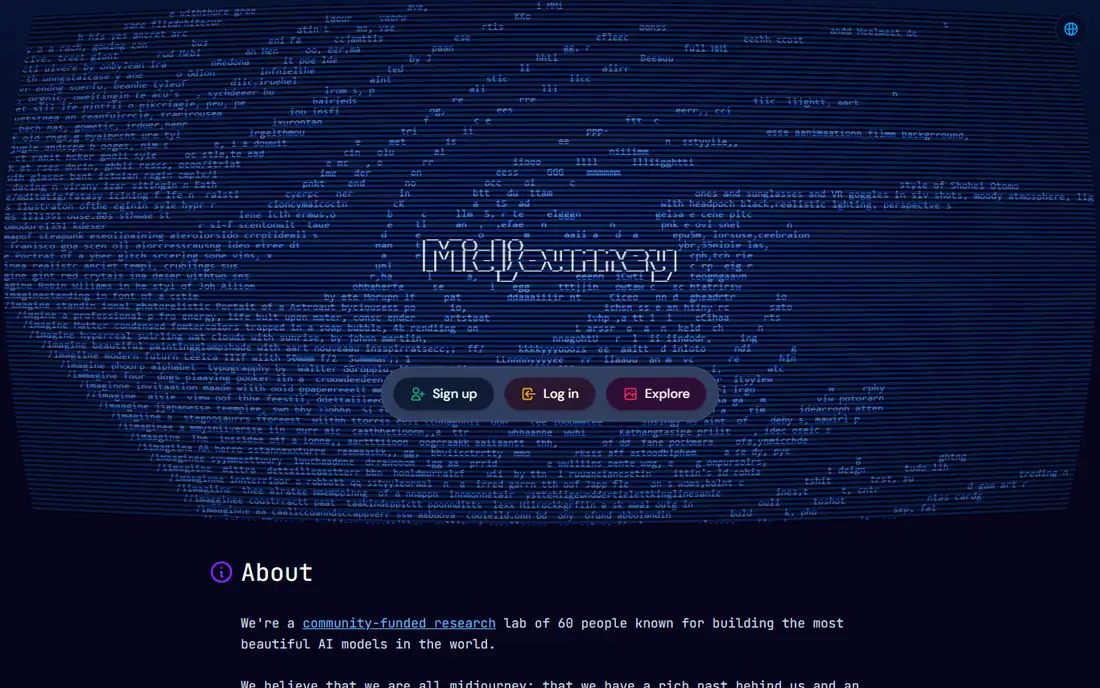
Midjourney is our pick for most people who care first about how an image looks. Its output tends to feel polished and cinematic, which suits book covers, posters, concept art and social graphics. The web editor has made it far easier to use than the early Discord-only version.
The catch is cost and precision. There is no free tier to test it properly, and it is less literal than some rivals when a prompt needs exact details. If you need a product shot with exact wording, pair it with a text specialist or pick a different tool.
- Striking artistic style
- Strong control over mood and composition
- Large active community
- No free plan
- Text in images can still go wrong
- Learning curve for new users
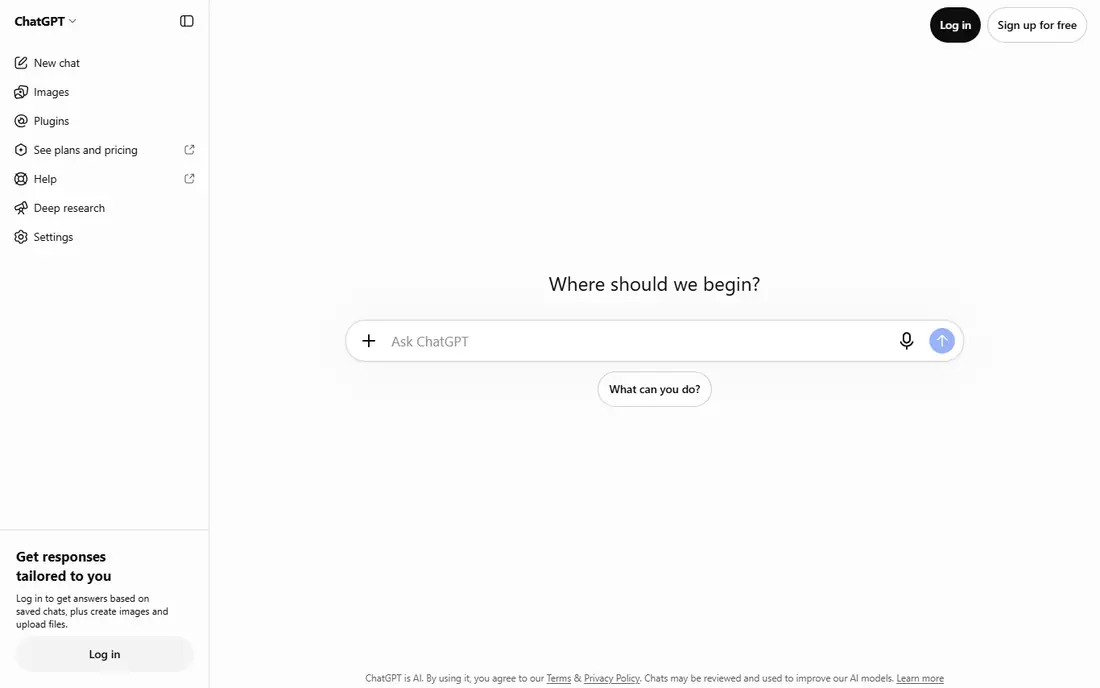
ChatGPT image generation, the successor to DALL-E, is the simplest route for most beginners. You describe an image, then refine it by talking back, which feels natural if you already use chat tools. It follows detailed prompts well and handles words inside images better than most rivals.
It is not the best choice for fine art direction. Controls for exact style, lighting and composition are simpler, and heavy users can hit limits. For everyday marketing images, blog art and quick mockups, though, it is hard to beat for convenience.
- Conversational editing in plain language
- Strong prompt accuracy
- Good text rendering
- Paid plan needed for heavier use
- Style control is less deep than Midjourney
- Usage caps apply
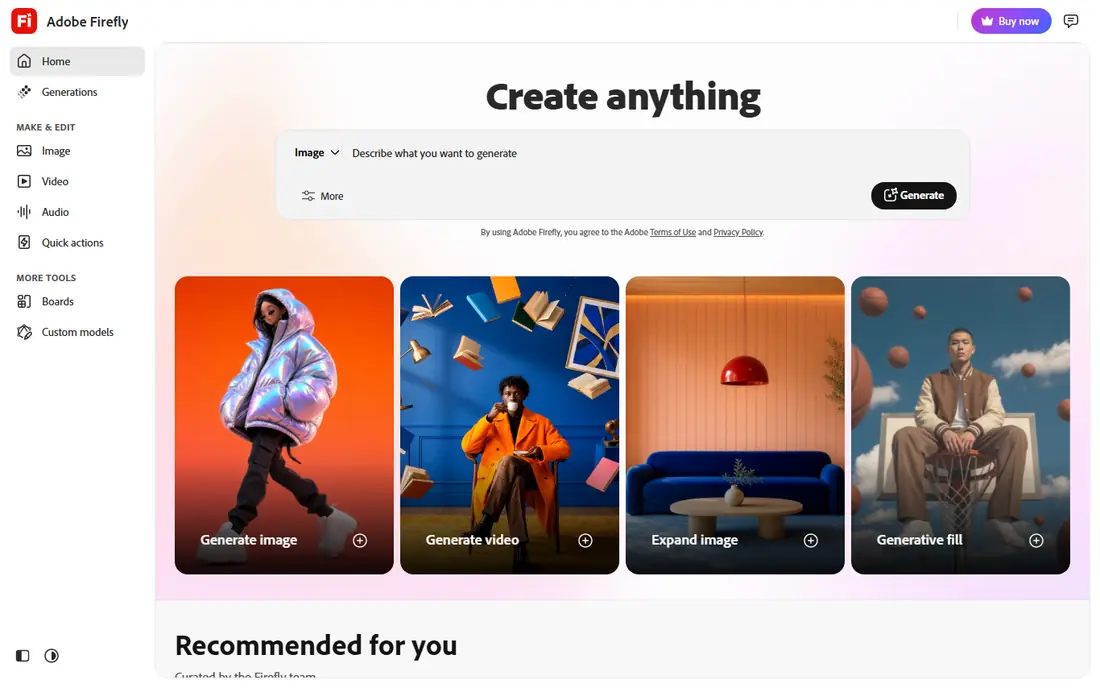
Firefly is the pick for teams that must publish images without legal doubt. Adobe says it trains Firefly on licensed stock, openly licensed work and public domain content, which gives brands a clearer story than tools trained on scraped web images. It also plugs into Photoshop, so edits stay in a familiar workflow.
The trade-off is ceiling. Firefly images can look clean and safe rather than striking, and the free tier is limited by credits. If your work is client facing and risk matters more than wow factor, that trade is worth making.
- Trained on licensed content
- Works inside Photoshop and other Adobe apps
- Clear commercial terms
- Raw artistic range trails Midjourney
- Best value needs a Creative Cloud plan
- Credit limits apply
Gemini, with Google Imagen models behind it, is a strong all-round choice, especially for realistic photos and everyday visuals. You can generate, edit and iterate inside a tool many people already open daily, which lowers the barrier for casual creators and small teams.
Serious illustrators may miss deeper controls for style consistency and character work. Gemini also changes models and limits over time, so check the current plan before you rely on it for a large project. For fast, believable images, it earns its place here.
- Strong photorealism
- Free access to try
- Fits Google Workspace workflows
- Fewer pro art controls
- Output can vary between prompts
- Paid features sit behind Google AI plans
Leonardo AI suits designers and game creators who want control without running their own models. It offers a range of tuned models, canvas editing and asset tools that go beyond a single text box. The free tier gives you room to learn before paying.
Beginners should expect a learning curve. The number of settings is a strength for pros and a hurdle for casual users. If you make characters, environments or product concepts regularly, the extra control pays off quickly.
- Generous free daily credits
- Strong game and concept art styles
- Fine control over models and settings
- Interface can overwhelm beginners
- Best results need some prompt practice
- Commercial terms vary by plan
Ideogram is the specialist to reach for when words matter. Most image tools garble text, but Ideogram renders short phrases, titles and signs far more reliably. That makes it useful for event posters, book covers, greeting cards and social graphics with headlines.
For pure illustration or photorealism, other tools on this list go further. Think of Ideogram as a second tool in your kit, or your main tool if most of your images carry text. The free tier is enough to judge whether its spelling advantage matters for your work.
- Best spelling and typography among general tools
- Clean poster and logo styles
- Free tier to test
- Narrower general style range
- Smaller community than Midjourney
- Advanced editing is limited
Canva Magic Media is not trying to win an art contest. Its strength is speed: generate an image, drop it into a social post, flyer or presentation, and publish, all in one place. For small businesses and creators who post often, that workflow beats a prettier tool with extra export steps.
The weakness is depth. You get less control over style and composition, and free credits run out fast if you generate a lot. If you already use Canva, Magic Media is a natural add-on. If you need gallery-quality art, start elsewhere.
- Images land straight into designs
- Huge template library
- Easy for non-designers
- Image quality trails specialist tools
- Credits limit free use
- Less control over fine detail
Stable Diffusion is the free, self-hosted option for people who want control and privacy. You can run it on your own computer, pick from many community models, and avoid monthly fees or content filters imposed by hosted services. For developers and hobbyists, that freedom is the whole point.
It is not a casual pick. Installation, model downloads and prompt tuning take effort, and results vary a lot by setup. If you enjoy tinkering and own decent hardware, it is unmatched value. If you want images in two minutes, choose a hosted tool.
- Free and open to run locally
- Full control over models and settings
- Strong privacy since images stay on your machine
- Needs a capable graphics card
- Setup takes time
- Quality depends on the model you choose
Recraft fills a gap most image tools ignore: vector graphics. Logos, icons and illustrations need clean, scalable files, and Recraft generates vectors you can actually edit and resize without blur. It also helps keep a consistent brand style across a set of images.
Photorealistic photos are not its strength, so it works best beside a photo tool rather than instead of one. For startups, designers and marketing teams building a visual identity, Recraft is a practical specialist worth the free trial.
- True vector output for logos
- Consistent brand styles
- Useful for icons and illustrations
- Less strong for photorealism
- Smaller model range than general tools
- Brand features sit on paid plans
How we picked these
We compared official feature pages, pricing pages and app store listings for each tool, and cross-checked them against current public reviews. We kept only tools that exist and work in October 2026 and that truly generate images from text or image prompts. We favoured a mix of artistic leaders, commercial-safe options, free tools and specialists, so different readers can find a fit rather than one default answer.
We did not claim hands-on testing that did not happen. Where pricing differed between sources, we used the vendor plan most widely listed and marked anything uncertain as See website in our checks. Prices change often, so confirm the current plan before you subscribe.
What to check before you pay
Start with the job, not the tool. A poster with a headline needs different strengths than a fantasy illustration or a product photo, and no single tool leads on all three. Try the free tier of two or three tools with the same prompt, then compare which one follows your instructions and which one needs the least fixing.
Next, read the commercial terms. Free plans often allow personal use but limit commercial use, and credit systems can make a cheap plan expensive if you generate in bulk. Check whether the tool trains on licensed content if you publish client work, and whether you can download high-resolution files without a watermark.
Finally, think about workflow. A tool inside Canva, Photoshop or Google apps saves export steps, while a local tool saves fees but costs setup time. Pick the tool you will actually open every week, not the one with the longest feature list.
Watch the credit trap
Many tools sell monthly credits rather than unlimited images. A plan that looks cheap can run out mid-project, and top-ups add up. Estimate how many images you make in a typical week, then choose a plan with headroom. If your volume varies, a pay-as-you-go host or a free local tool may cost less over a year.
Check text, hands and logos closely
Even the best tools still make mistakes with spelling, hands and brand marks. Zoom in before you publish, especially on images with text, people or products. A quick second pass in an editor catches most errors and saves an embarrassing post.
Sources
- https://www.midjourney.com
- https://www.chatgpt.com
- https://firefly.adobe.com
- https://gemini.google.com
- https://www.leonardo.ai
- https://www.ideogram.ai
- https://www.canva.com
- https://www.stability.ai
- https://www.recraft.ai
- https://www.aitoolsintel.com/best/ai-image-tools.html
- https://savedelete.com/article/best-ai-image-generators/