Best AI Tool for Resume in 2026: 9 Tools Compared
By ToolNimba Editorial Team November 6, 2026 9 min read

- Top pick
 Teal
Free builder plus job tracking
Starting price$29 per monthCheck out TealRead our review - Runner-up
 Rezi
Keyword-targeted corporate resumes
Starting price$29 per monthCheck out ReziRead our review - Also great
 Kickresume
Design-forward templates
Starting price$24 per monthCheck out KickresumeRead our review
How we researched this
We compared official pricing and feature pages, app store listings, privacy policies and public user reviews. Prices change, so check the provider's site before you pay.
Key takeaways
- Teal offers the most useful free plan here, with PDF downloads and job tracking included.
- Rezi leads for keyword targeting and applicant system checks, especially for corporate roles.
- Kickresume and Enhancv lead for design-forward templates and visual polish.
- Watch trial renewals. Several builders use a low trial price that renews into a monthly subscription.
Quick comparison
| Name | Best for | Starting price | Free plan | |
|---|---|---|---|---|
| Teal | Free builder plus job tracking | $29 per month | Yes | Visit |
| Rezi | Keyword-targeted corporate resumes | $29 per month | Yes | Visit |
| Kickresume | Design-forward templates | $24 per month | Yes | Visit |
 Enhancv | Creative layouts and content feedback | $24.99 per month | Free trial | Visit |
 Resume.io | Fast polished resumes | $29.95 per month | Yes | Visit |
 Zety | Guided step-by-step builder | $25.95 per month | Yes | Visit |
 Novoresume | Structured one-page resumes | $23.99 per month | Yes | Visit |
 Jobscan | Match check against a job posting | $49.95 per month | Yes | Visit |
 Resume Genius | Prompt-led writing help | $23.95 per month | Yes | Visit |
The best AI tool for resume
A good resume tool does more than format a page. It helps you tailor wording to a job, keep a clean layout that hiring systems can read, and track applications. The tools here range from free-first builders to keyword checkers for a specific job posting.
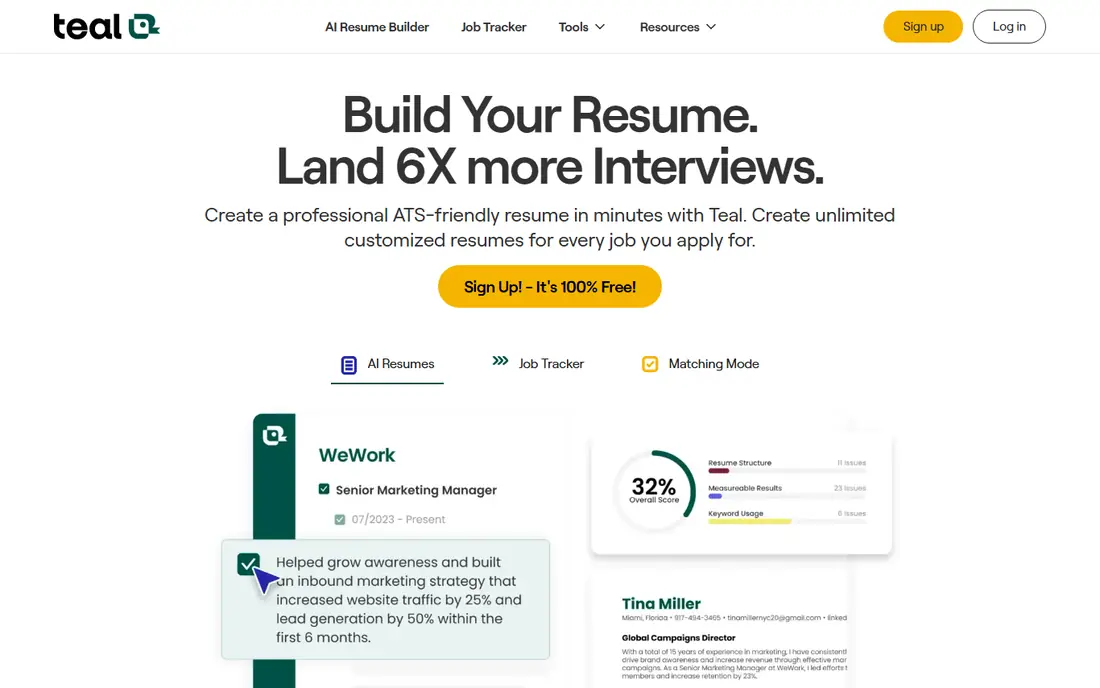
For teams that want a job search tool that pairs resume building with application tracking. The published feature set and pricing page make it easy to compare this option against the others here, and the plan limits matter more than the headline price. Check minutes, seats, exports, and any add-ons before you commit to a yearly plan.
The catch is upsell. The free plan is genuinely useful, but unlimited AI and matching sit behind Teal+. On pricing, $29 per month is the starting point we found, and the free option is listed as yes in the field lines above. That combination makes it worth a short trial on a real project, rather than a decision based on a demo alone.
- Usable free plan with PDF downloads
- Job tracker and tailoring tools
- AI credits on free plan
- Unlimited matching and AI features need Teal+
- Weekly billing option is pricey over time
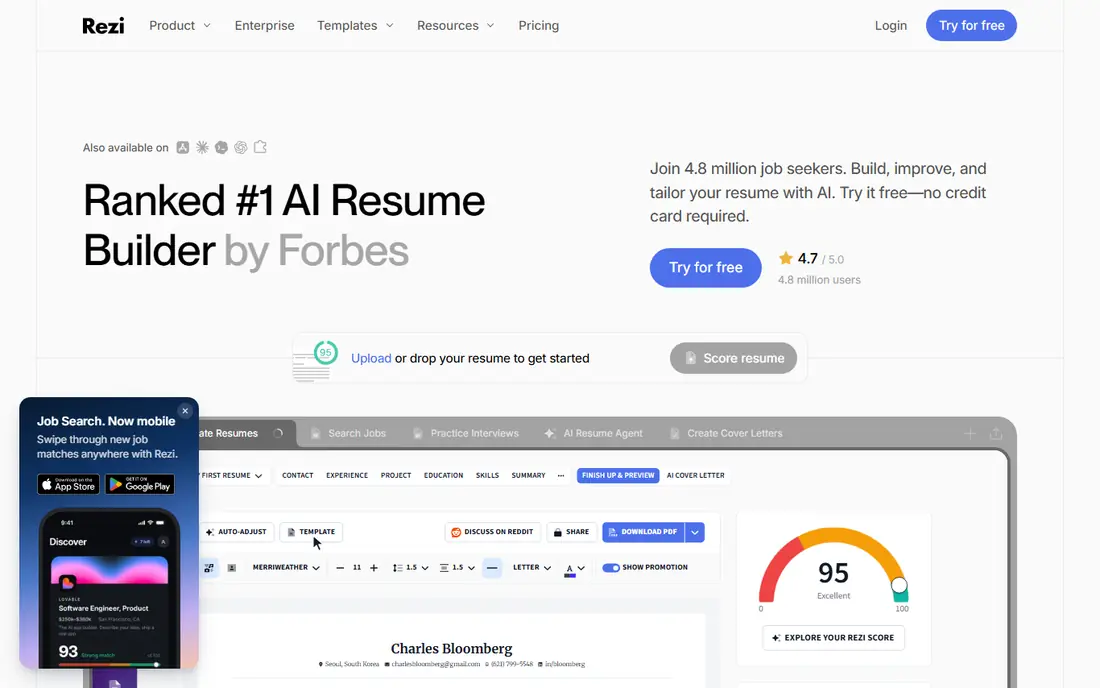
If your priority is a keyword-focused builder for corporate and technical roles where hiring systems matter. The published feature set and pricing page make it easy to compare this option against the others here, and the plan limits matter more than the headline price. Check minutes, seats, exports, and any add-ons before you commit to a yearly plan.
The catch is design range. It prioritizes readable, system-friendly layouts over creative visual styles. On pricing, $29 per month is the starting point we found, and the free option is listed as yes in the field lines above. That combination makes it worth a short trial on a real project, rather than a decision based on a demo alone.
- Keyword targeting and applicant system scoring
- One free resume
- Lifetime option reported
- Monthly price is high for a single search
- Templates are more functional than flashy
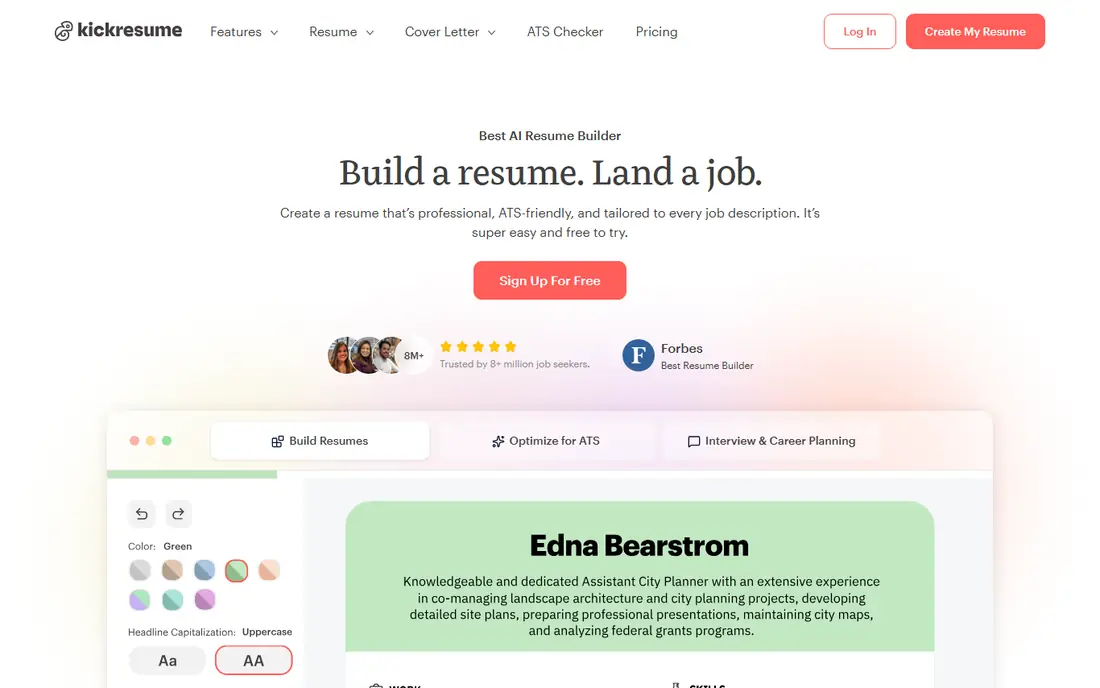
This one suits a design-led builder for job seekers who want a polished look without design skills. The published feature set and pricing page make it easy to compare this option against the others here, and the plan limits matter more than the headline price. Check minutes, seats, exports, and any add-ons before you commit to a yearly plan.
The catch is gating. The best templates sit behind Premium, so check the template you want before paying. On pricing, $24 per month is the starting point we found, and the free option is listed as yes in the field lines above. That combination makes it worth a short trial on a real project, rather than a decision based on a demo alone.
- Many polished templates
- AI bullet help
- Web and mobile apps
- Most templates and customization need Premium
- Free plan uses basic templates
A practical choice when a creative builder for professionals who want a distinctive layout and content guidance. The published feature set and pricing page make it easy to compare this option against the others here, and the plan limits matter more than the headline price. Check minutes, seats, exports, and any add-ons before you commit to a yearly plan.
The catch is the free window. The trial expires, so finish and export your resume before it ends. On pricing, $24.99 per month is the starting point we found, and the free option is listed as free trial in the field lines above. That combination makes it worth a short trial on a real project, rather than a decision based on a demo alone.
- Custom layouts and guided content feedback
- Strong for creative professionals
- Free plan is time-limited and files carry branding
- Monthly price is higher
Consider this option if a fast builder for job seekers who want a polished resume with minimal fuss. The published feature set and pricing page make it easy to compare this option against the others here, and the plan limits matter more than the headline price. Check minutes, seats, exports, and any add-ons before you commit to a yearly plan.
The catch is renewal. The low trial price renews into a regular subscription, so set a cancellation reminder. On pricing, $29.95 per month is the starting point we found, and the free option is listed as yes in the field lines above. That combination makes it worth a short trial on a real project, rather than a decision based on a demo alone.
- Fast builder with a broad template library
- Cover letter builder
- Simple flow
- Free downloads are TXT only
- Trial renews automatically if not cancelled
For buyers who need a guided builder for beginners who want step-by-step help and ready-made wording. The published feature set and pricing page make it easy to compare this option against the others here, and the plan limits matter more than the headline price. Check minutes, seats, exports, and any add-ons before you commit to a yearly plan.
The catch is renewal. The trial price is low, but it renews unless you cancel in time. On pricing, $25.95 per month is the starting point we found, and the free option is listed as yes in the field lines above. That combination makes it worth a short trial on a real project, rather than a decision based on a demo alone.
- Guided wizard with many bullet examples
- Templates for many industries
- PDF and Word downloads need Pro
- Trial renews every four weeks
This service fits a structured builder for job seekers who want a clean, focused one-page resume. The published feature set and pricing page make it easy to compare this option against the others here, and the plan limits matter more than the headline price. Check minutes, seats, exports, and any add-ons before you commit to a yearly plan.
The catch is length control. Its strength is discipline, so long careers may need careful editing to fit. On pricing, $23.99 per month is the starting point we found, and the free option is listed as yes in the field lines above. That combination makes it worth a short trial on a real project, rather than a decision based on a demo alone.
- Clean one-page layouts
- One-time payment options reported
- Easy editing
- Premium features are paid
- Design range is narrower than creative builders
When you want a match checker for tailoring a finished resume to one specific job posting. The published feature set and pricing page make it easy to compare this option against the others here, and the plan limits matter more than the headline price. Check minutes, seats, exports, and any add-ons before you commit to a yearly plan.
The catch is role. Use it after drafting, not as your only builder, unless you already have a strong base resume. On pricing, $49.95 per month is the starting point we found, and the free option is listed as yes in the field lines above. That combination makes it worth a short trial on a real project, rather than a decision based on a demo alone.
- Compares your resume against a specific job description
- Keyword and match scoring
- Highest monthly price here
- It checks resumes rather than building them from scratch
A strong fit for a writing-led builder for job seekers who struggle with wording and bullet points. The published feature set and pricing page make it easy to compare this option against the others here, and the plan limits matter more than the headline price. Check minutes, seats, exports, and any add-ons before you commit to a yearly plan.
The catch is renewal. Like several rivals, the trial renews, so check the billing cycle before you start. On pricing, $23.95 per month is the starting point we found, and the free option is listed as yes in the field lines above. That combination makes it worth a short trial on a real project, rather than a decision based on a demo alone.
- Prompt-led builder with a large phrase library
- Quick first drafts
- Cover letters
- Free downloads are TXT only
- Trial renews automatically
How we picked these
We compared official feature pages, pricing pages, and app store listings, and we checked public reviews for recurring complaints about limits, support, and billing. We left out products that did not clearly fit the topic, products with no working official site, and products whose pricing could not be checked at all. Prices change often, so confirm the current plan on the vendor site before you pay.
We did not claim hands-on testing for any product here. Our picks reflect the documented features, the plan limits, and the fit for a stated use case, not a lab test. That approach keeps the comparison honest when plans and limits shift during the year.
How to choose an AI resume tool
Start with the job, not the template
Pick a tool that helps you match a real job description, not just one with pretty templates. Keyword gaps and missing skills matter more than color choices.
Check what the free plan actually exports
Some free plans export only TXT, while Teal exports PDFs. If you need a polished PDF for applications, confirm that on the free plan before you spend time building.
Read the renewal terms before entering card details
Many builders use a low trial that renews monthly or every four weeks. Note the renewal date, price, and cancellation steps at sign-up.
Sources
Frequently asked questions
What is the best AI tool for resume writing?
Teal suits active job searches with tracking, Rezi suits keyword targeting, and Kickresume and Enhancv suit design. Jobscan suits a final match check against one posting.
What are the best AI resume tools free?
Teal offers the most useful free plan here, with PDF downloads and tracking. Rezi, Kickresume, and Novoresume also offer free resumes with limits.
Will an AI resume pass hiring systems?
A clean layout, real keywords from the job posting, and honest experience help more than any single tool claim. Avoid graphics-heavy layouts for system screening, and keep a plain text version ready.
Should I tailor my resume for each job?
Yes, for roles you truly want. Tailor the summary, skills, and top bullets to the posting, and use a checker like Jobscan to spot missing keywords.
Is it safe to use AI to write my resume?
Yes, if the facts stay true. Use AI for wording and structure, but check every claim, date, and metric. False claims can end a hiring process.