Best AI Tool for Summarizing PDFs in 2026: 9 Tools Compared
By ToolNimba Editorial Team October 31, 2026 10 min read

- Top pick
 ChatPDF
Simple single-PDF chat
Starting priceSee websiteCheck out ChatPDFRead our review - Runner-up
 Humata
Research papers and technical docs
Starting priceSee websiteCheck out HumataRead our review - Also great
 NotebookLM
Multi-source research
Starting priceSee websiteCheck out NotebookLMRead our review
How we researched this
We compared official pricing and feature pages, app store listings, privacy policies and public user reviews. Prices change, so check the provider's site before you pay.
Key takeaways
- ChatPDF is the simplest starting point for a single PDF with cited answers.
- NotebookLM suits research across many sources with grounded citations and audio summaries.
- Adobe Acrobat AI Assistant suits users who already edit PDFs in Acrobat.
- Always verify summaries against the original PDF before you cite or act on them.
Quick comparison
| Name | Best for | Starting price | Free plan | |
|---|---|---|---|---|
| ChatPDF | Simple single-PDF chat | See website | Yes | Visit |
| Humata | Research papers and technical docs | See website | Yes | Visit |
| NotebookLM | Multi-source research | See website | Yes | Visit |
 Adobe Acrobat AI Assistant | PDF editing plus AI summaries | See website | Free trial | Visit |
 PDF.ai | Clean single-purpose PDF chat | See website | Yes | Visit |
 AskYourPDF | Multi-document libraries | See website | Yes | Visit |
 Smallpdf | Everyday PDF toolkit plus AI | See website | Yes | Visit |
 Claude | Long and complex documents | See website | Yes | Visit |
 SciSpace | Academic papers and citations | See website | Free trial | Visit |
The best AI tools for summarizing PDFs
A good PDF summarizer should give a clear summary, answer follow-up questions, and show where each answer came from. The tools below cover single-file chat, multi-file research, and full PDF editing with AI built in.
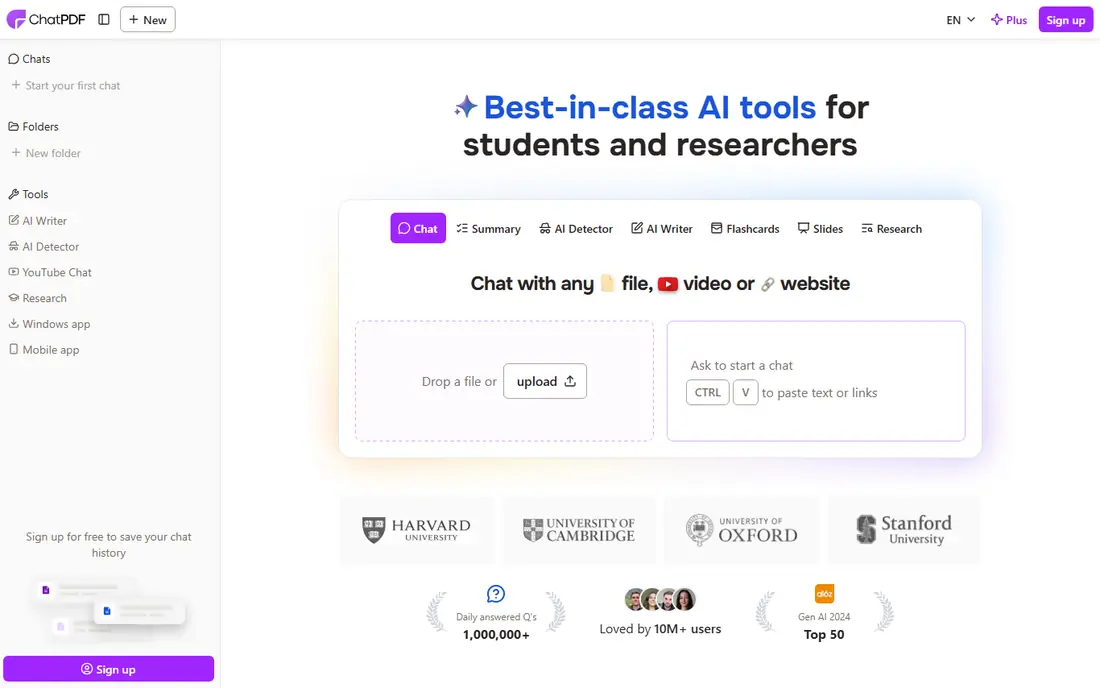
ChatPDF suits students and professionals who want fast Q and A on one document. ChatPDF is a useful pick when you need to understand a PDF fast. It focuses on cited answers, multi-file folders, and a side-by-side PDF view, and it suits readers who want a summary first, then follow-up questions with source references. That workflow beats scrolling through a long report for one fact.
The side-by-side PDF view is the part that matters most here, since you can check an answer against the original page without switching tabs. Multi-file folders suit readers who return to the same set of documents, though the free tier can feel tight if you upload often. Try it on a report you already know well before relying on it for anything important.
- Cited answers, multi-file folders, and a side-by-side PDF view
- Cited answers where offered
- Support for long documents
- Free limits may be tight for heavy use
- Accuracy still needs checking against the source
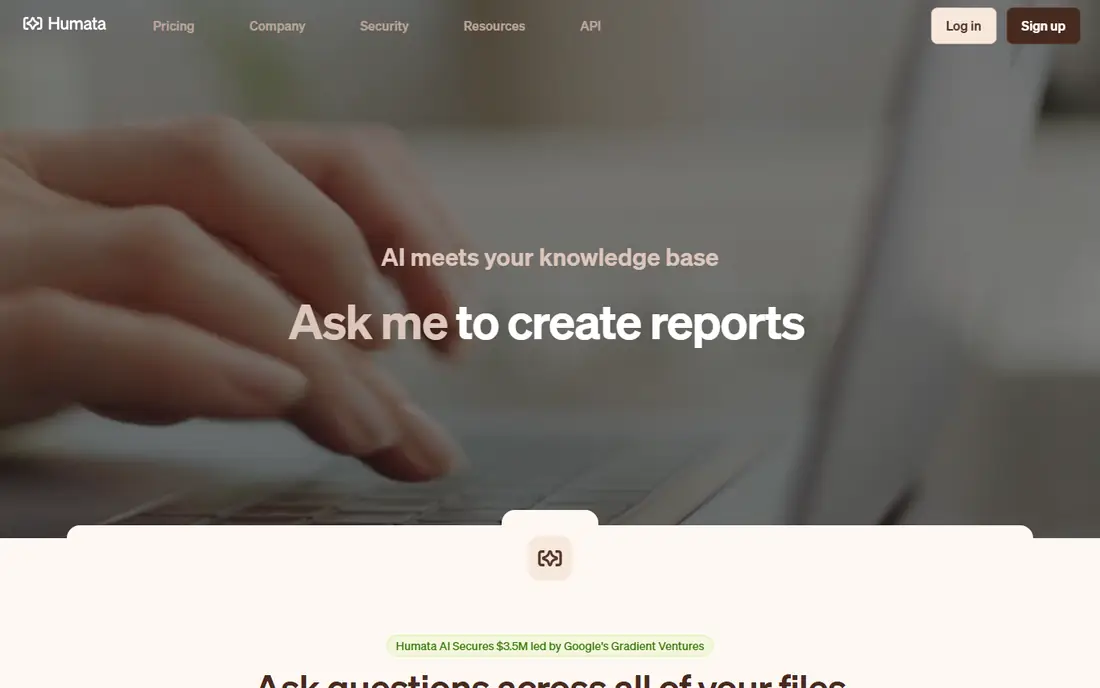
Humata suits researchers who work with long, technical papers and need clear, cited answers. Humata is a useful pick when you need to understand a PDF fast. It focuses on deep document analysis, cited answers, and team workspaces, and it suits readers who want a summary first, then follow-up questions with source references. That workflow beats scrolling through a long report for one fact.
For technical papers, the value is in how it handles dense sections and citations rather than short summaries. Team workspaces make it a fit for groups that share the same documents, though the free tier can feel tight for heavy use. Check whether its answers point to the right pages on a paper you already know.
- Deep document analysis, cited answers, and team workspaces
- Cited answers where offered
- Support for long documents
- Free limits may be tight for heavy use
- Accuracy still needs checking against the source
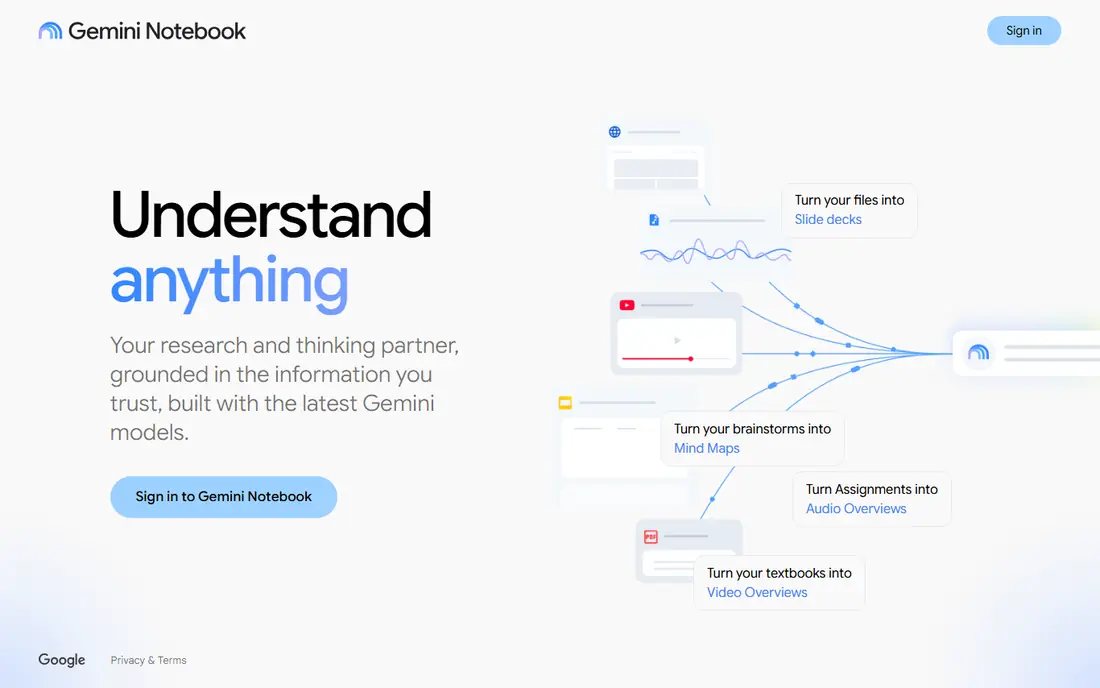
NotebookLM suits researchers who want to ask questions across many PDFs and other sources in one notebook. NotebookLM is a useful pick when you need to understand a PDF fast. It focuses on multi-source Q and A, grounded citations, and audio overviews, and it suits readers who want a summary first, then follow-up questions with source references. That workflow beats scrolling through a long report for one fact.
NotebookLM stands apart because it works across many sources in one notebook, not just a single file. Audio overviews can help when you want to absorb a set of sources away from the screen, though they are no substitute for checking the text. It suits research projects better than one-off document questions.
- Multi-source Q and A, grounded citations, and audio overviews
- Cited answers where offered
- Support for long documents
- Free limits may be tight for heavy use
- Accuracy still needs checking against the source
Adobe Acrobat AI Assistant
Best for: PDF editing plus AI summaries
Adobe Acrobat AI Assistant suits users who already use Acrobat for editing, signing, and reading PDFs. Adobe Acrobat AI Assistant is a useful pick when you need to understand a PDF fast. It focuses on summaries and Q and A inside Acrobat, plus full editing tools, and it suits readers who want a summary first, then follow-up questions with source references. That workflow beats scrolling through a long report for one fact.
The draw here is staying inside Acrobat, where you can also edit, sign, and organize the same file. That avoids juggling two tools, but it only pays off if you already work in Acrobat or plan to. The free trial is the right way to test whether its summaries match the quality of its editing tools.
- Summaries and Q and A inside Acrobat, plus full editing tools
- Cited answers where offered
- Support for long documents
- Free limits may be tight for heavy use
- Accuracy still needs checking against the source
PDF.ai suits users who want a clean chat tool for PDFs with tables and data, without extra clutter. PDF.ai is a useful pick when you need to understand a PDF fast. It focuses on conversational Q and A, citations, and API options for developers, and it suits readers who want a summary first, then follow-up questions with source references. That workflow beats scrolling through a long report for one fact.
PDF.ai keeps the focus on chat, with a clean layout and an API option for developers who want to build on it. Tables and data-heavy documents are where its citation approach gets tested most, so try it on a financial report or datasheet first. The free tier is enough to judge whether the answers hold up.
- Conversational Q and A, citations, and API options for developers
- Cited answers where offered
- Support for long documents
- Free limits may be tight for heavy use
- Accuracy still needs checking against the source
AskYourPDF suits users with a library of PDFs who want to ask questions across files. AskYourPDF is a useful pick when you need to understand a PDF fast. It focuses on multi-document chat, browser extension, and several model options, and it suits readers who want a summary first, then follow-up questions with source references. That workflow beats scrolling through a long report for one fact.
AskYourPDF suits readers with a library of files, since it can answer across several documents at once. The browser extension and choice of models add flexibility, though more options also mean more to configure. Start with a small set of related PDFs and see whether cross-document answers stay accurate.
- Multi-document chat, browser extension, and several model options
- Cited answers where offered
- Support for long documents
- Free limits may be tight for heavy use
- Accuracy still needs checking against the source
Smallpdf suits users who also need to convert, compress, and edit PDFs in a browser. Smallpdf is a useful pick when you need to understand a PDF fast. It focuses on PDF chat plus convert, compress, merge, and sign tools, and it suits readers who want a summary first, then follow-up questions with source references. That workflow beats scrolling through a long report for one fact.
Smallpdf is the practical pick when summarizing is only part of the job, since the same account also converts, compresses, merges, and signs PDFs. That breadth is handy for everyday office work, though specialists may still prefer a dedicated research tool. Use the free tier on real files before paying for the full toolkit.
- PDF chat plus convert, compress, merge, and sign tools
- Cited answers where offered
- Support for long documents
- Free limits may be tight for heavy use
- Accuracy still needs checking against the source
Claude suits readers with very long or complex documents who want careful analysis and clear explanations. Claude is a useful pick when you need to understand a PDF fast. It focuses on large document handling, careful reasoning, and file uploads, and it suits readers who want a summary first, then follow-up questions with source references. That workflow beats scrolling through a long report for one fact.
Claude fits very long or complex documents where careful reasoning matters more than speed. Its file uploads handle large documents well, but the free tier can feel tight for heavy use, so long reports are worth testing early. Check its answers against the source on a document you know before trusting it on unfamiliar material.
- Large document handling, careful reasoning, and file uploads
- Cited answers where offered
- Support for long documents
- Free limits may be tight for heavy use
- Accuracy still needs checking against the source
SciSpace suits students and researchers who read academic papers and need citation-aware explanations. SciSpace is a useful pick when you need to understand a PDF fast. It focuses on paper explanations, citation tools, and research discovery, and it suits readers who want a summary first, then follow-up questions with source references. That workflow beats scrolling through a long report for one fact.
SciSpace is built around academic papers, with explanations and citation tools that suit students and researchers. Research discovery features help when one paper leads to the next, though the free trial limits how far you can test it. It is strongest when citations matter as much as the summary itself.
- Paper explanations, citation tools, and research discovery
- Cited answers where offered
- Support for long documents
- Free limits may be tight for heavy use
- Accuracy still needs checking against the source
How we picked these
We compared official feature pages, pricing pages, app store listings, privacy policies, and public reviews for each product on this list. We kept only products that are live in October 2026 and that fit the topic directly, and we left out products whose pricing or core features we could not verify. Where a vendor does not publish a clear starting price, we say See website rather than guess. We did not claim hands-on testing that we did not do, and we weighed the fit for different users more heavily than brand size alone.
How to choose a PDF summarizer
Start with how many documents you handle at once. A single-file chat tool is enough for occasional reports, while a multi-file tool matters when you compare papers, contracts, or annual reports. If you need to edit, sign, or convert PDFs too, an all-in-one editor with AI may save you from using two tools.
Next, test citation quality on a document you already know well. Ask a specific question with a date, a number, or a clause, and check whether the answer points to the right page and matches the source. A tool that gives smooth summaries but weak citations will cost you time in verification later.
Finally, check privacy and limits. Read how documents are stored, whether they are used for training, and how you delete them. Compare free limits on pages, uploads, and questions per day, and pick a paid plan only after the free tier proves useful on your real documents.