Best AI Tools for Facebook Ad Creative in 2026: 8 Apps Compared
By ToolNimba Editorial Team November 6, 2026 12 min read

- Top pick
 AdCreative.ai
High volume scored statics
Starting price$39 per monthCheck out AdCreative.aiRead our review - Runner-up
 Pencil
AI video and static ads with prediction
Starting priceSee websiteCheck out PencilRead our review - Also great
 Canva
All round design and ads
Starting priceFreeCheck out CanvaRead our review
How we researched this
We compared official pricing and feature pages, app store listings, privacy policies and public user reviews. Prices change, so check the provider's site before you pay.
Key takeaways
- AdCreative.ai and Pencil focus on scored, high volume creative, while Creatify focuses on AI video ads from a product link.
- Canva and Adobe Express are the best value picks when one tool must also cover organic social posts and simple edits.
- Creatopy and Madgicx suit teams that need many sizes, brand controls or Meta focused optimisation in one workflow.
- Free plans are useful for a first test, but paid plans are usually needed for higher exports, brand kits and team seats.
Quick comparison
| Name | Best for | Starting price | Free plan | |
|---|---|---|---|---|
| AdCreative.ai | High volume scored statics | $39 per month | Free trial (7 days) | Visit |
| Pencil | AI video and static ads with prediction | See website | Free trial | Visit |
| Canva | All round design and ads | Free | Yes | Visit |
 Creatopy | Scalable banner and ad sets | $36 per month | Free trial | Visit |
 Predis.ai | Social and ad creative for small teams | $32 per month | Yes | Visit |
 Creatify | AI video ads from a product link | Free | Yes | Visit |
 Madgicx | Meta creative and optimisation | See website | Free trial (7 days) | Visit |
 Adobe Express | Design led Facebook ads | Free | Yes | Visit |
The best AI tools for Facebook ad creative
We compared official feature pages, pricing pages, app store listings and public reviews to find tools that make Facebook ads faster without hiding their limits. The list below mixes high volume static makers, video makers and all round design tools,.
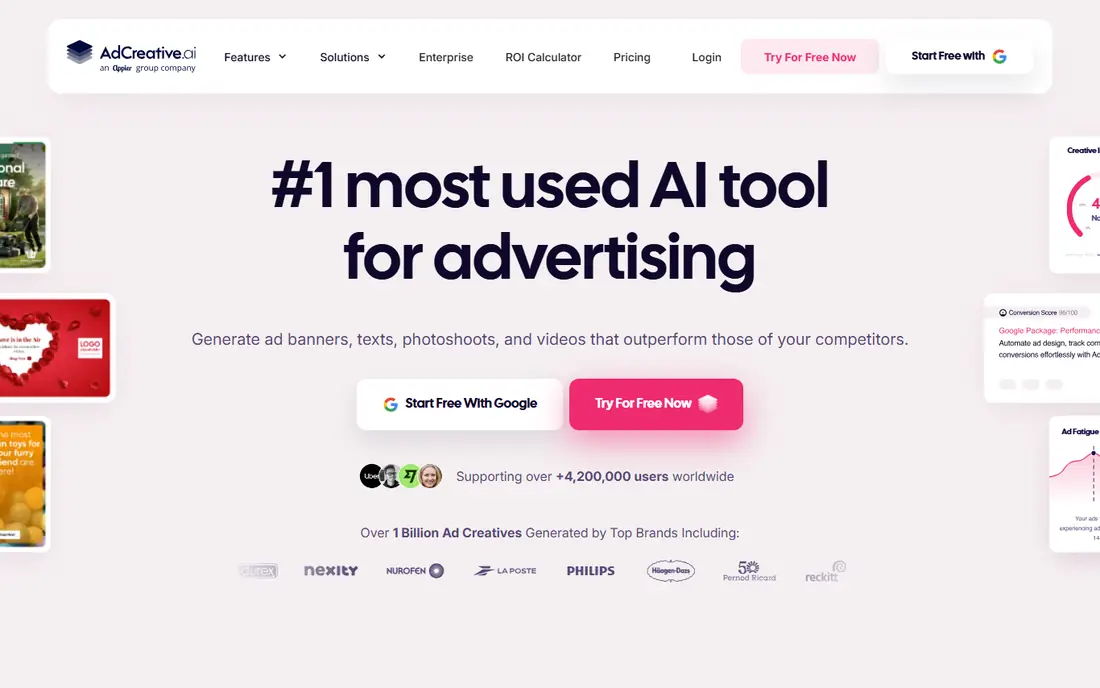
If high volume Facebook static testing is the main job, AdCreative.ai deserves a close look. It generates many static variations from a product description and assigns a score to help you rank ideas before you spend. That approach suits teams that repeat the same task each week and want fewer manual steps.
In day to day use, AdCreative.ai works best for high volume Facebook static testing. Scored static ad generation at volume is the reason most buyers pick it over a generic editor or a manual process. The value shows up when you repeat the same job often, because saved settings and templates cut repeat work and keep output consistent.
The catch is paid plans are needed for higher volume and full brand features. That limit does not rule it out, but it does mean you should test it on a real job before you pay. Check the free plan or trial where one is offered, try a sample that matches your real work, and compare it with one rival before you commit.
- Fast static generation
- Pre-launch creative scores
- Many ad sizes
- Scores are estimates, not sales promises
- Video is less central than statics
Pencil stands out for AI video and static generation with prediction. It combines generation with prediction so teams can rank creative ideas before launch, and it supports brand governance for larger accounts. It also helps when one person handles design, copy and publishing, because less switching is needed.
In day to day use, Pencil works best for video led Facebook campaigns with prediction. Ai video and static generation with prediction is the reason most buyers pick it over a generic editor or a manual process. The value shows up when you repeat the same job often, because saved settings and templates cut repeat work and keep output consistent.
The catch is enterprise pricing and setup can be too much for a solo advertiser. That limit does not rule it out, but it does mean you should test it on a real job before you pay. Check the free plan or trial where one is offered, try a sample that matches your real work, and compare it with one rival before you commit.
- Multi-model generation
- Performance prediction
- Brand controls for larger teams
- Pricing is not simple to compare
- Smaller teams may find it heavier than a simple maker
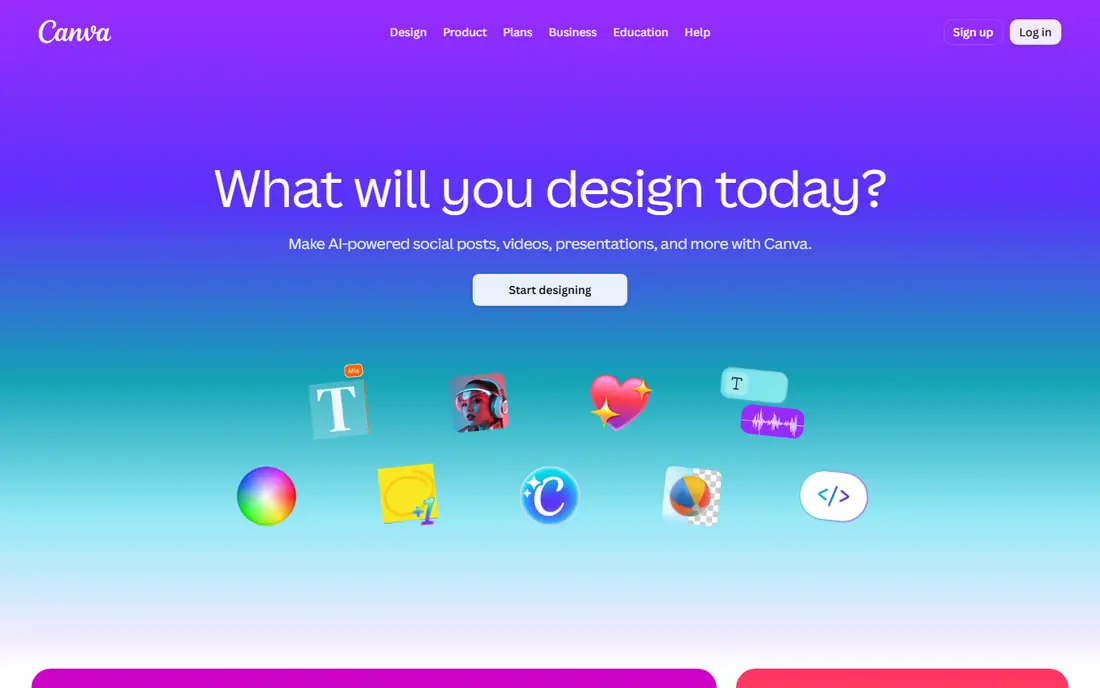
Teams that want easy design, resizing and templates for social ads without a long setup often land on Canva. It offers Magic Studio design tools, templates and one click resizing for Facebook feed, stories and reels, plus simple video editing. The benefit is clearest on a tight deadline, when a usable first draft beats a blank page.
In day to day use, Canva works best for small teams that need ads and organic posts in one tool. Easy design, resizing and templates for social ads is the reason most buyers pick it over a generic editor or a manual process. The value shows up when you repeat the same job often, because saved settings and templates cut repeat work and keep output consistent.
The catch is advanced AI ad scoring and deep Meta optimisation are limited. That limit does not rule it out, but it does mean you should test it on a real job before you pay. Check the free plan or trial where one is offered, try a sample that matches your real work, and compare it with one rival before you commit.
- Huge template library
- Easy resizing for placements
- Free plan is genuinely useful
- AI features vary by plan
- Ad scoring is not its main strength
For teams that produce many ad sizes each week, Creatopy offers a practical mix of speed and control. It automates banner and ad set production from one design, which helps teams that need the same message in many placements. For small teams, that kind of focus keeps costs down and keeps the work moving.
In day to day use, Creatopy works best for teams that produce many ad sizes each week. Automated ad sets across many sizes is the reason most buyers pick it over a generic editor or a manual process. The value shows up when you repeat the same job often, because saved settings and templates cut repeat work and keep output consistent.
The catch is simple one-off ads may feel overbuilt in this workflow. That limit does not rule it out, but it does mean you should test it on a real job before you pay. Check the free plan or trial where one is offered, try a sample that matches your real work, and compare it with one rival before you commit.
- Strong automation for many sizes
- Brand kits and team workflow
- Animated ads
- Learning curve for advanced automation
- Price rises with team needs
Predis.ai is a good fit when small teams that want copy and creative together matters more than having every extra feature. It generates social and ad creative from a short prompt, and it adds scheduling and content ideas for small teams. It works well as a starting point, and you can refine the result by hand where it matters most.
In day to day use, Predis.ai works best for small teams that want copy and creative together. Combined image, video and copy generation is the reason most buyers pick it over a generic editor or a manual process. The value shows up when you repeat the same job often, because saved settings and templates cut repeat work and keep output consistent.
The catch is heavy video production still needs a dedicated editor. That limit does not rule it out, but it does mean you should test it on a real job before you pay. Check the free plan or trial where one is offered, try a sample that matches your real work, and compare it with one rival before you commit.
- AI images, video and copy in one place
- Social scheduling
- Competitor ideas
- Video polish is below a dedicated video studio
- Higher plans needed for volume
Start with Creatify if ecommerce brands that need video ads fast is your priority and you want a result quickly. It turns a product link into video ads with scripts, voices and avatars, and it can batch many variations for testing. That balance is useful when quality matters but you cannot wait days for each new version.
In day to day use, Creatify works best for ecommerce brands that need video ads fast. Ai video ads from a product page is the reason most buyers pick it over a generic editor or a manual process. The value shows up when you repeat the same job often, because saved settings and templates cut repeat work and keep output consistent.
The catch is human review is still needed for claims, voice tone and product accuracy. That limit does not rule it out, but it does mean you should test it on a real job before you pay. Check the free plan or trial where one is offered, try a sample that matches your real work, and compare it with one rival before you commit.
- URL to video workflow
- AI actors and voices
- Batch variations
- AI actors can look generic without careful review
- Free plan limits exports
What sets Madgicx apart is Meta focused creative insight and automation, paired with a workflow that stays simple. It pairs an AI ad generator with Meta launch and creative insight tools, so testing and iteration stay in one workflow. It keeps the core job in one place, which makes training a new team member simpler.
In day to day use, Madgicx works best for active Meta advertisers that test often. Meta focused creative insight and automation is the reason most buyers pick it over a generic editor or a manual process. The value shows up when you repeat the same job often, because saved settings and templates cut repeat work and keep output consistent.
The catch is casual advertisers may pay for depth they rarely use. That limit does not rule it out, but it does mean you should test it on a real job before you pay. Check the free plan or trial where one is offered, try a sample that matches your real work, and compare it with one rival before you commit.
- Meta focused creative tools
- Ad launcher and insights
- Automation for testing
- Pricing depends on ad spend and plan
- Best value is for active Meta advertisers
When budget and speed both matter, Adobe Express is worth testing for design led teams that value brand consistency. It gives small teams polished templates, brand kits, quick video edits and resizing for Facebook placements in one app. That simplicity is the point, and it is why many smaller teams prefer it to a larger suite.
In day to day use, Adobe Express works best for design led teams that value brand consistency. Design led templates with brand control is the reason most buyers pick it over a generic editor or a manual process. The value shows up when you repeat the same job often, because saved settings and templates cut repeat work and keep output consistent.
The catch is it is not a dedicated scored ad generator. That limit does not rule it out, but it does mean you should test it on a real job before you pay. Check the free plan or trial where one is offered, try a sample that matches your real work, and compare it with one rival before you commit.
- Strong templates and brand kits
- Simple video and resize tools
- Adobe stock access
- Full features need a paid plan
- AI ad scoring is not the focus
How we picked these
We compared official feature pages, pricing pages, app store listings, privacy policies and public reviews for each tool, and we kept only tools that exist and work for Facebook ad formats in October 2026. We checked whether each tool makes statics, video or both, whether it resizes for Facebook placements, and what the free plan or trial actually allows. We did not claim hands-on testing that did not happen, and we left out tools that were vague about pricing or that did not clearly support Facebook ad sizes. Prices below are starting prices from vendor pricing pages or, where a price could not be verified, marked as See website.
How to choose an AI tool for Facebook ad creative
Match the format first
Start with the format that brings in most of your sales. If statics win for you, a scored static maker will give you more value than a video tool you rarely open. If video wins, pick a tool that writes scripts, adds voice and captions, and exports in vertical and square sizes without extra editing.
Check scoring, brand control and exports
A pre-launch score can help you sort ideas, but it is an estimate, not a promise of sales. Brand control matters just as much: check fonts, colours, logos and approval steps before you buy, because fixing off-brand ads after export wastes the time you saved. Also check export limits, watermark rules on free plans, and whether you can download in every Facebook placement size you need.
Run a two week test before you commit
Pick two tools, make the same five ads in each, and run them with equal budgets if you can. Compare click through rate, cost per result and time spent per ad, not just how the ads look. Keep the winner, cancel the other, and keep your best prompts and templates saved outside the tool so a price rise does not lock you in.
Sources
Frequently asked questions
What is the best AI tool for Facebook ad creative?
There is no single winner for every advertiser. AdCreative.ai suits high volume static testing, Creatify suits AI video ads, and Canva suits small teams that need design and ads in one place. Pick by format first, then by budget, then by how much brand control you need. A short trial on real ads will tell you more than a feature list.
Can AI tools make Facebook ads that follow Meta placement sizes?
Most tools in this list export for feed, stories, reels and right column placements, but the exact sizes and safe zones vary. Check the export menu before you buy and preview each size on a phone. A tool that only exports one square size will force extra editing work for stories and reels.
Do AI ad scores predict sales?
No, scores estimate likely creative quality from past patterns, and they cannot account for your offer, price, audience or landing page. Use a score to rank ideas and drop weak drafts, then test the top ideas live with real spend. If a tool promises a fixed sales result, treat that claim with care.
Are free AI ad tools good enough for a small business?
A free plan is good for learning the workflow and making a few test ads, but export limits, watermarks and missing brand kits often block daily use. Start free, and move to a paid plan only when you make ads every week and the time saved is clear. Keep your brand files saved locally so you can switch tools later.
Should I use AI copy as well as AI images?
Yes, if you edit it first. AI copy gives you hooks, headlines and calls to action quickly, but it can sound generic and may miss your offer details. Rewrite the headline in your own words, check every claim, and keep the offer and price exact. Human review is still needed for compliance and brand voice.