Best AI Tools for Students in 2026: 10 Tools Compared
By ToolNimba Editorial Team October 31, 2026 12 min read

- Top pick
 ChatGPT
Everyday explanations and drafting
Starting price$20 per monthCheck out ChatGPTRead our review - Runner-up
 Claude
Long readings and writing feedback
Starting price$20 per monthCheck out ClaudeRead our review - Also great
 Gemini
Students already using Google apps
Starting price$19.99 per monthCheck out GeminiRead our review
How we researched this
We compared official pricing and feature pages, app store listings, privacy policies and public user reviews. Prices change, so check the provider's site before you pay.
Key takeaways
- ChatGPT, Claude, and Gemini form a strong free core for most students, and trying all three before paying is the cheapest way to learn which style suits you.
- Perplexity is the best starting point for research that needs sources you can check, while NotebookLM is best for revising from your own notes and readings.
- Notion, Quizlet, and Otter.ai reward steady use across a semester, because their value grows as notes, flashcards, and lecture transcripts build up.
- Grammarly and QuillBot are specialists for polishing writing, not for doing the thinking, and school rules about AI use should always come first.
Quick comparison
| Name | Best for | Starting price | Free plan | |
|---|---|---|---|---|
| ChatGPT | Everyday explanations and drafting | $20 per month | Yes | Visit |
| Claude | Long readings and writing feedback | $20 per month | Yes | Visit |
| Gemini | Students already using Google apps | $19.99 per month | Yes | Visit |
 NotebookLM | Revising from your own materials | Free | Yes | Visit |
 Perplexity | Cited research answers | $20 per month | Yes | Visit |
 Notion | Organising notes and deadlines | $10 per month | Yes | Visit |
 Grammarly | Polishing essays and emails | $12 per month | Yes | Visit |
 Quizlet | Flashcards and memorisation | $7.99 per month | Yes | Visit |
 Otter.ai | Lecture transcripts and summaries | $16.99 per month | Yes | Visit |
 QuillBot | Paraphrasing your own writing | See website | Yes | Visit |
The best AI tools for students
Students do not need ten subscriptions. A small set of free tools, used well, covers explanations, research, notes, and revision, and a paid plan only makes sense once the free tier limits your actual work.
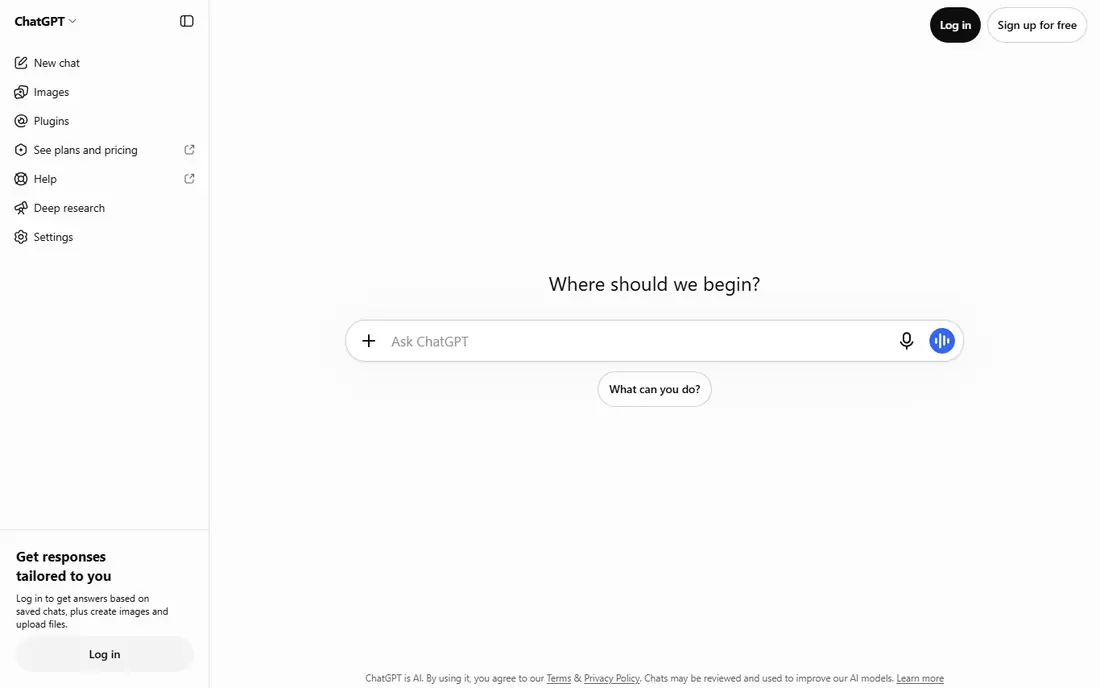
ChatGPT is the most useful general study assistant for most students, because it handles explanations, practice questions, outlines, and first drafts across subjects. Study mode is particularly helpful: instead of giving a finished answer straight away, it can walk through steps, ask questions, and check understanding, which suits revision far better than copying a paragraph. For everyday questions, from a maths method to a history outline, it is a fast first stop. The limits matter. Free use has caps on uploads, images, and voice, and Plus at $20 per month removes many of those limits. More importantly, ChatGPT can sound confident while being wrong, so facts, quotes, and references need checking in course materials or primary sources. Use it to understand and practise, then write the final work yourself, and follow your school or university rules on AI use.
- Study mode for step-by-step help
- Strong general explanations
- Works across subjects
- Free tier has usage caps
- Answers need checking against course sources
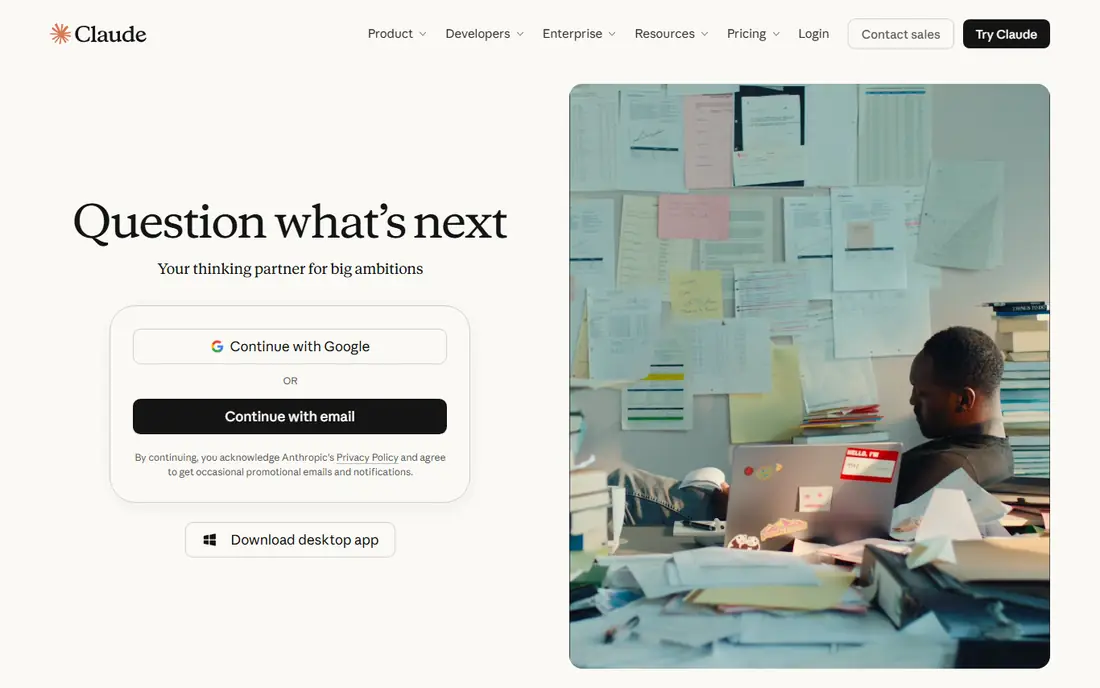
Claude stands out when the task involves a long PDF, a dense article, or a draft that needs careful feedback. Students can upload a reading, ask for a summary in plain language, then ask follow-up questions about the parts that are still unclear. That back-and-forth suits essay preparation, where understanding matters more than a single short answer, and Claude's tone tends to stay calm and readable. The free plan works in rolling sessions with limits, and Pro at $20 per month, or about $17 per month billed annually, raises those limits. Claude does not replace reading the source, and it can still misread a complex argument, so keep the original text open while you work. For long readings and thoughtful feedback on your own writing, Claude is the tool many students keep returning to.
- Handles long documents well
- Patient, clear re-explanations
- Useful writing feedback
- Free sessions have rolling caps
- No student discount listed for individuals
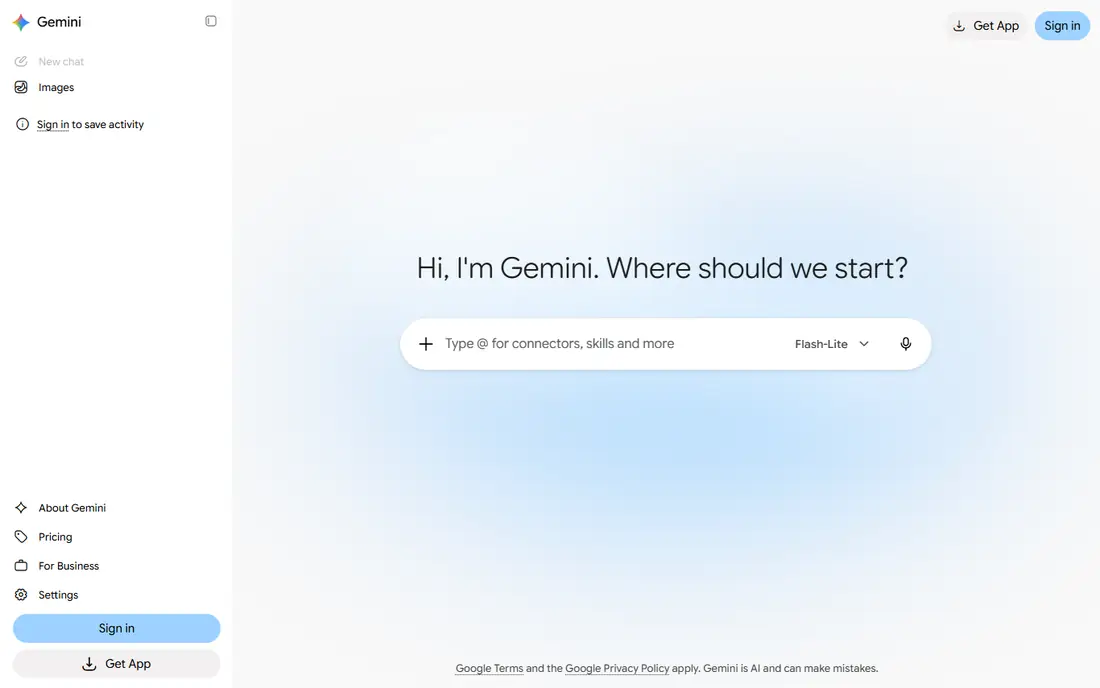
Gemini makes most sense for students who already live in Google Docs, Gmail, and Drive. AI help appears where the work already happens: summarising a document, drafting in Docs, organising files, or turning notes into a quiz. Guided Learning mode is aimed at understanding rather than finished answers, which fits coursework better than a tool that simply writes for you. Pricing needs a careful read. The free tier covers basic use, and eligible students in the United States have been offered a free year of Google AI Pro, with AI Pro at $19.99 per month after that period. Eligibility, age limits, and redemption dates apply, so check the current offer for your region before relying on it. If your school uses Google Workspace, Gemini is the easiest AI assistant to add to an existing routine.
- Built into Docs, Gmail, and Drive
- Free student AI Pro offer in some regions
- Guided Learning mode
- Student offer has eligibility limits and an end date
- Paid price applies after the trial year
NotebookLM takes a different approach from general chatbots: it works from the readings, lecture notes, and slides you upload, rather than from general knowledge. That grounding makes it useful for revision, because answers can be traced back to your own materials, and features such as audio overviews, flashcards, and quizzes turn a set of notes into study aids. Students revising for exams often find this more reliable than asking a general chatbot to recall a topic. The tool is free with a Google account, with higher limits available through Google AI plans. Its weakness is also its strength: if your notes are thin or wrong, NotebookLM will faithfully build on thin or wrong material. Upload complete, trusted sources, check anything surprising against the original, and use it for revision rather than for finding new research.
- Grounded in sources you upload
- Audio overviews and study guides
- Free with a Google account
- Only as good as the sources you add
- Higher limits need a paid Google AI plan
Perplexity is the best research starting point in this list, because its answers come with links to sources. Instead of trusting a chatbot's memory, you can open the cited pages, check whether they support the claim, and use them as a route into deeper reading. That habit matters for essays, where a citation needs to come from a source you have actually read, not from an AI summary. The free plan includes a small daily allowance of Pro searches, while Pro is $20 per month and an education plan has been listed at $10 per month with student verification. Even with sources shown, Perplexity can misread a page or pick a weak source, so treat it as a finding aid. For background reading and for checking a claim before you build an argument on it, Perplexity saves time without hiding where its information came from.
- Answers include sources you can open
- Good for background research
- Education plan available
- Free Pro searches are limited each day
- Sources still need reading, not just citing
Notion rewards students who like a system. Notes, assignment trackers, reading lists, and revision plans can live in one workspace, linked together so a deadline, a note, and a source stay connected. Templates for semester planning, essay tracking, and exam revision cut down the setup time, and the free Plus plan for students with a school email makes the core product free for many users. The honest catch is setup. Notion takes time to organise before it saves time, and students who want a quick note app may prefer a simpler tool. Paid plans start around $10 per month for Plus, with AI as an add-on or on higher plans. If you enjoy building a system and will use it every week, Notion is excellent. If you only need occasional notes, a simpler app will serve you better.
- Notes, tasks, and databases in one place
- Free Plus plan for students
- Many academic templates
- Setup takes time before it pays off
- Full AI features cost extra
Grammarly is best used at the end of the writing process, not the start. The free plan catches grammar and spelling errors and offers tone suggestions, while Pro adds more rewriting help, with about 100 AI prompts per month on the free tier and a Pro price around $12 per month billed annually. It works in browsers, Word, Google Docs, and other apps, so corrections appear where you actually write. Grammarly does not make an argument stronger, and its suggestions can flatten your voice if you accept them all. Use it to catch errors and tighten sentences you wrote yourself, then read the result aloud to check it still sounds like you. Students should also check school rules: polishing your own work is different from asking a tool to write the essay, and Grammarly's role should stay on the polishing side.
- Grammar, spelling, and tone checks across apps
- AI prompts for rewriting
- Plagiarism checking on Pro
- Pro price rises to $30 per month on monthly billing
- AI suggestions need your judgment
Quizlet remains the simplest way to memorise vocabulary, definitions, dates, and formulas. Students can use shared sets for common subjects, or make their own sets from lecture notes, then practise with Learn mode, flashcards, and tests. Making your own set is itself useful revision, because choosing what goes on each card forces you to decide what matters. The free plan is usable, but Learn rounds and practice tests are limited, and ads appear. Quizlet Plus is listed at $7.99 per month, or about $35.99 per year, and removes many limits. Shared sets need checking, since errors in a popular set can spread quickly. For subjects that reward recall, such as languages, anatomy, and law, Quizlet is one of the most reliable study tools available.
- Large library of shared flashcard sets
- Learn mode for spaced practice
- Easy to make your own sets
- Free plan limits Learn rounds and practice tests
- Shared sets vary in quality
Otter.ai turns spoken lectures and study sessions into searchable text, which changes how revision works. Instead of replaying an hour of audio, you can search the transcript for a term, read the summary, and jump to the relevant section. It connects with Zoom, Google Meet, and Teams, and it works on web and mobile, so a lecture transcript can sit alongside your notes in the same study session. The free plan includes 300 minutes per month, with a 30-minute limit per recording, while Pro is listed at $16.99 per month, or about $8.49 per month billed annually, with a student discount available in some cases. Accuracy is good in quiet rooms and weaker with background noise, overlapping speech, or strong accents, so treat the transcript as a study aid, not a perfect record. Always check recording rules for your class before using it.
- Live transcription for lectures and meetings
- Searchable transcripts
- Summaries and action items
- Free plan caps minutes per month
- Accuracy drops with accents, noise, or fast speech
QuillBot helps when a sentence you wrote feels clumsy and you want alternative phrasings. Paste your own sentence, compare options, and pick the version that reads most clearly, rather than accepting the first suggestion. The summariser is also useful for condensing a long article into key points before you read it in full, and paid plans add plagiarism checking and citation tools. The free tier limits paraphrasing length, so longer passages need a paid plan. The bigger risk is academic: paraphrasing someone else's work without citation is still plagiarism, even if the wording changes. Use QuillBot only on writing you authored, cite sources properly, and keep your own argument in your own words. Used that way, it is a handy editing aid, not a shortcut around learning.
- Paraphrasing and summarising tools
- Grammar checking
- Citation tools on paid plans
- Free paraphrasing has a word limit
- Overuse can blur authorship and originality
How we picked these
We compared official pricing and feature pages, app store listings, and public reviews for AI tools that students can use in October 2026, with a focus on free tiers, student offers, and limits that affect real coursework. We looked at general study assistants, research tools, note systems, writing polishers, and lecture tools, and we favoured tools with a usable free plan over tools that require payment to start. We did not claim hands-on testing of every tool. Prices change, and student offers have eligibility rules, so check the vendor's current page before paying.
Building a study stack that does not do your thinking for you
A good stack has four jobs, and one tool for each job is enough. Use a general assistant for explanations, Perplexity or NotebookLM for sources and revision, Notion or Quizlet for organisation and recall, and Grammarly or QuillBot for final polishing. Adding a fifth or sixth tool rarely improves results, and it usually adds cost and distraction.
Keep authorship clear
Ask the assistant to explain, quiz, or outline, then write the answer yourself before checking it. That order matters: if the tool writes first, you practise reading, not understanding. Keep a note of which tools your course allows, and never paste another student's work, grades, or private details into a general AI tool.
Watch the subscription total
Free tiers cover most student needs, and student offers can cut the rest. Before paying, list what you actually hit: a cap, a missing feature, or a deadline need. If the free tier has not failed you yet, keep the money and spend the time on the work itself.