Best AI Tools for Teachers in 2026: 9 Tools Compared
By ToolNimba Editorial Team October 31, 2026 9 min read

- Top pick
 MagicSchool AI
All-round lesson planning
Starting price$12.99 per monthCheck out MagicSchool AIRead our review - Runner-up
 Khanmigo
Student tutoring
Starting priceFree for teachersCheck out KhanmigoRead our review - Also great
 Brisk Teaching
Working inside Google Docs
Starting price$99.99 per yearCheck out Brisk TeachingRead our review
How we researched this
We compared official pricing and feature pages, app store listings, privacy policies and public user reviews. Prices change, so check the provider's site before you pay.
Key takeaways
- MagicSchool AI is our pick for most teachers, with more than 80 classroom tools in one dashboard and a usable free tier.
- Khanmigo is the strongest student-facing tutor, because it guides students with questions instead of handing over answers.
- Brisk Teaching wins for teachers who live in Google Docs, since it works inside the documents they already use.
- School and district privacy rules matter as much as features, so check approval and data handling before classroom use.
Quick comparison
| Name | Best for | Starting price | Free plan | |
|---|---|---|---|---|
| MagicSchool AI | All-round lesson planning | $12.99 per month | Yes | Visit |
| Khanmigo | Student tutoring | Free for teachers | Yes | Visit |
| Brisk Teaching | Working inside Google Docs | $99.99 per year | Yes | Visit |
 Diffit | Differentiated reading levels | $14.99 per month | Yes | Visit |
 Eduaide.ai | Pedagogy-first planning | $49.99 per year | Yes | Visit |
 Curipod | Live interactive lessons | See website | Yes | Visit |
 SchoolAI | Guardrailed student AI spaces | See website | Yes | Visit |
 NotebookLM | Source-grounded study materials | Free | Yes | Visit |
 CoGrader | Grading essays with rubrics | $15 per month | Yes | Visit |
The best AI tools for teachers
Teachers need AI tools that cut planning and grading time without handing student data to a consumer chatbot. We compared official pricing, feature pages and education privacy statements, and we favored tools built for schools, with teacher controls, clear data policies and exports that fit Google Classroom or a learning management system.
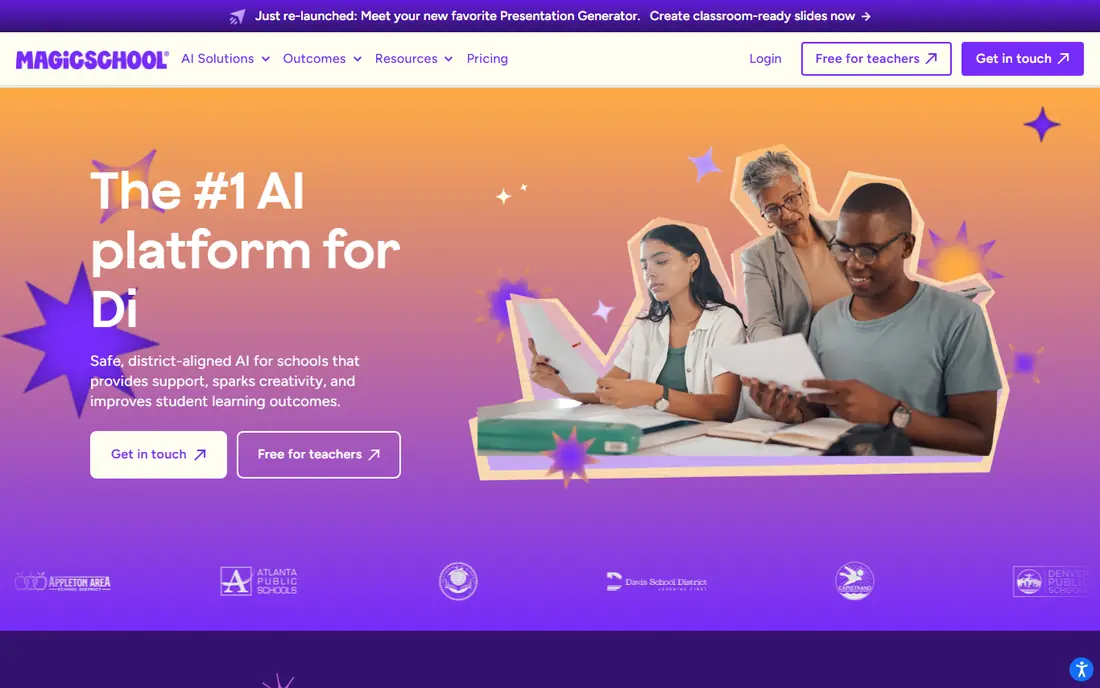
MagicSchool AI packs lesson plans, quizzes, rubrics, IEP goal drafts, report card comments and writing feedback into one dashboard. A teacher enters grade, subject, topic and standards, then gets a structured draft to edit rather than a blank page. That breadth is why it works as a first tool for many teachers.
The catch is familiar to every AI tool: drafts can include errors or weak questions, so a human pass is still needed before class. Free usage has limits, and heavy users will need the Plus plan. Used as a drafting helper, with the teacher as editor, MagicSchool saves real planning time.
- More than 80 teacher tools
- Lesson plans, rubrics and feedback in one place
- Education-focused privacy stance
- Output still needs a teacher check
- Usage limits apply on the free tier
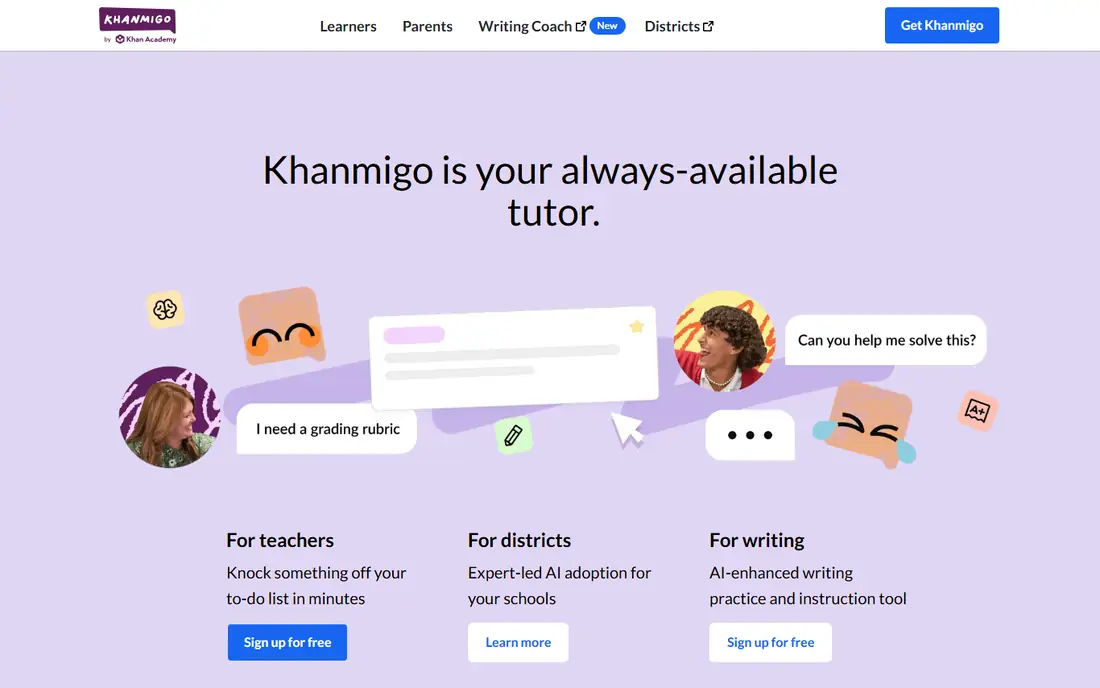
Khanmigo is the tutor in this list most aligned with how teachers want students to learn. Instead of giving away an answer, it asks follow-up questions, checks steps and nudges students toward the next idea. Teacher tools help plan lessons and support classwork, while student chat stays guided by the system.
Khanmigo is free for teachers in the United States, while families and learners outside that offer pay a monthly fee. Subject coverage is strongest where Khan Academy content is deepest, so some topics will feel thinner than others. For guided practice that respects the learning process, it is the clearest pick here.
- Socratic tutoring that coaches rather than answers
- Tied to Khan Academy content
- Free for teachers
- Learner pricing applies outside teacher accounts
- Coverage varies by subject
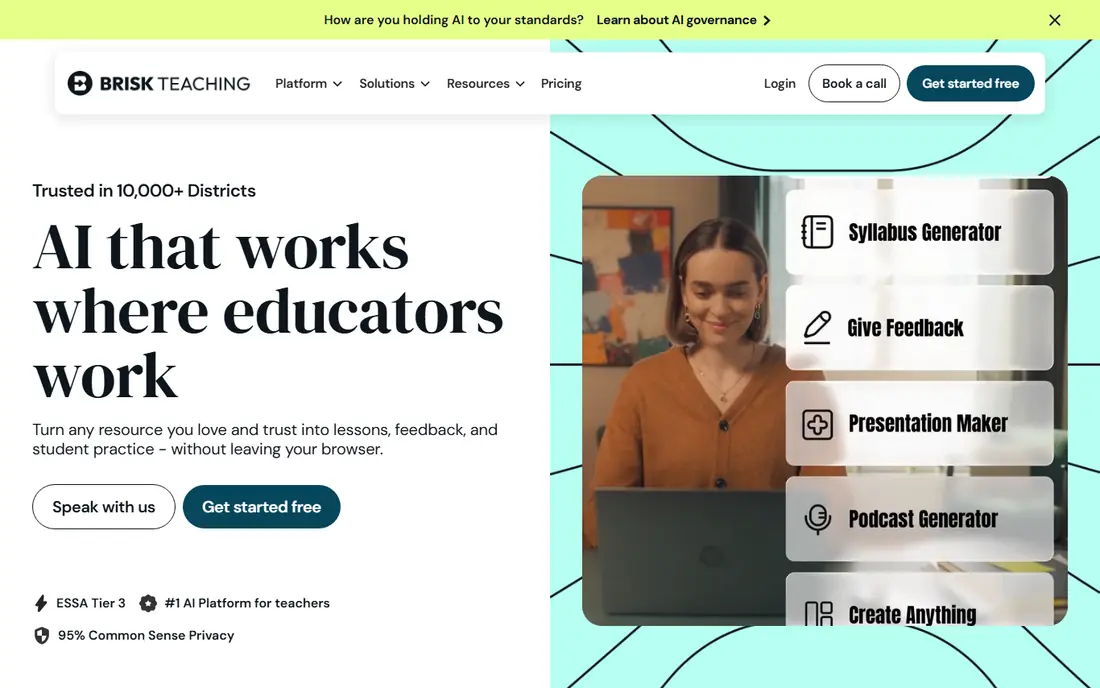
Brisk Teaching lives as a browser extension inside Google Docs, Slides, PDFs, YouTube and Canvas, so teachers do not need to copy text between tools. Highlight a passage and Brisk can level it, turn it into a quiz, or draft feedback on student writing. That in-workflow design is why many teachers actually keep using it.
The free tier covers more than 20 tools with daily limits, and Pro adds higher limits and extra features. Brisk is built around Chrome and Edge, so schools on other browsers may see less value. For Google Workspace schools, it is the lowest-friction second tool to pair with a planner such as MagicSchool.
- Works inside Docs, Slides and YouTube
- Quick feedback and leveling
- Free tier covers core tools
- Chrome and Edge focused
- Some features need the Pro plan
Diffit takes a single article, passage or topic and produces readings at several levels, plus summaries, vocabulary and questions. That helps a class with mixed reading levels work from the same source without the teacher rewriting the text three times. Teachers can also generate resources in other languages for multilingual learners.
Diffit costs more per month than some classroom tools, so occasional users may not get full value from a subscription. The free tier lets teachers test the leveling quality on real class texts first. For mixed-ability classes, Diffit removes one of the most time-consuming parts of lesson preparation.
- Leveled readings from one source text
- Multi-language output
- Ready classroom resources
- Monthly price is higher than some rivals
- Best value comes with regular use
Eduaide.ai focuses on lesson planning with an emphasis on teaching methods, rather than generic text generation. Teachers pick a resource type, such as a lesson plan, discussion prompt or assessment, and get a draft shaped for classroom use. The annual Pro price is low compared with monthly rivals, which makes it easy to justify for a single teacher.
The tool set is narrower than MagicSchool, and the free tier allows only a limited number of generations each month. Teachers who want one broad dashboard may prefer MagicSchool, while teachers who want a tidy planner at a low yearly price will like Eduaide. Try the free tier on a real unit plan before paying.
- Low annual price
- Planning tools shaped by teaching methods
- Simple interface
- Smaller tool set than MagicSchool
- Free generation limits are modest
Curipod turns a topic into a live, interactive lesson with slides, polls, open questions and word clouds that students join from their devices. That format suits review sessions, introductions to new topics and formative checks, where seeing every student response matters more than a static slide deck. Teachers can build a lesson in minutes from a prompt.
Pricing for schools and districts is quoted rather than listed as a single teacher price, so individual teachers should check the current offer. Curipod also complements rather than replaces a planner, since it focuses on delivery. For lively whole-class sessions, it is one of the most engaging tools here.
- Interactive slides, polls and word clouds
- Quick lesson creation from a topic
- Student participation built in
- Pricing is school and district focused
- Less suited to plain document planning
SchoolAI gives teachers controlled spaces where students can use AI with guardrails, teacher-set instructions and oversight. Teachers can create assistants for a topic, set boundaries on what the assistant will do, and review student conversations. That control is the point: students get AI help without an open consumer chatbot.
School plans are priced by the school or district, so individual pricing is less clear than for single-teacher tools. Setting up spaces well also takes some planning time. For schools that want students to use AI safely, with teacher visibility, SchoolAI is a stronger choice than an unguarded chatbot.
- Teacher-controlled student spaces
- Moderation and visibility for teachers
- Classroom-safe design
- School pricing varies
- Setup takes teacher time up front
NotebookLM works differently from a general chatbot. You upload readings, notes or papers, and it answers questions using only that material, with citations back to the source. That makes it useful for study guides, reading packets and research tasks where invented facts would be a problem. Students can also generate audio overviews from their sources.
NotebookLM is not built for class management, grading or student monitoring, so teachers still need other tools for those jobs. The output is only as good as the sources provided, which is both its strength and its limit. For source-based work, it is the most trustworthy free tool in this list.
- Answers grounded in your own sources
- Citations to source material
- Free with a Google account
- Not a classroom management tool
- Quality depends on the sources you upload
CoGrader helps English and humanities teachers grade essays faster by applying a rubric and drafting feedback for each paper. Teachers can import work from a learning management system, set criteria, and review the suggested scores before returning them. The free allowance covers a useful number of essays each month for lighter graders.
AI grading is a draft, not a verdict. Teachers should still read student work, check for missed nuance, and adjust scores where the rubric was applied too rigidly. At a monthly price, heavy graders get the most value. For teachers buried in essays, CoGrader can cut the first pass sharply while keeping the teacher in charge of the final grade.
- Rubric-based essay grading
- LMS import
- Free essay allowance each month
- AI grades need teacher review
- Monthly cost adds up for heavy graders
How we picked these
We compared official pricing pages, feature documentation and education privacy statements, and we favored tools with teacher controls, school-friendly data handling and a free tier or free teacher offer. We included planners, a tutor, an in-workflow helper, a differentiation tool, a live lesson tool, a guardrailed student platform, a source-grounded assistant and a grader, because no single tool covers every teaching job. We did not count vendor user totals as proof of quality.
What to check before classroom use
Start with your school or district policy. Some districts approve specific tools and block others, and student data rules may bar consumer chatbot accounts for classwork. Check whether the tool trains models on student work, how long it keeps conversations, and whether teachers can view and delete student activity.
Then test the tool on real work. Generate a lesson for a topic you know well, grade a sample essay, or run a tutoring session on a tricky concept, and look for errors before students see the output. Keep AI drafts as drafts: the teacher check is what turns a fast tool into a safe one. Student privacy and accuracy matter more than speed, so pick the tool you can supervise well.
Sources
- https://www.magicschool.ai
- https://www.khanacademy.org/khan-labs
- https://www.briskteaching.com
- https://www.diffit.me
- https://www.eduaide.ai
- https://www.curipod.com
- https://www.schoolai.com
- https://notebooklm.google.com
- https://www.cograder.com
- https://www.theaitools.tech/2026/10/best-ai-tool-for-teachers-lesson-planning.html