7 AI Tools to Convert Photo to Video Options Ranked for 2026
By ToolNimba Editorial Team November 18, 2026 8 min read
We did not test these tools hands-on. Picks are based on vendor documentation and public information. Read our editorial policy and disclosure.

- Top pick
 CapCut
Social video with built-in editing
Starting priceSee websiteCheck out CapCutRead our review - Runner-up
 Pika
Quick stylized clips for social media
Starting price$8 per user/month (billed yearly)Check out PikaRead our review - Also great
 Adobe Firefly
Client work inside Adobe tools
Starting price$9.99 per user/monthCheck out Adobe FireflyRead our review
How we researched this
We compared official pricing and feature pages, app store listings, privacy policies and public user reviews. Prices change, so check the provider's site before you pay.
Direct answer
Our first pick is CapCut, best for social video with built-in editing. Pika fits quick stylized clips for social media; Adobe Firefly fits client work inside Adobe tools. Details, prices and limits for the rest of the 7 tools are below.
Key takeaways
- The list opens with CapCut, aimed at social video with built-in editing.
- For the cheapest start, look at Pika: $8 per user/month.
- What to know about Adobe Firefly first: clips are short, around five seconds on plenty of settings.
- PixVerse fits daily free credits for fast drafts.
Quick comparison
| Name | Best for | Starting price | Free plan | |
|---|---|---|---|---|
| CapCut | Social video with built-in editing | See website | Yes | Visit |
| Pika | Quick stylized clips for social media | $8 per user/month (billed yearly) | Yes | Visit |
| Adobe Firefly | Client work inside Adobe tools | $9.99 per user/month | Yes | Visit |
 Canva | Straightforward video inside a design workflow | $15 per user/month (Pro, billed yearly) | Yes | Visit |
 Kling AI | Realistic motion at a low starting price | See website | Yes | Visit |
 Runway | Professional image to video with editing tools | $12 per user/month (billed yearly) | Yes | Visit |
 PixVerse | Daily free credits for fast drafts | $8 per user/month (billed yearly) | Yes | Visit |
7 options for AI tools to convert photo to video in detail
ToolNimba compared 7 tools for AI tools to convert photo to video. The goal is a practical shortlist: published prices, free plan facts, best-fit use cases and honest limits for every entry.
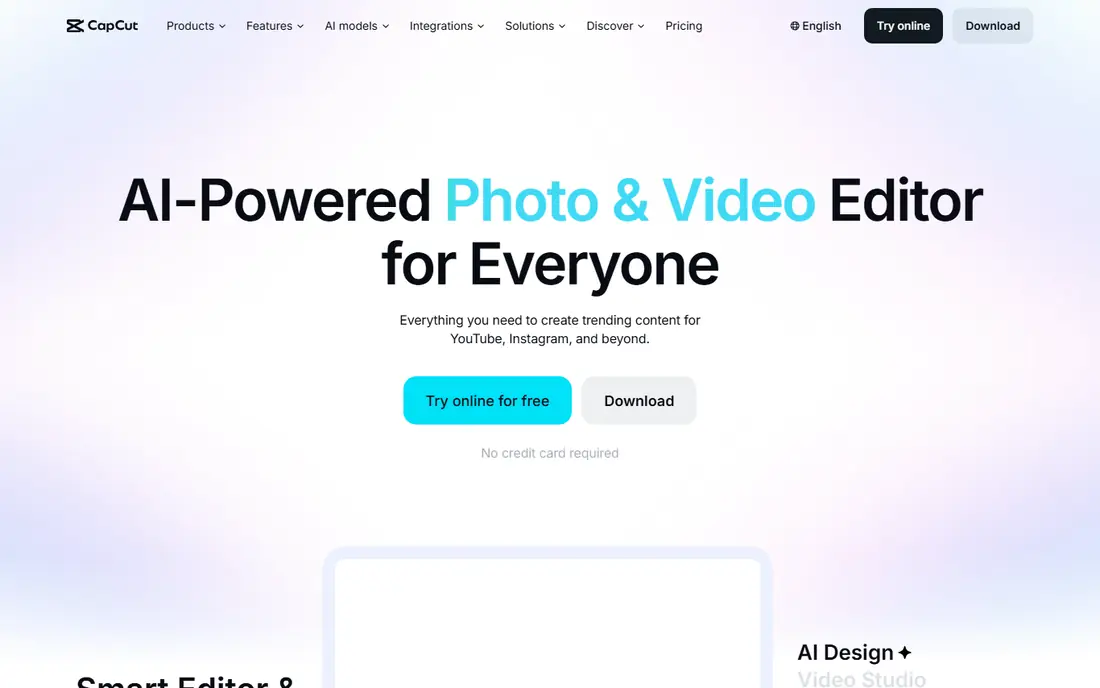
CapCut serves social video with built-in editing. After animating a photo, you can trim, add captions, music, transitions, and effects without exporting to another editor.
Worth adding: the free level is ample for editing, but AI video features and some exports are more solid on Pro, and pricing varies by system. This comparison lists no price for CapCut; ask the vendor. You can start on CapCut without paying.
What to check first: Best video features and higher quality exports sit on Pro.
- Solid for TikTok and Reels formats
- Full editor plus AI tools in one app
- Web and app pricing can vary by region and store
Pika is designed for fast stylized clips for social media. Pika suits best for social creators who want fast, stylized animation and are happy to keep clips short.
Points against: Free access is restricted to packs instead of monthly credits.
Price to start with Pika: $8 per user/month. Pika has a free plan. Main advantages: based on public pricing guides.
- A decent match for stylized effects and social formats
- No watermark on any level
- Commercial license needs a higher plan
Adobe Firefly is built with client work inside Adobe tools in mind. For client work, the clearer approach to training content and commercial use also helps in conversations with cautious clients.
Watch-outs: Video is one feature in a wider plan; Clips are short.
On top of that, a photo can be animated, then moved into Premiere Pro or another Adobe tool for finishing, without changing file habits or team permissions. Worth adding: the limit is clip length and scope. Starting cost for Adobe Firefly: $9.99 per user/month. You can start on Adobe Firefly without paying.
- Suits Adobe Creative Cloud workflows
- Free daily generations for testing
- Around five seconds on plenty of settings
Canva works best for straightforward video inside a design workflow. Its strength is convenience: a marketer can animate a product photo, add a headline and logo, and export a social post without opening a second app. Video generations draw from the same pool as other AI features, so heavy video use can eat the allowance rapidly.
For small teams that publish commonly, that saved time matters more than cinematic motion. As for the details, Canva suits best for marketers and small firms that already design in Canva and need straightforward, branded video from photos. The starting price for Canva: $15 per user/month. Canva includes a free tier.
Watch-outs: Video quality and control are below dedicated generators.
- Simple to add text, branding, layouts
- Video generation sits inside a familiar design tool
- AI allowance is shared across Magic Studio tools
Kling AI works best for realistic motion at a low starting price. Kling has built a following since its motion looks natural at a price below numerous rivals. On top of that, different models, clip lengths, and quality settings use credits at different rates, so budgeting takes a little practice.
Points against: Top models and features need higher plans.
Daily free credits make it simple to test multiple prompts before paying. On top of that, Kling suits best for creators who animate photos commonly, want realistic results, and prefer a lower monthly cost over a full editing suite. Check the vendor site for Kling AI pricing; none is listed in this comparison. Kling AI offers a free plan.
- Decent price-to-quality balance for realistic motion
- Daily free credits for regular testing
- Credit math can be confusing across models and lengths
Runway was built for professional image to video with editing tools. The Standard plan opens at $12 per user a month billed yearly. The free level gives a one-time credit allowance instead of a monthly refill.
You can animate an image, adjust camera movement, and then edit, upscale, and add sound in the same workspace. That matters when a clip is not just a social post, but part of a client deliverable or a brand video that needs polish. The cost reflects that breadth. Entry price for Runway: $12 per user/month. Runway has a free plan.
Drawbacks to consider: Higher levels are needed for the newest models.
- Full editing suite beyond generation
- No watermark on premium plans
- Free credits are one-time only, with no monthly refill
Think of PixVerse for daily free credits for fast drafts. That makes it well suited to learning what works, and for creators who post frequently but do not need top-end production quality every time.
Limits to weigh: Entry plan caps resolution on some settings.
PixVerse suits best for hobbyists, students, and social creators who want a low-cost way to animate photos on a regular basis, with a simple upgrade path when volume grows. Entry price for PixVerse: $8 per user/month. PixVerse has a free plan.
- Low starting price for a premium plan
- Straightforward image to video workflow
- Credit limits can run out rapidly on longer clips
How we built this list
For each of the 7 tools we noted price, free plan or trial, fit for AI tools to convert photo to video and the main limit, using vendor pages and documentation. Treat prices as a snapshot: vendors change plans often, so check the vendor site for the figure that applies today. We ordered the tools by general fit, then by how clearly pricing is shown, then by free access. A buyer with unusual needs may reorder them.
Pre-purchase checklist
- Confirm the entry price on the vendor page. For CapCut and Kling AI that means a quote rather than a fixed price.
- Look at free plan limits closely: CapCut, Pika, Adobe Firefly and others have one, and the caps decide whether it is usable for real work.
- Before choosing CapCut, weigh its main limit: best video features and higher quality exports sit on Pro.
- Check whether Canva bills monthly or annually, and what cancelling early costs.
- Before rolling out Runway, verify the integrations your workflow depends on.
Sources
Frequently asked questions
Can I try these tools before paying?
Often, yes. CapCut, Pika, Adobe Firefly and others have a free plan. Use your own data and a real task during the test, and check what the free tier or trial limits before you rely on it.
What is the cheapest option for AI tools to convert photo to video in this list?
On published monthly entry prices, Pika is the lowest here at $8 per user/month. Entry price is only part of the cost, because seats, add-ons and billing terms can change the total.
Do these tools publish their prices?
Not all of them. CapCut and Kling AI publish no starting price, so expect a quote request for those. The rest, Pika included, show a starting price, though seats and billing terms still change the final cost.
Which free AI tool is best for photo to video?
The first pick on this list is CapCut, because it suits social video with built-in editing. Pika is better for quick stylized clips for social media, and Adobe Firefly for client work inside Adobe tools. Check price and limits against your own needs before choosing.
How are the tools for AI tools to convert photo to video ordered?
CapCut sits first and PixVerse last because the order follows typical fit for AI tools to convert photo to video, then price clarity and free access. It is a judgement call, so read each profile for fit and limits.