Best AI Video Creation Tools in 2026: 9 Tools Compared
By ToolNimba Editorial Team October 29, 2026 10 min read

- Top pick
 Synthesia
Avatar-led training and explainers
Starting price$29 per monthCheck out SynthesiaRead our review - Runner-up
 HeyGen
Avatar marketing and localized videos
Starting price$29 per monthCheck out HeyGenRead our review - Also great
 Runway
Generative footage and creative control
Starting price$15 per monthCheck out RunwayRead our review
How we researched this
We compared official pricing and feature pages, app store listings, privacy policies and public user reviews. Prices change, so check the provider's site before you pay.
Key takeaways
- Synthesia and HeyGen suit avatar-led training and marketing videos, while Runway suits creative, generated footage.
- Pictory and InVideo suit turning scripts, blogs, and prompts into finished social and marketing videos.
- Descript and VEED suit editing real footage, with Descript best for transcript-based editing.
- Most tools use credits or minutes, so check how much video a plan actually produces before you compare prices.
Quick comparison
| Name | Best for | Starting price | Free plan | |
|---|---|---|---|---|
| Synthesia | Avatar-led training and explainers | $29 per month | Free trial | Visit |
| HeyGen | Avatar marketing and localized videos | $29 per month | Yes | Visit |
| Runway | Generative footage and creative control | $15 per month | Yes | Visit |
 Pictory | Turning scripts and blogs into video | $25 per month | Free trial | Visit |
 InVideo | Prompt-to-video marketing content | $10 per month | Yes | Visit |
 Descript | Editing real video by editing text | $24 per month | Yes | Visit |
 VEED | Browser editing with AI assists | $19 per month | Yes | Visit |
 Lumen5 | Simple blog-to-video for social channels | $29 per month | Yes | Visit |
 CapCut | Free social video editing | Free | Yes | Visit |
The best AI video creation tools
AI video tools now cover very different jobs. Some create a presenter who never needs a camera, some generate new footage from a prompt, and some turn a blog post into a finished video. Choosing well starts with the kind of video you make most. We compared official pricing pages and recent pricing guides to sort avatar tools, generative tools, and editing tools into one clear list.
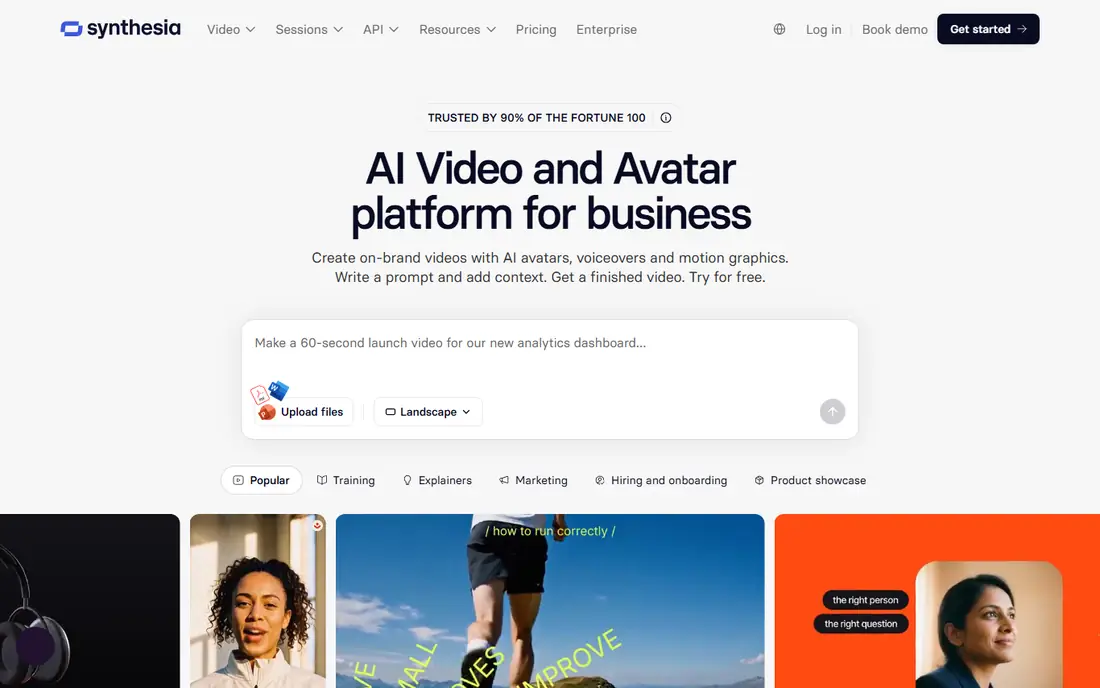
Synthesia lets you type a script and turn it into a video presented by an AI avatar. That makes it ideal for training, onboarding, product explainers, and internal updates that would otherwise need filming, editing, and re-recording for every change. Updating a script is far faster than reshooting a presenter.
The style is corporate and polished, which suits training but feels less natural for casual social video. Paid plans from $29 per month include a set amount of video minutes, so check your monthly volume. For a team that produces many training videos in several languages, Synthesia is a strong and time-saving pick.
- Realistic avatars and voices in many languages
- Easy script-to-video workflow
- Good for training at scale
- Avatar videos can feel formal for social content
- Paid plans start at $29 per month
- Minutes and credits limit output

HeyGen is similar to Synthesia but leans more toward marketing and sales. You can create an avatar presenter, clone a voice with consent, and translate a video into many languages with lip sync. That helps a small team make personalized outreach, product demos, and social videos without a studio.
The free plan covers only a few short videos, and paid Creator plans from $29 per month use credits that vary by output. Voice cloning also needs careful setup to sound natural. For marketing videos and multilingual versions of the same message, HeyGen is one of the most flexible avatar tools here.
- Strong avatars and voice cloning options
- Translation into many languages
- Templates for marketing and sales
- Free plan is limited to a few videos
- Paid plans start at $29 per month
- Credit use varies by avatar and quality
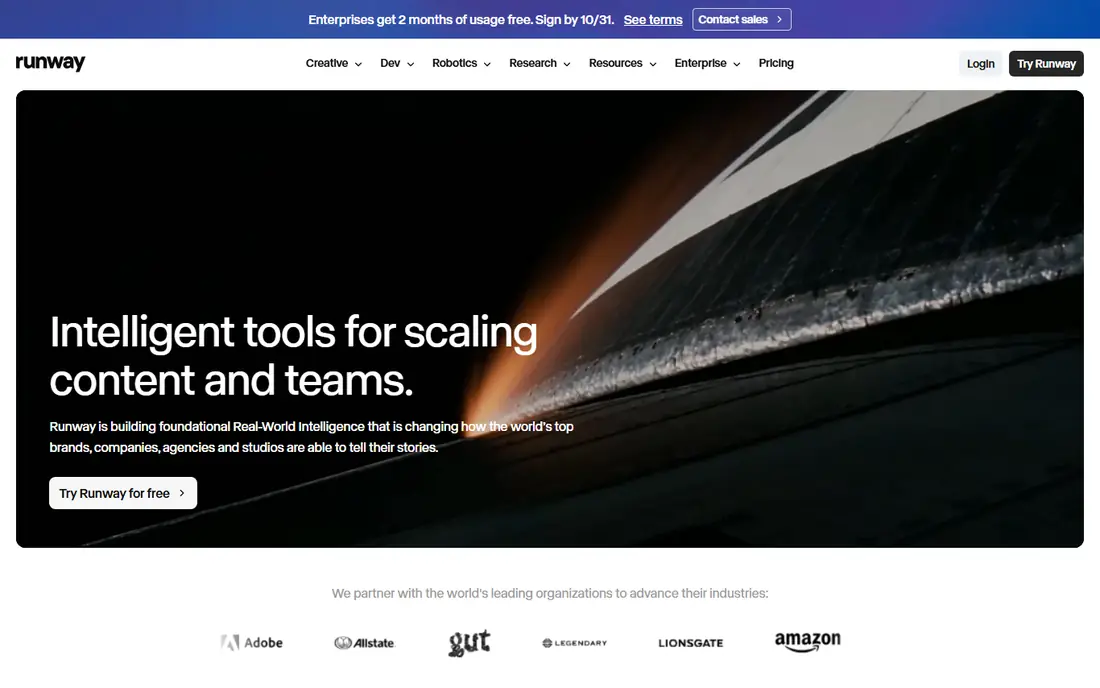
Runway is the creative tool on this list. Instead of an avatar reading a script, it generates new footage from text or images, with editing tools for effects, inpainting, and motion. Filmmakers, agencies, and creative teams use it for ads, shorts, and visual experiments that stock footage cannot match.
It is not a plug-and-play marketing tool. Prompt skill, credit planning, and editing time all matter, and the free plan offers only 125 one-time credits in recent guides. Paid Standard plans from $15 per month add more credits. For original, cinematic clips, Runway leads this list. For a quick social video from a blog post, Pictory or InVideo will be faster.
- High-quality text-to-video and image-to-video models
- Advanced editing and effects tools
- Strong creative community
- Credit system makes costs harder to predict
- Best results need prompt skill
- Not a simple script-to-video tool for beginners
Pictory turns written content into video with stock footage, captions, and voiceover. Paste a blog post, a script, or a URL and Pictory builds a storyboard you can edit. That workflow suits content teams that already publish articles and want a video version for social channels and YouTube without filming.
The trial is limited, and paid plans from $25 per month are needed for regular use. The first draft also benefits from a human pass, since stock choices and pacing are not always perfect. For repurposing written content at volume, Pictory is one of the most practical tools in this guide.
- Fast script, blog, and URL to video workflow
- Large stock library
- Captions and voiceovers built in
- No permanent free plan, only a trial
- Paid plans start at $25 per month
- Generated videos may need manual polish
InVideo helps creators turn a prompt or script into a complete marketing video, with templates, stock media, and AI-generated visuals. It suits YouTube creators, marketers, and small businesses that need social videos, ads, and explainers on a regular schedule.
Credit math is the main watch-out. Different models, resolutions, and lengths use different amounts of credits, and unused credits may not roll over. Paid plans from $10 per seat per month on annual billing give a low entry point, but check the credit allowance for your output. For fast marketing videos with a template-led workflow, InVideo is a good value pick.
- Prompt-to-video with stock and AI models
- Huge template library
- Free plan to test the workflow
- Credit use varies by model and quality
- Free exports may carry limits
- Advanced models can consume credits fast
Descript takes a different path. Instead of generating a video from scratch, it transcribes your recording and lets you edit the video by deleting or moving text. That makes cutting interviews, podcasts, and talking-head videos far faster than timeline scrubbing. Studio Sound, filler removal, and clip creation add to the appeal for creators.
Plans are metered by media hours and AI credits, with Hobbyist at $24 per month on monthly billing, or less on annual billing. A free plan exists with limited minutes. For anyone who records real people and wants a faster edit, Descript is the standout tool here.
- Edit video by editing its transcript
- Studio Sound and filler-word removal
- Captions, clips, and multicam tools
- Paid Hobbyist plan starts at $24 per month monthly
- Media hours and AI credits need tracking
- Less suited to purely generated video
VEED is a browser-based editor that adds AI help to a familiar timeline. You can upload footage, add auto captions, translate, clean audio, and export for social channels without installing software. That simplicity suits teams, teachers, and marketers who edit on different computers.
Free exports carry a watermark and resolution limits, and paid plans from $19 per month add higher quality and more AI use. Very heavy or long-form projects may still suit a desktop editor better. For quick, polished social and training edits in a browser, VEED is a strong and accessible choice.
- Full browser editor with no install
- Auto captions, translations, and AI assists
- Easy sharing and team editing
- Paid Lite plan starts at $19 per month
- Free exports are watermarked and limited
- Heavy projects suit desktop editors better
Lumen5 was an early blog-to-video tool, and it remains one of the simplest. Paste a link or text, and Lumen5 builds a storyboard with matching media, text overlays, and music. Beginners can make a decent social video in minutes without learning a full editor.
The downside is that newer tools offer more natural voices, deeper editing, and lower entry prices. Paid plans from $29 per month are also higher than Pictory for a similar job, and free exports carry branding. For a team that wants the simplest possible blog-to-video path and values ease over depth, Lumen5 still works well.
- Very simple blog import and storyboard workflow
- Brand templates
- Stock library included
- Paid plans start at $29 per month
- AI voices and editing depth lag newer rivals
- Free plan exports carry branding
CapCut is the free social editor on this list. It offers a full timeline, auto captions, text-to-speech, effects, and templates, with mobile, desktop, and web versions. For TikTok, Reels, and Shorts creators, the free tier covers most everyday editing without a subscription.
It is not a blog-to-video tool in the same way as Pictory, since you build videos manually or from templates. Pro pricing also varies by region and device, so check your account price before budgeting. For a creator on a zero budget who edits their own footage, CapCut is the best free starting point here.
- Free tier with a full timeline editor
- Auto captions, effects, and templates
- Strong mobile and desktop apps
- AI generation is less structured than Pictory or InVideo
- Pro pricing varies by region
- Privacy questions arise from its parent company
How we picked these
We compared official pricing pages and recent pricing guides, and we favored tools that are still available, state a clear video job, and explain free limits and credit rules. We did not claim hands-on testing. AI video pricing changes often, and credit use varies by model, length, and resolution, so confirm the current plan before you buy.
How to choose the right AI video tool
Start with your source material. If you have a script and need a presenter, choose an avatar tool. If you have a blog and need a social video, choose a script-to-video tool. If you have footage and need a faster edit, choose Descript or VEED. If you need original footage, choose Runway.
Check credits, minutes, and watermarks
A low monthly price means little if it produces only a few minutes of video. Check the credit or minute allowance, the export resolution, and whether free exports carry a watermark. A watermarked export is rarely usable for client work.
Check voice, language, and consent
For avatar and voice tools, check language coverage, voice quality, and consent rules for cloning a real voice. Never clone a voice without clear permission, and disclose AI-generated presenters where your audience expects a real person.
Test one real video end to end
Use a free plan or trial to make one video you would actually publish. Check the script flow, captions, branding, and export quality. A tool that looks good in a demo but fails on your script will waste more time than it saves.
Sources
- https://www.synthesia.io
- https://www.heygen.com
- https://runwayml.com
- https://pictory.ai
- https://invideo.io
- https://www.descript.com
- https://www.veed.io
- https://lumen5.com
- https://www.capcut.com
- https://aivideopicks.com/posts/ai-video-pricing-compared-2026.html
- https://rankite.com/blog/best-ai-video-making-software